Fixed: "The migration '…_MakeDescriptionRequired' has already been applied to the database. Revert it and try again." in EF Core

The migration '20261103044430_MakeDescriptionRequired' has already been applied to the database. Revert it and try again. If the migration has been applied to other databases, consider reverting its changes using a new migration instead. dotnet ef migrations remove checks the database before it deletes anything, and this migration was in it. The message holds both fixes: one for your own development database, one for every other database.
What I Was Doing
In a .NET 10 solution with EF Core 10 and MySQL 9.7, the last migration, MakeDescriptionRequired, had made a product's Description column NOT NULL. It was applied to my development database. Then the design changed: descriptions should stay optional. The migration had to go, so I ran:
dotnet ef migrations remove --project src/Dewiride.Inventory.Data --startup-project src/Dewiride.Inventory.Api
What I Expected
Removing migration … and the files gone.
What I Got
Build started...
Build succeeded.
      SELECT `MigrationId`, `ProductVersion`
      FROM `__EFMigrationsHistory`
      ORDER BY `MigrationId`;
The migration '20261103044430_MakeDescriptionRequired' has already been applied to the database. Revert it and try again. If the migration has been applied to other databases, consider reverting its changes using a new migration instead.
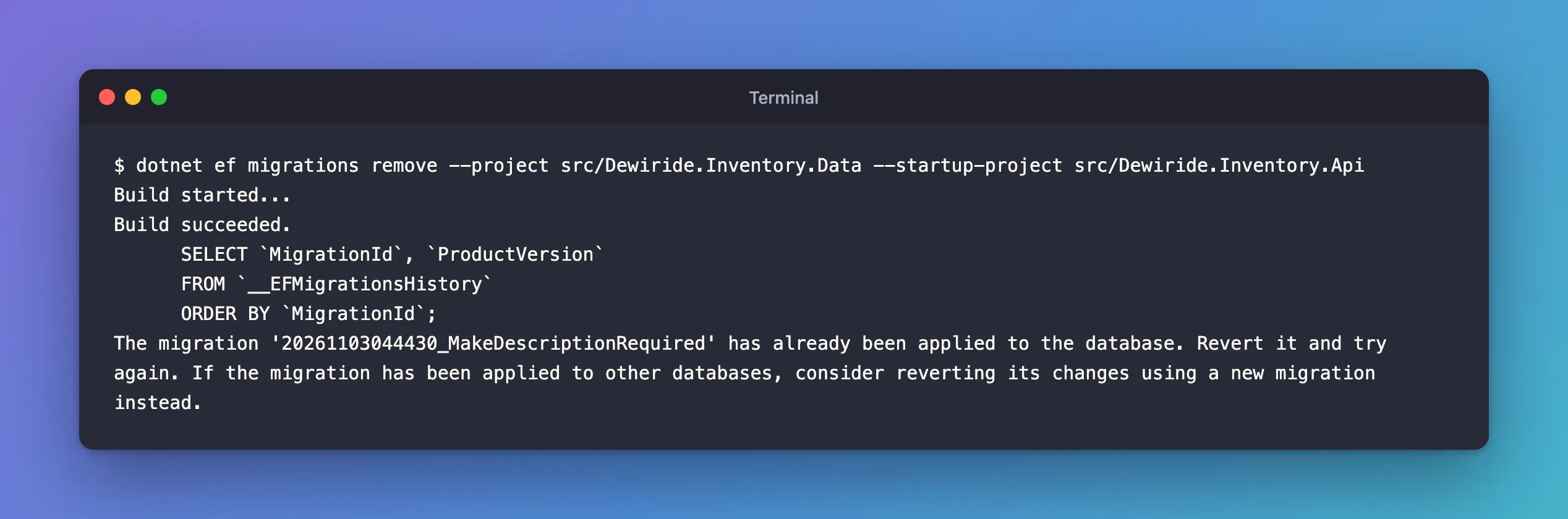
The SELECT is the check: before removing, the tools read the history table, found the migration there, and stopped without touching any file.
What I Checked
Which migrations the database has applied. dotnet ef migrations list marks the ones that aren't applied with (Pending):
dotnet ef migrations list --project src/Dewiride.Inventory.Data --startup-project src/Dewiride.Inventory.Api
20261103043401_CreateCatalogTables
20261103043533_LowercaseTableNames
20261103043648_SetMaxLengths
20261103044122_AddUniqueIndexes
20261103044154_SetUnitPricePrecision
20261103044219_AddProductCheckConstraints
20261103044319_RestrictCategoryDelete
20261103044430_MakeDescriptionRequired
No (Pending) anywhere: all eight are applied, including the last one.
What the documentation says to do. For a database like mine, EF Core's managing migrations page is direct: "For a disposable development database, first update the database to the previous migration, and then remove the migration from the project."
Why It Happens
migrations remove checks the history table before it deletes anything. Removing deletes the migration's files and its changes to the model snapshot. The database would keep the NOT NULL column, with no migration left that describes it or knows how to undo it. EF Core's managing migrations page warns about exactly that: "Avoid removing any migrations which have already been applied to production databases. Doing so means you won't be able to revert those migrations from the databases, and may break the assumptions made by subsequent migrations."
The Fix
First, revert the migration, by updating the database to the one before it, RestrictCategoryDelete. That runs MakeDescriptionRequired's Down method:
dotnet ef database update RestrictCategoryDelete --project src/Dewiride.Inventory.Data --startup-project src/Dewiride.Inventory.Api
Reverting migration '20261103044430_MakeDescriptionRequired'.
      ALTER TABLE `products` MODIFY `Description` longtext NULL;
      DELETE FROM `__EFMigrationsHistory`
      WHERE `MigrationId` = '20261103044430_MakeDescriptionRequired';
Done.
The column is nullable again, and the migration's row has left the history table. migrations list now ends with:
20261103044430_MakeDescriptionRequired (Pending)
Then remove it:
dotnet ef migrations remove --project src/Dewiride.Inventory.Data --startup-project src/Dewiride.Inventory.Api
After the Fix
Build started...
Build succeeded.
Removing migration '20261103044430_MakeDescriptionRequired'.
Reverting the model snapshot.
Done.
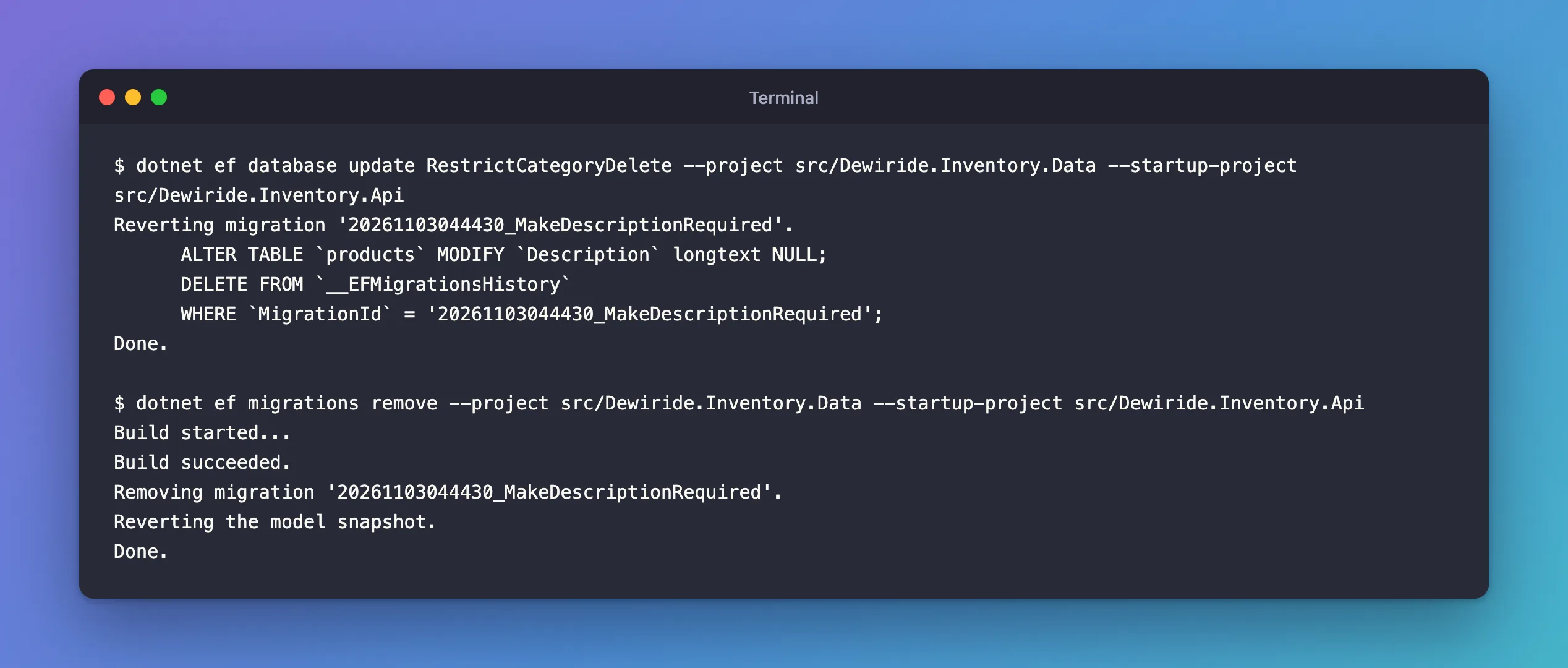
The migration files are gone and the snapshot is back to the previous migration. One more step: removing a migration doesn't touch the model, so Description was still required string in the C# code. I changed it back to string? and checked that the code and the migrations agreed:
dotnet ef migrations has-pending-model-changes --project src/Dewiride.Inventory.Data --startup-project src/Dewiride.Inventory.Api
Build started...
Build succeeded.
No changes have been made to the model since the last migration.
The Shortcut: --force
dotnet ef migrations remove --force does both steps in one command. The tools reference describes it as "Revert the latest migration, rolling back both code and database changes that were done for the latest migration." It's for the same situation, a development database you own; How to Remove the Last EF Core Migration shows it running.
When the Migration Reached Other Databases
The second sentence of the message is the rule for everything else: "If the migration has been applied to other databases, consider reverting its changes using a new migration instead." A teammate's database, a test server or production already has the change, and your local revert doesn't reach them. Leave the migration where it is, change the model back, and add a new migration, such as MakeDescriptionOptional, that undoes it. Every database then gets the same history, in the same order.
Common Mistakes
| Mistake | What happens | Do this instead |
|---|---|---|
| Deleting the migration files by hand | The snapshot still contains the change, and the database still has it | Revert, then migrations remove |
Deleting the row from __EFMigrationsHistory by hand | EF Core thinks the migration isn't applied, but its changes are still in the database | Revert with database update <previous> |
| Reverting and removing a migration that a shared database has | Those databases keep a change no migration describes | Add a new migration that undoes it |
| Forgetting the model after removing | The next migrations add creates the same migration again | Undo the model change, then check for pending changes |
Troubleshooting
| Symptom | Likely cause | Fix |
|---|---|---|
The migration '…' has already been applied to the database. Revert it and try again. | The migration is in the database's __EFMigrationsHistory table | Revert with dotnet ef database update <previous migration>, then remove it |
The same migration comes back with the next migrations add | The C# model still has the change | Undo the model change, then check with has-pending-model-changes |
| The migration is applied to a shared or production database | A local revert doesn't reach those databases | Add a new migration that undoes the change |
FAQ
What if it's the first and only migration?
Use 0 as the target. The docs: "Use 0 as the target when removing the first migration." So dotnet ef database update 0, then dotnet ef migrations remove.
Can reverting lose data?
Yes. Down undoes the schema, not always the data. Here it only made a column nullable again, but a Down that drops a column or table drops its data. Read the Down method before you revert; How to Revert an Applied EF Core Migration covers what to look for.
Conclusion
"The migration … has already been applied to the database. Revert it and try again." means migrations remove found the migration in __EFMigrationsHistory and refused to leave the database ahead of the code. On your own development database, revert to the previous migration with dotnet ef database update <previous>, then remove it, then undo the model change. On any database you share, keep the migration and add a new one that reverses it.
