Fixed: "The host name does not match the name on the certificate" with MySql.Data

The host name does not match the name on the certificate is VerifyFull doing the one thing it adds: comparing Server= in your connection string with the names in the server's certificate. MySQL's automatic certificate has no name you could connect to, so against that certificate it can never pass.
What I Was Doing
I was connecting with SslMode=VerifyFull to MySQL 9.7 in Docker, using the certificates it created when it first started, on MySql.Data 26.10.0:
Server=127.0.0.1;Port=3306;…;SslMode=VerifyFull;SslCa=/Users/you/projects/mysql-connection-test/certs/ca.pem;SslCert=/Users/you/projects/mysql-connection-test/certs/client-cert.pem;SslKey=/Users/you/projects/mysql-connection-test/certs/client-rsa-key.pem
dotnet run test-connection.cs
What I Expected
A connection, because VerifyCA with the same CA had just worked.
What I Got
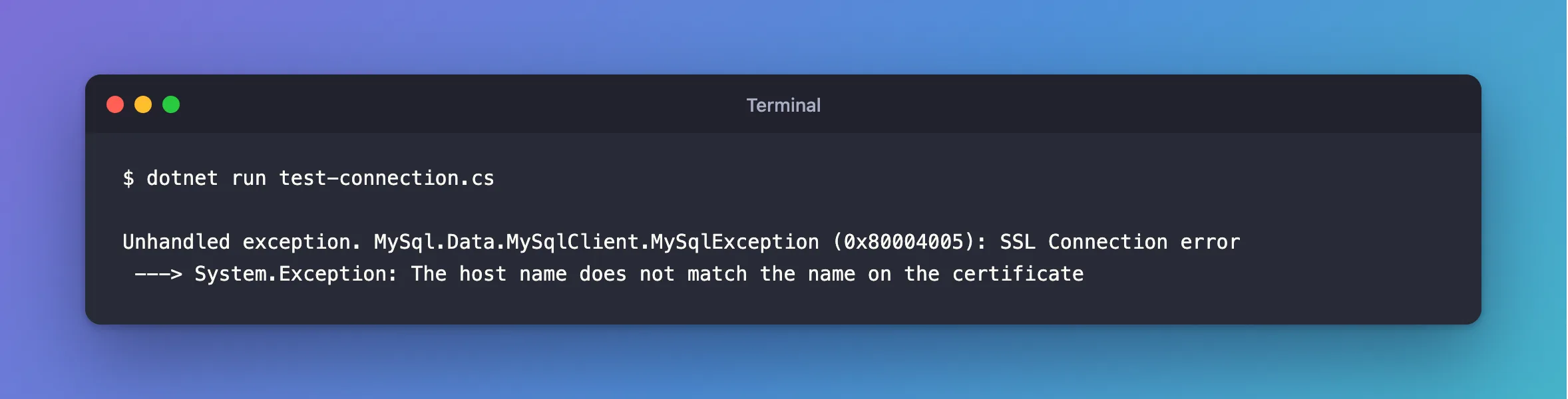
Unhandled exception. MySql.Data.MySqlClient.MySqlException (0x80004005): SSL Connection error
 ---> System.Exception: The host name does not match the name on the certificate
What I Checked
The names on the certificate:
docker compose exec mysql openssl x509 -in /var/lib/mysql/server-cert.pem -noout -subject -issuer -enddate -ext subjectAltName
No extensions in certificate
subject=CN=MySQL_Server_9.7.4_Auto_Generated_Server_Certificate
issuer=CN=MySQL_Server_9.7.4_Auto_Generated_CA_Certificate
notAfter=Nov  3 06:02:30 2036 GMT
No Subject Alternative Name, and a common name nobody can connect to.
How the driver compares names. I gave a test server six certificates, and connected to each by localhost and by 127.0.0.1:
| Certificate's names | Server=localhost | Server=127.0.0.1 |
|---|---|---|
SAN: DNS:localhost, IP:127.0.0.1 | Connects | Connects |
SAN: DNS:localhost | Connects | Refused |
SAN: IP:127.0.0.1 | Refused | Connects |
No SAN, common name localhost | Connects | Refused |
No SAN, common name 127.0.0.1 | Refused | Connects |
SAN: DNS:db.example.com, common name localhost | Refused | Refused |
So the driver reads the SAN first, and it only looks at the common name when there's no SAN.
Why It Happens
Server= has to appear in the certificate, exactly: a name for a name, and an IP address for an IP address. MySQL generates its certificate without knowing what you'll call the server, so it can't include your name.
The Fix
Give the server a certificate with the names you connect by. If you're connecting to a managed server, use the host name your provider gave you, which is already in its certificate. For MySQL in Docker, sign a new one with the CA it already has:
docker compose exec --user mysql mysql sh -c '
  cd /var/lib/mysql &&
  printf "subjectAltName=DNS:localhost,IP:127.0.0.1\n" > san.ext &&
  openssl req -newkey rsa:2048 -nodes -keyout new-server-key.pem -out server.csr -subj "/CN=inventory-mysql" &&
  openssl x509 -req -in server.csr -CA ca.pem -CAkey ca-key.pem -CAcreateserial -days 825 -extfile san.ext -out new-server-cert.pem &&
  mv new-server-key.pem server-key.pem &&
  mv new-server-cert.pem server-cert.pem &&
  rm server.csr san.ext
'
Then tell MySQL to read it, as root, with no restart:
ALTER INSTANCE RELOAD TLS;
After the Fix
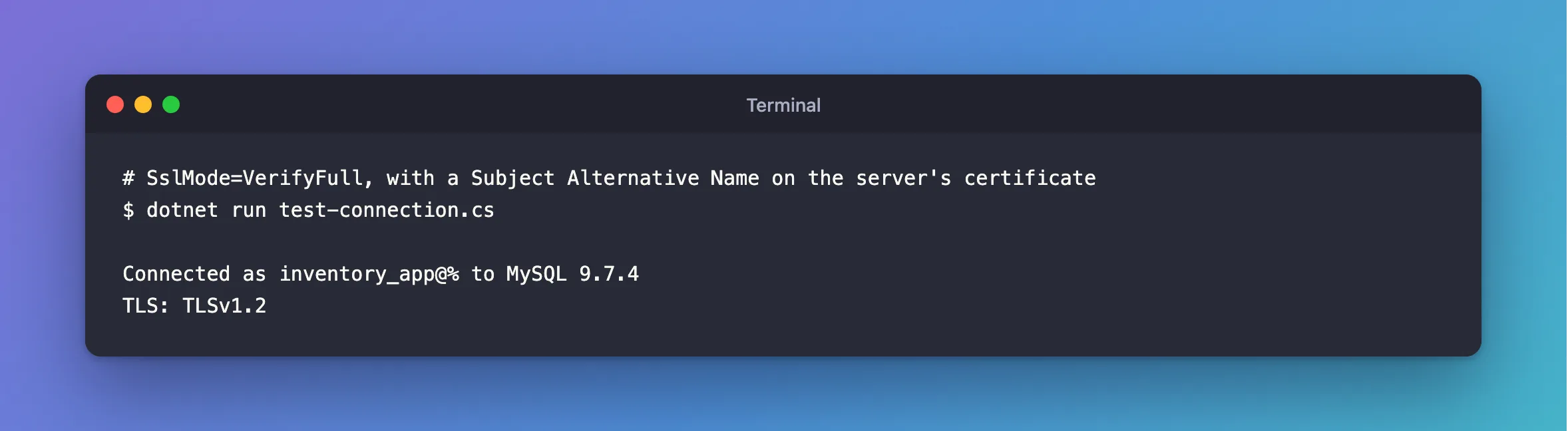
dotnet run test-connection.cs
Connected as inventory_app@% to MySQL 9.7.4
TLS: TLSv1.2
Common Mistakes
| Mistake | What happens | Do this instead |
|---|---|---|
Falling back to VerifyCA for good | Any certificate from that CA passes | Fix the name, if the CA signs for others |
| Putting the name only in the common name, with a SAN for something else | The SAN wins | Put every name in the SAN |
| Connecting by IP with a certificate for a name | Refused | Connect by the name in the certificate |
Forgetting ALTER INSTANCE RELOAD TLS | MySQL keeps using the old certificate | Reload it, or restart |
Troubleshooting
| Symptom | Likely cause | Fix |
|---|---|---|
| Still refused after the new certificate | MySQL hasn't reloaded it | Reload it |
The certificate authority (CA) does not match | The new certificate is signed by another CA | The fix |
It works by localhost and fails from another computer | That host name isn't in the SAN | Add it, and sign again |
Conclusion
VerifyFull needs Server= to be in the certificate's SAN. MySQL's automatic certificate has no usable name, so give it a certificate with yours. If you connect to a managed server, use the host name your provider gave you.
Additional Resources
- Configuring MySQL to Use Encrypted Connections — the server's certificate settings.
- ALTER INSTANCE —
RELOAD TLS.
