Fixed: "The host does not support SSL connections" with MySql.Data

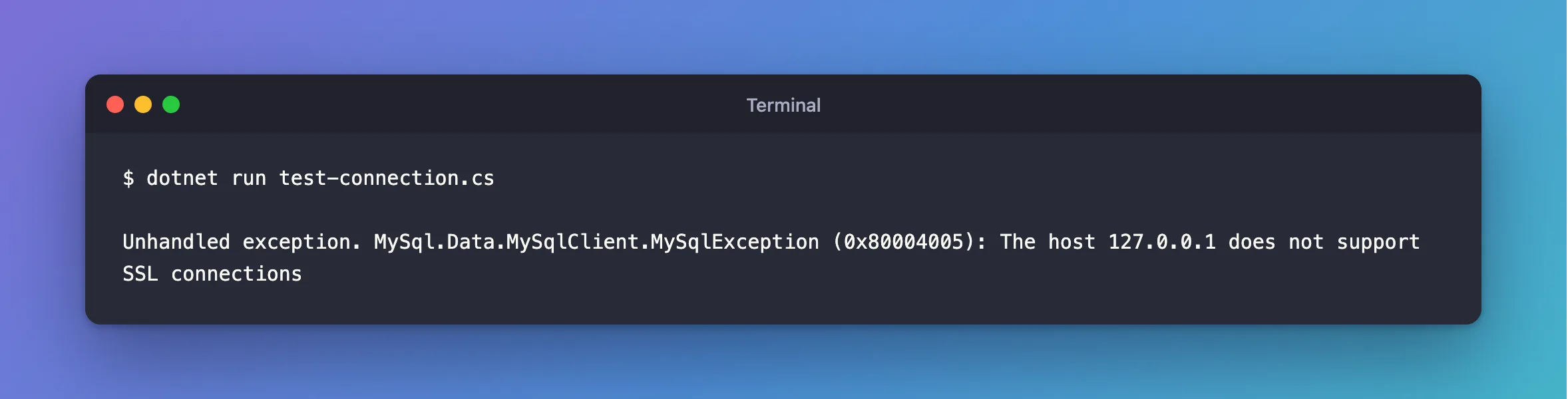
The host 127.0.0.1 does not support SSL connections means the server didn't offer TLS at all. Mine had offered it a minute before. I'd reloaded its certificates with a wrong key and NO ROLLBACK ON ERROR, which does exactly what it says: when the reload fails, TLS stays off.
What I Was Doing
I was testing what a bad certificate does to ALTER INSTANCE RELOAD TLS, on MySQL 9.7. With the wrong key in place of server-key.pem, the plain statement failed and kept the old settings, which is what you'd want. Then I tried it with the other option:
ALTER INSTANCE RELOAD TLS NO ROLLBACK ON ERROR;
And I connected with MySql.Data 26.10.0 and SslMode=Required:
dotnet run test-connection.cs
What I Expected
The old certificate still in use, or at least an error from that statement.
What I Got
Unhandled exception. MySql.Data.MySqlClient.MySqlException (0x80004005): The host 127.0.0.1 does not support SSL connections
What I Checked
The statement's own output. It looked like success, apart from a warning at the end:
Query OK, 0 rows affected, 1 warning (0.001 sec)
SHOW WARNINGS;
+---------+------+--------------------------------------------------------------------------------------------+
| Level   | Code | Message                                                                                    |
+---------+------+--------------------------------------------------------------------------------------------+
| Warning | 3888 | Failed to set up SSL because of the following SSL library error: Unable to get private key |
+---------+------+--------------------------------------------------------------------------------------------+
1 row in set (0.000 sec)
Run with mysql --execute, it printed nothing at all, not even that.
MySQL's documentation explains it. With that option, when the new settings can't be used, "rollback does not occur. Instead, a warning is generated and encryption is disabled for new connections on the interface to which the statement applies."
Whether the driver's message was right. It was. The driver checks whether the server's greeting offers TLS, and it didn't.
Why It Happens
Required refuses to connect without TLS, so a server with no working TLS gets this error. The cause can be anything that stopped TLS from starting: NO ROLLBACK ON ERROR with a bad file, or a key MySQL can't read when it starts.
The Fix
Put the right files back, then reload, as root:
ALTER INSTANCE RELOAD TLS;
If that gives an error, the files are still wrong, and it tells you how: ERROR 3888 has the details. Keep using the plain statement: without NO ROLLBACK ON ERROR, a failed reload leaves your old certificate running.
After the Fix
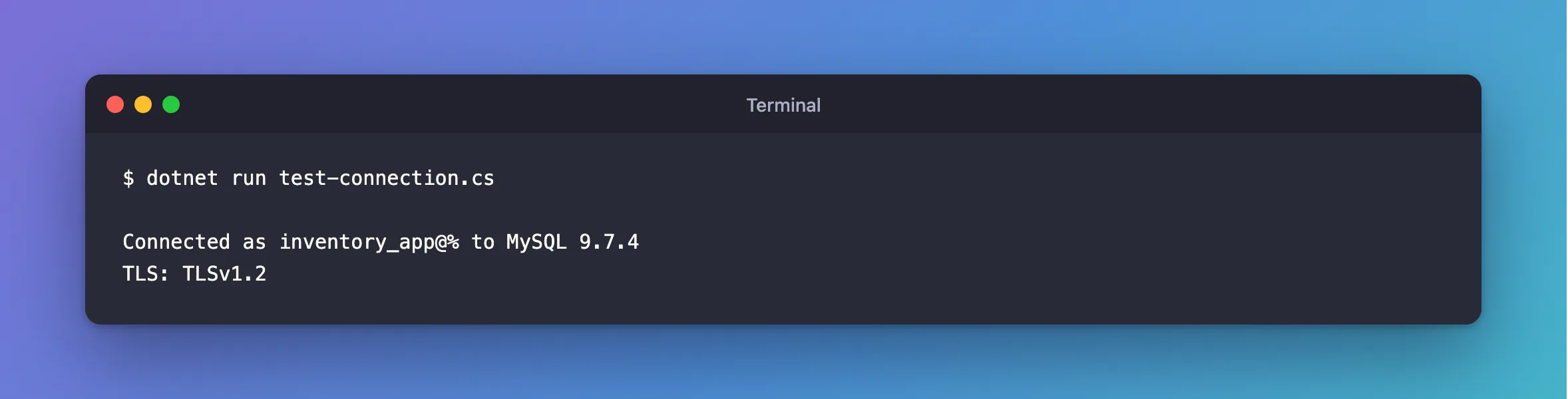
dotnet run test-connection.cs
Connected as inventory_app@% to MySQL 9.7.4
TLS: TLSv1.2
Common Mistakes
| Mistake | What happens | Do this instead |
|---|---|---|
Lowering SslMode to Preferred | It connects unencrypted, and tells nobody | Fix TLS on the server |
Using NO ROLLBACK ON ERROR in a routine reload | A bad file turns TLS off | Leave it out |
| Checking only that the app connects | Preferred hides this | Check Ssl_cipher too |
Troubleshooting
| Symptom | Likely cause | Fix |
|---|---|---|
[ERROR] [MY-000059] SSL error: Unable to get private key in MySQL's log | MySQL can't read the key | The fix |
ERROR 3888 from the reload | The new files are wrong | The fix |
| You meant to connect without TLS | You've got the right error for Required | Use SslMode=Disabled only on a trusted local link |
Conclusion
This error means the server isn't offering TLS right now. Check MySQL's log for why, fix the files, and reload without NO ROLLBACK ON ERROR.
Additional Resources
- ALTER INSTANCE —
RELOAD TLSandNO ROLLBACK ON ERROR. - Configuring MySQL to Use Encrypted Connections — what happens when TLS can't start.
