Fixed: "The certificate is invalid" with MySql.Data

The certificate is invalid was about my client certificate, the one VerifyFull needs in SslCert. I'd made it with the usual openssl req -x509, which marks a certificate as a certificate authority on a normal setup, and the driver doesn't accept a CA in that spot.
What I Was Doing
I was creating a throwaway client pair for SslMode=VerifyFull on MySql.Data 26.10.0, as you need on a server that doesn't issue client certificates, using OpenSSL 4.1 with its default settings:
openssl req -x509 -newkey rsa:2048 -nodes -days 3650 -keyout client-key.pem -out client-cert.pem -subj "/CN=not-checked"
openssl rsa -in client-key.pem -traditional -out client-key.pem
Then:
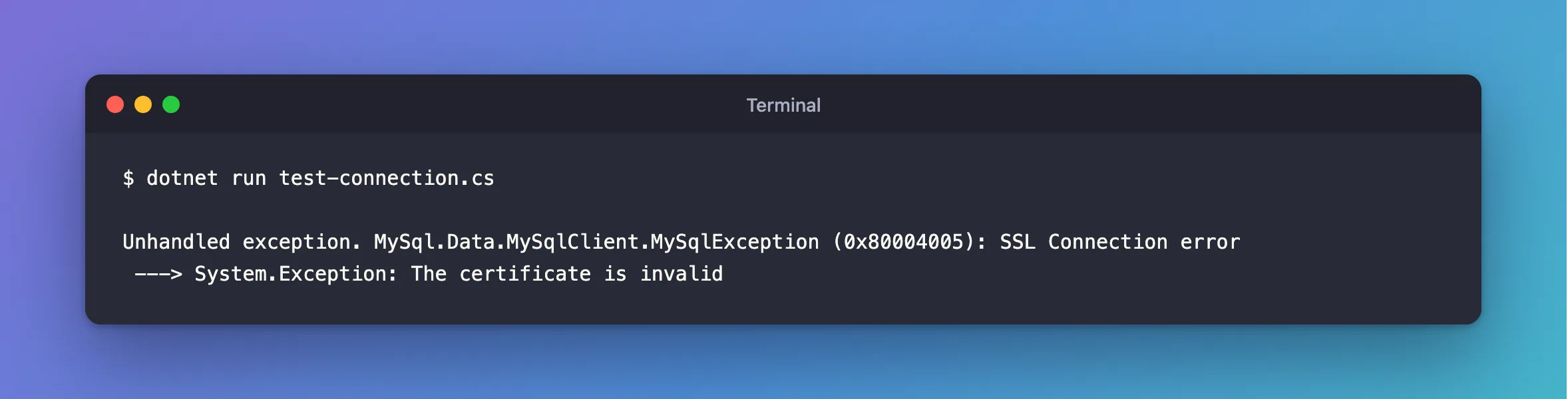
dotnet run test-connection.cs
What I Expected
A connection. An earlier pair, made with an empty OpenSSL configuration, had worked.
What I Got
Unhandled exception. MySql.Data.MySqlClient.MySqlException (0x80004005): SSL Connection error
 ---> System.Exception: The certificate is invalid
What I Checked
What the certificate says about itself:
openssl x509 -in client-cert.pem -noout -ext basicConstraints
X509v3 Basic Constraints: critical
    CA:TRUE
CA:TRUE means "this certificate can sign others". openssl req -x509 adds it, from the defaults in openssl.cnf. My earlier pair had no such line, because I'd run it with an empty configuration.
The driver's source, tag 26.10.0. In the PEM validator, the CA file must be a CA, and the client certificate must not be.
Why It Happens
A client certificate shouldn't be able to sign other certificates, so the driver checks that. On a normal machine, req -x509 produces a CA, because that's what it's mostly used for.
The Fix
Create the certificate in two steps: a request, then a signature. openssl x509 -req adds no extensions unless you ask for them:
openssl req -newkey rsa:2048 -nodes -keyout client-key.pem -out client.csr -subj "/CN=not-checked"
openssl x509 -req -in client.csr -signkey client-key.pem -days 3650 -out client-cert.pem
openssl rsa -in client-key.pem -traditional -out client-key.pem
Check it:
openssl x509 -in client-cert.pem -noout -ext basicConstraints
No extensions in certificate
If your server gave you a client certificate, use that instead. Certificates from MySQL's own client-cert.pem are fine.
After the Fix
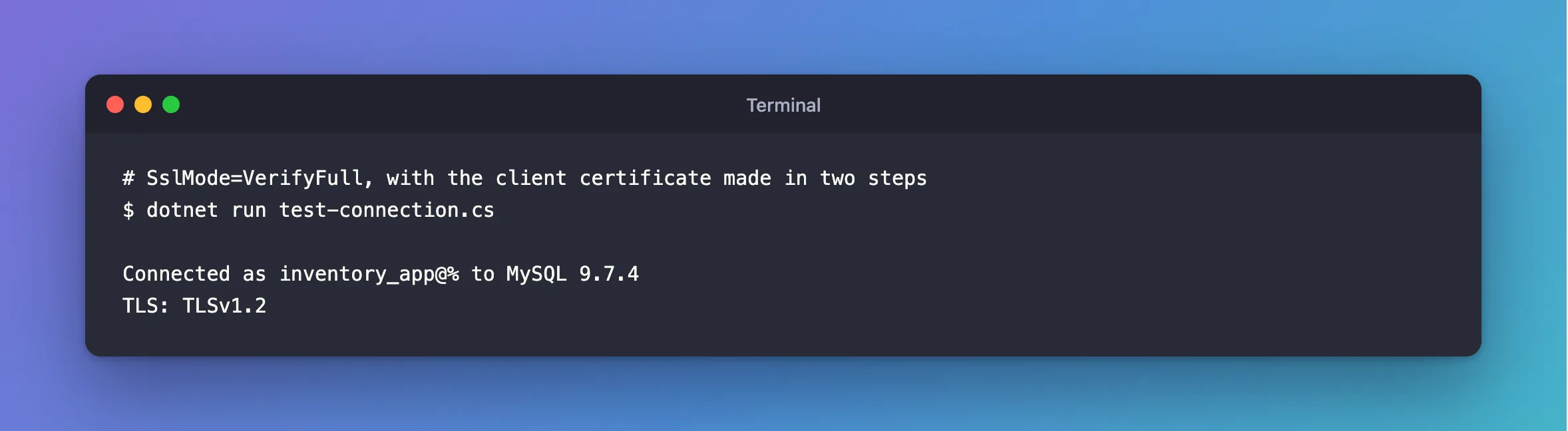
dotnet run test-connection.cs
Connected as inventory_app@% to MySQL 9.7.4
TLS: TLSv1.2
Common Mistakes
| Mistake | What happens | Do this instead |
|---|---|---|
Using ca.pem as SslCert | It's a CA, so it's refused | Use a client certificate |
| Looking at the key | This error is about the certificate | Check basicConstraints |
Copying a guide that uses req -x509 for clients | It depends on that machine's openssl.cnf | Use the two steps |
Troubleshooting
| Symptom | Likely cause | Fix |
|---|---|---|
The specified file cannot be converted to a key | The third command was skipped | The fix |
The specified file cannot be converted to a certificate | SslCert points at something else | Check the file starts with BEGIN CERTIFICATE |
certificate expired on | The pair's own dates count too | The fix |
Conclusion
The certificate is invalid means SslCert holds a certificate marked as a CA. Create it in two steps, without -x509, and it passes.
Additional Resources
- openssl-req documentation —
-x509, and where its extensions come from. - openssl-x509 documentation —
-reqand-signkey.
