Fixed: "The certificate authority (CA) does not match" with MySql.Data

The certificate authority (CA) does not match means the check worked: the server's certificate wasn't signed by the CA in your SslCa file. But it caught me a second time when the right CA was in the file, because MySql.Data reads only the first certificate in it.
What I Was Doing
I was connecting with SslMode=VerifyCA on MySql.Data 26.10.0 and .NET 10, with a CA file left over from another server:
…;SslMode=VerifyCA;SslCa=/Users/you/projects/mysql-connection-test/certs/ca.pem
dotnet run test-connection.cs
What I Expected
A connection, since the server was the one I meant to reach.
What I Got
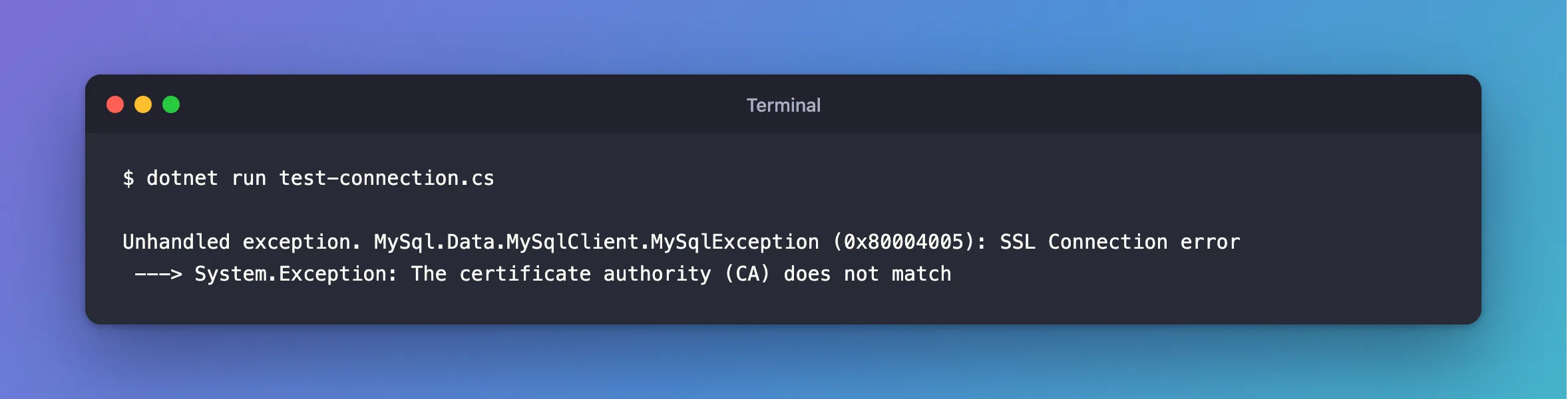
Unhandled exception. MySql.Data.MySqlClient.MySqlException (0x80004005): SSL Connection error
 ---> System.Exception: The certificate authority (CA) does not match
What I Checked
Who signed the server's certificate, and which CA I'd given it. On the server:
docker compose exec mysql openssl x509 -in /var/lib/mysql/server-cert.pem -noout -issuer
openssl x509 -in certs/ca.pem -noout -subject
The certificate's issuer and the CA's subject have to be the same. Mine weren't.
A file with several CAs. Cloud providers often give you one. I put two CAs in a file, with the right one second. Same error:
Unhandled exception. MySql.Data.MySqlClient.MySqlException (0x80004005): SSL Connection error
 ---> System.Exception: The certificate authority (CA) does not match
With the right one first, it connected:
Connected as inventory_app@% to MySQL 9.7.4
TLS: TLSv1.2
Oracle's documentation calls SslCa a file "that contains a list of trusted SSL certificate authorities", but in this driver, only the first entry counts.
Why It Happens
The driver compares the certificate's issuer with the first certificate in SslCa. Any other CA, or the right one further down the file, gives this error. A new Docker volume does it too, because MySQL creates a new CA each time it starts on an empty data folder.
The Fix
Find which CA really signed the server's certificate, and use that one alone. Pick your case:
MySQL in Docker: copy it again.
docker compose cp mysql:/var/lib/mysql/ca.pem certs/ca.pem
A file with several certificates: look for the one whose subject matches the issuer of your server's certificate, and keep only that. This prints each certificate's subject, in order:
openssl crl2pkcs7 -nocrl -certfile bundle.pem | openssl pkcs7 -print_certs -noout
Copy the matching block, from -----BEGIN CERTIFICATE----- to -----END CERTIFICATE-----, into a file of its own. If the provider changes its CA later, you'll need to do this again.
Before you change anything, be sure the server is the one you meant. This error is also what you'd see if something else were answering on that address.
After the Fix
dotnet run test-connection.cs
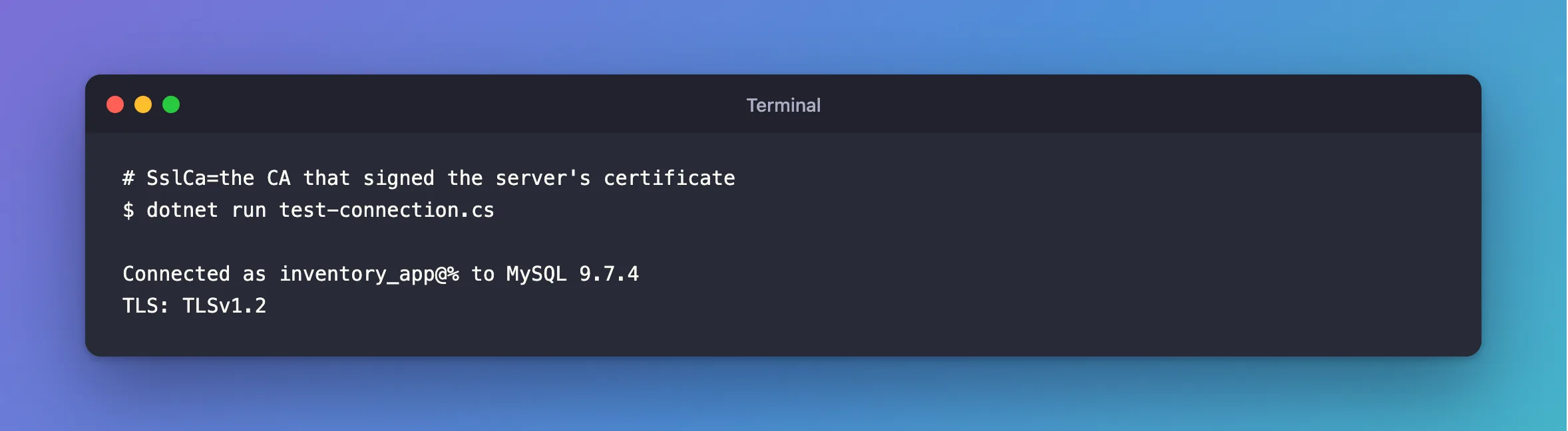
Connected as inventory_app@% to MySQL 9.7.4
TLS: TLSv1.2
Common Mistakes
| Mistake | What happens | Do this instead |
|---|---|---|
Going back to SslMode=Required | The check is gone, and so is its protection | Find the right CA |
| Using the provider's whole bundle | Only the first certificate is read | Use the one you need |
Keeping the old ca.pem after docker compose down -v | The new volume has a new CA | Copy it again |
Troubleshooting
| Symptom | Likely cause | Fix |
|---|---|---|
The provided key is invalid | Another CA with the same name | The fix |
certificate expired on | The right CA, but the certificate has run out | The fix |
The host name does not match | The CA is fine, and the name isn't | The fix |
Conclusion
This error means the first certificate in your SslCa file didn't sign the server's certificate. Check that you're talking to the right server, then use the CA that signed it, alone in its file.
Additional Resources
- Connector/NET Connection Options —
SslCa. - openssl-x509 documentation — reading a certificate.
