Fixed: "Sequence contains more than one element" with EF Core SingleOrDefaultAsync

SingleOrDefaultAsync threw InvalidOperationException: Sequence contains more than one element. The "OrDefault" in the name only covers zero rows. Single means "there's at most one", and when MySQL returns two it treats that as a bug and says so. Usually it's right: the filter is missing or too loose.
What I Was Doing
An endpoint in a .NET 10 Web API read one category with EF Core 10 and MySQL 9.7, using SingleOrDefaultAsync with no filter:
app.MapGet("/demo/singleasync-all", async (InventoryDbContext db) =>
{
    var c = await db.Categories.SingleOrDefaultAsync();
    return Results.Ok(c?.Name);
});
The table had three categories.
What I Expected
A category's name, or null if there were none.
What I Got
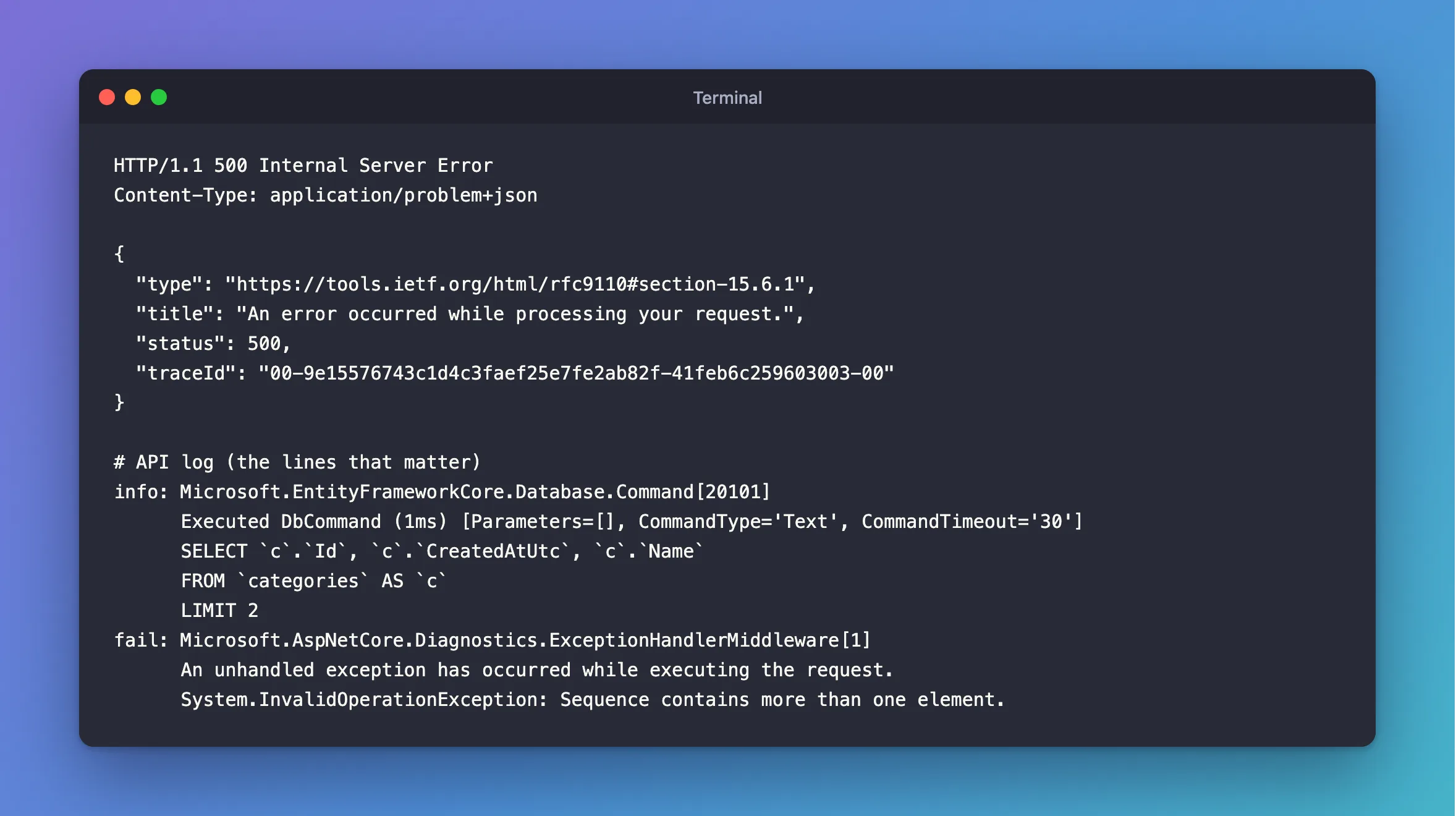
HTTP/1.1 500 Internal Server Error
Content-Type: application/problem+json

{
  "type": "https://tools.ietf.org/html/rfc9110#section-15.6.1",
  "title": "An error occurred while processing your request.",
  "status": 500,
  "traceId": "00-9e15576743c1d4c3faef25e7fe2ab82f-41feb6c259603003-00"
}
info: Microsoft.EntityFrameworkCore.Database.Command[20101]
      Executed DbCommand (1ms) [Parameters=[], CommandType='Text', CommandTimeout='30']
      SELECT `c`.`Id`, `c`.`CreatedAtUtc`, `c`.`Name`
      FROM `categories` AS `c`
      LIMIT 2
fail: Microsoft.AspNetCore.Diagnostics.ExceptionHandlerMiddleware[1]
      An unhandled exception has occurred while executing the request.
      System.InvalidOperationException: Sequence contains more than one element.
What I Checked
The SQL. It ends with LIMIT 2. That's how Single works: to prove there's only one row, it has to ask for a second one. If a second row comes back, it throws. First sends LIMIT 1 instead, as the log for FirstOrDefaultAsync shows:
info: Microsoft.EntityFrameworkCore.Database.Command[20101]
      Executed DbCommand (1ms) [Parameters=[@id='?' (DbType = Int32)], CommandType='Text', CommandTimeout='30']
      SELECT `c`.`Id`, `c`.`CreatedAtUtc`, `c`.`Name`
      FROM `categories` AS `c`
      WHERE `c`.`Id` = @id
      LIMIT 1
What the method promises. Its API reference says it throws InvalidOperationException when more than one element matches. The default in the name is for an empty result only.
Whether my filter or my data was wrong. Three rows, no Where: the filter was missing. If a Where had been there and two rows still matched, I'd have had a different problem: data that breaks a rule the code assumes.
Why It Happens
SingleOrDefault states a fact about your data: at most one row matches. That's useful when it's true, because the method checks it for you. When the query matches more, it can't choose one without guessing, so it stops.
The Fix
Decide which of these you meant.
You want one specific row. Add the filter that identifies it:
var category = await db.Categories.SingleOrDefaultAsync(c => c.Id == id);
You want the first of many. Say which one is first, with OrderBy, and use FirstOrDefaultAsync:
var category = await db.Categories.OrderBy(c => c.Id).FirstOrDefaultAsync();
The rule should hold, and the data breaks it. Fix the data, and add a unique index so it can't happen again, as in How to Create a Unique Index with EF Core and MySQL.
After the Fix
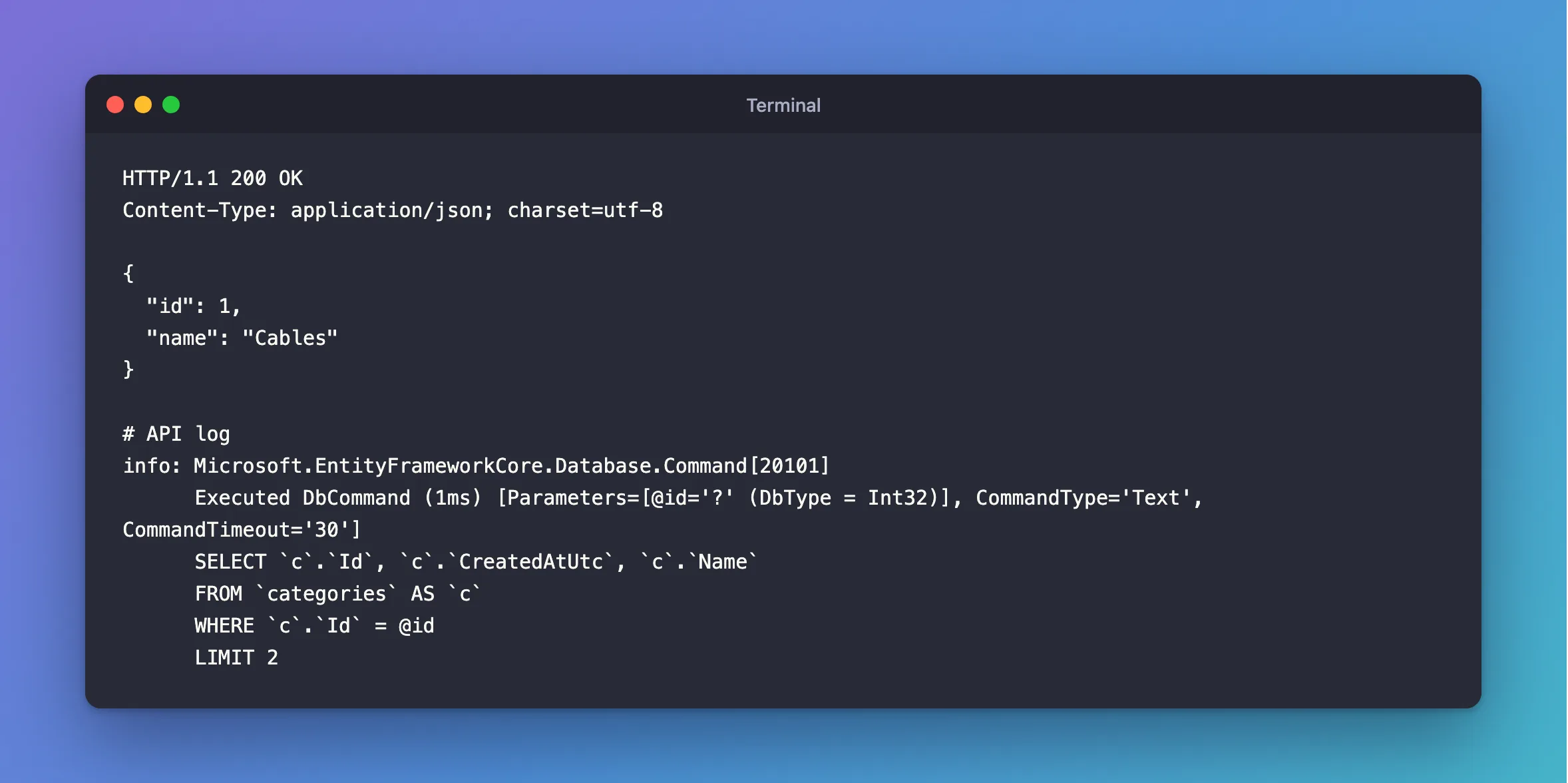
With the filter, the same method works:
HTTP/1.1 200 OK
Content-Type: application/json; charset=utf-8

{
  "id": 1,
  "name": "Cables"
}
info: Microsoft.EntityFrameworkCore.Database.Command[20101]
      Executed DbCommand (1ms) [Parameters=[@id='?' (DbType = Int32)], CommandType='Text', CommandTimeout='30']
      SELECT `c`.`Id`, `c`.`CreatedAtUtc`, `c`.`Name`
      FROM `categories` AS `c`
      WHERE `c`.`Id` = @id
      LIMIT 2
Common Mistakes
| Mistake | What happens | Do this instead |
|---|---|---|
| Assuming "OrDefault" covers many rows | It only covers none | Filter down to one, or use First |
Swapping to First to make the error go away | You hide duplicates you should know about | Find out why there are two |
FirstOrDefaultAsync with no OrderBy and no filter | EF Core warns, and the row isn't predictable | Sort first |
Single on a column with no unique index | It works until someone adds a duplicate | Add the index |
Troubleshooting
| Symptom | Likely cause | Fix |
|---|---|---|
Sequence contains more than one element with a Where | The filter matches more than you think | Run the query in the mysql client |
| It appeared only after new data arrived | The column has duplicates now | Add a unique index, and clean up the data |
Sequence contains no elements instead | SingleAsync, without OrDefault, found nothing | Use SingleOrDefaultAsync |
| A case difference gives two rows you expected to be one | Probably the opposite: the collation ignores case | Check the collation |
FAQ
Single or First for a primary key?
Both work. A primary key can't have two rows, so Single's check adds nothing and First sends LIMIT 1. FirstOrDefaultAsync vs SingleOrDefaultAsync vs FindAsync compares them.
Does Single read all the rows?
No. LIMIT 2 stops at two, however many match.
Conclusion
"Sequence contains more than one element" means a Single method found a second row: it asks for two with LIMIT 2 so it can check. The "OrDefault" only handles zero rows. Add the missing filter, use First with an OrderBy if any row will do, or fix the duplicate data and add a unique index.
Additional Resources
- SingleOrDefaultAsync — the API reference.
