Fixed: "Required parameter was not provided from header" in a Minimal API

A request without my header got a 400 Bad Request with an empty explanation, and my endpoint never ran. The log had the reason: Required parameter "string source" was not provided from header. One ? decides whether a header is required.
What I Was Doing
My .NET C# Web API on ASP.NET Core 10 reads a header with [FromHeader]:
g.MapGet("/header/required", ([FromHeader(Name = "X-Request-Source")] string source) =>
    Results.Ok(new { source }));
I called it without the header:
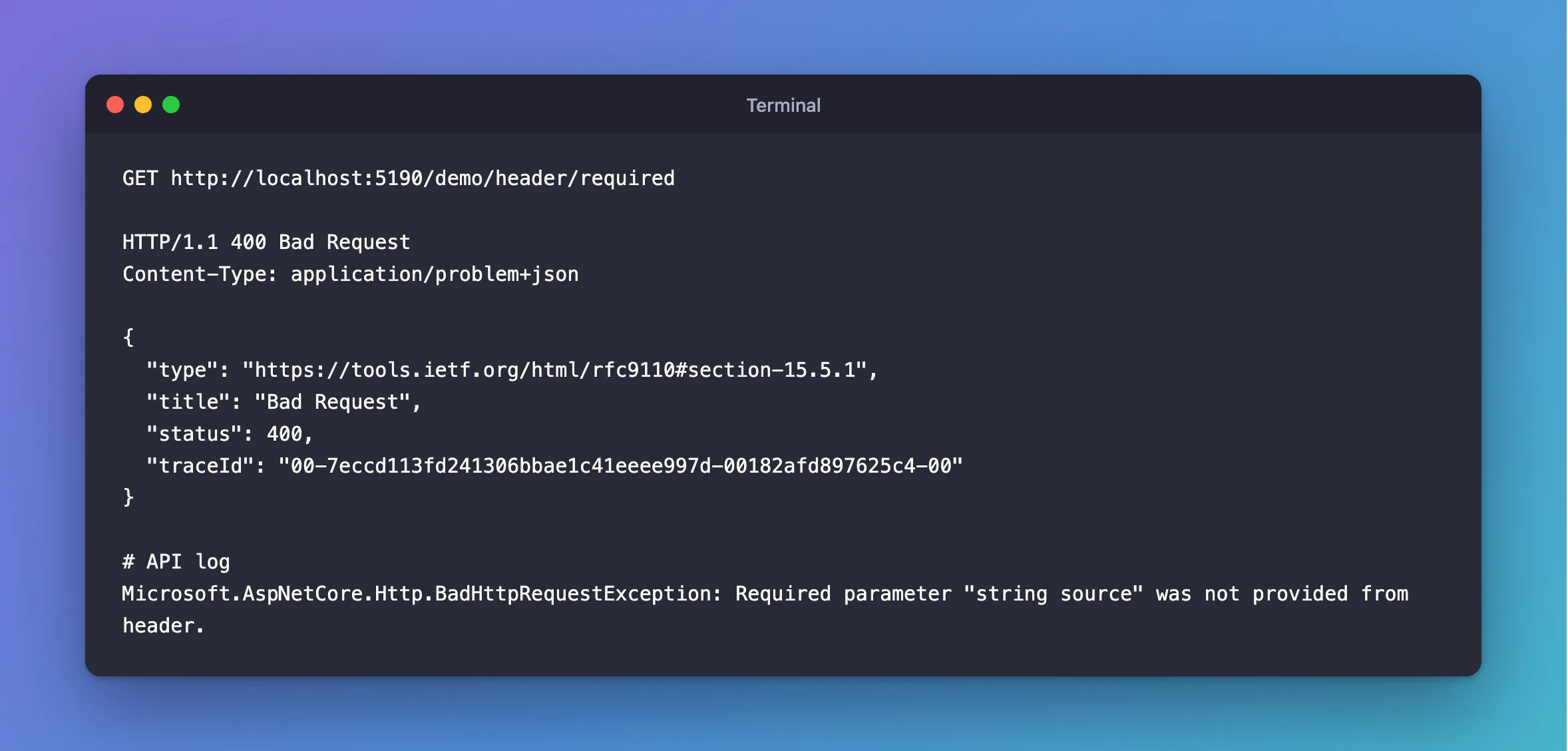
GET http://localhost:5190/demo/header/required
What I Expected
The endpoint to run, with source empty or null.
What I Got
HTTP/1.1 400 Bad Request
Content-Type: application/problem+json

{
  "type": "https://tools.ietf.org/html/rfc9110#section-15.5.1",
  "title": "Bad Request",
  "status": 400,
  "traceId": "00-7eccd113fd241306bbae1c41eeee997d-00182afd897625c4-00"
}
Microsoft.AspNetCore.Http.BadHttpRequestException: Required parameter "string source" was not provided from header.
What I Checked
With the header.
HTTP/1.1 200 OK
Content-Type: application/json; charset=utf-8

{
  "source": "mobile-app"
}
So the code's fine, and the header is simply required.
The docs. The parameter binding page explains it for query strings: a parameter that isn't nullable and has no default is required, and leaving it out gives this same BadHttpRequestException. Headers follow the same rule.
Why It Happens
With nullable reference types on, string means "this is always here", so minimal API binding treats the parameter as required, and refuses the request before your code runs.
The Fix
Decide what the header is.
Optional: make the parameter nullable, and deal with null:
g.MapGet("/header/optional", ([FromHeader(Name = "X-Request-Source")] string? source) =>
    Results.Ok(new { source }));
Required: leave it as it is, and send the header. If clients need a clear message, take a string?, check it, and answer with a 400 that says what's missing.
After the Fix
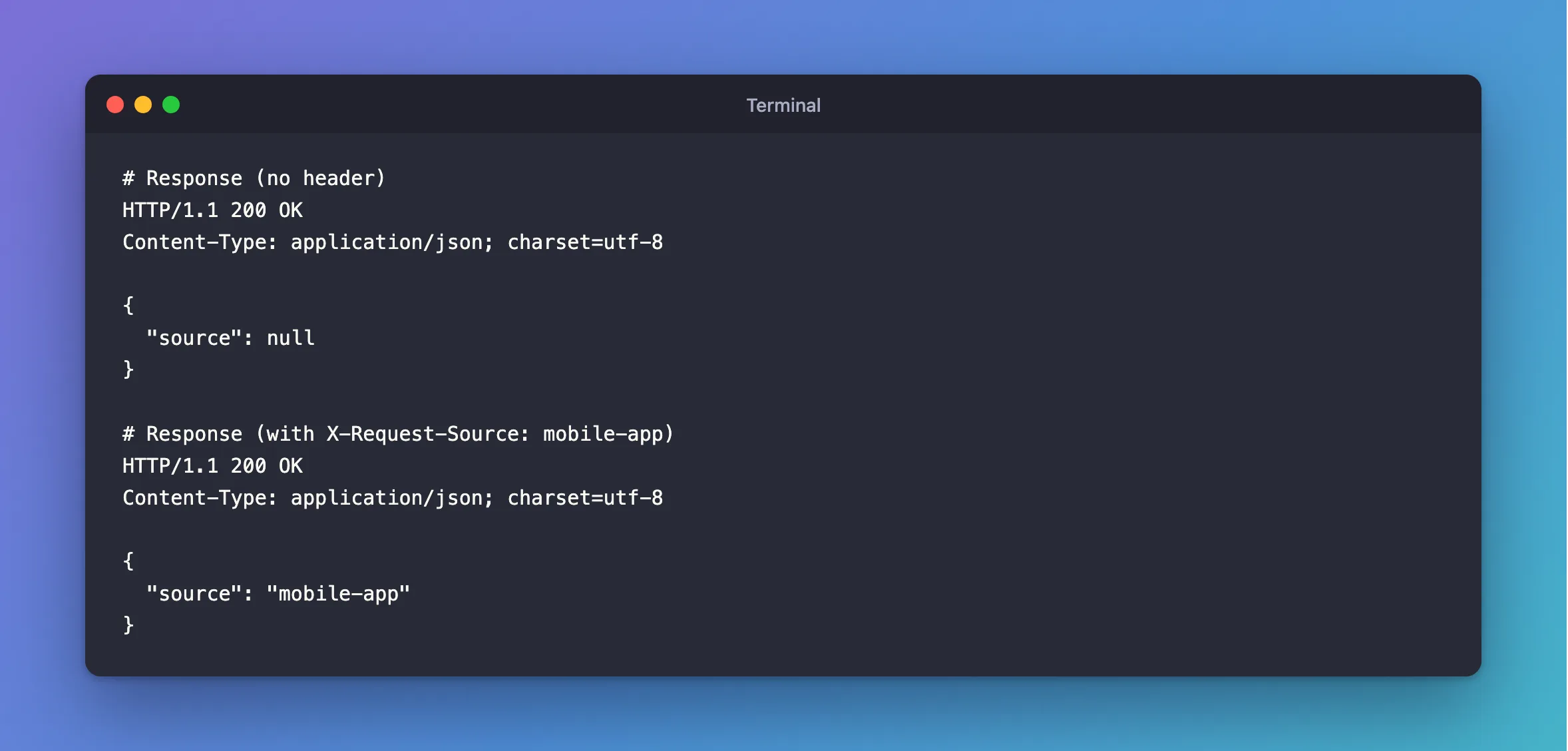
HTTP/1.1 200 OK
Content-Type: application/json; charset=utf-8

{
  "source": null
}
HTTP/1.1 200 OK
Content-Type: application/json; charset=utf-8

{
  "source": "mobile-app"
}
Common Mistakes
| Mistake | What happens | Do this instead |
|---|---|---|
Expecting null from a string parameter | The request is refused first | Use string? |
| Debugging the endpoint | It never ran | Read the log |
Leaving out Name = for a header with dashes | It looks for a header named after the parameter | Give the name |
Troubleshooting
| Symptom | Likely cause | Fix |
|---|---|---|
| The header is sent, and it's still refused | A different name | Check Name = |
Failed to bind parameter | It's there, and it can't be parsed | The fix |
The same message says query string | It's a query parameter | The same fix |
Conclusion
A non-nullable [FromHeader] parameter is required, and a missing header gets a 400 before your code runs. Use string? when the header is optional.
Additional Resources
- Parameter binding in minimal APIs — required and optional parameters.
