Fixed: "Reflection-based serialization has been disabled for this application" with dotnet run

JsonSerializer.Serialize is about as ordinary as C# gets, so Reflection-based serialization has been disabled for this application was a surprise, in a one-file program with nothing else in it. File-based apps turn this off by default. There are two ways to deal with that.
What I Was Doing
I wrote a one-file C# program with the .NET 10 SDK, to print an object as JSON:
using System.Text.Json;

Console.WriteLine(JsonSerializer.Serialize(new { Id = 1, Name = "Cable" }));
dotnet run app.cs
How to Run a Single C# File with dotnet run explains this way of running C#.
What I Expected
One line of JSON.
What I Got
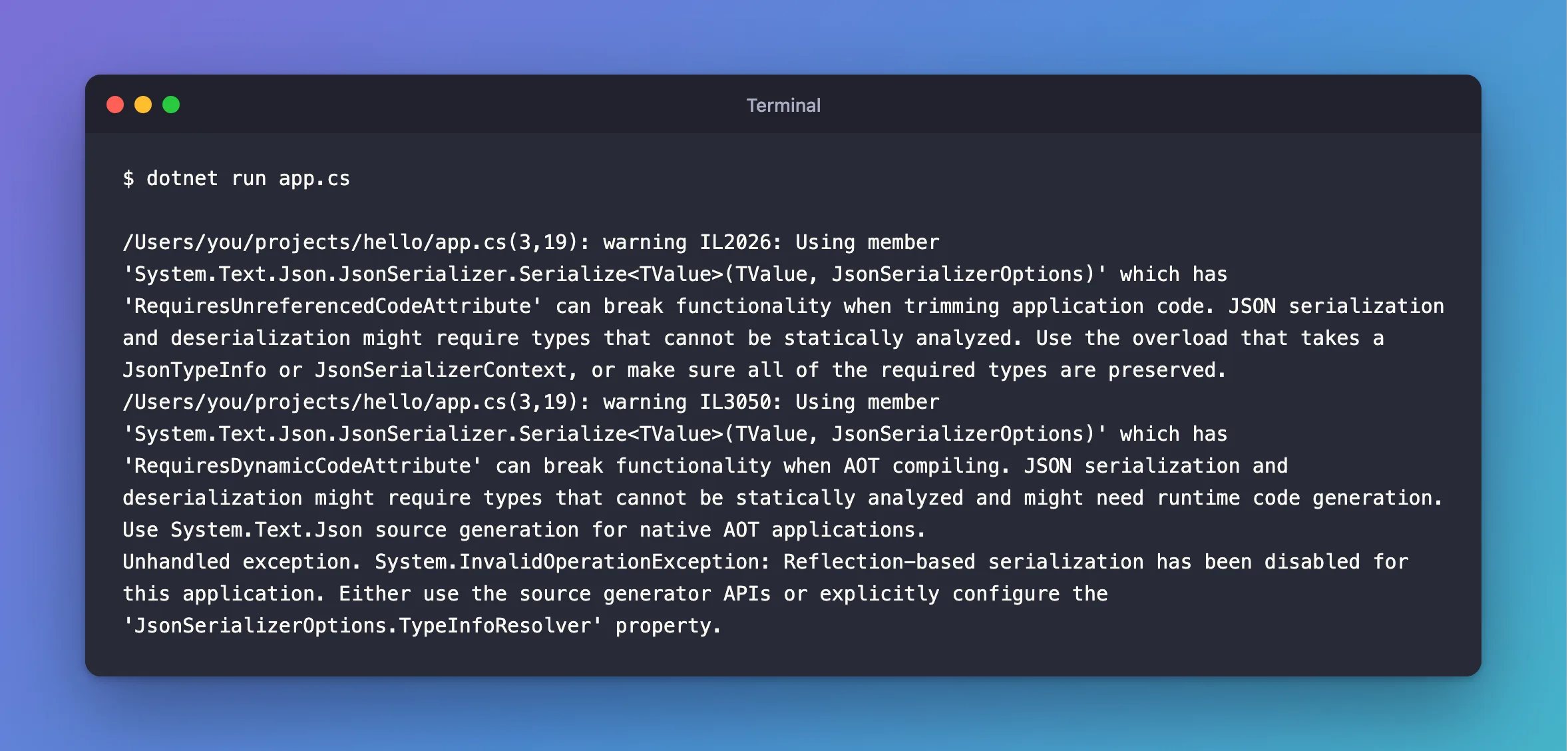
/Users/you/projects/hello/app.cs(3,19): warning IL2026: Using member 'System.Text.Json.JsonSerializer.Serialize<TValue>(TValue, JsonSerializerOptions)' which has 'RequiresUnreferencedCodeAttribute' can break functionality when trimming application code. JSON serialization and deserialization might require types that cannot be statically analyzed. Use the overload that takes a JsonTypeInfo or JsonSerializerContext, or make sure all of the required types are preserved.
/Users/you/projects/hello/app.cs(3,19): warning IL3050: Using member 'System.Text.Json.JsonSerializer.Serialize<TValue>(TValue, JsonSerializerOptions)' which has 'RequiresDynamicCodeAttribute' can break functionality when AOT compiling. JSON serialization and deserialization might require types that cannot be statically analyzed and might need runtime code generation. Use System.Text.Json source generation for native AOT applications.
Unhandled exception. System.InvalidOperationException: Reflection-based serialization has been disabled for this application. Either use the source generator APIs or explicitly configure the 'JsonSerializerOptions.TypeInfoResolver' property.
What I Checked
Whether the same code works in a project. It does: System.Text.Json uses reflection by default. So something was different about a one-file program.
What a one-file program turns on. Microsoft's file-based apps page says: "File-based apps enable native AOT publishing by default, producing optimized, self-contained executables." I looked at the settings of a build like this one. On my Mac they're in app.runtimeconfig.json, under ~/Library/Application Support/dotnet/runfile/:
"System.Text.Json.JsonSerializer.IsReflectionEnabledByDefault": false
What Microsoft says about this setting. Its source generation page explains why it exists: "Because System.Text.Json uses reflection by default, calling a basic serialization method can break Native AOT apps, which doesn't support all required reflection APIs."
Why It Happens
Native AOT doesn't support all the reflection System.Text.Json needs, so an app set up for it has reflection off. A file-based app is set up for it by default, even when you only run it with dotnet run. So the default serializer has nothing to work with, and it says so.
The Fix
If you don't need native AOT, turn it off, on the first line of the file:
#:property PublishAot=false

using System.Text.Json;

Console.WriteLine(JsonSerializer.Serialize(new { Id = 1, Name = "Cable" }));
If you do want native AOT, use the source generator, as the error suggests. It needs a named type, because it can't generate code for an anonymous one:
using System.Text.Json;
using System.Text.Json.Serialization;

Console.WriteLine(JsonSerializer.Serialize(new Product(1, "Cable"), AppJsonContext.Default.Product));

record Product(int Id, string Name);

[JsonSerializable(typeof(Product))]
partial class AppJsonContext : JsonSerializerContext;
After the Fix
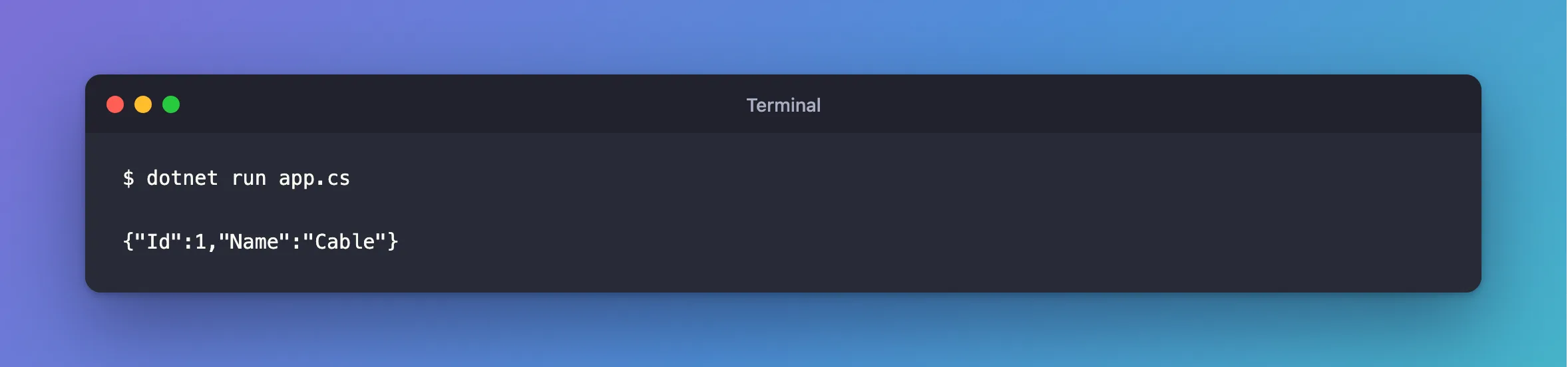
Both give the same output, and the warnings have gone:
dotnet run app.cs
{"Id":1,"Name":"Cable"}
Common Mistakes
| Mistake | What happens | Do this instead |
|---|---|---|
Putting the line below a using | CS9297 | Put it first |
| Using the source generator with an anonymous type | It needs a type it can name | Declare a record |
Ignoring warnings IL2026 and IL3050 | They told me about this before it failed | Read them |
Troubleshooting
| Symptom | Likely cause | Fix |
|---|---|---|
Model building is not supported when publishing with NativeAOT | The same setting, in EF Core | The fix |
| The same error in a normal project | PublishAot or JsonSerializerIsReflectionEnabledByDefault in the .csproj | Check the project file |
Conclusion
File-based apps have System.Text.Json's reflection off by default. Add #:property PublishAot=false as the first line, or use a source generator if you need native AOT.
Additional Resources
- File-based apps — the default, and how to turn it off.
- Source generation in System.Text.Json —
JsonSerializerContext, and the reflection setting.
