Fixed: Python sqlite3 backup() Never Finishes

A script that backs up a SQLite database with Connection.backup printed nothing and never finished. The source connection still had an uncommitted insert, so SQLite kept answering "busy", and Python's backup() kept retrying, forever. Calling commit() before backup() fixes it.
What I Was Doing
I was writing an example for SQLite's backup in Python: a database in memory with two rows, backed up into a file, then read back from the copy:
import sqlite3
from contextlib import closing

with closing(sqlite3.connect(":memory:")) as source:
    source.execute("create table items (name text)")
    source.execute("insert into items values ('pen'), ('book')")
    with closing(sqlite3.connect("shop-backup.db")) as copy:
        source.backup(copy)

with closing(sqlite3.connect("shop-backup.db")) as copy:
    print(copy.execute("select name from items").fetchall())
What I Expected
The two rows, read from the copy, within a second:
[('pen',), ('book',)]
What I Got
Nothing. The script, run with uv run python, was still running almost seven minutes later, and shop-backup.db stayed at 0 bytes. Started with Python directly, it didn't stop when I pressed Ctrl+C either; I had to end it from another terminal with kill:
$ .venv/bin/python backup_hang.py
^C
zsh: terminated  .venv/bin/python backup_hang.py
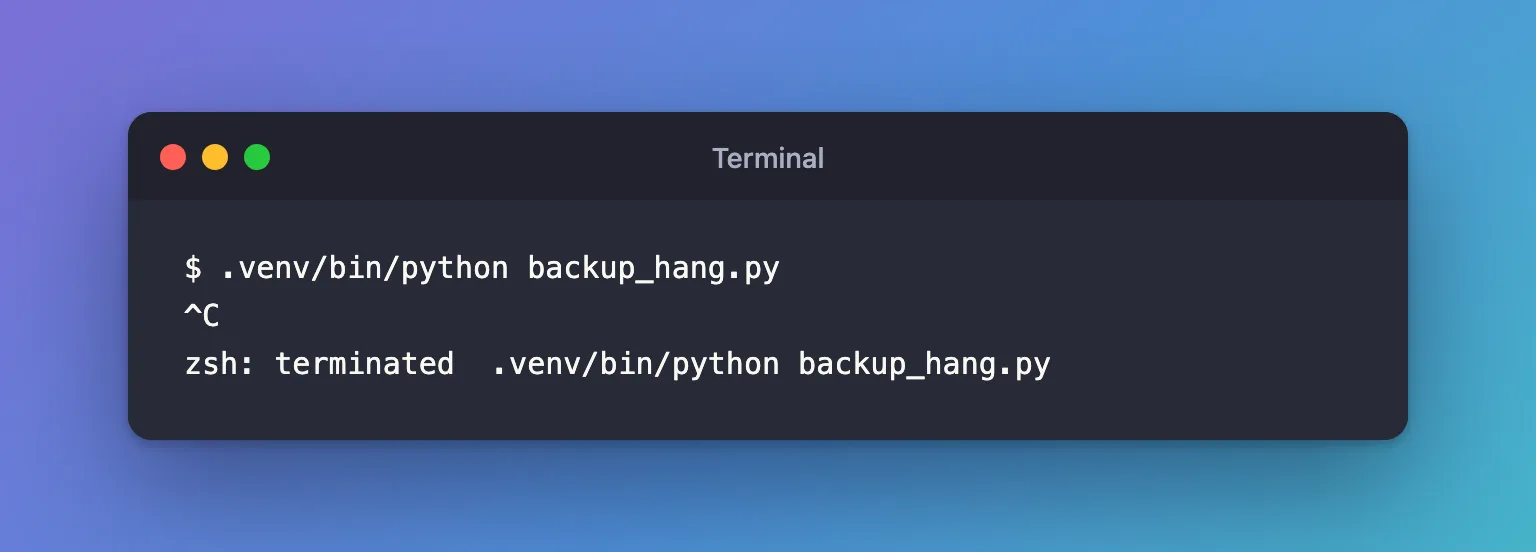
Run through uv run, Ctrl+C did end it, but the script never finished on its own either way.
What I Checked
What backup() was doing. backup() takes a progress function, which Python's sqlite3 reference calls "with three integer arguments for every backup iteration: the status of the last iteration, the remaining number of pages still to be copied, and the total number of pages." I added one that prints each call and stops the script after three:
import sqlite3
from contextlib import closing

attempts = 0


def progress(status, remaining, total):
    global attempts
    attempts += 1
    print("attempt", attempts, "status", status, "remaining", remaining, "total", total)
    if attempts == 3:
        raise RuntimeError("stopped after 3 attempts")


print("SQLITE_BUSY is", sqlite3.SQLITE_BUSY)
with closing(sqlite3.connect(":memory:")) as source:
    source.execute("create table items (name text)")
    source.execute("insert into items values ('pen'), ('book')")
    print("uncommitted changes:", source.in_transaction)
    with closing(sqlite3.connect("shop-backup.db")) as copy:
        source.backup(copy, progress=progress)
uv run python backup_probe.py
SQLITE_BUSY is 5
uncommitted changes: True
attempt 1 status 5 remaining 0 total 0
attempt 2 status 5 remaining 0 total 0
attempt 3 status 5 remaining 0 total 0
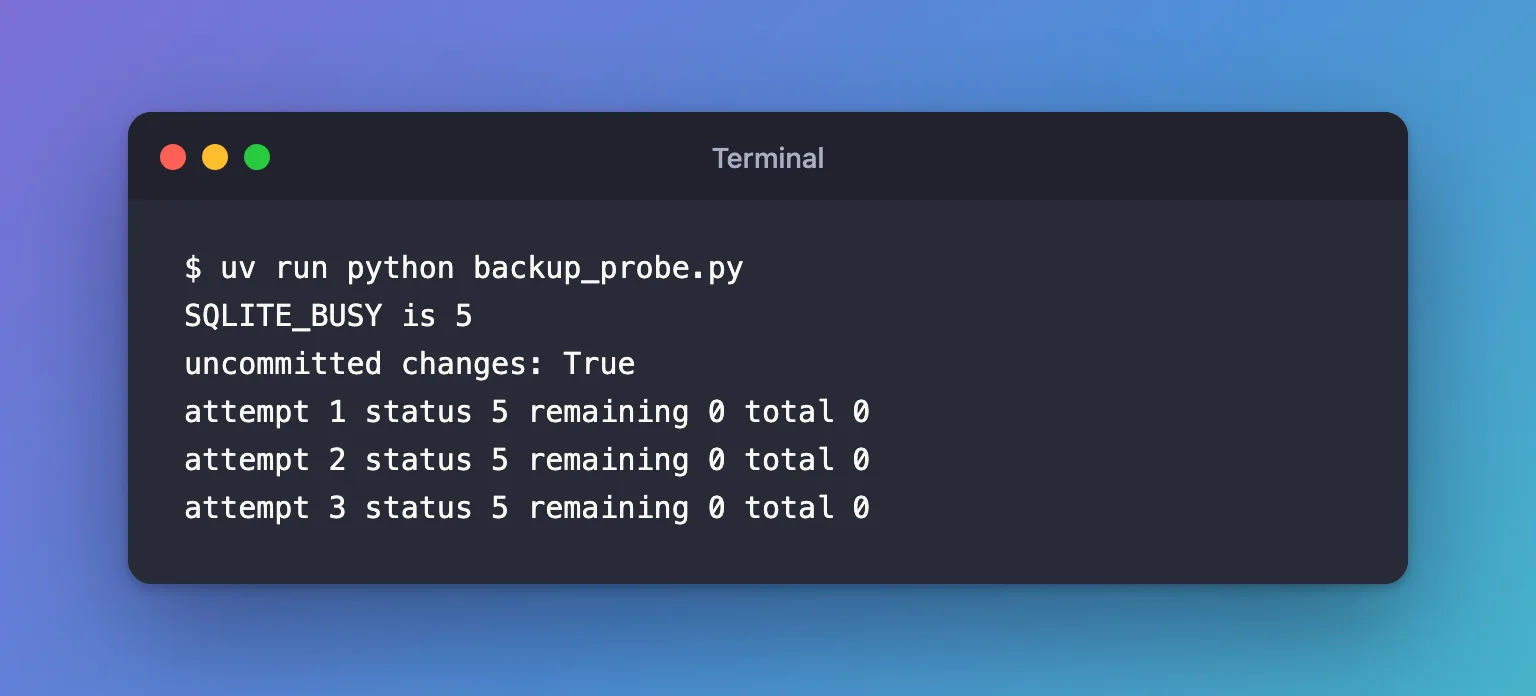
Every attempt ended with status 5, SQLITE_BUSY, before copying a page. And the source connection had uncommitted changes: in_transaction is, in the reference's words, "True if a transaction is active (there are uncommitted changes)".
Where the transaction came from. The script never started one. Python did, for the insert. The reference, on the default transaction handling: "new transactions are implicitly opened before execute() and executemany() executes INSERT, UPDATE, DELETE, or REPLACE statements".
What SQLite says about busy backups. Its documentation of sqlite3_backup_step: "If the busy-handler returns non-zero before the lock is available, then SQLITE_BUSY is returned to the caller. In this case the call to sqlite3_backup_step() can be retried later." Python's backup() retries, with a sleep between tries that the reference describes as "The number of seconds to sleep between successive attempts to back up remaining pages", and the reference mentions no limit on the number of tries.
Why It Happens
The insert opened a transaction on the source connection, and the backup needs the lock that transaction holds. SQLite answers SQLITE_BUSY and says to try again later. Python tries again, but the transaction only ends when the script commits, and the script is waiting inside backup(). Nothing changes, so it waits forever.
The Fix
Commit before the backup, so the source has no open transaction:
import sqlite3
from contextlib import closing

with closing(sqlite3.connect(":memory:")) as source:
    source.execute("create table items (name text)")
    source.execute("insert into items values ('pen'), ('book')")
    source.commit()
    with closing(sqlite3.connect("shop-backup.db")) as copy:
        source.backup(copy)

with closing(sqlite3.connect("shop-backup.db")) as copy:
    print(copy.execute("select name from items").fetchall())
After the Fix
uv run python backup_db.py
[('pen',), ('book',)]
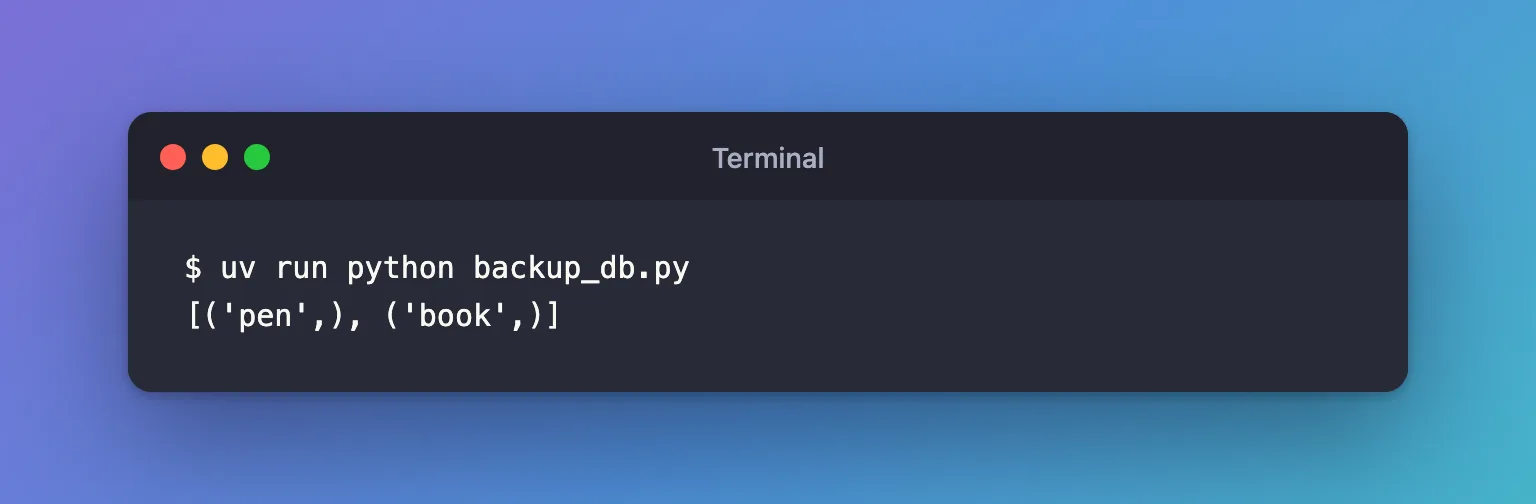
The backup finished at once, and the copy has both rows.
Common Mistakes
| Mistake | What happens | Do this instead |
|---|---|---|
| Writing to the source and backing it up on the same connection without a commit | backup() retries forever on SQLITE_BUSY | commit() first |
| Waiting for a stuck backup to time out | It has no time limit | Stop it, and look for an open transaction |
Troubleshooting
| Symptom | Likely cause | Fix |
|---|---|---|
A script never gets past backup(), and the copy stays at 0 bytes | The source connection has uncommitted changes | commit() before backup(); check with source.in_transaction |
| Ctrl+C doesn't stop it | Python is waiting inside SQLite's backup | End it from another terminal with kill, then fix the cause |
FAQ
How do I see that this is the cause?
Pass a progress function: status 5, SQLITE_BUSY, on every attempt, with in_transaction True on the source, is this problem.
Conclusion
Connection.backup never finished because the same connection's insert had left a transaction open, so SQLite kept returning SQLITE_BUSY and Python kept retrying. Adding source.commit() before source.backup(copy) made the backup finish at once, with both rows in the copy.
Additional Resources
- sqlite3 Connection.backup — the method,
progressandsleep. - sqlite3 transaction control — when Python opens transactions for you.
- sqlite3_backup_step — SQLite's backup steps and
SQLITE_BUSY.
