Fixed: "pkill -f" Killed Another Script That Only Mentioned the Name

I stopped my API with pkill -f, and a long script in another terminal died too, with exit code 143 and no error message. The script wasn't the API. It only had the API's name somewhere in its command line, and that's all -f needs.
What I Was Doing
A long script was running in one terminal, and my API in another, on macOS. Here's the same thing in its smallest form. The API's stand-in, in terminal 1:
python3 -c 'import time; time.sleep(30)' my-api-test
A script that mentions that name, in terminal 2:
zsh -c 'echo "Testing my-api-test"; sleep 8; echo "All tests finished"'; echo "exit code: $?"
And in terminal 3, I stopped the API:
pkill -f my-api-test
What I Expected
The API to stop, and the script to finish.
What I Got
Testing my-api-test
exit code: 143
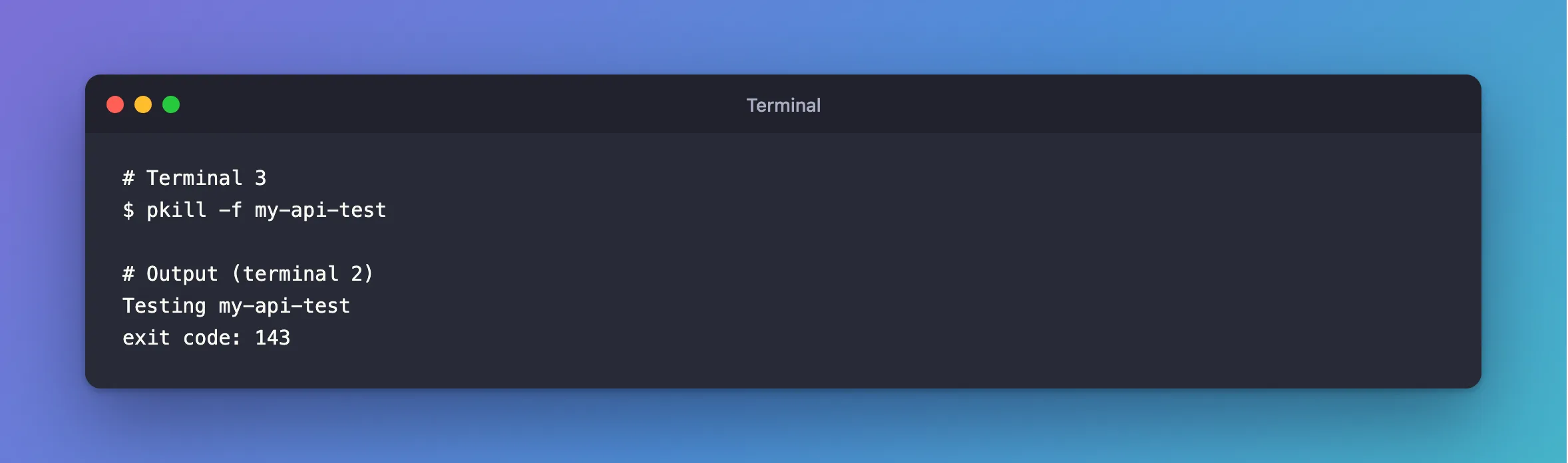
All tests finished never printed.
What I Checked
The exit code. 143 is 128 plus 15, and signal 15 is SIGTERM, which is what pkill sends by default. So pkill had stopped it.
What the pattern matches. pgrep takes the same options and only lists, so it shows what pkill would hit:
pgrep -lf my-api-test
python3 -c import time; time.sleep(30) my-api-test
zsh -c echo "Testing my-api-test"; sleep 8; echo "All tests finished"
There are two matches: the API, and the script.
The man page. man pkill on macOS says of -f: "Match against full argument lists. The default is to match against process names." And of -a: "Include process ancestors in the match list. By default, the current pgrep or pkill process and all of its ancestors are excluded".
That second sentence explains why this can look safe. A script that calls pkill -f on a name in its own command line doesn't kill itself on macOS. A script in another terminal gets no such protection.
Why It Happens
Without -f, pkill compares the process's name. With it, the pattern is searched for anywhere in the whole command line, of every process you're allowed to signal. That includes shells, editors and tails that merely mention the text.
The Fix
Stop the process you started, by its ID. Save it when you start the process:
python3 -c 'import time; time.sleep(30)' my-api-test &
echo $! > api.pid
And use it to stop that process and nothing else:
kill $(cat api.pid)
If you do need a pattern, run pgrep -lf with it first, and make it specific enough to match one line.
After the Fix
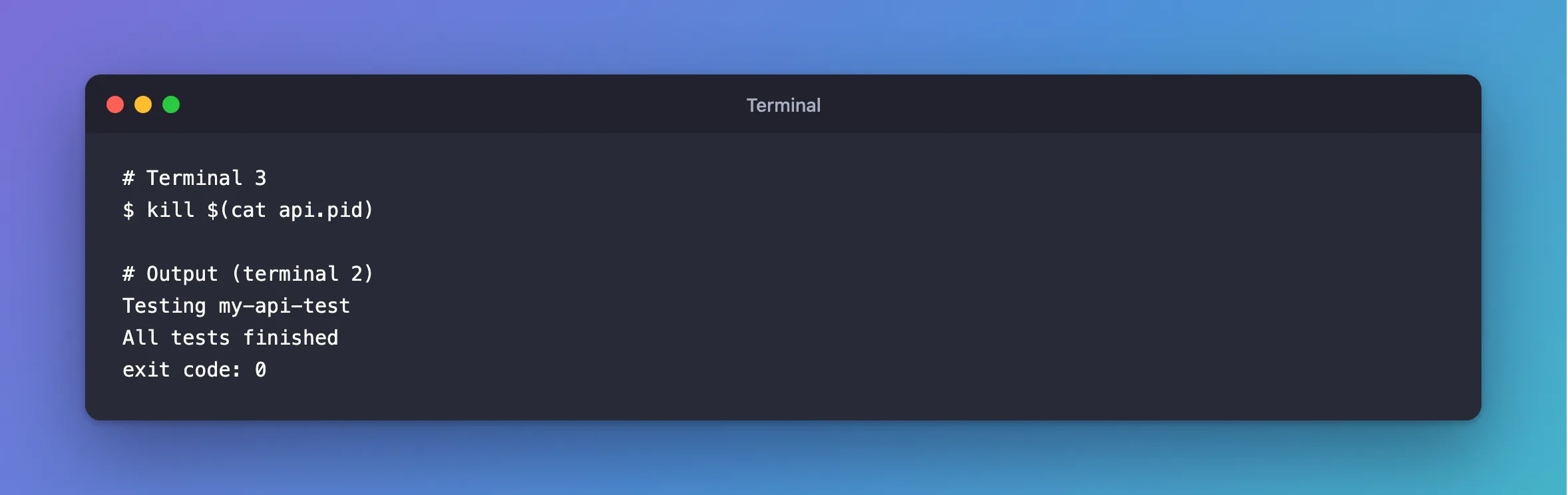
Testing my-api-test
All tests finished
exit code: 0
Common Mistakes
| Mistake | What happens | Do this instead |
|---|---|---|
Using pkill -f with a short name | Anything mentioning it stops | Use the saved ID |
| Testing it from the script itself | It's excluded as an ancestor, so it looks safe | Check with pgrep -lf from elsewhere |
Using kill -9 first | The process can't clean up | Send the default signal |
Troubleshooting
| Symptom | Likely cause | Fix |
|---|---|---|
A script dies with 143 and no message | Something sent SIGTERM | Look for a pkill or kill elsewhere |
pkill without -f finds nothing | The name is dotnet or python, not yours | Use the saved ID |
kill: no such process | It had already stopped | Remove the old ID file |
FAQ
Is this the same on Linux?
I tested macOS's pkill. The -a rule about ancestors is in its man page, so read yours before relying on it.
Conclusion
pkill -f matches any process with your text anywhere in its command line. Check with pgrep -lf, and for a process you started yourself, save its ID and kill that.
Additional Resources
man pkill, on your own Mac —-fand-a.
