Fixed: "Oops, App Failed to Load!" in Teams on the Web

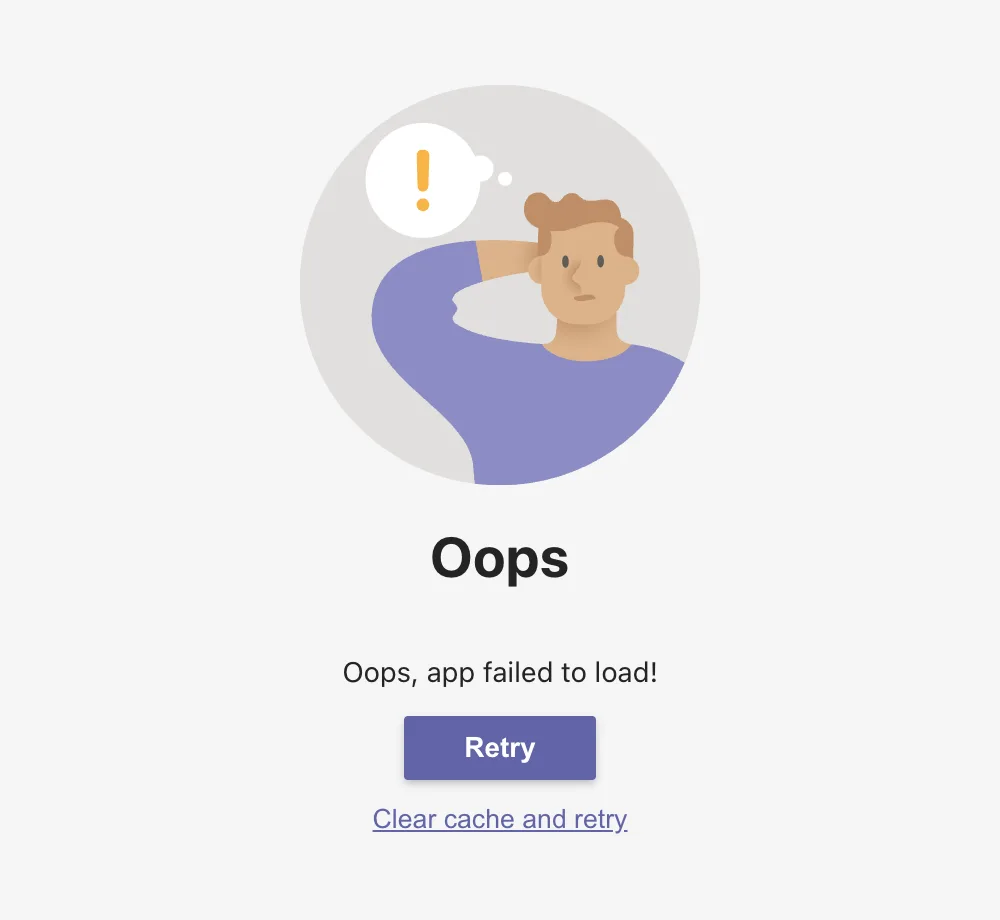
Teams on the web loaded for a couple of minutes and then stopped at Oops, app failed to load!, with Retry and Clear cache and retry. It happened the first time Teams opened in each new browser profile, three times out of three, and Retry loaded Teams every time.
What I Was Doing
I was testing a Teams app as different people in my test organization: each person had their own new Chromium browser profile, signed in to Microsoft 365. In each profile, I opened Teams on the web at teams.cloud.microsoft for the first time, to find the app in the Teams Store (How to Find an App Built for Your Organization in Microsoft Teams).
What I Expected
Teams, with the app bar on the left: Activity, Chat, Calendar and the rest.
What I Got
In the profile where I timed it, the loading screen stayed for about two minutes, then gave way to this page:
What I Checked
When it happens. It happened in all three new profiles, each time on the profile's first load of Teams.
What Microsoft says. No Microsoft article I found names this message. Microsoft's troubleshooting article Teams doesn't load covers a Teams client that doesn't load at all in a browser, when browser settings don't allow the sites or cookies Teams needs. Its fix is to allow the Teams sites, such as [*.]cloud.microsoft and [*.]microsoftonline.com, in the browser's cookie settings. My profiles were new, with the browser's default settings, and Teams loaded fine on the second try, so that wasn't my case.
What the page offers. Retry loads Teams again. Clear cache and retry also clears what Teams has stored in the browser first. A new profile has almost nothing stored, so I tried Retry.
Why It Happens
I don't know, and Microsoft doesn't document this page. What I saw is that it happened only on the first load in a new browser profile.
The Fix
Select Retry. In each of the three profiles, Teams loaded after one Retry, and I didn't need Clear cache and retry.
After the Fix
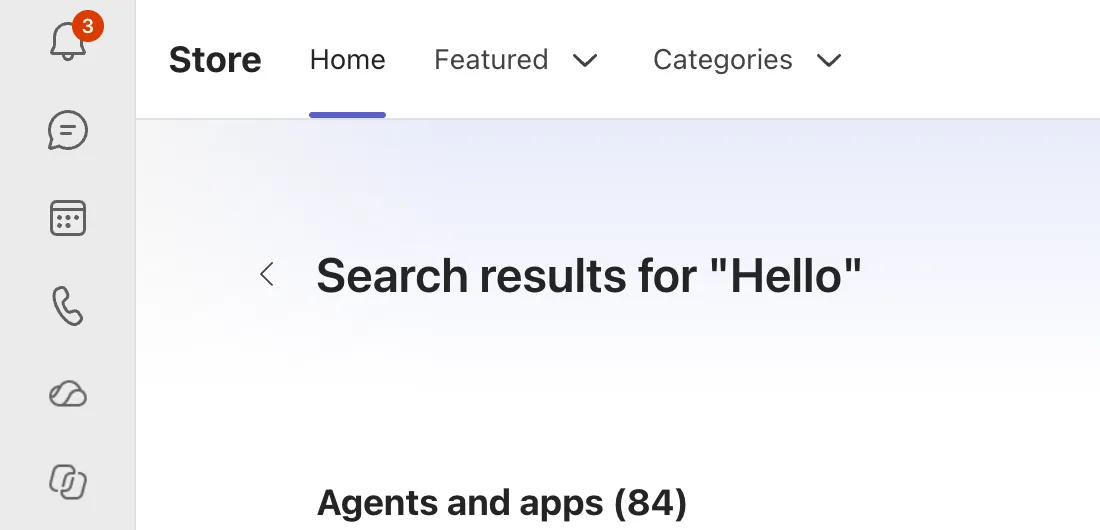
Teams opened with its app bar. In one of the profiles, a few minutes later, I had moved on to the Teams Store:
Common Mistakes
| Mistake | What happens | Do this instead |
|---|---|---|
| Changing browser settings first | Settings that weren't the problem get changed | Select Retry first |
| Starting with Clear cache and retry | Clears what Teams stored in the browser, when Retry was enough | Retry first |
Troubleshooting
| Symptom | Likely cause | Fix |
|---|---|---|
| The page comes back after Retry | Something stored in the browser | Clear cache and retry |
| Teams never loads, in any profile | The browser blocks cookies for the Teams sites | Allow them, as in Microsoft's Teams doesn't load article |
FAQ
Was the account or the browser the problem?
Not in my case: the same accounts, in the same browser profiles, loaded Teams after Retry.
Does it happen in the Teams desktop app?
I saw it only in Teams on the web.
Conclusion
Oops, app failed to load! showed the first time Teams on the web opened in a new browser profile. Retry loaded Teams each time. If it doesn't, try Clear cache and retry, then the browser settings in Microsoft's troubleshooting article.
