Fixed: npm audit Reports "7 moderate severity vulnerabilities" in a New Next.js App

A brand-new Next.js app reported 7 moderate severity vulnerabilities before I had written a line of code, and npm audit fix changed nothing. All seven were one advisory in minimatch, deep inside the ESLint tools, with the fixed version outside the range its parent package accepts. A scoped overrides entry in package.json fixed it.
What I Was Doing
I was creating the chat app for Part 5 of the Microsoft Agent Framework series with create-next-app 16.4.6 and its ESLint option, --eslint. The install ended like this:
npm warn deprecated eslint@9.39.5: This version is no longer supported. Please see https://eslint.org/version-support for other options.

added 345 packages, and audited 346 packages in 1m

142 packages are looking for funding
  run `npm fund` for details

7 moderate severity vulnerabilities

To address all issues, run:
  npm audit fix

Run `npm audit` for details.
The deprecation warning has its own post (Fixed: npm warn deprecated eslint@9.39.5). npm suggested npm audit fix, so I ran it.
What I Expected
npm audit fix updating the vulnerable packages, and found 0 vulnerabilities.
What I Got
up to date, audited 346 packages in 4s

142 packages are looking for funding
  run `npm fund` for details
# npm audit report

minimatch  7.0.0 - 11.0.0
Severity: moderate
minimatch has potential denial of service via globparts amplification - https://github.com/advisories/GHSA-g3hv-75wg-m249
fix available via `npm audit fix`
node_modules/@typescript-eslint/typescript-estree/node_modules/minimatch
  @typescript-eslint/typescript-estree  6.16.0 - 8.72.2
  Depends on vulnerable versions of minimatch
  node_modules/@typescript-eslint/typescript-estree
  …

7 moderate severity vulnerabilities

To address all issues, run:
  npm audit fix
Up to date, still seven vulnerabilities, and still the advice to run npm audit fix — the command I had just run.
What I Checked
How many problems there really were. The full npm audit report lists seven packages, but only one advisory: minimatch versions 7.0.0 to 11.0.0. The other six are the packages that depend on it: @typescript-eslint/typescript-estree, parser, type-utils, utils, eslint-plugin and typescript-eslint.
The advisory. GHSA-g3hv-75wg-m249 is a moderate denial-of-service problem: a crafted glob pattern can make minimatch do a huge amount of work. The vulnerable range is >= 7.0.0, < 11.0.1, and the first fixed version is 11.0.1.
What the parent package accepts. @typescript-eslint/typescript-estree 8.72.2, the newest version, depends on "minimatch": "^10.2.2". The caret allows any 10.x version, but not 11. There is no fixed 10.x release, and no newer typescript-estree that asks for minimatch 11. So npm audit fix, which stays inside the ranges packages declare, had nothing to install.
Where the code runs. Every package in the report is a development tool, used while linting your own files. npm can audit without them:
npm audit --omit=dev
found 0 vulnerabilities
Nothing that runs in the app itself is affected. The tools are still on your machine and your build server, though, and a clean audit is worth having.
How npm can force a version. npm's package.json documentation describes overrides: Overrides provide a way to replace a package in your dependency tree with another version, or another package entirely. These changes can be scoped as specific or as vague as desired. A nested entry overrides a package only where it is a dependency of another one.
Why It Happens
The fix exists only in a new major version of minimatch, and the package that uses it hasn't widened its range to include that version yet. npm audit fix never breaks a declared range on its own, so it reports up to date, and npm's report still says a fix is available, because one exists — just not one the range allows.
The Fix
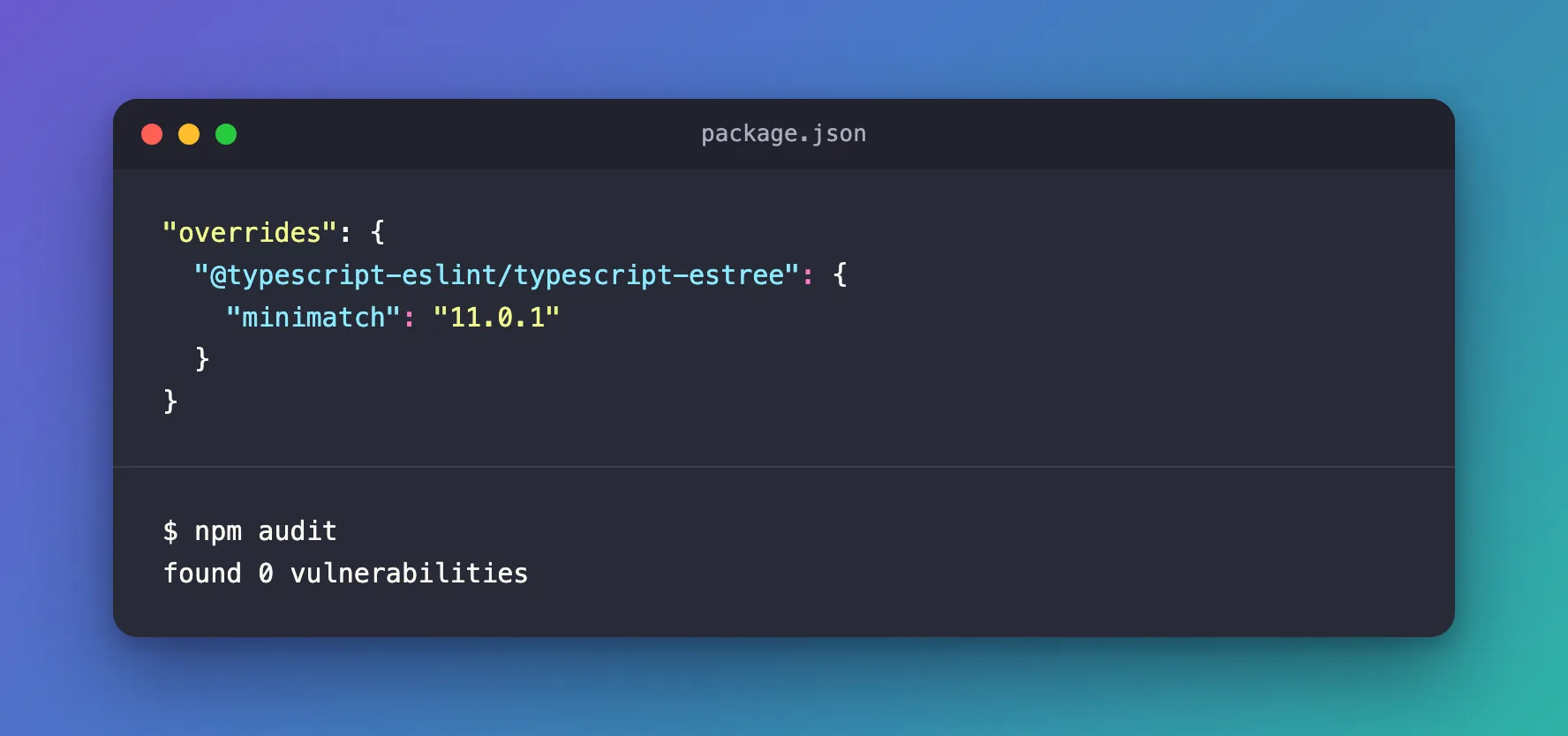
Add an overrides section to package.json that gives @typescript-eslint/typescript-estree minimatch 11.0.1, and nothing else:
"overrides": {
  "@typescript-eslint/typescript-estree": {
    "minimatch": "11.0.1"
  }
}
The nesting keeps the change narrow: other packages that use older minimatch versions, outside the vulnerable range, keep theirs. Then install again:
npm install
added 1 package, changed 1 package, and audited 347 packages in 2s

142 packages are looking for funding
  run `npm fund` for details

found 0 vulnerabilities
After the Fix
npm audit
found 0 vulnerabilities
npm ls minimatch shows the override in place, and only there:
agent-chat-ui@0.1.0
├─┬ eslint-config-next@16.4.6
│ ├─┬ eslint-plugin-import@2.32.0
│ │ └── minimatch@3.1.5 deduped
│ ├─┬ eslint-plugin-jsx-a11y@6.10.2
│ │ └── minimatch@3.1.5 deduped
│ ├─┬ eslint-plugin-react@7.37.5
│ │ └── minimatch@3.1.5 deduped
│ └─┬ typescript-eslint@8.72.2
│   └─┬ @typescript-eslint/typescript-estree@8.72.2
│     └── minimatch@11.0.1 overridden
└─┬ eslint@9.39.5
  ├─┬ @eslint/config-array@0.21.2
  │ └── minimatch@3.1.5 deduped
  ├─┬ @eslint/eslintrc@3.3.7
  │ └── minimatch@3.1.5 deduped
  └── minimatch@3.1.5
A major-version override needs one more check: that the package still works with the newer version. npm run lint ran ESLint as before, without errors. Remove the override once typescript-eslint releases a version that depends on minimatch 11 — npm will then pick the fixed version by itself.
For the series, I chose create-next-app's Biome option instead of ESLint. Its 30 packages install with found 0 vulnerabilities and need no override.
Common Mistakes
| Mistake | What happens | Do this instead |
|---|---|---|
Running npm audit fix --force | npm may install versions that break your tools, and the report can still be red | Read the advisory and override the one package |
Overriding minimatch for the whole tree | Packages that use old, unaffected versions get a major version they were never tested with | Nest the override under the package that needs it |
Forgetting npm install after editing overrides | package-lock.json and node_modules keep the old version | Run npm install |
| Keeping the override forever | You may hold a version back after the parent package moves on | Remove it once the parent depends on a fixed version |
Troubleshooting
| Symptom | Likely cause | Fix |
|---|---|---|
up to date from npm audit fix, but vulnerabilities remain | The fix is outside the range the parent package declares | A scoped override |
npm ls shows invalid next to the overridden package | The override was added without reinstalling | npm install |
| 9 moderate severity vulnerabilities after updating ESLint to 10 | ESLint 10 itself uses an affected minimatch | Override it under eslint too (Fixed: npm warn deprecated eslint@9.39.5) |
FAQ
Is my Next.js app vulnerable?
Not through this advisory. npm audit --omit=dev reports nothing: every affected package is a development tool that only processes your own files.
Why does npm say "fix available via npm audit fix" if it can't fix it?
A fixed version of minimatch exists, so npm offers it. npm audit fix then refuses to install it outside the range typescript-estree declares.
Can I use a range instead of 11.0.1?
Yes. npm's documentation allows any specifier in overrides, such as ^11.0.1. An exact version keeps every install identical.
Conclusion
The 7 moderate severity vulnerabilities in a new ESLint-based Next.js app are one minimatch advisory seen through seven packages. npm audit fix can't fix it, because the fixed version is a new major release. A scoped overrides entry, "@typescript-eslint/typescript-estree": { "minimatch": "11.0.1" }, brings the audit to zero without touching anything else.
Additional Resources
- GHSA-g3hv-75wg-m249 — the advisory, with the affected and fixed versions.
- npm: package.json overrides — scoped and global overrides.
- npm audit —
npm audit fixand--omit=dev.
