Fixed: "No project was found. Change the current working directory or use the --project option." in dotnet ef

No project was found. Change the current working directory or use the --project option. This is often the first thing dotnet ef prints in a solution with more than one project. It doesn't even build: the folder you're in has no project file for it to use. Here's why, how to see which projects you have, and the command that works.
What I Was Doing
I had a .NET 10 solution with two projects: a web API and a class library that holds the EF Core DbContext. I opened a terminal in the solution's root folder, the one with the .slnx file, and created the first migration:
dotnet ef migrations add CreateCatalogTables
What I Expected
Build started..., then a new Migrations folder.
What I Got
No project was found. Change the current working directory or use the --project option.

No build, no migration: the command stopped before doing anything.
What I Checked
What's in the current folder. The root folder holds the solution file, Dewiride.Inventory.slnx, and no .csproj. The projects are one level down, in src. dotnet sln list shows them:
dotnet sln list
Project(s)
----------
src/Dewiride.Inventory.Api/Dewiride.Inventory.Api.csproj
src/Dewiride.Inventory.Data/Dewiride.Inventory.Data.csproj
Where dotnet ef looks. EF Core's tools reference defines two projects for every command. The target project is "where the commands add or remove files. By default, the project in the current directory is the target project." The startup project "is the one that the tools build and run", and "By default, the project in the current directory is the startup project." The common options describe --project as "Relative path to the project folder of the target project. Default value is the current folder."
Why It Happens
With no options, dotnet ef looks for both projects in the current folder, and the solution's root folder holds only the solution file, which isn't a project. Every dotnet ef command does the same here; dotnet ef migrations list from the same folder printed the same message.
The Fix
Name both projects. In this solution:
- the target project is the class library,
src/Dewiride.Inventory.Data, because that's where theDbContextis and where the migrations belong; - the startup project is the web API,
src/Dewiride.Inventory.Api, because itsProgram.csregisters theDbContextwith its connection string, and it references theMicrosoft.EntityFrameworkCore.Designpackage the tools need.
From the solution folder:
dotnet ef migrations add CreateCatalogTables --project src/Dewiride.Inventory.Data --startup-project src/Dewiride.Inventory.Api
After the Fix
Build started...
Build succeeded.
Done. To undo this action, use 'ef migrations remove'
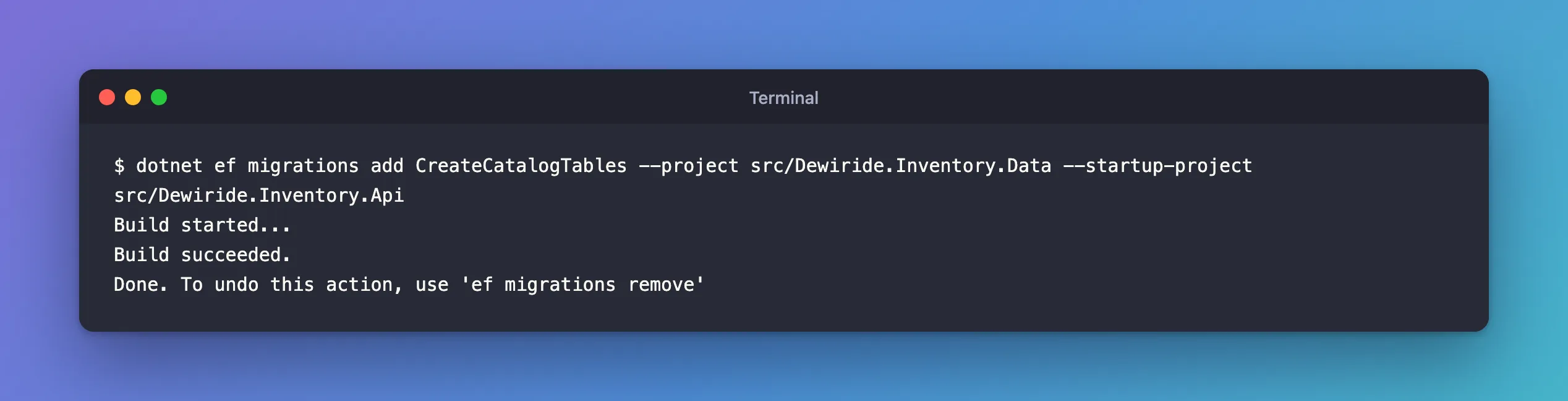
The migration was created in src/Dewiride.Inventory.Data/Migrations/. Every other dotnet ef command, such as database update, migrations list or migrations remove, takes the same two options.
The message's other suggestion, "Change the current working directory", works too: in the class library's folder, the target project is found by default, and only the startup project needs naming. I checked that combination with a command that changes nothing:
dotnet ef migrations list --no-connect --startup-project ../Dewiride.Inventory.Api
It listed the migrations. Running from the solution folder with both options is easier to remember, and it's the same command for everyone on the team.
Common Mistakes
| Mistake | What happens | Do this instead |
|---|---|---|
Passing the solution file to --project | Unable to retrieve project metadata. Ensure it's an SDK-style project. (I tried it with the .slnx) | Pass the project folder or its .csproj |
Adding only --project | The next error: the class library becomes the startup project, and it has no Microsoft.EntityFrameworkCore.Design | Add --startup-project too |
| Running from the API's folder without options | A different error: the target project doesn't match the migrations assembly | Name the class library with --project |
The last two have their own posts: Fixed: "Your startup project doesn't reference Microsoft.EntityFrameworkCore.Design" and Fixed: "Your target project doesn't match your migrations assembly".
Troubleshooting
| Symptom | Likely cause | Fix |
|---|---|---|
No project was found. Change the current working directory or use the --project option. | The current folder has no project file | Pass --project and --startup-project, or run from the project's folder |
Unable to retrieve project metadata. Ensure it's an SDK-style project. | --project points at the solution file | Pass the project folder or its .csproj |
Your startup project … doesn't reference Microsoft.EntityFrameworkCore.Design | Only --project was given, so the class library is the startup project too | Add --startup-project with the app that has the Design package |
Your target project … doesn't match your migrations assembly | The command ran in the API's folder without options | Name the class library with --project |
FAQ
Does the order of --project and --startup-project matter?
No. They're named options; put them anywhere after the command.
Can I avoid typing them every time?
Keep the full command in the repository's README, so the whole team copies the same one, and use your shell's history (Ctrl+R in bash, zsh and PowerShell) after the first time.
Conclusion
"No project was found" means dotnet ef looked for a project file in the current folder and found none, which is normal in a solution's root folder. Tell it which project holds the migrations with --project, and which project runs the app with --startup-project, and every command works from the solution folder.
Additional Resources
- EF Core tools reference (.NET CLI): Target project and startup project
- Using a Separate Migrations Project
