Fixed: "No file path has been provided for the connection option SslCert" or SslKey with MySql.Data

SslMode=VerifyCA worked. Moving up to VerifyFull, which only adds a check of the server's name, failed with a complaint about a client certificate I'd never needed. The driver insists on one with PEM files, and then it never sends it.
What I Was Doing
I was tightening a MySQL connection from VerifyCA to VerifyFull, on MySql.Data 26.10.0 and .NET 10:
Server=127.0.0.1;Port=3306;Database=inventory;User ID=inventory_app;Password=…;SslMode=VerifyFull;SslCa=/Users/you/projects/mysql-connection-test/certs/ca.pem
dotnet run test-connection.cs
What I Expected
A check of the host name on the server's certificate, and nothing else new.
What I Got
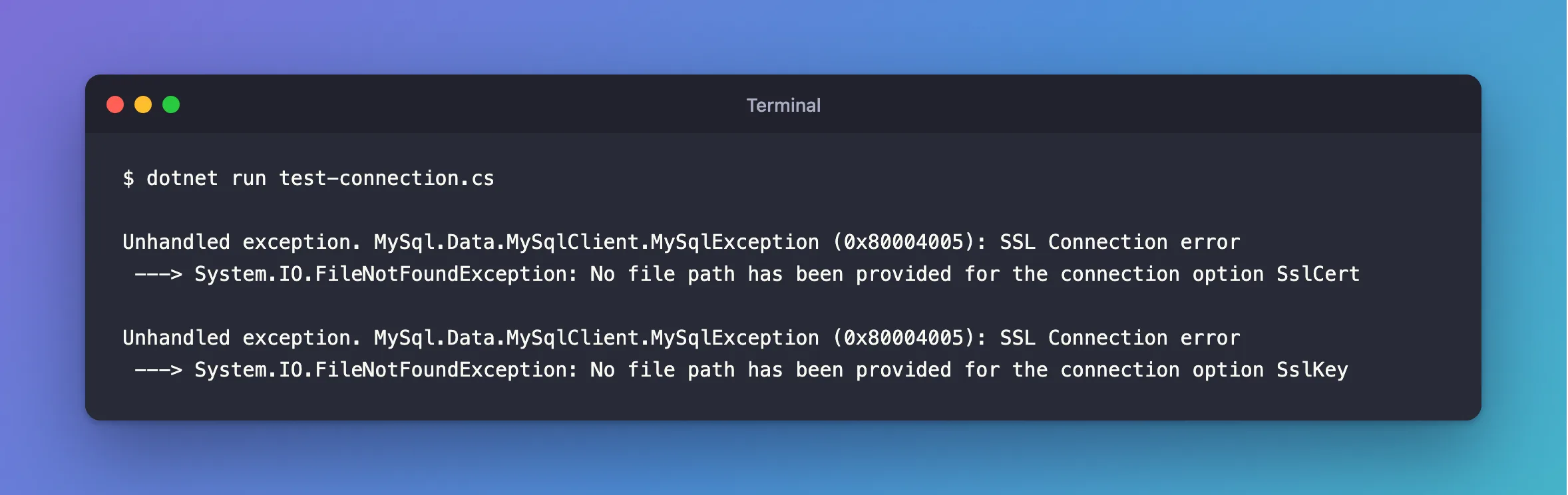
Unhandled exception. MySql.Data.MySqlClient.MySqlException (0x80004005): SSL Connection error
 ---> System.IO.FileNotFoundException: No file path has been provided for the connection option SslCert
I added SslCert, and the next run asked for the key:
Unhandled exception. MySql.Data.MySqlClient.MySqlException (0x80004005): SSL Connection error
 ---> System.IO.FileNotFoundException: No file path has been provided for the connection option SslKey
What I Checked
Oracle's documentation says so plainly. With VerifyFull, "you must also provide values for the SslCa, SslCert, and SslKey connection options".
Whether the certificate does anything. MySQL checks a client certificate if it gets one, so I tried a certificate signed by a CA the server has never heard of, using the mysql client first:
ERROR 2013 (HY000): Lost connection to MySQL server during query
The server threw that client out. The driver, with the same kind of certificate, connected without a problem. And an account set to REQUIRE X509, which must present a certificate, refused the driver even with the right pair, while the mysql client with those same files got in. So with PEM files, this driver reads SslCert and SslKey but doesn't send them.
Why It Happens
With PEM files, the driver checks that all three options are there before it goes further. That's in Oracle's documentation. That the client certificate never reaches the server isn't, and I only found it by testing.
The Fix
Give it a pair. It doesn't have to be one your server knows. There are two easy sources:
MySQL in Docker creates a client pair in its data folder. The key needs converting first, because the driver can't read the format it's in:
docker compose cp mysql:/var/lib/mysql/client-cert.pem certs/client-cert.pem
docker compose exec --user mysql mysql openssl rsa -in /var/lib/mysql/client-key.pem -traditional -out /var/lib/mysql/client-rsa-key.pem
docker compose cp mysql:/var/lib/mysql/client-rsa-key.pem certs/client-key.pem
A managed MySQL server, where you can't get one, needs a throwaway self-signed pair. Any computer with OpenSSL can make it. Use these exact steps, because the more common openssl req -x509 marks the certificate as a CA, and the driver refuses that:
openssl req -newkey rsa:2048 -nodes -keyout client-key.pem -out client.csr -subj "/CN=not-checked"
openssl x509 -req -in client.csr -signkey client-key.pem -days 3650 -out client-cert.pem
openssl rsa -in client-key.pem -traditional -out client-key.pem
Then add both to the connection string:
…;SslMode=VerifyFull;SslCa=/Users/you/projects/mysql-connection-test/certs/ca.pem;SslCert=/Users/you/projects/mysql-connection-test/certs/client-cert.pem;SslKey=/Users/you/projects/mysql-connection-test/certs/client-key.pem
After the Fix
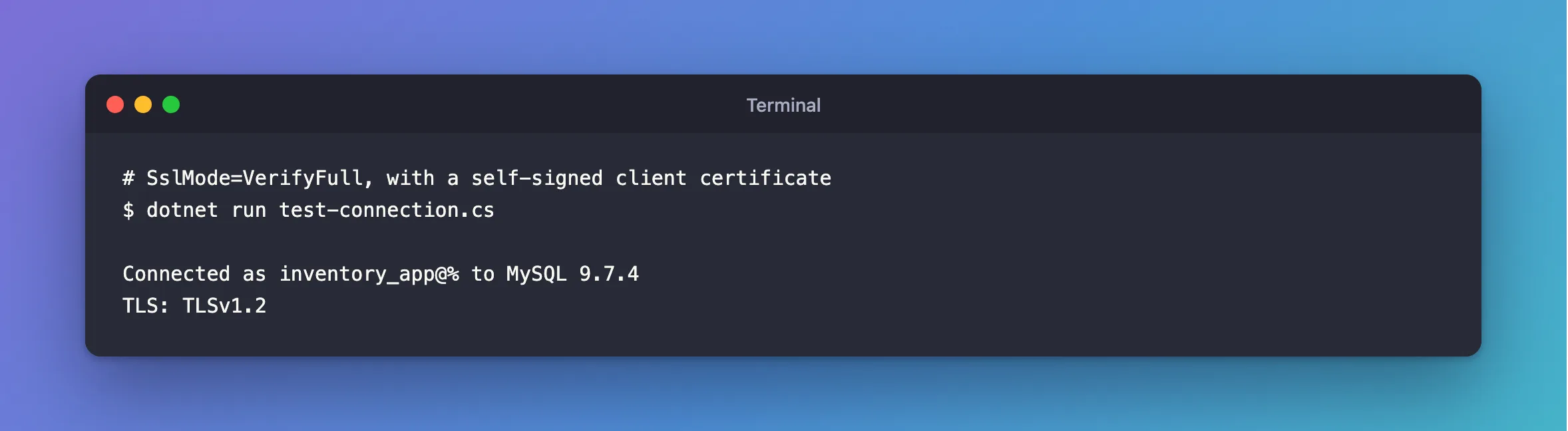
This is against a server whose certificate has the right name, with that throwaway pair:
dotnet run test-connection.cs
Connected as inventory_app@% to MySQL 9.7.4
TLS: TLSv1.2
Common Mistakes
| Mistake | What happens | Do this instead |
|---|---|---|
Falling back to VerifyCA because you have no client certificate | You lose the name check for nothing | Create a throwaway pair |
Using REQUIRE X509 on the account | Access denied, even with the right pair | Use the PFX route, or don't require it |
| Treating the key as a secret the server needs | It's never sent | Still keep it out of Git: certs/ in .gitignore |
Troubleshooting
| Symptom | Likely cause | Fix |
|---|---|---|
The specified file cannot be converted to a key | The key starts with BEGIN PRIVATE KEY | The fix |
The certificate is invalid | The client certificate is marked as a CA | The fix |
The host name does not match the name on the certificate | The pair is fine, and now the name is being checked | The fix |
Failed to read file at the specified location | The path is wrong | The fix |
Conclusion
With PEM files, SslMode=VerifyFull requires SslCa, SslCert and SslKey. The last two only have to exist, so a throwaway pair is fine when your server doesn't issue one.
Additional Resources
- Using PEM Certificates in Connector/NET — the three options.
- Connector/NET Connection Options —
SslCertandSslKey.
