Fixed: "No file path has been provided for the connection option SslCa" with MySql.Data

I raised SslMode from Required to VerifyCA and the connection stopped working, with No file path has been provided for the connection option SslCa. VerifyCA means "check who signed the server's certificate", so the driver needs to know which signature to trust, and it only looks in the file you give it.
What I Was Doing
I was testing a MySQL connection with a one-file C# program from How to Write a MySQL Connection String for .NET C#, on MySql.Data 26.10.0 and .NET 10, with this connection string:
Server=127.0.0.1;Port=3306;Database=inventory;User ID=inventory_app;Password=…;SslMode=VerifyCA
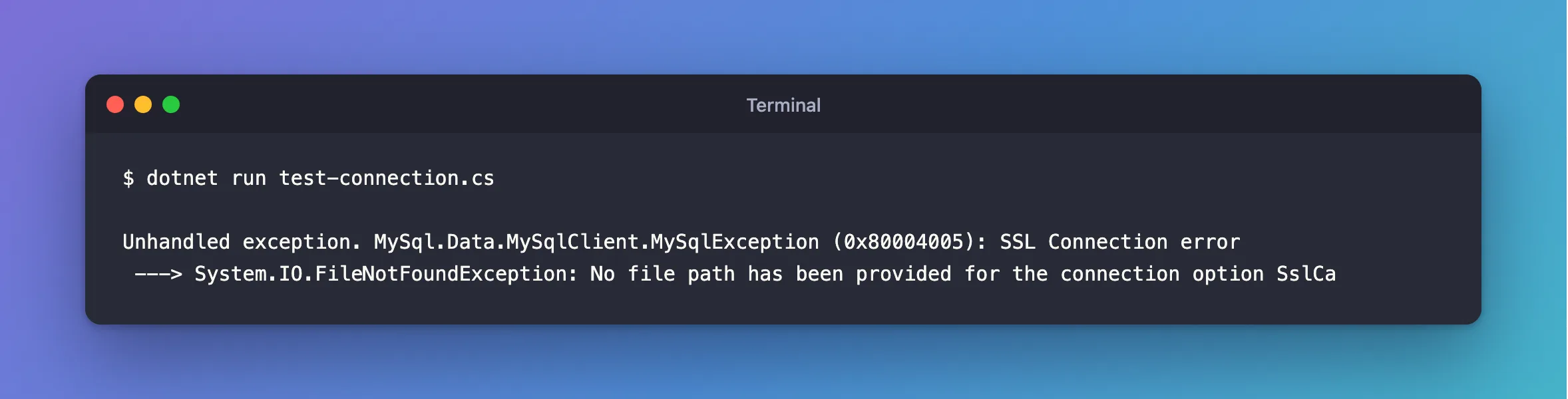
dotnet run test-connection.cs
What I Expected
A connection, checked against whichever certificates my computer already trusts, the way a browser does it.
What I Got
Unhandled exception. MySql.Data.MySqlClient.MySqlException (0x80004005): SSL Connection error
 ---> System.IO.FileNotFoundException: No file path has been provided for the connection option SslCa
What I Checked
Whether the system's certificates would count. On Linux, SSL_CERT_FILE is how you tell .NET which CAs to trust. I set it to the right CA in a Linux container, and got the same error. The driver doesn't get as far as looking.
Oracle's documentation. The SslCa option is "the path to a file in PEM format (.pem) that contains a list of trusted SSL certificate authorities (CA)", and with PEM it "engages when the SslMode connection option is set to a value of VerifyCA or VerifyFull".
Why It Happens
VerifyCA and VerifyFull check the server's certificate against a CA, and this driver requires you to name that CA's file. There's no fallback to the operating system's list.
The Fix
Get the CA file. For MySQL in Docker, it's in the data folder, because the server creates its own CA when it first starts:
mkdir certs
docker compose cp mysql:/var/lib/mysql/ca.pem certs/ca.pem
On a managed server, download the CA file from your provider. Then add SslCa, with a full path:
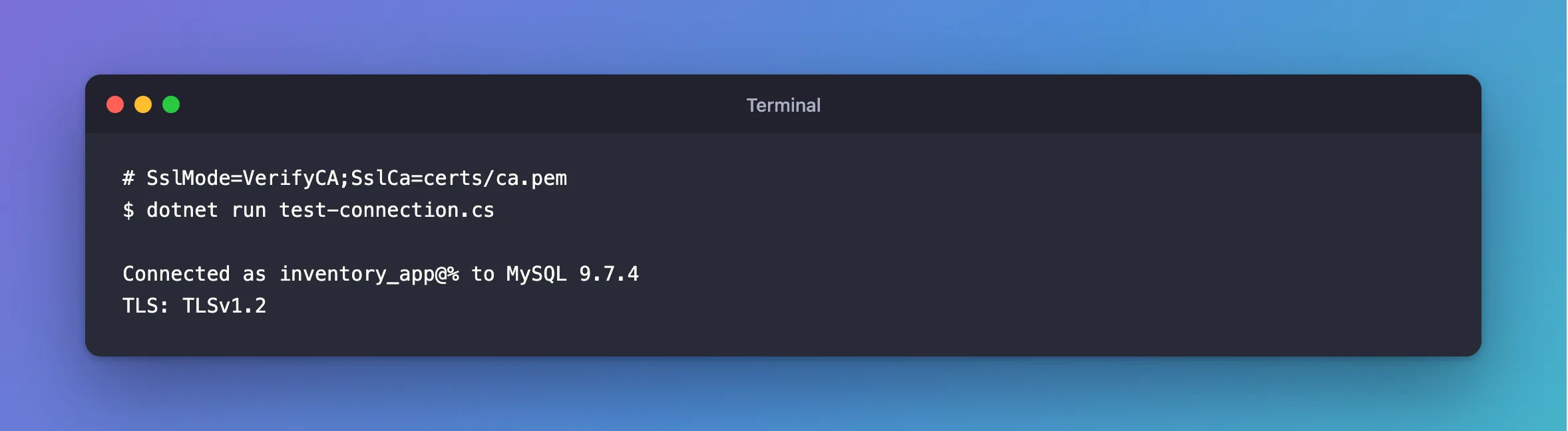
Server=127.0.0.1;Port=3306;Database=inventory;User ID=inventory_app;Password=…;SslMode=VerifyCA;SslCa=/Users/you/projects/mysql-connection-test/certs/ca.pem
After the Fix
dotnet run test-connection.cs
Connected as inventory_app@% to MySQL 9.7.4
TLS: TLSv1.2
Common Mistakes
| Mistake | What happens | Do this instead |
|---|---|---|
Going back to SslMode=Required to make it go away | Encrypted, but to any server that answers | Give it the CA file |
| Using a relative path | It depends on where the app starts | Use a full path |
Copying server-cert.pem instead of ca.pem | The signature check fails | Copy the CA |
| Using a file with several CAs | Only the first is read | Keep the one that signed your server's certificate |
Troubleshooting
| Symptom | Likely cause | Fix |
|---|---|---|
Failed to read file at the specified location | The path is wrong | The fix |
The certificate authority (CA) does not match | A CA from somewhere else | The fix |
No file path … SslCert | VerifyFull needs more files | The fix |
Conclusion
VerifyCA and VerifyFull need a CA file, and this driver won't look anywhere else for one. Copy ca.pem from the server or your provider, and point SslCa at it with a full path.
Additional Resources
- Connector/NET Connection Options —
SslCaandSslMode. - Using PEM Certificates in Connector/NET — the same options, with examples.
