Fixed: "No connections map found in configuration" in the Microsoft 365 Agents SDK

After I gave my Microsoft 365 Agents SDK agent a connection of its own, it still started with a warning: No connections map found in configuration. Everything worked, because the SDK falls back to the first connection, but the warning names a section the configuration doesn't have. One entry in ConnectionsMap removes it.
What I Was Doing
I was building the reminder agent for Part 6 of the Microsoft 365 Agents SDK Fundamentals, on Agents SDK 1.9.205 and .NET 10. Proactive messages need the agent's own identity, so I added the SDK's authentication package and gave the agent a connection in appsettings.json, the way Microsoft's Configure authentication in your agent page shows a single-tenant client secret:
  "Connections": {
    "ServiceConnection": {
      "Settings": {
        "AuthType": "ClientSecret",
        "ClientId": "22222222-2222-2222-2222-222222222222",
        "AuthorityEndpoint": "https://login.microsoftonline.com/11111111-1111-1111-1111-111111111111",
        "Scopes": [
          "https://api.botframework.com/.default"
        ]
      }
    }
  }
The client secret itself was in .NET user secrets, under Connections:ServiceConnection:Settings:ClientSecret.
What I Expected
Until then, the agent had started with two warnings, because it had no identity at all:
warn: Microsoft.Agents.Authentication.ConfigurationConnections[0]
      No connections found in configuration.
warn: Microsoft.Agents.Authentication.ConfigurationConnections[0]
      No connections map found in configuration.
With a connection configured, I expected both to go.
What I Got
The first one went. The second stayed:
Using launch settings from /Users/you/source/Reminders/Properties/launchSettings.json...
warn: Microsoft.Agents.Authentication.ConfigurationConnections[0]
      No connections map found in configuration.
info: Microsoft.Agents.Authentication.ConfigurationConnections[0]
      No assembly name given in config for connection `ServiceConnection`.  Using default assembly lib: `Microsoft.Agents.Authentication.Msal`
info: Microsoft.Agents.Authentication.ConfigurationConnections[0]
      No type name given in config for connection `ServiceConnection`.  Using default type name: `MsalAuth`
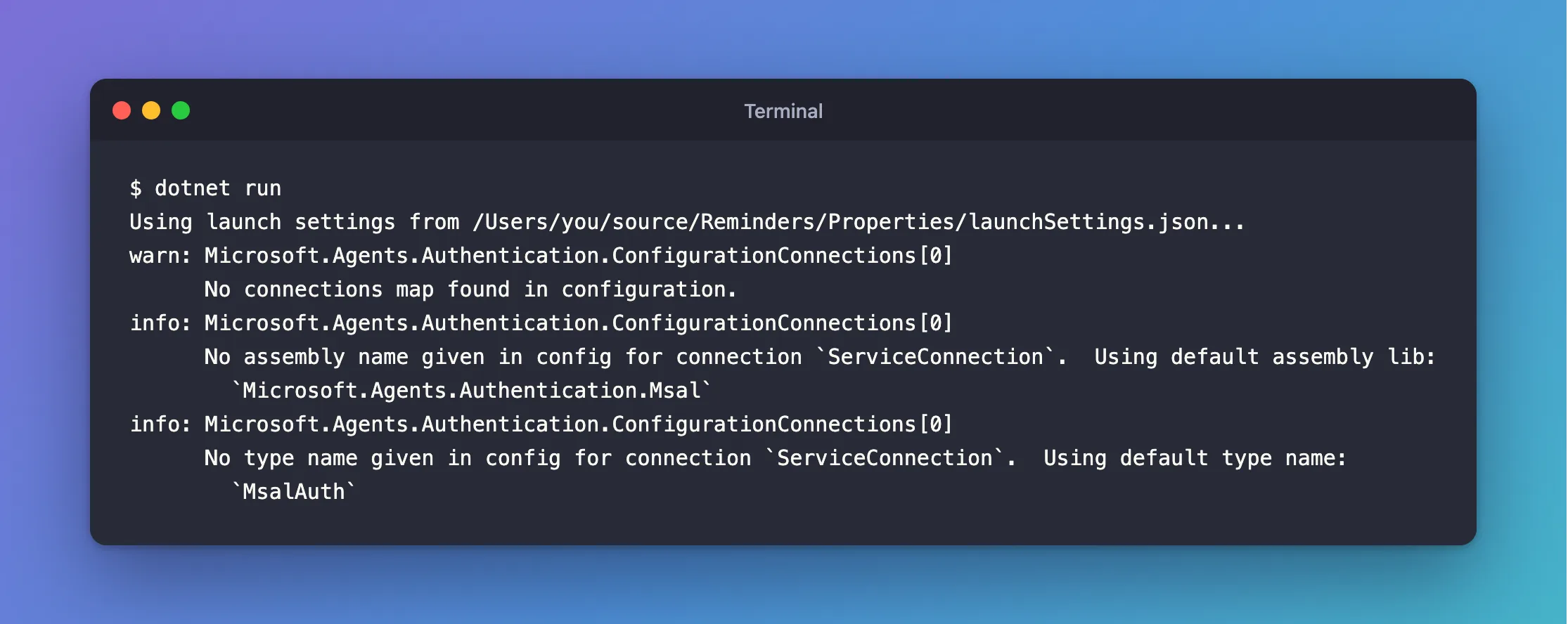
The two info lines are the SDK filling in defaults: the connection uses the MsalAuth type from the Microsoft.Agents.Authentication.Msal package, which is what the package is for. Only the first line is a warning.
What I Checked
Whether anything was broken. No: the agent got its tokens and sent its proactive messages. The warning wasn't stopping anything.
What the SDK does without a map. Microsoft's API reference for ConfigurationConnections, the class that logged the warning, says: If 'ConnectionsMap' is not specified, the first Connection is used as the default. So the agent fell back to ServiceConnection, its only connection, and said so.
What a map entry is. The reference for ConfigurationConnections.GetTokenProvider describes each entry: ServiceUrl is: A regex to match with, or "*" for any serviceUrl value. Connection is: A name in the 'Connections'. When the agent calls a channel, the SDK looks up the channel's service URL in the map to choose which connection gets the token.
Where the section is documented. The Configure authentication in your agent page, which I had copied from, shows only Connections. Microsoft's guide to migrating a bot from the Bot Framework SDK shows both, ConnectionsMap right after Connections, with one entry that sends every service URL to ServiceConnection.
Why It Happens
The SDK can hold several connections, and ConnectionsMap says which one to use for which service URL. With no map at all, ConfigurationConnections logs this warning and falls back to the first connection, which is all an agent with one connection needs.
The Fix
Add a ConnectionsMap with one entry that sends every service URL to the connection, next to Connections in appsettings.json:
{
  "Logging": {
    "LogLevel": {
      "Default": "Information",
      "Microsoft.AspNetCore": "Warning"
    }
  },
  "AllowedHosts": "*",
  "Connections": {
    "ServiceConnection": {
      "Settings": {
        "AuthType": "ClientSecret",
        "ClientId": "22222222-2222-2222-2222-222222222222",
        "AuthorityEndpoint": "https://login.microsoftonline.com/11111111-1111-1111-1111-111111111111",
        "Scopes": [
          "https://api.botframework.com/.default"
        ]
      }
    }
  },
  "ConnectionsMap": [
    {
      "ServiceUrl": "*",
      "Connection": "ServiceConnection"
    }
  ]
}
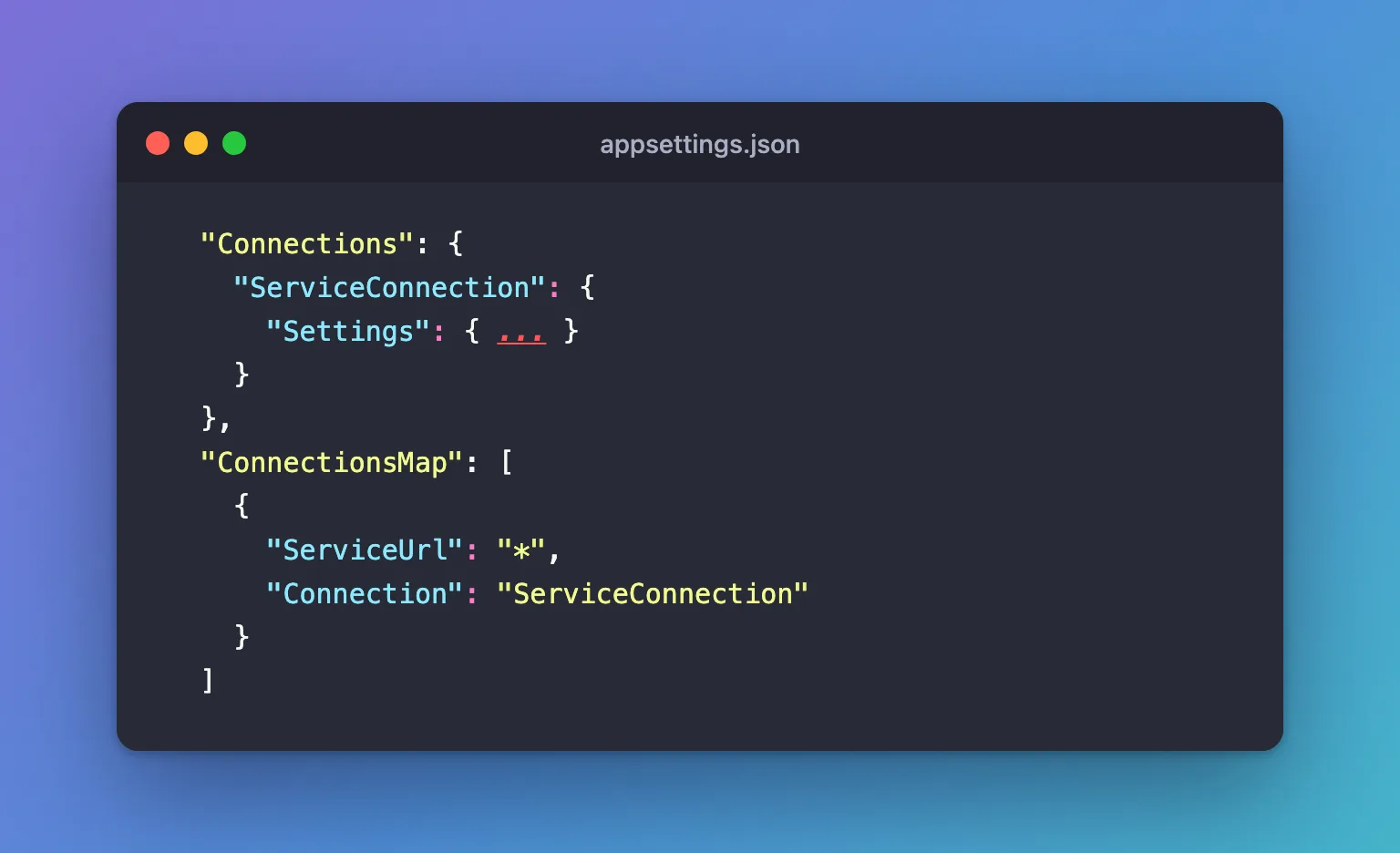
ServiceUrlis*, any service URL.Connectionis the name of the connection underConnections, spelled exactly the same.
After the Fix
I stopped the agent and ran it again:
Using launch settings from /Users/you/source/Reminders/Properties/launchSettings.json...
info: Microsoft.Agents.Authentication.ConfigurationConnections[0]
      No assembly name given in config for connection `ServiceConnection`.  Using default assembly lib: `Microsoft.Agents.Authentication.Msal`
info: Microsoft.Agents.Authentication.ConfigurationConnections[0]
      No type name given in config for connection `ServiceConnection`.  Using default type name: `MsalAuth`
info: Microsoft.Agents.Hosting.AspNetCore.BackgroundQueue.HostedActivityService[0]
      Queued Hosted Service is running.
info: Microsoft.Agents.Hosting.AspNetCore.BackgroundQueue.HostedTaskService[0]
      Queued Hosted Service is running.
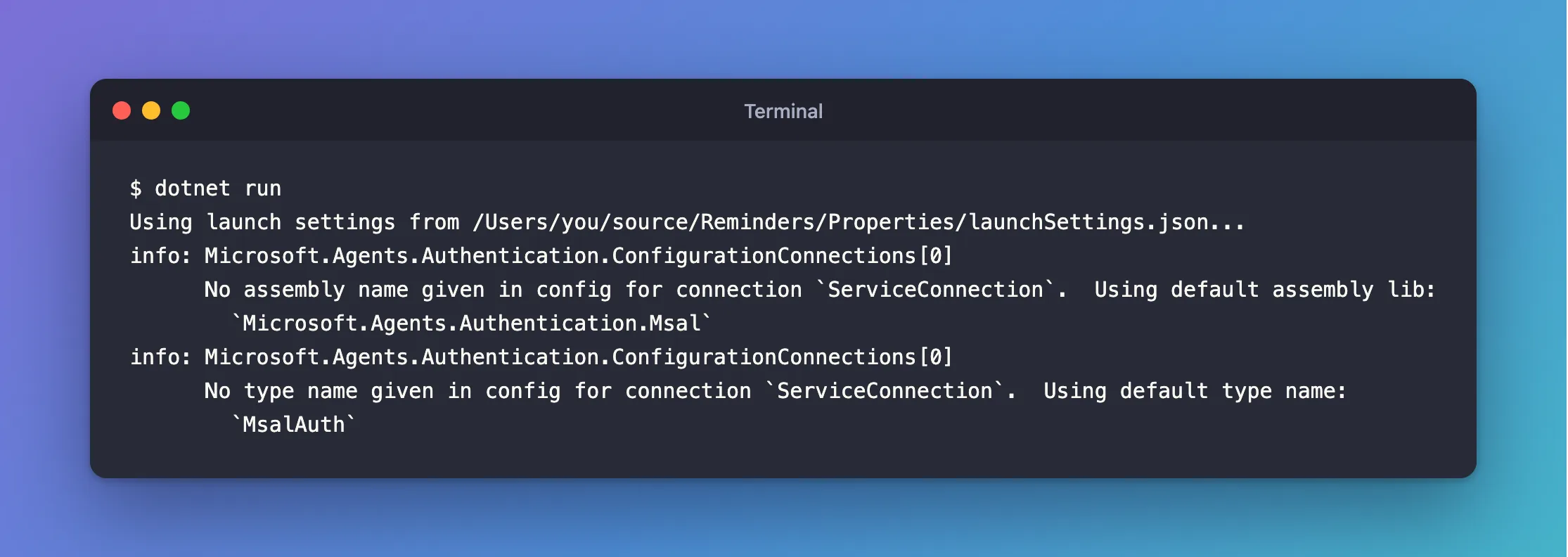
No warning, and the agent's proactive messages still went through.
Common Mistakes
| Mistake | What happens | Do this instead |
|---|---|---|
Putting ConnectionsMap inside Connections | The SDK doesn't find it and the warning stays | Put it at the top level, next to Connections |
A Connection name that doesn't match | The map points at a connection that doesn't exist | Use the exact name from Connections, such as ServiceConnection |
Writing ConnectionsMap as an object | It's a list of entries | Use square brackets, with one object per entry |
Troubleshooting
| Symptom | Likely cause | Fix |
|---|---|---|
| No connections found in configuration. as well | There's no Connections section, so the agent has no identity | Add the connection first |
| The warning stays after adding the map | The map is nested in another section, or the file you edited isn't the one the agent reads | Check that ConnectionsMap is at the top level of the project's appsettings.json |
FAQ
Is the warning a problem if I only have one connection?
Not for how the agent works: the API reference says the first connection is used when there's no map. Adding the map makes that choice explicit in your configuration, and the warning goes away.
When would I need more than one entry?
When the agent has more than one connection. Each entry matches service URLs with its own pattern, a regular expression or *, and names the connection to use for them.
Conclusion
No connections map found in configuration means the agent has a connection but no ConnectionsMap, so the SDK chose the first connection for every call and warned about it. Add a ConnectionsMap entry with "ServiceUrl": "*" and the name of your connection, and the agent starts without the warning.
Additional Resources
- ConfigurationConnections class — what happens without a
ConnectionsMap. - ConfigurationConnections.GetTokenProvider method — what
ServiceUrlandConnectionmean. - Bot Framework .NET migration guidance —
ConnectionsandConnectionsMaptogether. - Configure authentication in your agent — the connection settings for each kind of credential.
