Fixed: A MySQL SELECT in a Transaction Returns an Old Value

Another session changed a row and committed, and I could see that it worked. In my transaction, the same SELECT kept returning the old number. Nothing's broken: under MySQL's default isolation level, a transaction keeps reading from the snapshot it took at its first read.
What I Was Doing
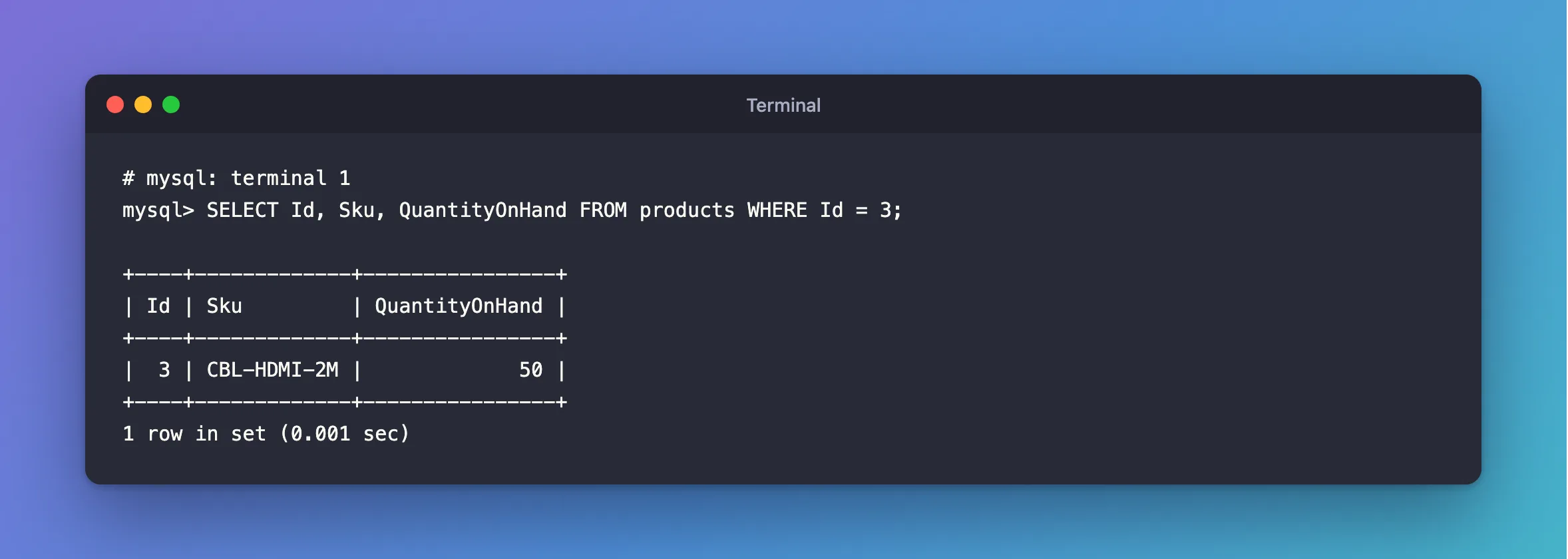
I had a transaction open, reading a product's quantity on MySQL 9.7.4 in Docker:
START TRANSACTION;
SELECT Id, Sku, QuantityOnHand FROM products WHERE Id = 3;
+----+-------------+----------------+
| Id | Sku         | QuantityOnHand |
+----+-------------+----------------+
|  3 | CBL-HDMI-2M |             50 |
+----+-------------+----------------+
1 row in set (0.001 sec)
Meanwhile, another session changed it:
UPDATE products SET QuantityOnHand = 40 WHERE Id = 3;
SELECT Id, Sku, QuantityOnHand FROM products WHERE Id = 3;
+----+-------------+----------------+
| Id | Sku         | QuantityOnHand |
+----+-------------+----------------+
|  3 | CBL-HDMI-2M |             40 |
+----+-------------+----------------+
1 row in set (0.001 sec)
What I Expected
The first terminal to show 40 the next time it asked.
What I Got
SELECT Id, Sku, QuantityOnHand FROM products WHERE Id = 3;
+----+-------------+----------------+
| Id | Sku         | QuantityOnHand |
+----+-------------+----------------+
|  3 | CBL-HDMI-2M |             50 |
+----+-------------+----------------+
1 row in set (0.001 sec)
What I Checked
A locking read, in the same transaction.
SELECT Id, Sku, QuantityOnHand FROM products WHERE Id = 3 FOR UPDATE;
+----+-------------+----------------+
| Id | Sku         | QuantityOnHand |
+----+-------------+----------------+
|  3 | CBL-HDMI-2M |             40 |
+----+-------------+----------------+
1 row in set (0.001 sec)
So 40 is there, and the plain SELECT just isn't looking at it.
The isolation level. SELECT @@transaction_isolation; said REPEATABLE-READ, the default.
Why It Happens
MySQL's isolation levels page says of this level: "Consistent reads within the same transaction read the snapshot established by the first read." That's the "repeatable" in the name: read a row twice, and you get the same answer, so a report's numbers add up. A plain SELECT is a consistent read, and a locking read isn't, so it sees the newest row.
The Fix
Choose by what you need the value for:
You only want the newest data: end the transaction, and read again.
COMMIT;
SELECT Id, Sku, QuantityOnHand FROM products WHERE Id = 3;
The consistent read page says: "You can advance your timepoint by committing your transaction and then doing another SELECT or START TRANSACTION WITH CONSISTENT SNAPSHOT."
You're going to change it based on what you read: use FOR UPDATE, as above. That's the newest value, and it's locked until you finish.
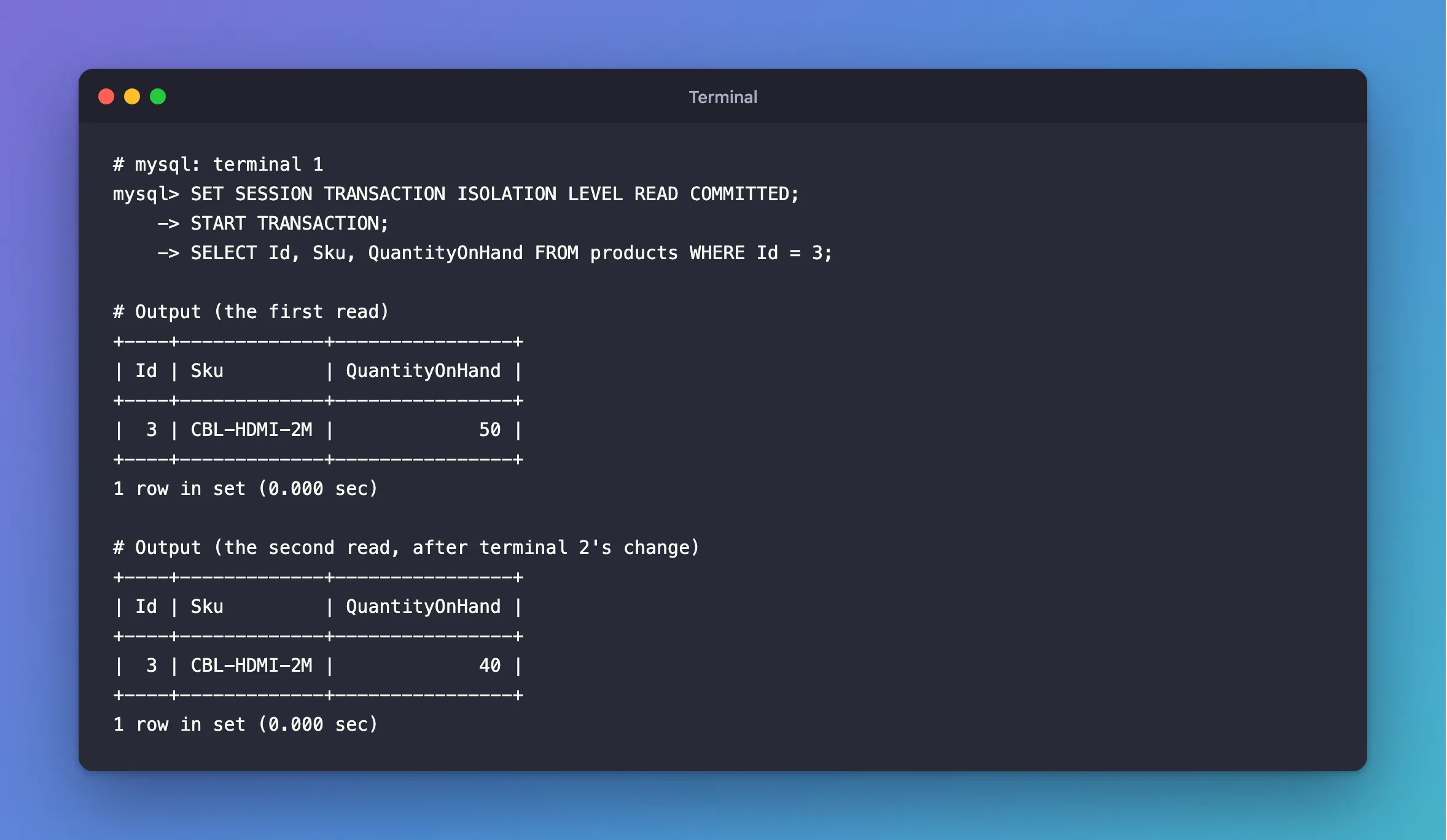
You want every read to be fresh: use READ COMMITTED for the session:
SET SESSION TRANSACTION ISOLATION LEVEL READ COMMITTED;
START TRANSACTION;
SELECT Id, Sku, QuantityOnHand FROM products WHERE Id = 3;
After the Fix
With READ COMMITTED, the same story gives the new value on the second read:
+----+-------------+----------------+
| Id | Sku         | QuantityOnHand |
+----+-------------+----------------+
|  3 | CBL-HDMI-2M |             50 |
+----+-------------+----------------+
1 row in set (0.000 sec)
+----+-------------+----------------+
| Id | Sku         | QuantityOnHand |
+----+-------------+----------------+
|  3 | CBL-HDMI-2M |             40 |
+----+-------------+----------------+
1 row in set (0.000 sec)
Common Mistakes
| Mistake | What happens | Do this instead |
|---|---|---|
| Reading a value in a transaction, and writing a number computed from it | Another session's change is lost | Compute in the UPDATE, or use FOR UPDATE |
Assuming an UPDATE uses the old snapshot too | It reads the newest row: here, 40 - 1 = 39 | READ COMMITTED vs REPEATABLE READ shows it |
| Leaving a transaction open across a long pause | Everything it reads is out of date | Keep transactions short |
Troubleshooting
| Symptom | Likely cause | Fix |
|---|---|---|
| An app sees old data until it reconnects | A transaction stayed open on that connection | Commit after each unit of work |
autocommit = 0 in the session | Every read is in one long transaction | Commit, or turn autocommit on |
A plain SELECT and a FOR UPDATE disagree | That's the difference between them | Use the one you need |
Conclusion
Under REPEATABLE READ, a transaction's plain SELECTs keep showing the snapshot from its first read. Commit and read again for fresh data, use FOR UPDATE when you're going to act on the value, or use READ COMMITTED if every read should be fresh.
Additional Resources
- Consistent Nonlocking Reads — how snapshots work.
- Transaction Isolation Levels — all four levels.
