Fixed: "[Warning] [MY-015011] Failed to validate certificate because certificate has expired" in MySQL

Failed to validate certificate … because certificate has expired is a warning, not an error, so MySQL starts and accepts TLS connections as usual. Clients that check certificates will refuse it. Clients that don't won't notice, which is the worst of both.
What I Was Doing
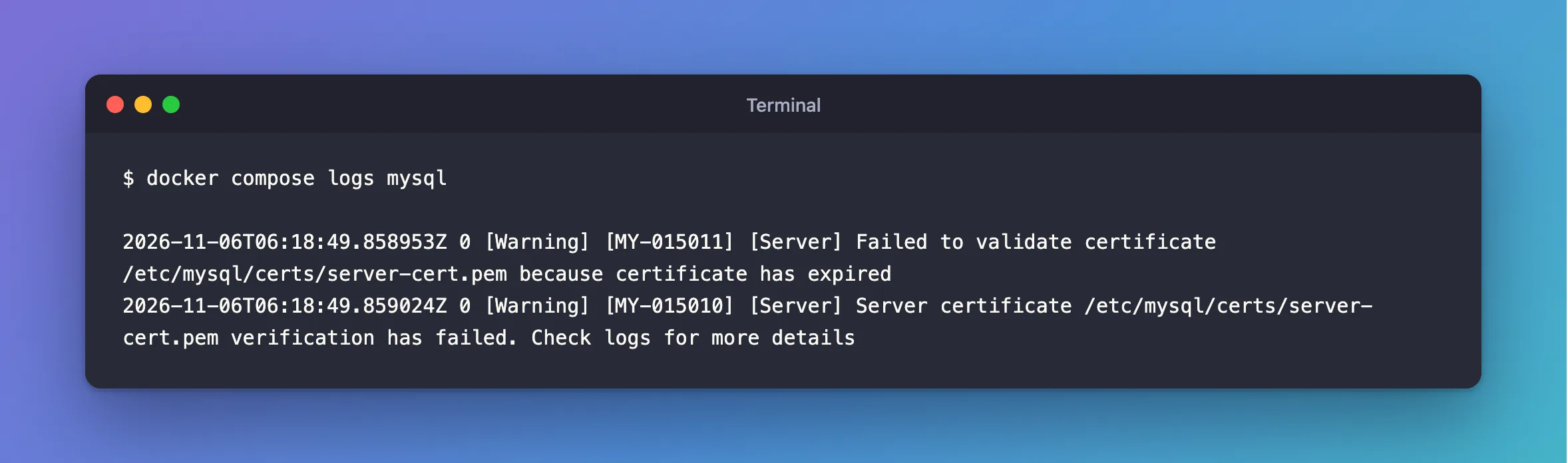
I gave a MySQL 9.7 test server a certificate that ended in 2021, to see what would happen, and read its log after a restart:
docker compose logs mysql
What I Expected
The server to refuse to use it.
What I Got
2026-11-06T06:18:49.858953Z 0 [Warning] [MY-015011] [Server] Failed to validate certificate /etc/mysql/certs/server-cert.pem because certificate has expired
2026-11-06T06:18:49.859024Z 0 [Warning] [MY-015010] [Server] Server certificate /etc/mysql/certs/server-cert.pem verification has failed. Check logs for more details
What I Checked
The dates, from any session:
SHOW GLOBAL STATUS LIKE 'Ssl_server_not_after';
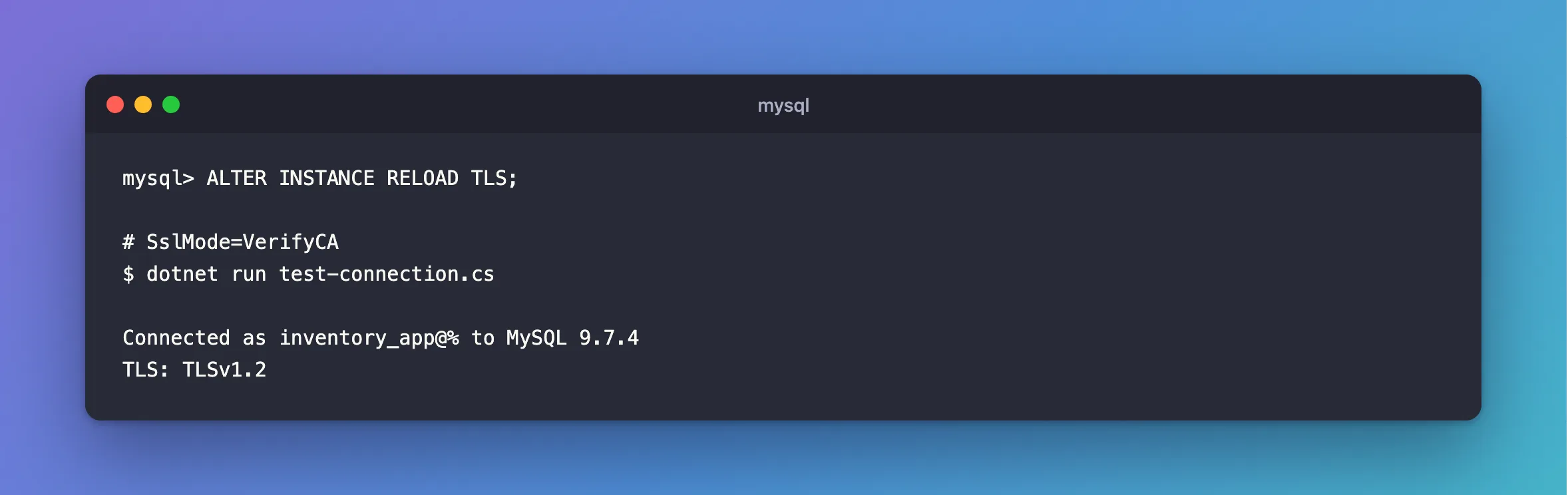
What clients do. With MySql.Data, SslMode=VerifyCA was refused with certificate expired on. SslMode=Required connected with nothing said.
Why It Happens
MySQL checks its own certificate at startup and warns, but it leaves the decision to clients. It can't know whether a client will check.
The Fix
Give it a new certificate, signed by the same CA so that clients don't need anything new. Then reload, as root:
ALTER INSTANCE RELOAD TLS;
How to Give a MySQL Docker Container a Certificate with the Right Host Name has the commands.
After the Fix
The warning has gone from the next startup's log, and clients that check connect again:
Connected as inventory_app@% to MySQL 9.7.4
TLS: TLSv1.2
Common Mistakes
| Mistake | What happens | Do this instead |
|---|---|---|
| Reading "configured to support TLS" and moving on | That line appears anyway | Search the log for MY-0150 |
| Waiting for clients to complain | Those not checking never will | Watch Ssl_server_not_after |
| Making a new CA too | Every client needs the new one | Reuse the CA |
Troubleshooting
| Symptom | Likely cause | Fix |
|---|---|---|
because invalid CA certificate | A different problem with the CA | The fix |
| Still expired after the reload | The reload failed, or used the old file | The fix |
Conclusion
MY-015011 with certificate has expired means a certificate has run out, and MySQL carries on anyway. Replace it, reload, and keep an eye on the date.
Additional Resources
- ALTER INSTANCE —
RELOAD TLS. - Server Status Variables —
Ssl_server_not_after.
