Fixed: "[Warning] [MY-010068] CA certificate is self signed" in MySQL

CA certificate ca.pem is self signed turns up in MySQL's log every time it starts, and I went looking for what I'd done wrong. Nothing. Every root CA is self-signed, by definition, so MySQL's own automatic CA triggers it on a default install.
What I Was Doing
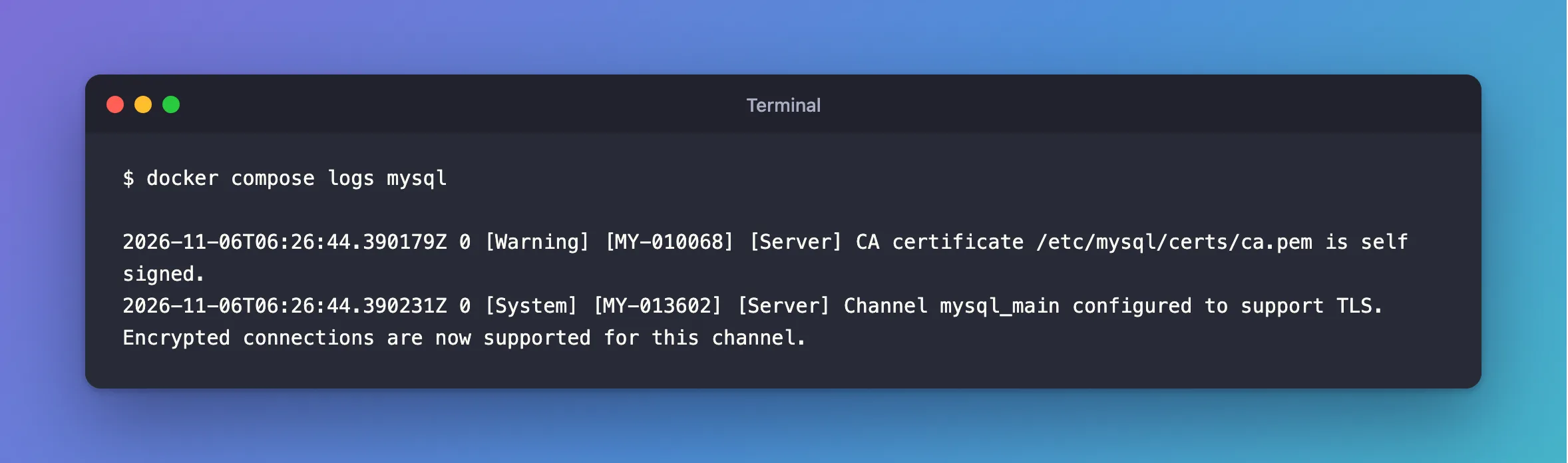
I was reading MySQL 9.7's startup log, after giving it my own certificates:
docker compose logs mysql
What I Expected
No warnings.
What I Got
2026-11-06T06:26:44.390179Z 0 [Warning] [MY-010068] [Server] CA certificate /etc/mysql/certs/ca.pem is self signed.
2026-11-06T06:26:44.390231Z 0 [System] [MY-013602] [Server] Channel mysql_main configured to support TLS. Encrypted connections are now supported for this channel.
What I Checked
The CA's issuer:
openssl x509 -in ca.pem -noout -subject -issuer
subject=CN=Inventory Demo CA
issuer=CN=Inventory Demo CA
The issuer and the subject are the same, and that's what self-signed means.
A default install. MySQL's automatic CA is the same: subject and issuer are both MySQL_Server_9.7.4_Auto_Generated_CA_Certificate.
Whether TLS works. The next line in the log says it does, and clients verifying that CA connect fine.
Why It Happens
Somebody has to sign a root CA, and there's no one above it, so it signs itself. Public CAs are the same: you trust them because your operating system ships with them. A private CA is trusted because you give its file to your clients.
The Fix
There's nothing to fix for a private CA. Make sure of one thing: your clients have that CA file, and use VerifyCA or VerifyFull. How to Verify a MySQL Server Certificate in .NET C# with VerifyCA shows it for .NET.
After the Fix
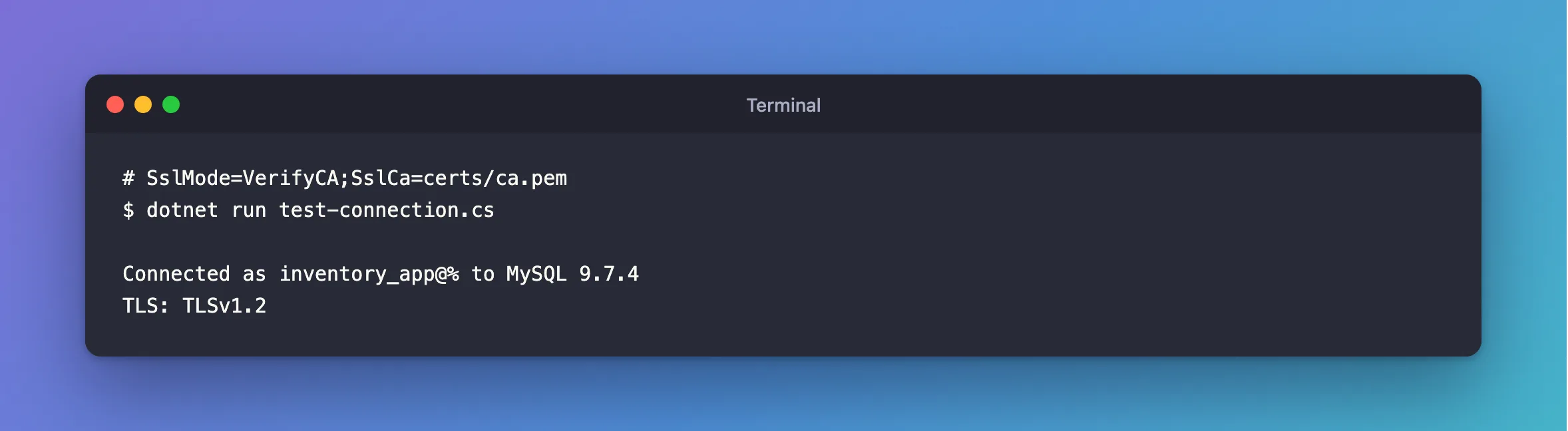
No change to the log, and a client that checks the CA connects:
dotnet run test-connection.cs
Connected as inventory_app@% to MySQL 9.7.4
TLS: TLSv1.2
Common Mistakes
| Mistake | What happens | Do this instead |
|---|---|---|
Treating every [Warning] as an error | You chase nothing | Read which one it is |
| Missing the warnings that do matter | MY-015011 sits right beside it | Check for that one |
Troubleshooting
| Symptom | Likely cause | Fix |
|---|---|---|
Failed to validate certificate in the same log | That one is a real problem | The fix |
| A client refuses the connection | It doesn't have this CA file | Give it the CA |
Conclusion
MY-010068 is normal for a private CA: root CAs sign themselves. Keep the warning, give your clients the CA file, and watch for the warnings that mean something.
Additional Resources
- Creating SSL and RSA Certificates and Keys using MySQL — the automatic CA.
- Configuring MySQL to Use Encrypted Connections —
ssl_ca.
