Fixed: "ModuleNotFoundError: No module named 'PIL'" in Python

A Python script stopped with ModuleNotFoundError: No module named 'PIL'. The obvious fix, pip install PIL, fails as well, because the package isn't called that: you import PIL, and you install Pillow. Here's how the error came up, what the failing fix looks like, and the install that works.
What I Was Doing
I was running a small Python script that checks images, on Python 3.15.2 on macOS. This is the smallest version of it:
from PIL import Image

image = Image.new("RGB", (64, 32))
print("Created an image of", image.size)
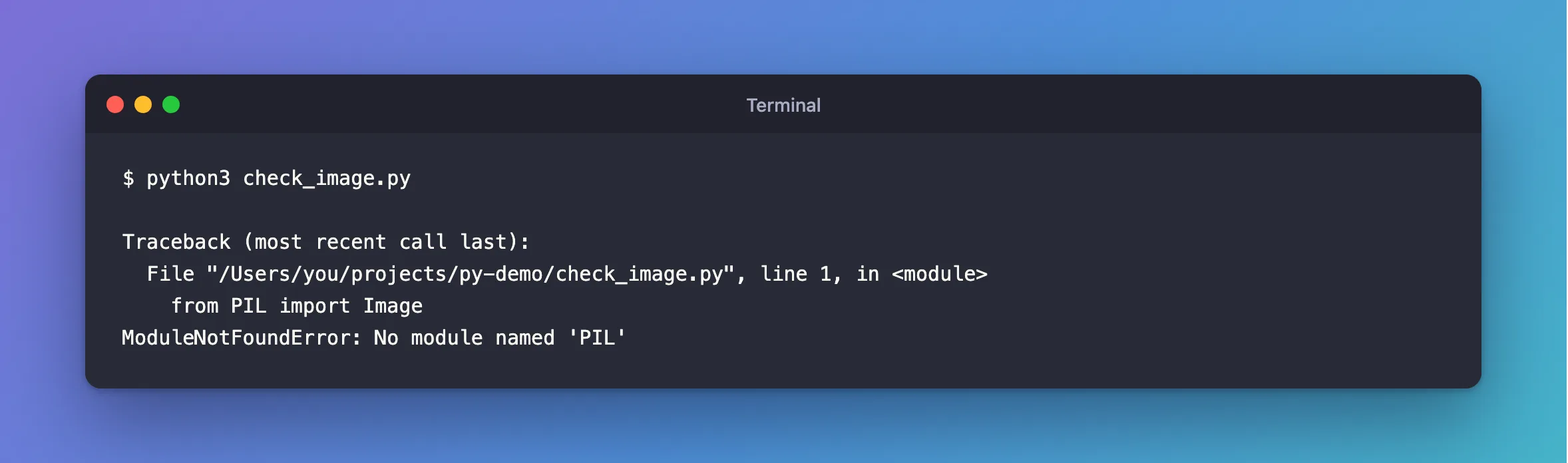
python3 check_image.py
What I Expected
Created an image of (64, 32).
What I Got
Traceback (most recent call last):
  File "/Users/you/projects/py-demo/check_image.py", line 1, in <module>
    from PIL import Image
ModuleNotFoundError: No module named 'PIL'
What I Checked
Which Python ran. python3 --version said 3.15.2, a newer Python than the one I'd used this script with before. Packages are installed per Python, so a new one starts without them.
The obvious install. The error names PIL, so that's what I tried first, inside a new virtual environment:
python3 -m venv .venv
.venv/bin/python -m pip install PIL
ERROR: Could not find a version that satisfies the requirement PIL (from versions: none)
ERROR: No matching distribution found for PIL
The real package name. Pillow's installation page is titled "Pillow (PIL Fork)", and it gives the command: "Install Pillow with pip".
Why It Happens
The two names are different. PIL was the original library, and Pillow is its fork, which kept PIL as the name you import. So the code says from PIL import Image, and the install says Pillow. Python only knows that nothing called PIL is installed for the Python that's running.
The Fix
Create a virtual environment, install Pillow into it, and run your script with its Python. Python's venv page explains what that gives you: an environment that "by default is isolated from the packages in the base environment".
- bash / zsh
- PowerShell
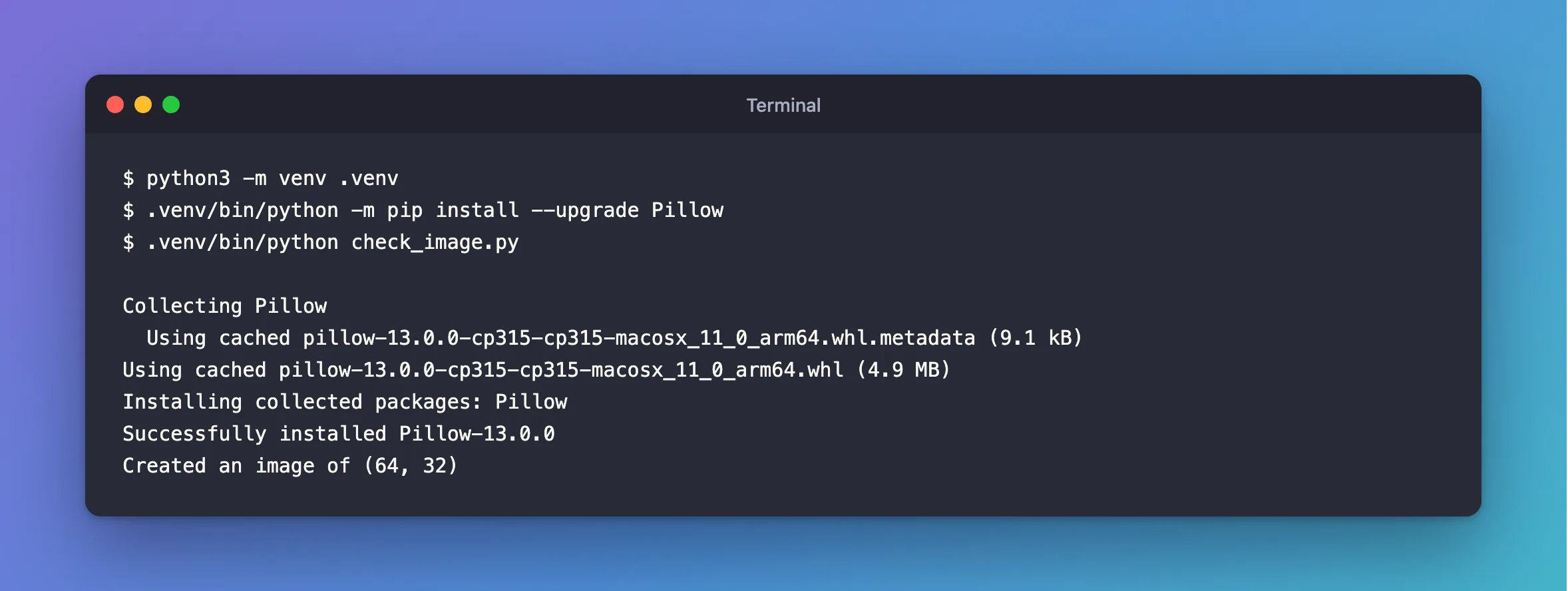
python3 -m venv .venv
.venv/bin/python -m pip install --upgrade Pillow
.venv/bin/python check_image.py
python -m venv .venv
.venv\Scripts\python -m pip install --upgrade Pillow
.venv\Scripts\python check_image.py
I ran the bash version on macOS. The PowerShell version follows the venv page, which says the folder is bin, "or Scripts on Windows".
Running python -m pip means pip installs for that exact Python, so the install can't land in another one.
After the Fix
Collecting Pillow
  Using cached pillow-13.0.0-cp315-cp315-macosx_11_0_arm64.whl.metadata (9.1 kB)
Using cached pillow-13.0.0-cp315-cp315-macosx_11_0_arm64.whl (4.9 MB)
Installing collected packages: Pillow
Successfully installed Pillow-13.0.0
Created an image of (64, 32)
The system's python3 still can't see it, and that's the isolation working. The same script, run the old way:
python3 check_image.py
ModuleNotFoundError: No module named 'PIL'
Common Mistakes
| Mistake | What happens | Do this instead |
|---|---|---|
pip install PIL | No matching distribution found for PIL | Install Pillow |
Running the script with python3 after installing into .venv | The same error, because that's a different Python | Use .venv/bin/python, or activate it |
Plain pip install Pillow | It can install for a different Python than the one you run | Use python -m pip |
Changing the import to from Pillow import Image | No module named 'Pillow' | Keep from PIL import Image |
Troubleshooting
| Symptom | Likely cause | Fix |
|---|---|---|
| Installed, and still the error | You're running another Python | Print sys.executable from the script |
| It worked yesterday, and fails today | Python was upgraded, and packages don't carry over | Install it for the new Python |
.venv/bin/python: No such file or directory | You're in another folder | Run it from the folder that holds .venv |
| No wheel for your Python | Pillow doesn't support that version yet | Check Pillow's platform support page |
FAQ
Do I need a virtual environment?
Not strictly, and python3 -m pip install Pillow installs it for that Python. An environment keeps each project's packages apart, and a new Python doesn't take them away.
Which version of Pillow did this use?
Pillow 13.0.0 with Python 3.15.2, which were the newest releases when I ran it.
Conclusion
No module named 'PIL' means Pillow isn't installed for the Python you're running. Install Pillow, not PIL, with python -m pip, ideally in a virtual environment, and run your script with that same Python.
Additional Resources
- Pillow installation — the install command.
- venv: Creation of virtual environments — how environments work.
