Fixed: A Missing Number in a JSON Request Becomes 0 in an ASP.NET Core Minimal API

A request with no price was accepted, and the product's price quietly became 0. No error, no warning. A C# decimal can't be null, so when the JSON leaves it out, it simply keeps its default value, and [Required] has nothing to complain about. Making the property decimal? fixes that.
What I Was Doing
In a .NET 10 minimal API with AddValidation, a request record had plain number properties:
public sealed record PlainProductRequest(string Sku, decimal UnitPrice, int ReorderLevel);

app.MapPost("/demo/plain-record", (PlainProductRequest request) => Results.Ok(request));
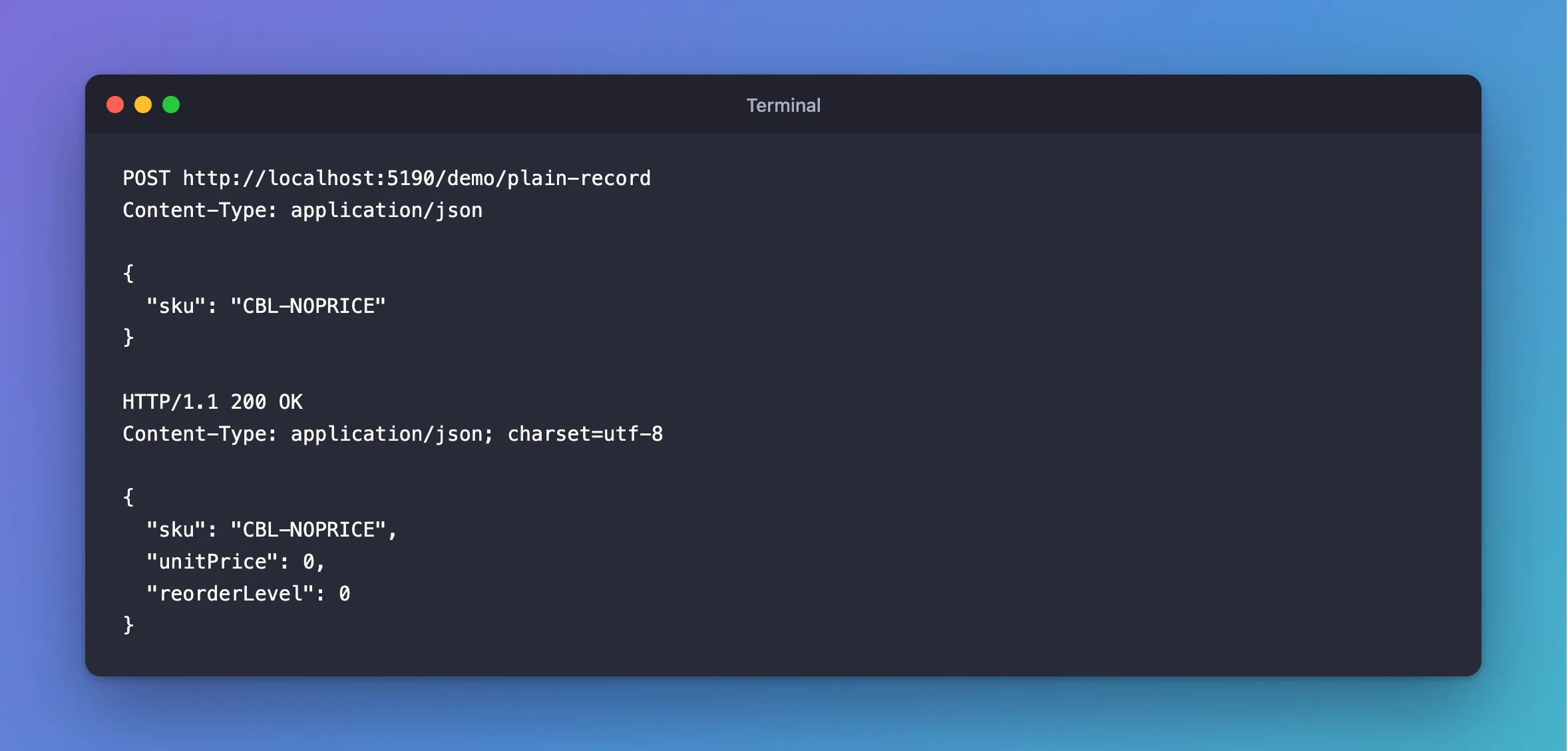
I sent a request that didn't include the numbers:
POST http://localhost:5190/demo/plain-record
Content-Type: application/json

{
  "sku": "CBL-NOPRICE"
}
What I Expected
A 400 saying the price is missing. A product without a price makes no sense.
What I Got
HTTP/1.1 200 OK
Content-Type: application/json; charset=utf-8

{
  "sku": "CBL-NOPRICE",
  "unitPrice": 0,
  "reorderLevel": 0
}
200 OK, with "unitPrice": 0.
What I Checked
What a decimal's default is. 0. C#'s value types always have a value, and a record's constructor parameter gets its type's default when System.Text.Json has nothing to give it.
Whether [Required] helps. Not on a plain value type. RequiredAttribute checks for null, and a decimal is never null, so 0 passes. There's no way for validation to tell "the client sent 0" from "the client sent nothing", because by then both look the same.
What a nullable type does. I made the same record with decimal?:
public sealed record NullableProductRequest(
    [Required] string Sku,
    [Required] decimal? UnitPrice);
HTTP/1.1 400 Bad Request
Content-Type: application/problem+json

{
  "type": "https://tools.ietf.org/html/rfc9110#section-15.5.1",
  "title": "One or more validation errors occurred.",
  "status": 400,
  "errors": {
    "UnitPrice": [
      "The UnitPrice field is required."
    ]
  },
  "traceId": "00-f2896a55b18f9370a54b0ccda2567abb-61ac781636f54bb5-00"
}
Why It Happens
JSON has three cases for a number: a value, null, and missing. A plain decimal can only represent the first, so the other two collapse into 0. decimal? has room for "no value", and [Required] can see that.
The Fix
Make every number the client must send nullable, and mark it [Required]:
public sealed record CreateProductRequest(
    [Required, StringLength(32)] string Sku,
    [Required, StringLength(200)] string Name,
    string? Description,
    [Range(1, int.MaxValue)] int CategoryId,
    [Required, Money] decimal? UnitPrice,
    [Range(0, int.MaxValue)] int ReorderLevel);
Notice the other two numbers here. CategoryId stays an int, because [Range(1, …)] refuses its default of 0 anyway. ReorderLevel stays an int, because 0 is a fine default for it. Only UnitPrice needed the change, and the endpoint reads it with GetValueOrDefault(), since validation has ruled out null.
After the Fix
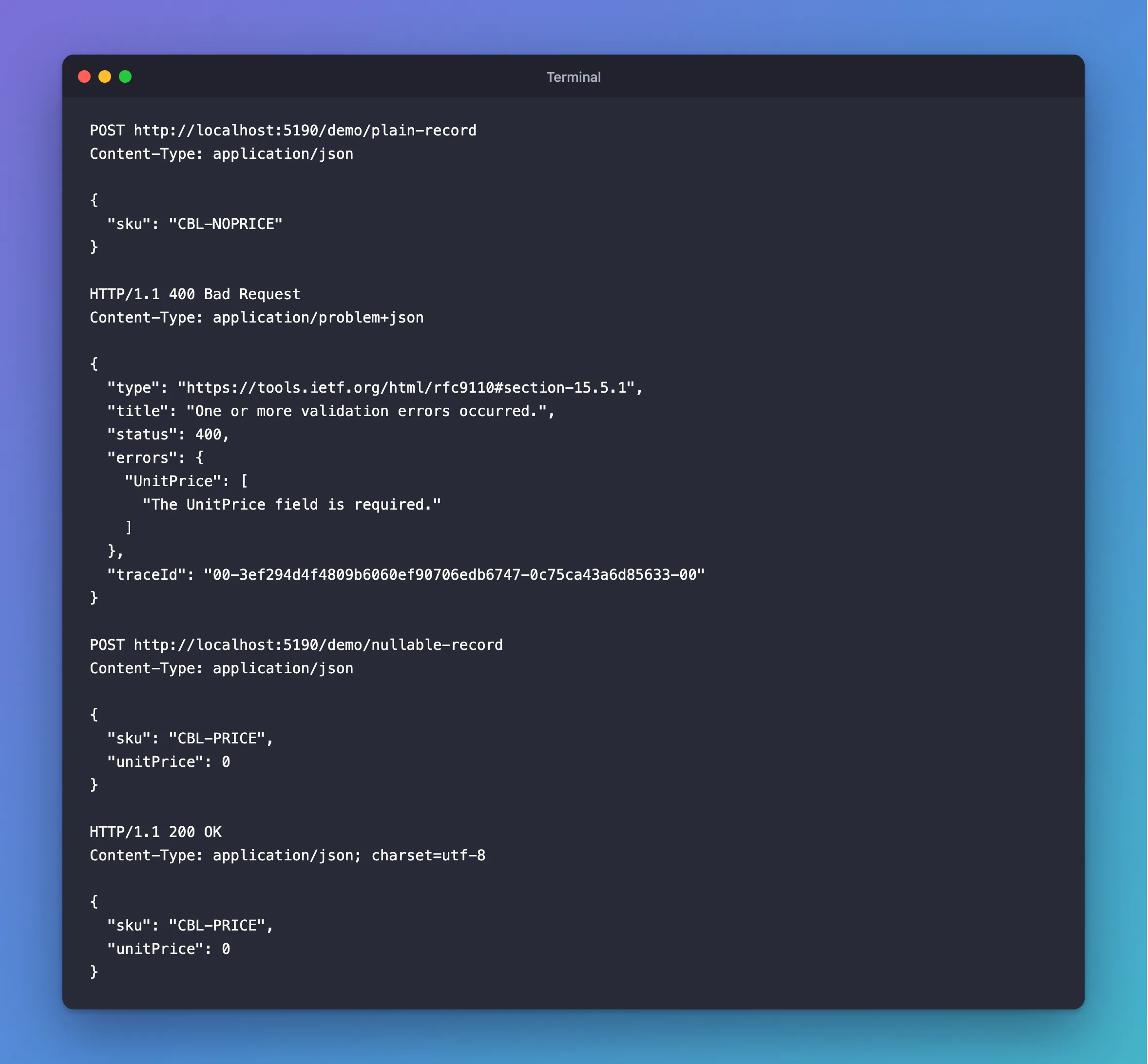
A missing price:
HTTP/1.1 400 Bad Request
Content-Type: application/problem+json

{
  "type": "https://tools.ietf.org/html/rfc9110#section-15.5.1",
  "title": "One or more validation errors occurred.",
  "status": 400,
  "errors": {
    "UnitPrice": [
      "The UnitPrice field is required."
    ]
  },
  "traceId": "00-3ef294d4f4809b6060ef90706edb6747-0c75ca43a6d85633-00"
}
A real price of zero is still allowed, which is the difference this makes:
POST http://localhost:5190/demo/nullable-record
Content-Type: application/json

{
  "sku": "CBL-PRICE",
  "unitPrice": 0
}
HTTP/1.1 200 OK
Content-Type: application/json; charset=utf-8

{
  "sku": "CBL-PRICE",
  "unitPrice": 0
}
Common Mistakes
| Mistake | What happens | Do this instead |
|---|---|---|
[Required] on a plain int or decimal | It does nothing | Make it nullable |
[Range(0, …)] on a plain decimal | 0 passes, so a missing value does too | Add [Required] to a nullable |
Treating 0 as "missing" in code | A real zero gets refused | Use a nullable |
Using [JsonRequired] | It works, but gives clients a bare 400 with no field name | Use [Required] on a nullable |
Troubleshooting
| Symptom | Likely cause | Fix |
|---|---|---|
A missing number is stored as 0 | A plain value type in the request | Make it nullable, with [Required] |
A missing bool is false | The same | bool? with [Required] |
A missing date is 0001-01-01 | The same | DateTime? with [Required] |
CS8629 after making it nullable | .Value without a check | See that post |
FAQ
Doesn't a non-nullable string have the same problem?
Differently: a missing string arrives as null, whatever the type says, and [Required] catches that. Value types are the ones that hide it.
Does the entity need to be nullable too?
No. Keep decimal on the entity and NOT NULL in the column. Only the request has to distinguish missing from zero.
Conclusion
A number missing from a JSON request becomes 0, because a plain decimal or int always has a value, and [Required] can't see the difference. Use decimal? with [Required] for anything the client must send, and keep the plain type where the default makes sense.
Additional Resources
- Validation in Minimal APIs —
AddValidationand attributes. - RequiredAttribute Class — what it checks.
