Fixed: Kestrel:Limits:MaxRequestBodySize in appsettings.json Is Ignored

I put Kestrel:Limits:MaxRequestBodySize in appsettings.json, set to 1 MB, and a 2 MB request went straight through with no warning. Kestrel reads its endpoints from that section, but not its limits, so the setting looks right and does nothing.
What I Was Doing
I was limiting request bodies on a .NET 10 minimal API, the way I'd assumed it worked, because Kestrel:Endpoints works that way:
"Kestrel": {
  "Limits": {
    "MaxRequestBodySize": 1048576
  }
}
Then I sent a body of about 2 MB:
curl -s -i -X POST http://localhost:5190/api/v1/categories -H "Content-Type: application/json" -d @big.json
What I Expected
413 Payload Too Large, without the API reading the body.
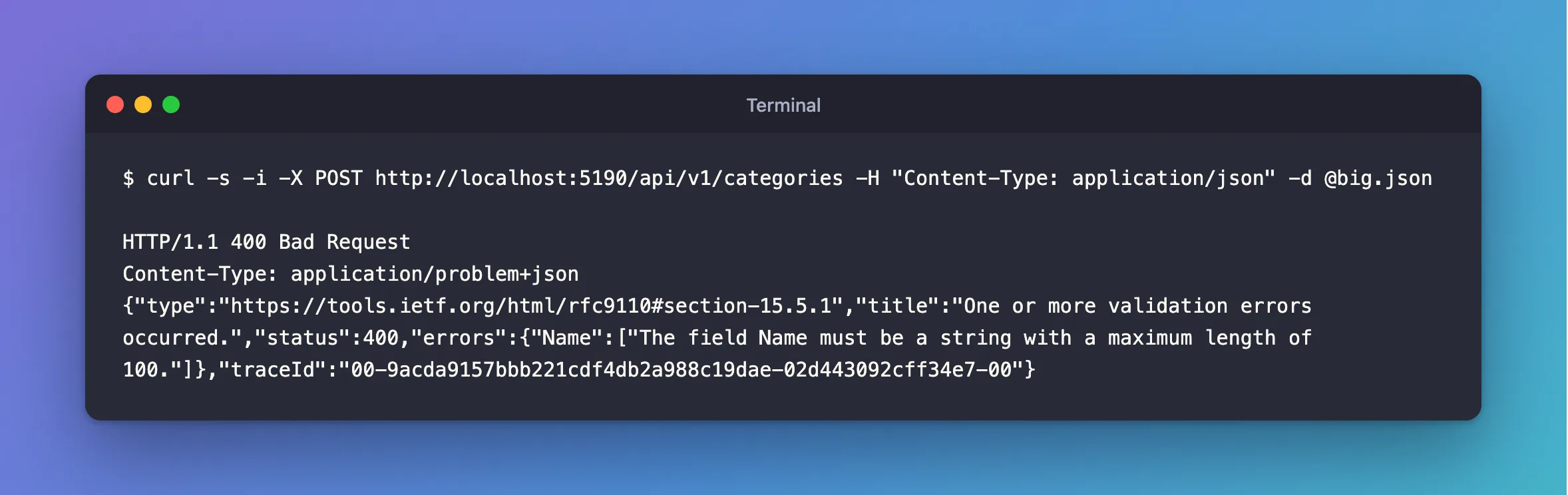
What I Got
HTTP/1.1 400 Bad Request
Content-Type: application/problem+json
{"type":"https://tools.ietf.org/html/rfc9110#section-15.5.1","title":"One or more validation errors occurred.","status":400,"errors":{"Name":["The field Name must be a string with a maximum length of 100."]},"traceId":"00-9acda9157bbb221cdf4db2a988c19dae-02d443092cff34e7-00"}
A validation error means the API read the whole 2 MB and checked it. The limit did nothing, and nothing in the log mentioned it.
What I Checked
Microsoft's documentation. The Kestrel options page sets every limit in code:
builder.WebHost.ConfigureKestrel(serverOptions =>
{
    serverOptions.Limits.MaxRequestBodySize = 100_000_000;
});
The endpoints page, which describes the Kestrel configuration section. It covers Endpoints, EndpointDefaults and Certificates, and has no mention of Limits.
Why It Happens
The host passes the Kestrel section to a loader that reads endpoints and certificates from it. Nothing reads Limits, and configuration doesn't warn about keys nobody reads.
The Fix
Set it in code. To keep the number in appsettings.json, use a section of your own, and copy the value across:
"RequestLimits": {
  "MaxRequestBodyBytes": 1048576
}
using Microsoft.AspNetCore.Server.Kestrel.Core;

var maxRequestBodyBytes = builder.Configuration.GetValue<long>("RequestLimits:MaxRequestBodyBytes");

builder.Services.Configure<KestrelServerOptions>(options =>
    options.Limits.MaxRequestBodySize = maxRequestBodyBytes);
How to Limit the Request Body Size in ASP.NET Core has a complete small example.
After the Fix
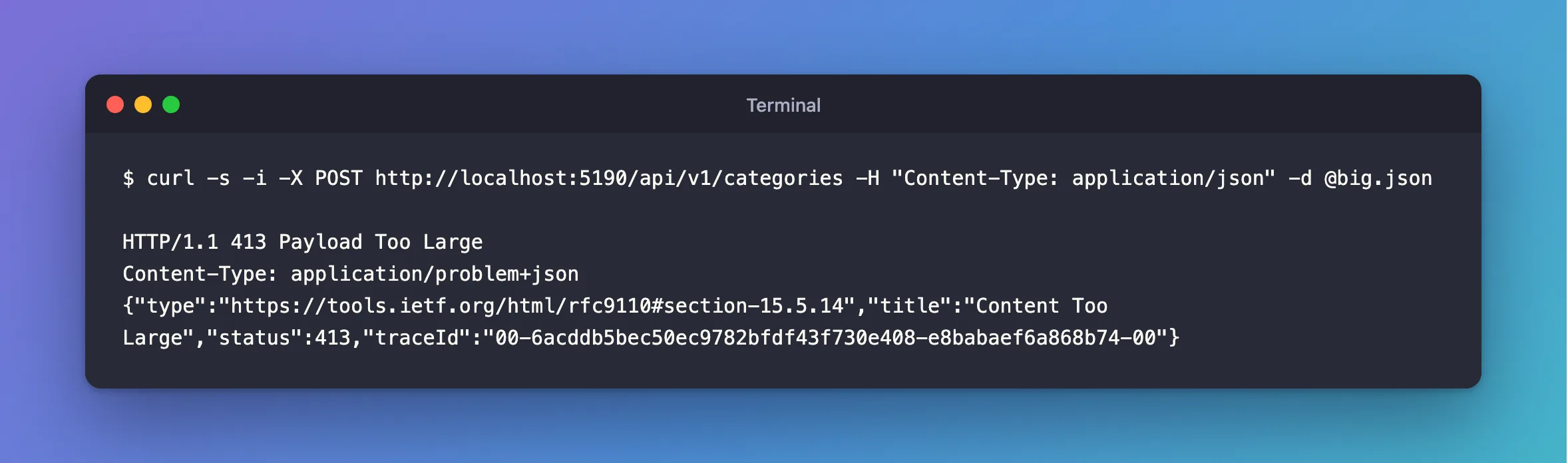
The same request:
HTTP/1.1 413 Payload Too Large
Content-Type: application/problem+json
{"type":"https://tools.ietf.org/html/rfc9110#section-15.5.14","title":"Content Too Large","status":413,"traceId":"00-6acddb5bec50ec9782bfdf43f730e408-e8babaef6a868b74-00"}
A small body still gets through.
Common Mistakes
| Mistake | What happens | Do this instead |
|---|---|---|
| Testing the limit with a small body | It looks fine, whether the limit works or not | Send something bigger than the limit |
| Trusting a validation error as proof | The whole body was already read | Look for 413 |
Using Kestrel__Limits__MaxRequestBodySize as an environment variable | It's the same section, and in my test a body over that limit still got through | Use your own setting |
Troubleshooting
| Symptom | Likely cause | Fix |
|---|---|---|
413 with no body | No UseStatusCodePages | Add it, and AddProblemDetails |
curl waits at 100 Continue | curl asks before sending large bodies | Add -H "Expect:", or wait for it |
| It works locally, and not behind a proxy | The proxy has its own limit | Set that as well |
Conclusion
Kestrel:Limits in appsettings.json is silently ignored. Set MaxRequestBodySize in code, reading the number from your own settings if you want it in configuration, and test with a body that's over the limit.
Additional Resources
- Configure options for Kestrel —
MaxRequestBodySize. - Configure endpoints for Kestrel — what the
Kestrelsection does hold.
