Fixed: "Health check mysql with status Unhealthy" with Message "(null)" in ASP.NET Core

/health/ready said Unhealthy, and the log said with message '(null)'. No exception, and no reason. The real error is one request away: the EF Core check swallows it, and a normal request doesn't.
What I Was Doing
My API checks MySQL with AddDbContextCheck, on EF Core 10.0.14. I had just changed the connection string to verify the server's certificate, and sent the readiness request:
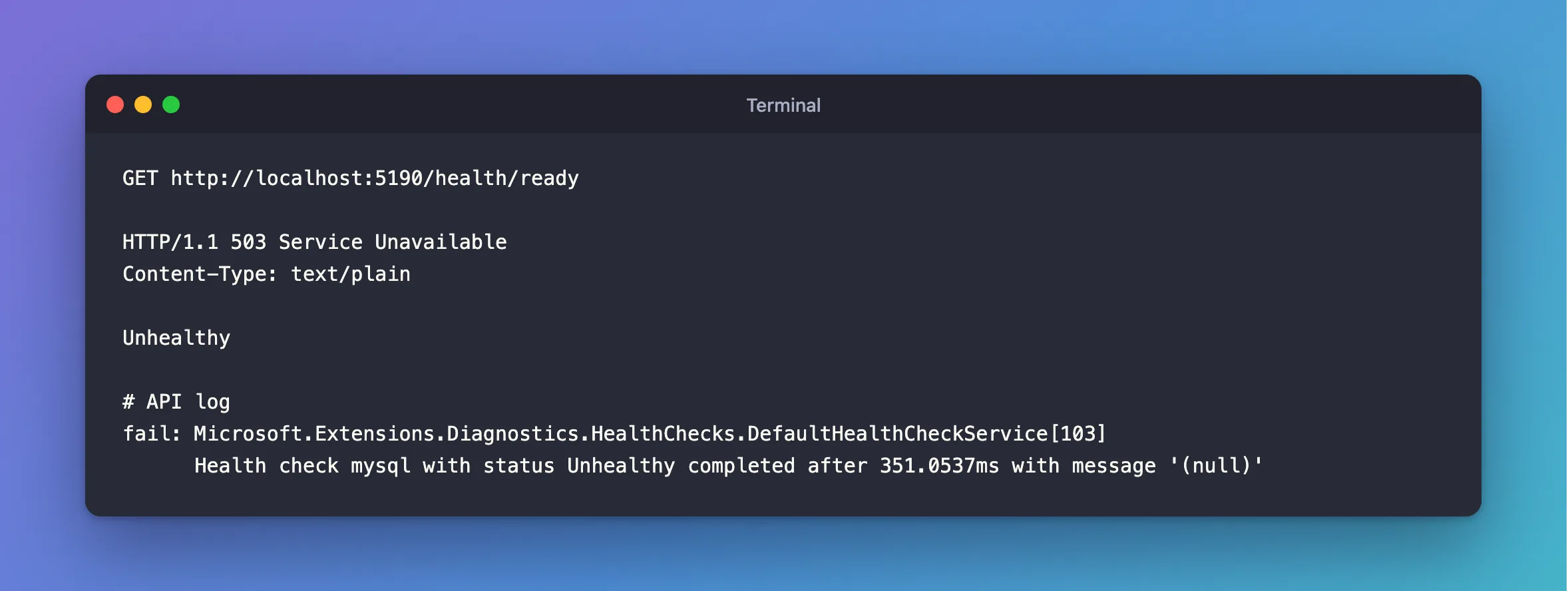
GET http://localhost:5190/health/ready
What I Expected
Healthy, or a reason why not.
What I Got
HTTP/1.1 503 Service Unavailable
Content-Type: text/plain

Unhealthy
fail: Microsoft.Extensions.Diagnostics.HealthChecks.DefaultHealthCheckService[103]
      Health check mysql with status Unhealthy completed after 351.0537ms with message '(null)'
What I Checked
Microsoft's documentation. By default, "The DbContextHealthCheck calls EF Core's CanConnectAsync method." And of CanConnectAsync, it says "Any exceptions thrown when attempting to connect are caught and not propagated to the application." So the health check gets false, and has nothing to report.
A normal request. A query doesn't swallow anything:
System.Exception: The provided key is invalid
---> Org.BouncyCastle.Security.InvalidKeyException: Public key presented not for certificate signature
There it was: the wrong CA.
The timeout case. With a timeout on the check and a server that doesn't answer, the message is different, but no more useful:
fail: Microsoft.Extensions.Diagnostics.HealthChecks.DefaultHealthCheckService[103]
      Health check mysql with status Unhealthy completed after 5044.2733ms with message 'A task was canceled.'
Why It Happens
A readiness probe only needs a yes or a no, so that's all this check returns. It's fine for a load balancer, and not much use for you at 2 a.m.
The Fix
To find out why, send any request that uses the database, and read the log. That's the quickest way, and it's usually all you need.
To have the reason in the health check's own log, give it a custom query that doesn't catch the exception:
builder.Services.AddHealthChecks()
    .AddDbContextCheck<InventoryDbContext>(
        name: "mysql",
        tags: ["ready"],
        customTestQuery: async (db, cancellationToken) =>
        {
            await db.Categories.AnyAsync(cancellationToken);
            return true;
        });
A real query, like this one, throws when it fails, and the health check logs the exception:
fail: Microsoft.Extensions.Diagnostics.HealthChecks.DefaultHealthCheckService[103]
      Health check mysql with status Unhealthy completed after 4979.8981ms with message 'The maximum number of retries (3) was exceeded while executing database operations with 'MySqlRetryStrategy'. See the inner exception for the most recent failure.'
      Microsoft.EntityFrameworkCore.Storage.RetryLimitExceededException: The maximum number of retries (3) was exceeded while executing database operations with 'MySqlRetryStrategy'. See the inner exception for the most recent failure.
       ---> MySql.Data.MySqlClient.MySqlException (0x80004005): SSL Connection error
Don't put that message in the HTTP response, because it can name your server and account.
After the Fix
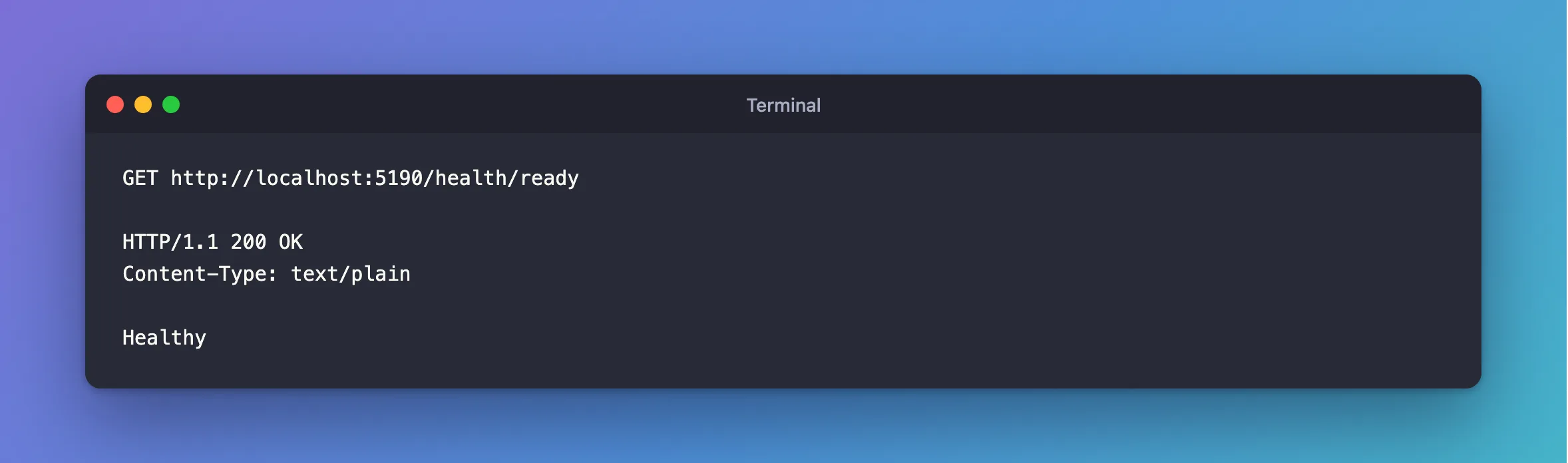
The readiness check, with the right CA in place:
HTTP/1.1 200 OK
Content-Type: text/plain

Healthy
Common Mistakes
| Mistake | What happens | Do this instead |
|---|---|---|
| Looking in the health check's log for the reason | It isn't there | Send a normal request |
Returning exception messages from /health/ready | The endpoint tells anyone about your server | Keep the details in the log |
| Running a slow query as the check | Every probe runs it | Keep it cheap |
Troubleshooting
| Symptom | Likely cause | Fix |
|---|---|---|
A task was canceled. | The check's timeout passed | The server isn't answering: see How to Put a Timeout on an ASP.NET Core Health Check |
The provided key is invalid, on a request | The CA is wrong | The fix |
Unable to connect to any of the specified MySQL hosts | MySQL is down, or the port's wrong | The fix |
Conclusion
Unhealthy with '(null)' means CanConnectAsync returned false, and it keeps the reason to itself. Send a normal request and read the log, or use a custom query if you want the reason from the check.
Additional Resources
- Health checks in ASP.NET Core — the database check, and its custom query.
DatabaseFacade.CanConnectAsync— what it returns.
