Fixed: "export: not valid in this context" in zsh

not valid in this context is zsh refusing a variable name with a dot in it. ASP.NET Core log categories are full of dots, so to turn one down through an environment variable, export won't do. env will.
What I Was Doing
I wanted one run of an ASP.NET Core API with EF Core's SQL logging turned down, by an environment variable, using the double underscore that stands for : in configuration keys:
export Logging__LogLevel__Microsoft.EntityFrameworkCore.Database.Command=Warning
What I Expected
The variable set, for the dotnet run that came next.
What I Got
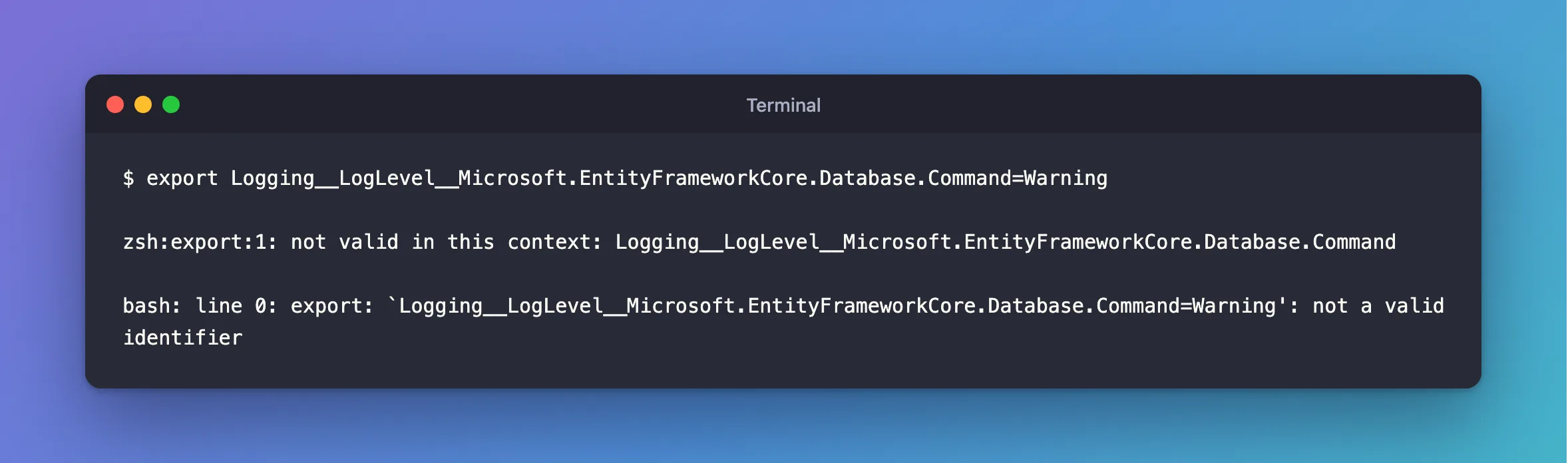
zsh:export:1: not valid in this context: Logging__LogLevel__Microsoft.EntityFrameworkCore.Database.Command
And in bash:
bash: line 0: export: `Logging__LogLevel__Microsoft.EntityFrameworkCore.Database.Command=Warning': not a valid identifier
In my script, that failure scrolled past, the API didn't get its setting, and I spent a while wondering why the measurements looked wrong.
What I Checked
Which characters a shell allows. Shell variable names can only hold letters, digits and underscores. A dot isn't allowed, in zsh or bash.
Whether .NET would read it. Environments themselves don't have that rule, only shells do, and .NET reads what's in its environment.
Why It Happens
The shell's export works on shell variables, and the name has to be valid for one. Logging__LogLevel__Microsoft.EntityFrameworkCore.Database.Command isn't.
The Fix
Use env, which sets a variable in the environment of one command, without treating it as a shell variable:
env 'Logging__LogLevel__Microsoft.EntityFrameworkCore.Database.Command=Warning' dotnet run --project src/Dewiride.Inventory.Api
In PowerShell, curly braces allow any name:
${env:Logging__LogLevel__Microsoft.EntityFrameworkCore.Database.Command} = "Warning"
dotnet run --project src/Dewiride.Inventory.Api
dotnet run has its own option for this, and it's the same in every shell, with the quotes keeping the name in one piece:
dotnet run -e 'Logging__LogLevel__Microsoft.EntityFrameworkCore.Database.Command=Warning' --project src/Dewiride.Inventory.Api
Or leave the environment out of it, and put the level in appsettings.Development.json, if it's something you always want.
After the Fix
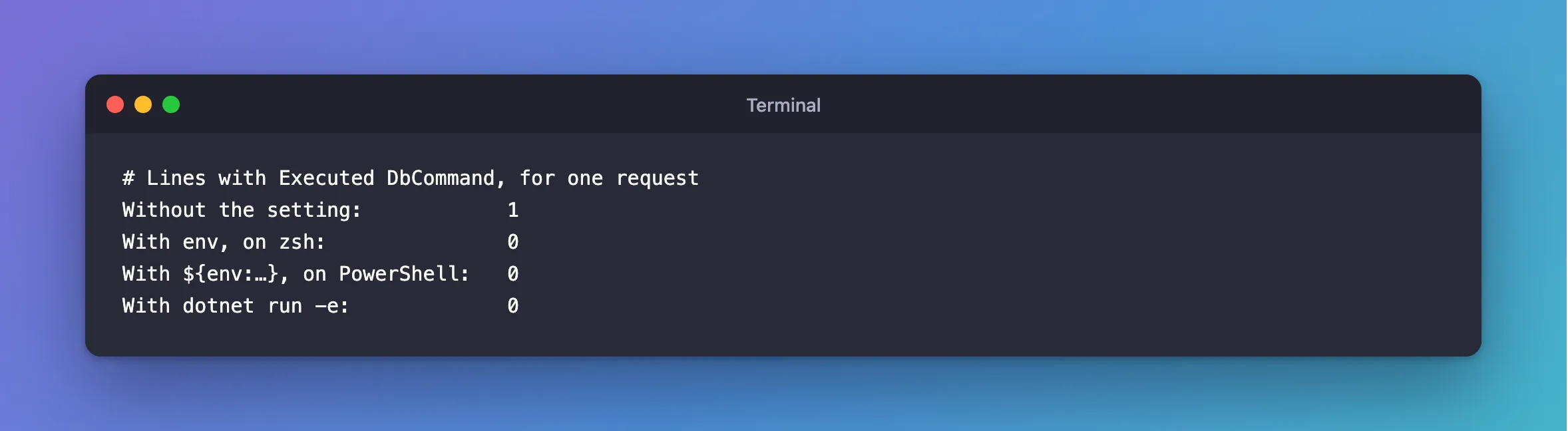
I counted the SQL lines in the API's log for one request. Executed DbCommand is what EF Core logs at Information:
Without the setting:            1
With env, on zsh:               0
With ${env:…}, on PowerShell:   0
With dotnet run -e:             0
So the setting reached the app, in both shells.
Common Mistakes
| Mistake | What happens | Do this instead |
|---|---|---|
| Replacing the dots with underscores | It's a different key, and .NET ignores it | Keep the dots, and use env |
Not checking the output of export in a script | The script carries on without the setting | Stop on errors with set -e |
Troubleshooting
| Symptom | Likely cause | Fix |
|---|---|---|
env runs, and the level doesn't change | appsettings.Development.json isn't the problem: check the key's spelling | Compare it with the log's category |
env isn't recognized | You're in PowerShell | Use ${env:…} |
====== not found | A different zsh surprise | The fix |
Conclusion
Shell variable names can't hold dots, and ASP.NET Core log categories do. Set that kind of variable with env in bash and zsh, ${env:…} in PowerShell, or dotnet run -e in any of them.
Additional Resources
- Configuration in ASP.NET Core: environment variables — the double underscore.
- Logging in .NET: configure logging — log categories and levels.
