Fixed: error NU1008: The following PackageReference items cannot define a value for Version

I created an ASP.NET Core Web API project inside a .NET 10 solution that manages package versions centrally, and the template's own restore failed with error NU1008. The template writes a package version into the project file, which central package management doesn't allow. Moving that one version to Directory.Packages.props fixes it.
What I Was Doing
I was building the solution from How to Create a .NET C# Web API Solution with a Class Library with .NET SDK 10.0.403 on macOS. The solution folder already had a Directory.Packages.props, created with dotnet new packagesprops, which turns on central package management:
<Project>
  <PropertyGroup>
    <!-- Enable central package management, https://learn.microsoft.com/en-us/nuget/consume-packages/Central-Package-Management -->
    <ManagePackageVersionsCentrally>true</ManagePackageVersionsCentrally>
  </PropertyGroup>
  <ItemGroup>
  </ItemGroup>
</Project>
Then I created the Web API project:
dotnet new webapi --name Dewiride.Inventory.Api --output src/Dewiride.Inventory.Api --no-https
What I Expected
The project, followed by a successful restore of its packages, as the class library template showed a moment later: Restore succeeded.
What I Got
The template "ASP.NET Core Web API" was created successfully.

Processing post-creation actions...
Restoring /Users/you/projects/dewiride-inventory-api/src/Dewiride.Inventory.Api/Dewiride.Inventory.Api.csproj:
    /Users/you/projects/dewiride-inventory-api/src/Dewiride.Inventory.Api/Dewiride.Inventory.Api.csproj : error NU1008: The following PackageReference items cannot define a value for Version: Microsoft.AspNetCore.OpenApi. Projects using Central Package Management must define a Version value on a PackageVersion item. For more information, visit https://aka.ms/nuget/cpm/gettingstarted
Restore failed.
Post action failed.
Manual instructions: Run 'dotnet restore'
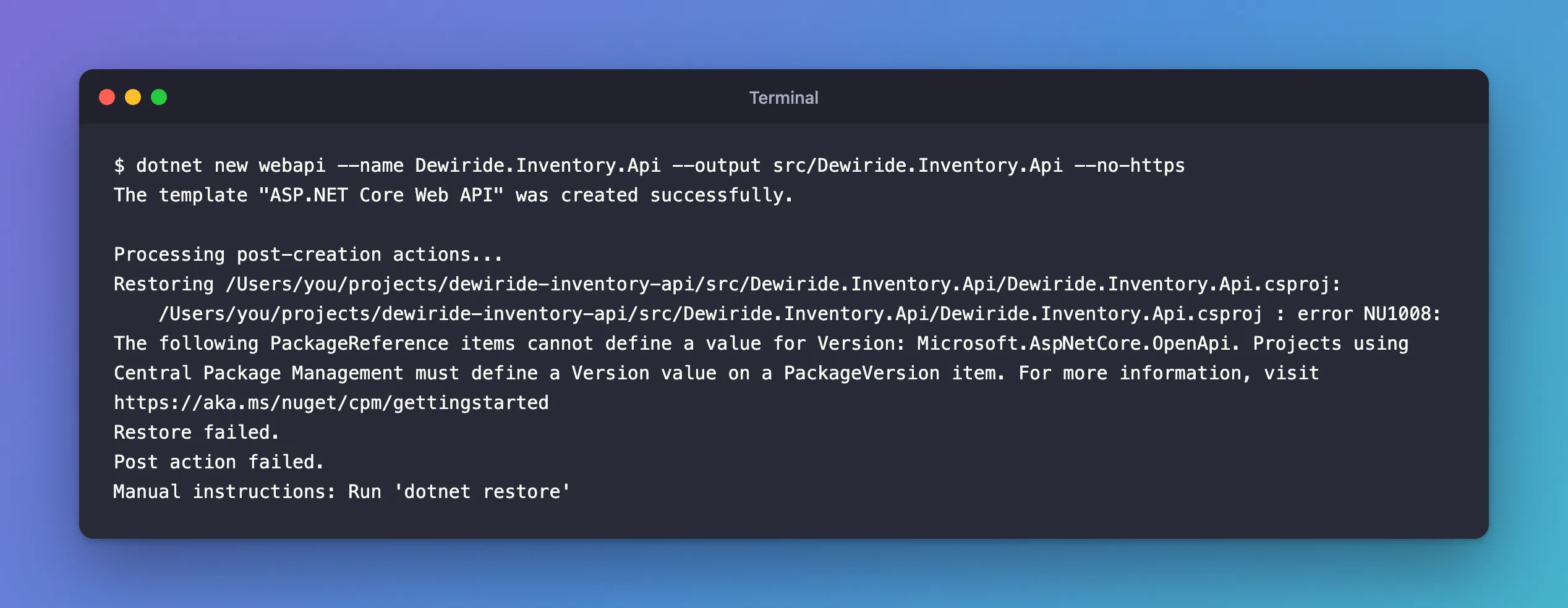
The project files were created, but the restore after them failed. The template's advice, "Run 'dotnet restore'", didn't help either:
dotnet restore src/Dewiride.Inventory.Api
    /Users/you/projects/dewiride-inventory-api/src/Dewiride.Inventory.Api/Dewiride.Inventory.Api.csproj : error NU1008: The following PackageReference items cannot define a value for Version: Microsoft.AspNetCore.OpenApi. Projects using Central Package Management must define a Version value on a PackageVersion item. For more information, visit https://aka.ms/nuget/cpm/gettingstarted

Restore failed with 1 error(s) in 0.6s
What I Checked
The message names one package, Microsoft.AspNetCore.OpenApi, so I looked at how the new project file references it:
<Project Sdk="Microsoft.NET.Sdk.Web">

  <PropertyGroup>
    <TargetFramework>net10.0</TargetFramework>
    <Nullable>enable</Nullable>
    <ImplicitUsings>enable</ImplicitUsings>
  </PropertyGroup>

  <ItemGroup>
    <PackageReference Include="Microsoft.AspNetCore.OpenApi" Version="10.0.14" />
  </ItemGroup>

</Project>
The template had written Version="10.0.14" on the PackageReference. Directory.Packages.props, on the other hand, had no PackageVersion for that package at all.
Why It Happens
Microsoft's NU1008 page describes exactly this: "Projects configured to use Central Package Management should not define a version on <PackageReference /> items. The version should be defined in on a corresponding <PackageVersion /> item with the same identifier in Directory.Packages.props file instead."
With central package management, versions live in one place only. The project template doesn't know the solution manages versions centrally, so it writes the version where a project without central management would keep it.
The Fix
The NU1008 page lists two changes. First, add a PackageVersion for the package to Directory.Packages.props, with the version the template wanted:
<Project>
  <PropertyGroup>
    <!-- Enable central package management, https://learn.microsoft.com/en-us/nuget/consume-packages/Central-Package-Management -->
    <ManagePackageVersionsCentrally>true</ManagePackageVersionsCentrally>
  </PropertyGroup>
  <ItemGroup>
    <PackageVersion Include="Microsoft.AspNetCore.OpenApi" Version="10.0.14" />
  </ItemGroup>
</Project>
Second, remove the Version attribute from the PackageReference in the project file:
<Project Sdk="Microsoft.NET.Sdk.Web">

  <PropertyGroup>
    <TargetFramework>net10.0</TargetFramework>
    <Nullable>enable</Nullable>
    <ImplicitUsings>enable</ImplicitUsings>
  </PropertyGroup>

  <ItemGroup>
    <PackageReference Include="Microsoft.AspNetCore.OpenApi" />
  </ItemGroup>

</Project>
If the project references several packages with versions, do the same for each one; the error lists them all after cannot define a value for Version:.
After the Fix
dotnet restore src/Dewiride.Inventory.Api
Restore complete (4.0s)

Build succeeded in 4.3s
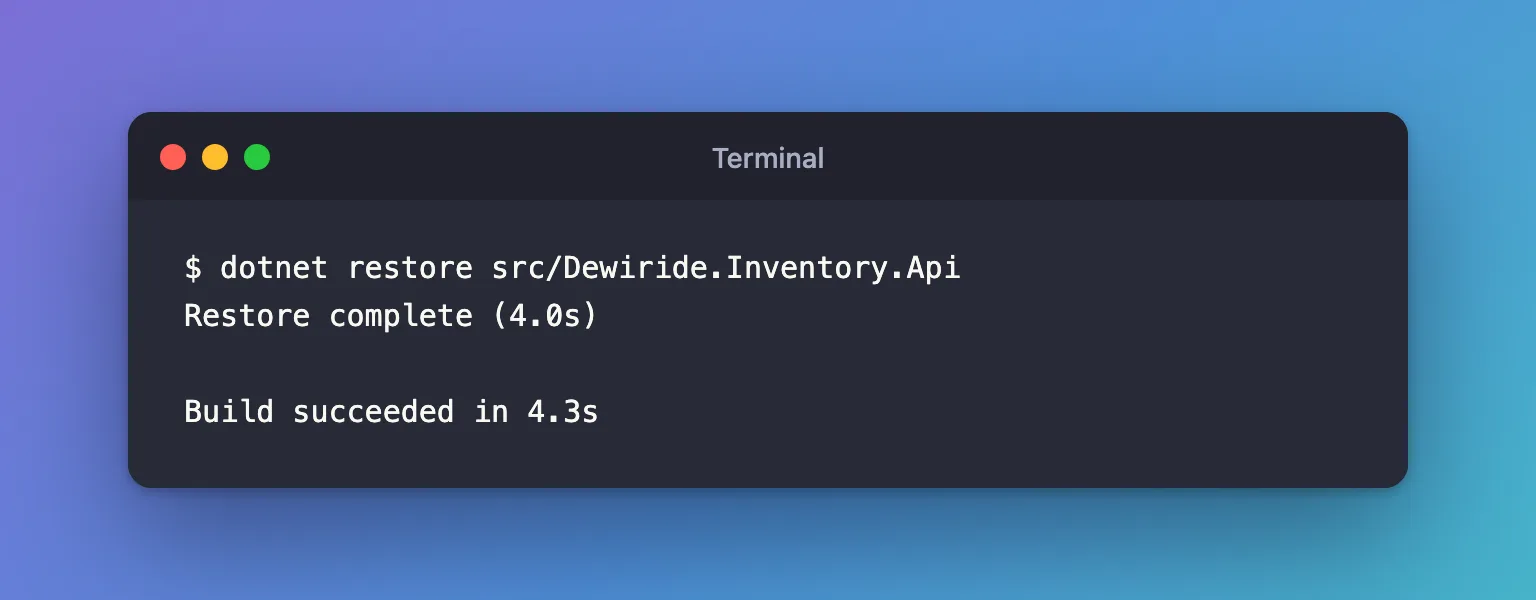
From here on, add packages with dotnet package add. In a solution with central package management, it writes the version into Directory.Packages.props and only the package name into the project file, so the error doesn't come back:
info : PackageReference for package 'MySql.EntityFrameworkCore' added to '/Users/you/projects/dewiride-inventory-api/src/Dewiride.Inventory.Data/Dewiride.Inventory.Data.csproj' and PackageVersion added to central package management file '/Users/you/projects/dewiride-inventory-api/Directory.Packages.props'.
info : PackageReference for package 'MySql.EntityFrameworkCore' version '10.0.12' added to file '/Users/you/projects/dewiride-inventory-api/Directory.Packages.props'.
Common Mistakes
| Mistake | What happens | Do this instead |
|---|---|---|
Removing the Version but not adding a PackageVersion | Restore fails with error NU1010: The following PackageReference items do not define a corresponding PackageVersion item | Do both changes |
Adding the PackageVersion but leaving the Version | NU1008 stays | Remove the attribute from the .csproj |
| Turning central package management off to make the error go away | The solution loses one place for all versions | Keep it on and move the version |
Troubleshooting
| Symptom | Likely cause | Fix |
|---|---|---|
| NU1008 names several packages | The template or a copied project file had several versions | Move each one |
| NU1008 appears for a project you didn't touch | A Directory.Packages.props in a parent folder applies to it | Move its versions too, or set ManagePackageVersionsCentrally to false in that project if it really must manage its own |
FAQ
Can a project keep its own version for one package?
Yes. Central package management supports VersionOverride="…" on a PackageReference for exceptions. Use it rarely; one place for versions is the point.
Why does the class library template work?
It references no packages, so there's no version to move.
Conclusion
error NU1008 means a project defines a package version while the solution manages versions centrally. The Web API template does that by default. Add a PackageVersion to Directory.Packages.props, remove the Version from the PackageReference, and the restore succeeds.
Additional Resources
- NuGet Error NU1008 — Microsoft's page for this error.
- Central Package Management — how
Directory.Packages.propsworks, includingVersionOverride.
