Fixed: "error CS1929: 'DbSet<Category>' does not contain a definition for 'FirstOrDefaultAsync'" in .NET 10

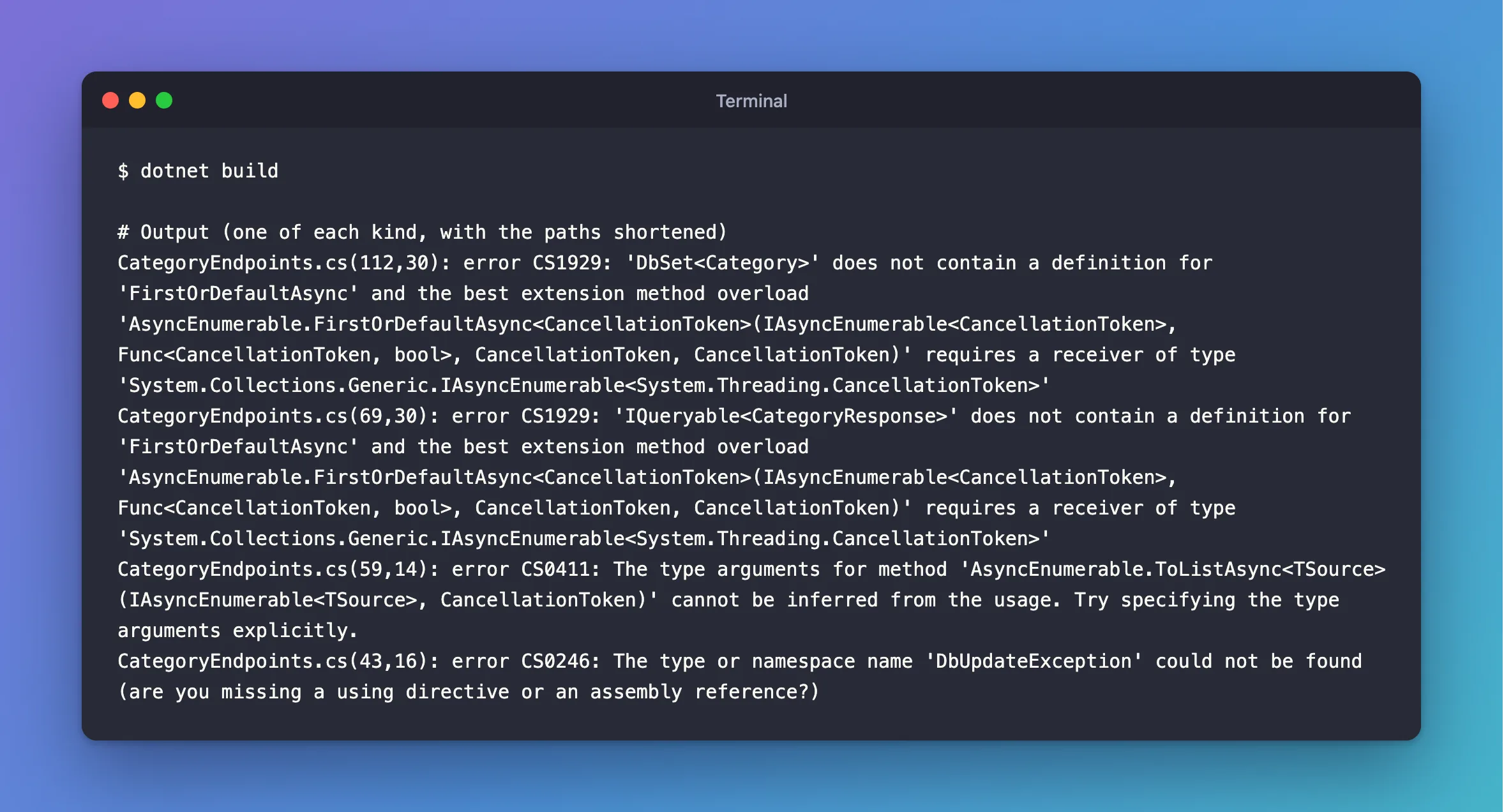
The build stopped with error CS1929: 'DbSet<Category>' does not contain a definition for 'FirstOrDefaultAsync' and the best extension method overload 'AsyncEnumerable.FirstOrDefaultAsync…' requires a receiver of type…. ToListAsync failed with a different message, CS0411. On .NET 10, both mean the same simple thing: the file is missing using Microsoft.EntityFrameworkCore;.
What I Was Doing
I was writing endpoints in a .NET 10 Web API with EF Core 10, in a new file, with these using lines at the top:
using Dewiride.Inventory.Data;
using Dewiride.Inventory.Data.Entities;
using Microsoft.AspNetCore.Http.HttpResults;

namespace Dewiride.Inventory.Api.Features.Categories;
And I built the solution:
dotnet build
What I Expected
Build succeeded.
What I Got
CategoryEndpoints.cs(112,30): error CS1929: 'DbSet<Category>' does not contain a definition for 'FirstOrDefaultAsync' and the best extension method overload 'AsyncEnumerable.FirstOrDefaultAsync<CancellationToken>(IAsyncEnumerable<CancellationToken>, Func<CancellationToken, bool>, CancellationToken, CancellationToken)' requires a receiver of type 'System.Collections.Generic.IAsyncEnumerable<System.Threading.CancellationToken>'
CategoryEndpoints.cs(69,30): error CS1929: 'IQueryable<CategoryResponse>' does not contain a definition for 'FirstOrDefaultAsync' and the best extension method overload 'AsyncEnumerable.FirstOrDefaultAsync<CancellationToken>(IAsyncEnumerable<CancellationToken>, Func<CancellationToken, bool>, CancellationToken, CancellationToken)' requires a receiver of type 'System.Collections.Generic.IAsyncEnumerable<System.Threading.CancellationToken>'
CategoryEndpoints.cs(59,14): error CS0411: The type arguments for method 'AsyncEnumerable.ToListAsync<TSource>(IAsyncEnumerable<TSource>, CancellationToken)' cannot be inferred from the usage. Try specifying the type arguments explicitly.
CategoryEndpoints.cs(43,16): error CS0246: The type or namespace name 'DbUpdateException' could not be found (are you missing a using directive or an assembly reference?)
What I Checked
Where AsyncEnumerable comes from. My code never mentions it. It's a class in System.Linq, and it's part of .NET 10 itself, with LINQ methods for IAsyncEnumerable. ImplicitUsings brings in System.Linq for every file, so its FirstOrDefaultAsync and ToListAsync are always available. So those were the only methods with those names the compiler could see.
Which line is the honest one. CS0246 for DbUpdateException says it plainly: "are you missing a using directive". That class lives in Microsoft.EntityFrameworkCore, and so do EF Core's own FirstOrDefaultAsync and ToListAsync, in EntityFrameworkQueryableExtensions.
The using list. There it was: no using Microsoft.EntityFrameworkCore;.
Why It Happens
FirstOrDefaultAsync on a DbSet is an extension method, so the compiler only finds it if its namespace is imported. Without EF Core's namespace, the compiler keeps looking and finds System.Linq.AsyncEnumerable's method with the same name. That one wants an IAsyncEnumerable, and a DbSet doesn't fit in the way it needs, so the message describes that mismatch, not the missing line. Before .NET 10, the same mistake gave a plainer "does not contain a definition" error, because this class wasn't part of .NET.
The Fix
Add the namespace:
using Dewiride.Inventory.Data;
using Dewiride.Inventory.Data.Entities;
using Microsoft.AspNetCore.Http.HttpResults;
using Microsoft.EntityFrameworkCore;
There's no need to add a package: the project already gets EF Core through the Data project.
After the Fix
Build succeeded.
    0 Warning(s)
    0 Error(s)
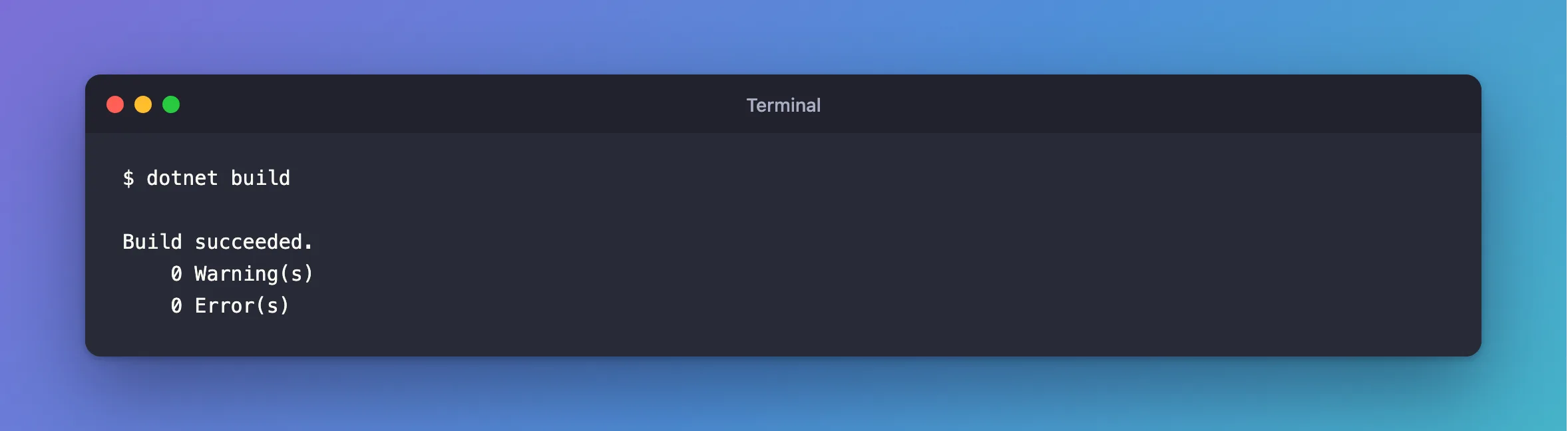
All the errors went away with that one line, since they all had the same cause.
Common Mistakes
| Mistake | What happens | Do this instead |
|---|---|---|
Adding type arguments, as CS0411 suggests | More errors, because the method is the wrong one | Add the using |
Installing the System.Linq.Async package | It doesn't help a DbSet, and can add conflicts | Add the using |
Calling .AsAsyncEnumerable() to satisfy the message | It compiles, but it isn't what you wanted | Add the using |
| Adding the EF Core package to the API project | Not needed when a referenced project has it | Add the using |
Troubleshooting
| Symptom | Likely cause | Fix |
|---|---|---|
CS1929 naming AsyncEnumerable.FirstOrDefaultAsync | using Microsoft.EntityFrameworkCore; is missing | Add it |
CS0411 naming AsyncEnumerable.ToListAsync | The same | The same |
CS0246 for DbUpdateException | The same | The same |
The same errors, with the using in place | The project doesn't reference EF Core at all | Reference the Data project, or add the package |
Results<…> gives CS0308 | using Microsoft.AspNetCore.Http.HttpResults; is missing | Add it |
FAQ
Can I import it everywhere?
Yes: add <Using Include="Microsoft.EntityFrameworkCore" /> to the project file. It's a matter of taste. A file-level using makes it clear which files touch the database.
Why don't IDE suggestions always offer it?
With another method of the same name in view, the editor may not treat the method as missing, so it may not suggest the namespace.
Conclusion
On .NET 10, error CS1929 … 'AsyncEnumerable.FirstOrDefaultAsync' and CS0411 for ToListAsync usually mean using Microsoft.EntityFrameworkCore; is missing from the file. The compiler found System.Linq.AsyncEnumerable's methods instead, and complained about those. Add the one line.
Additional Resources
- EntityFrameworkQueryableExtensions — EF Core's async query methods.
- AsyncEnumerable Class — the class the message names.
