Fixed: "ERROR at line 1: Unknown command '\G'" in the mysql Client

A statement ending in \G works when you type it at the mysql> prompt, and fails with ERROR at line 1: Unknown command '\G'. when it comes from --execute or a script. The command didn't go anywhere. The newer client just turns its own commands off when it isn't interactive.
What I Was Doing
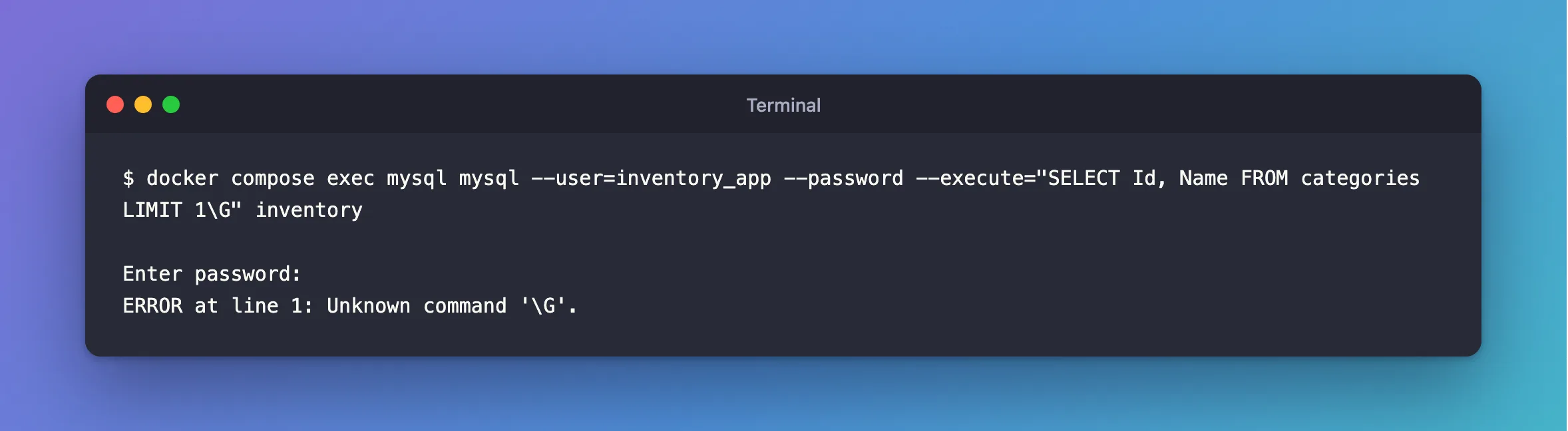
I wanted one row of a query printed vertically, from my terminal, without opening a session. I used the MySQL 9.7.4 client in Docker:
docker compose exec mysql mysql --user=inventory_app --password --execute="SELECT Id, Name FROM categories LIMIT 1\G" inventory
What I Expected
A vertical result, the same as at the prompt.
What I Got
Enter password:
ERROR at line 1: Unknown command '\G'.
What I Checked
The same statement at the prompt. Typed into an interactive mysql session, it works, as in How to Show MySQL Query Results Vertically with \G.
What the client says about its commands. \G is the short form of a client command, ego, listed on the mysql Client Commands page. The mysql Client Options page describes an option called --commands: "Whether to enable or disable processing of local mysql client commands." Its list of what gets disabled includes ego, and its default value is FALSE.
Why It Happens
\G is never sent to the server. The client handles it, as one of its own local commands. In this version, those commands are off by default, and an interactive session is the case where they still work. So with --execute, the client finds a command it won't process, and reports it as unknown.
The Fix
Use --vertical, which is the option for this. It prints every result vertically, with no \G:
docker compose exec mysql mysql --user=inventory_app --password --vertical --execute="SELECT Id, Name FROM categories LIMIT 1;" inventory
Or turn the commands on, if the script you're running already has \G in it:
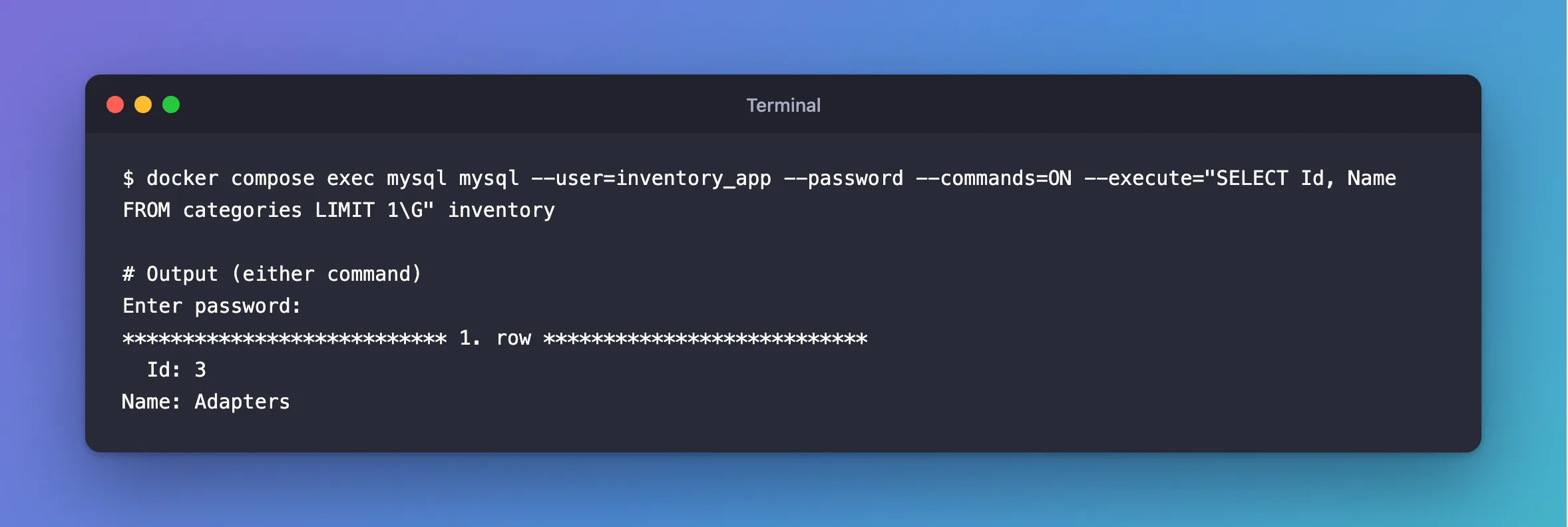
docker compose exec mysql mysql --user=inventory_app --password --commands=ON --execute="SELECT Id, Name FROM categories LIMIT 1\G" inventory
After the Fix
Enter password:
*************************** 1. row ***************************
  Id: 3
Name: Adapters
Common Mistakes
| Mistake | What happens | Do this instead |
|---|---|---|
| Assuming a statement that works at the prompt works in a script | Local commands are treated differently | Test the script form |
| Turning commands on for a script you don't fully trust | It can then run client commands such as system | Prefer --vertical |
Removing \G and leaving no semicolon | The statement still runs with --execute, in a table | Add --vertical for the vertical form |
Troubleshooting
| Symptom | Likely cause | Fix |
|---|---|---|
The same error for \s, \u or source | They're client commands too | Use SQL, such as USE, or --commands=ON |
A piped file fails on its first \G | Piped input isn't interactive | Add --commands=ON, or end statements with ; and use --vertical |
| Older scripts stopped working after an upgrade | Older clients processed these commands | Update the scripts |
FAQ
Is the server involved?
No. The message comes from the client, before anything reaches the server.
Conclusion
Outside an interactive session, the MySQL 9.7 client doesn't process its own commands, so \G is unknown to it. Use --vertical for vertical output, or --commands=ON for a script you trust.
Additional Resources
- mysql Client Options —
--commandsand--vertical. - mysql Client Commands — what counts as a command.
