Fixed: "ERROR 4031 (HY000): The client was disconnected by the server because of inactivity" in MySQL

The client was disconnected by the server because of inactivity means this session was idle for longer than MySQL allows, and the server closed it. The mysql client then reconnects by itself, so it looks odd but costs you one retry. Anything that session set up is gone, though.
What I Was Doing
I was testing wait_timeout in MySQL 9.7, with a low value in one session:
SET SESSION wait_timeout = 3;
SELECT SLEEP(1);
Then I waited 5 seconds, and ran another statement:
SELECT 'still here' AS answer;
What I Expected
For this test, a disconnection. If you've landed here, you probably came back to a terminal you'd left open.
What I Got
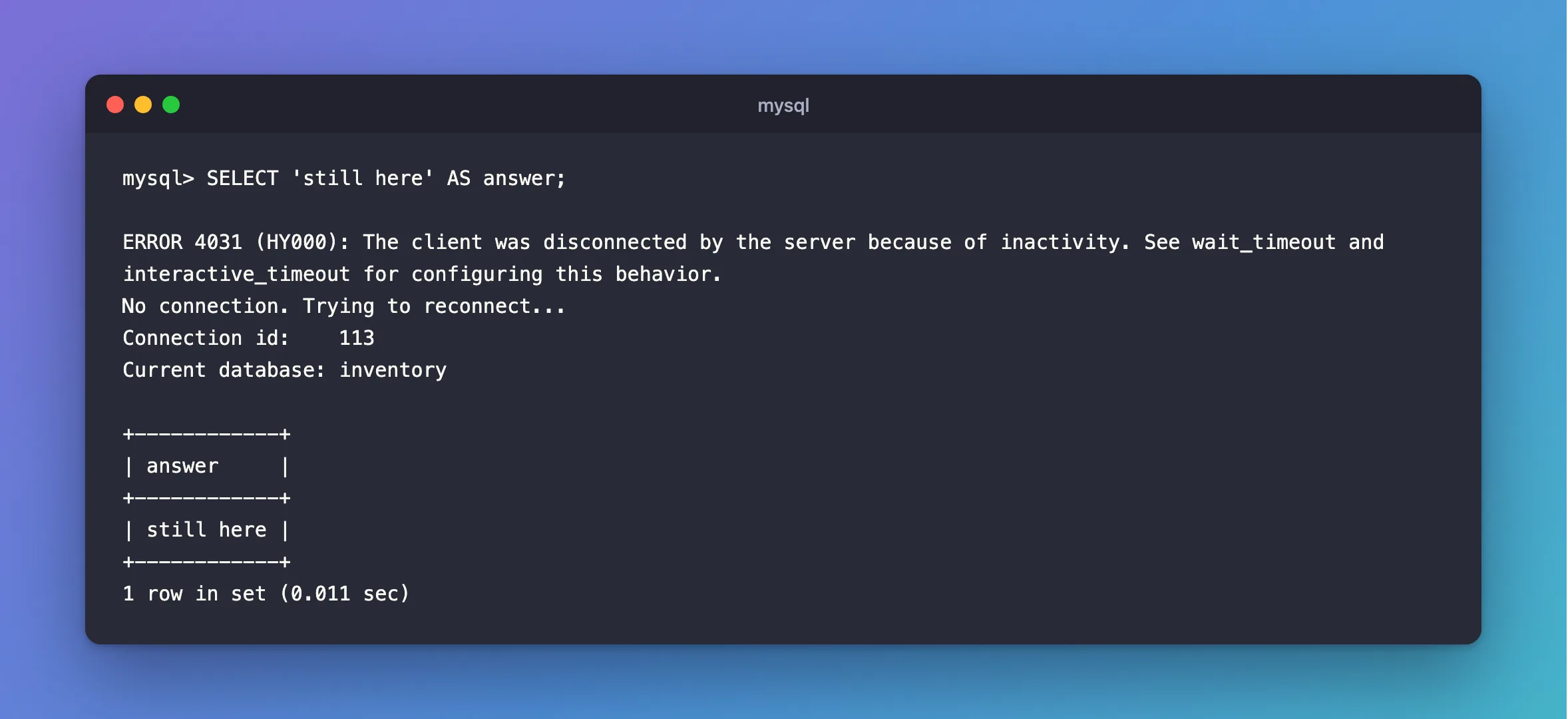
ERROR 4031 (HY000): The client was disconnected by the server because of inactivity. See wait_timeout and interactive_timeout for configuring this behavior.
No connection. Trying to reconnect...
Connection id:    113
Current database: inventory

+------------+
| answer     |
+------------+
| still here |
+------------+
1 row in set (0.011 sec)
What I Checked
The limits:
SHOW VARIABLES LIKE '%wait_timeout';
SHOW SESSION VARIABLES LIKE 'interactive_timeout';
+--------------------------+----------+
| Variable_name            | Value    |
+--------------------------+----------+
| innodb_lock_wait_timeout | 50       |
| lock_wait_timeout        | 31536000 |
| mysqlx_wait_timeout      | 28800    |
| wait_timeout             | 28800    |
+--------------------------+----------+
4 rows in set (0.001 sec)
+---------------------+-------+
| Variable_name       | Value |
+---------------------+-------+
| interactive_timeout | 28800 |
+---------------------+-------+
1 row in set (0.001 sec)
The mysql client counts as interactive, so a new session starts from interactive_timeout. Programs start from wait_timeout. Both default to 28,800 seconds, which is 8 hours.
The connection id. The reconnect printed a new one, so it's a new session.
Why It Happens
MySQL closes a connection that's been idle for longer than its timeout, and the server tells the client why, which is this message.
The Fix
At a mysql prompt, run the statement again. The client reconnected. But anything tied to the old session is gone: temporary tables, SET values, USE-d databases aside from the one it restores, and any open transaction, which was rolled back.
If the limit is too short for your work, raise it for your session:
SET SESSION wait_timeout = 28800;
To change it for every new connection, see How to Change wait_timeout in MySQL.
In an application, let its connection pool deal with this. With MySql.Data, a connection the server had closed was replaced without any error at all: I set wait_timeout to 5 and left the app idle for 8 seconds, and the next request worked.
After the Fix
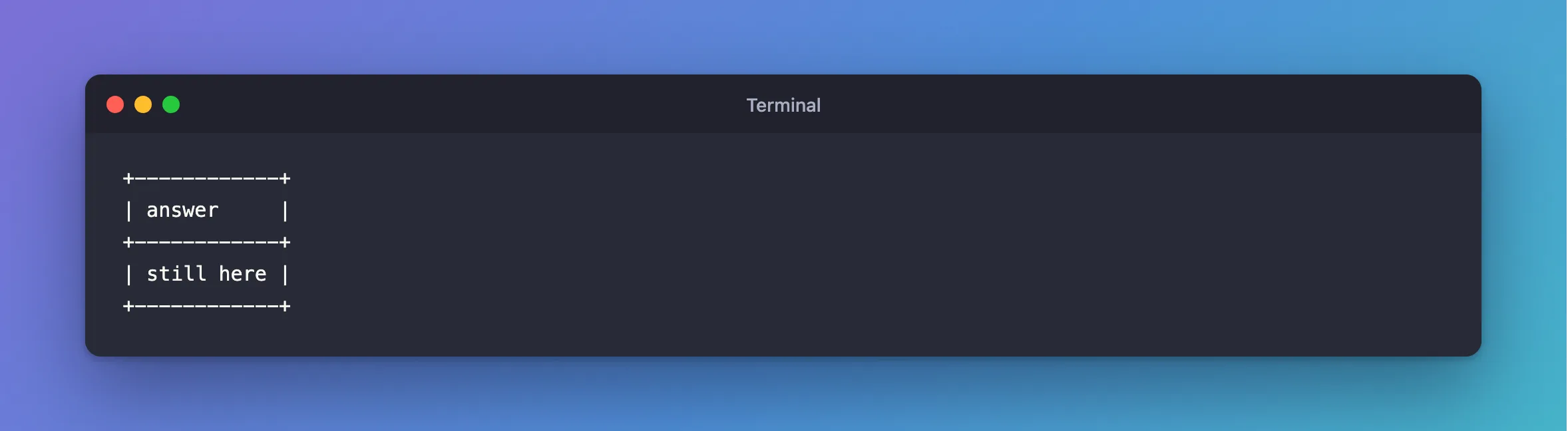
The same session, once reconnected, answered as usual:
+------------+
| answer     |
+------------+
| still here |
+------------+
Common Mistakes
| Mistake | What happens | Do this instead |
|---|---|---|
| Carrying on after a reconnect, assuming nothing changed | Your open transaction is gone | Check, and start it again |
Raising wait_timeout to days for a pool | Idle connections pile up on the server | Keep it, and let the pool handle it |
| Keeping a transaction open while idle | Its locks stay until the timeout | Keep transactions short |
Troubleshooting
| Symptom | Likely cause | Fix |
|---|---|---|
ERROR 2013: Lost connection during a statement | Not idleness: something ended the connection | The fix |
| It happens after a few minutes | Someone set a low timeout, or a firewall drops idle connections | Check the variables, then the network |
| An app reports this | Its driver has no pool, or kept a connection too long | Open a connection per unit of work |
Conclusion
ERROR 4031 means the session sat idle past its limit. At a prompt, run the statement again, and remember the session is new. In an app, leave it to the pool.
Additional Resources
- Server System Variables: wait_timeout — the variable.
- MySQL server has gone away — the older symptom.
