Fixed: "ERROR 3159 (HY000): Connections using insecure transport are prohibited" in MySQL

Connections using insecure transport are prohibited while --require_secure_transport=ON means the server refuses anything unencrypted, and this connection is. Turn TLS on in the client: it's usually one option.
What I Was Doing
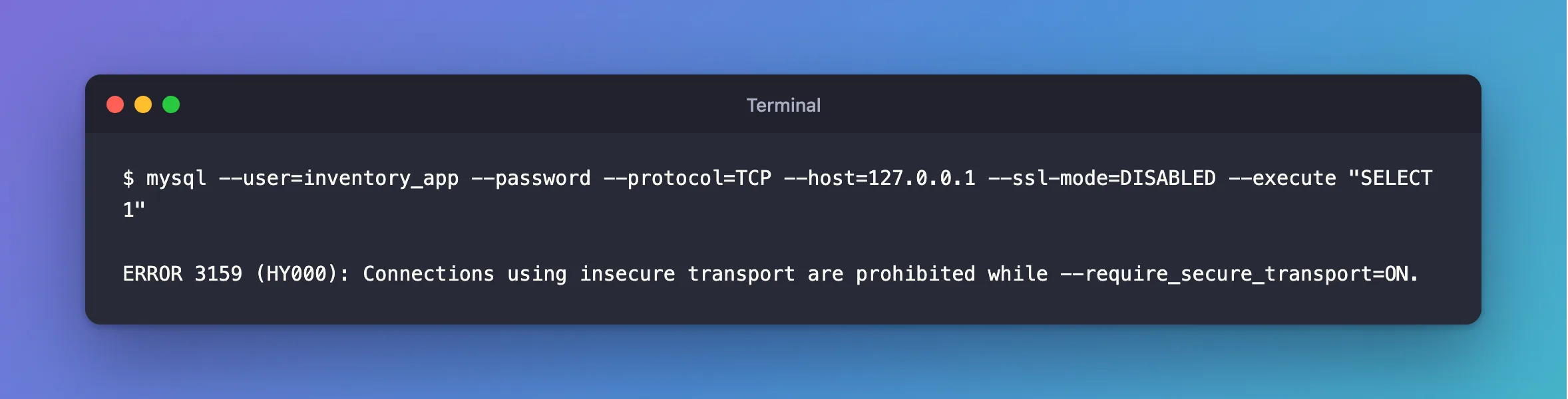
I was checking that a MySQL 9.7 server really refuses unencrypted connections, with the mysql client and TLS turned off:
mysql --user=inventory_app --password --protocol=TCP --host=127.0.0.1 --ssl-mode=DISABLED --execute "SELECT 1"
What I Expected
For this test, a refusal. If you've landed here, a server or a provider probably has this switched on, and your client has TLS off.
What I Got
ERROR 3159 (HY000): Connections using insecure transport are prohibited while --require_secure_transport=ON.
What I Checked
The setting, in a session that could still get in:
SHOW VARIABLES LIKE 'require_secure_transport';
+--------------------------+-------+
| Variable_name            | Value |
+--------------------------+-------+
| require_secure_transport | ON    |
+--------------------------+-------+
1 row in set (0.001 sec)
Whether it's saved, so that it survives a restart:
SELECT VARIABLE_NAME, VARIABLE_VALUE FROM performance_schema.persisted_variables;
+--------------------------+----------------+
| VARIABLE_NAME            | VARIABLE_VALUE |
+--------------------------+----------------+
| require_secure_transport | ON             |
+--------------------------+----------------+
1 row in set (0.002 sec)
A local socket, which counts as secure:
over_the_socket
1
Why It Happens
MySQL's manual says that with this setting, "clients are required to use encrypted connections". TLS and a local socket both qualify. A plain TCP connection doesn't.
The Fix
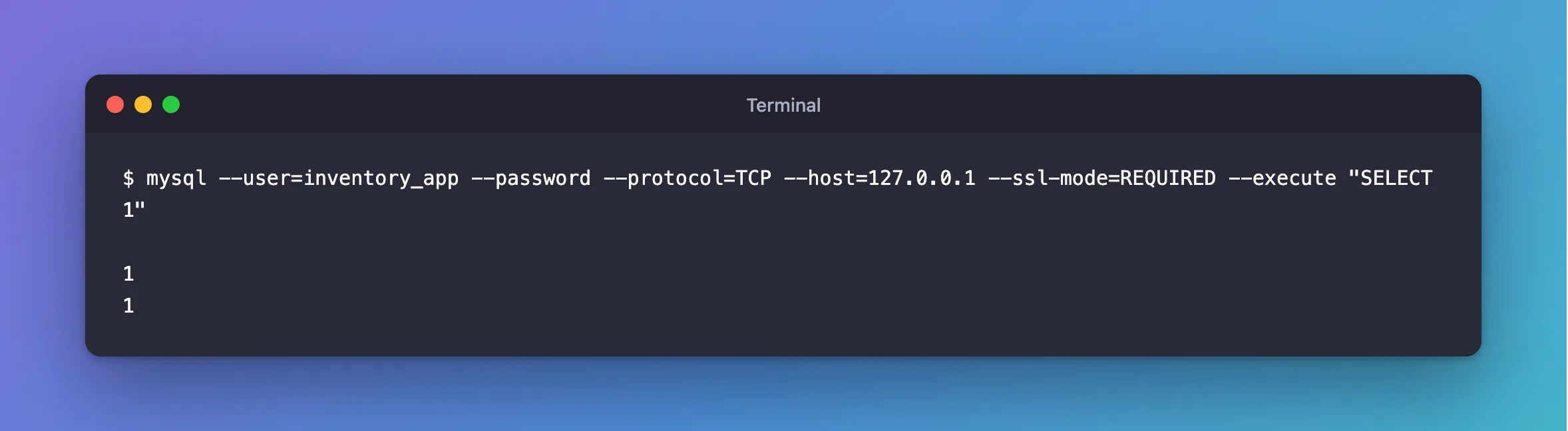
Turn TLS on in the client. For the mysql client, that's the default, so remove --ssl-mode=DISABLED, or use a stronger mode:
mysql --user=inventory_app --password --protocol=TCP --host=127.0.0.1 --ssl-mode=REQUIRED --execute "SELECT 1"
For an app, the setting is in its connection string. On .NET, that's SslMode.
If you're sure this server shouldn't require TLS, you can turn it off, as root. Think twice first: someone probably turned it on for a reason.
RESET PERSIST require_secure_transport;
SET GLOBAL require_secure_transport = OFF;
After the Fix
1
1
Common Mistakes
| Mistake | What happens | Do this instead |
|---|---|---|
SET GLOBAL … = OFF on a shared server | Every client may go unencrypted | Fix the one client |
Only SET GLOBAL, without RESET PERSIST | It comes back on at the next restart | Do both |
| Checking from a socket, and calling it fixed | The socket always worked | Test over TCP |
Troubleshooting
| Symptom | Likely cause | Fix |
|---|---|---|
ERROR 2061 instead | The same refusal, for a first login since MySQL started | The fix |
ERROR 1045 for one account, with TLS off | That account has REQUIRE SSL | The fix |
From .NET: Authentication to host … failed | The same error, wrapped | The fix |
Conclusion
ERROR 3159 means the server requires TLS, and your client isn't using it. Turn TLS on in the client, and leave the server's setting alone unless it's really wrong.
Additional Resources
- Configuring Encrypted Connections as Mandatory — the setting.
- Command Options for Encrypted Connections —
--ssl-mode.
