Fixed: "ERROR 3024 (HY000): Query execution was interrupted, maximum statement execution time exceeded" in MySQL

A SELECT stopped after a second with ERROR 3024 (HY000): Query execution was interrupted, maximum statement execution time exceeded. Nothing crashed: a time limit did its job. The right fix depends on whether the query is too slow, or the limit too strict.
What I Was Doing
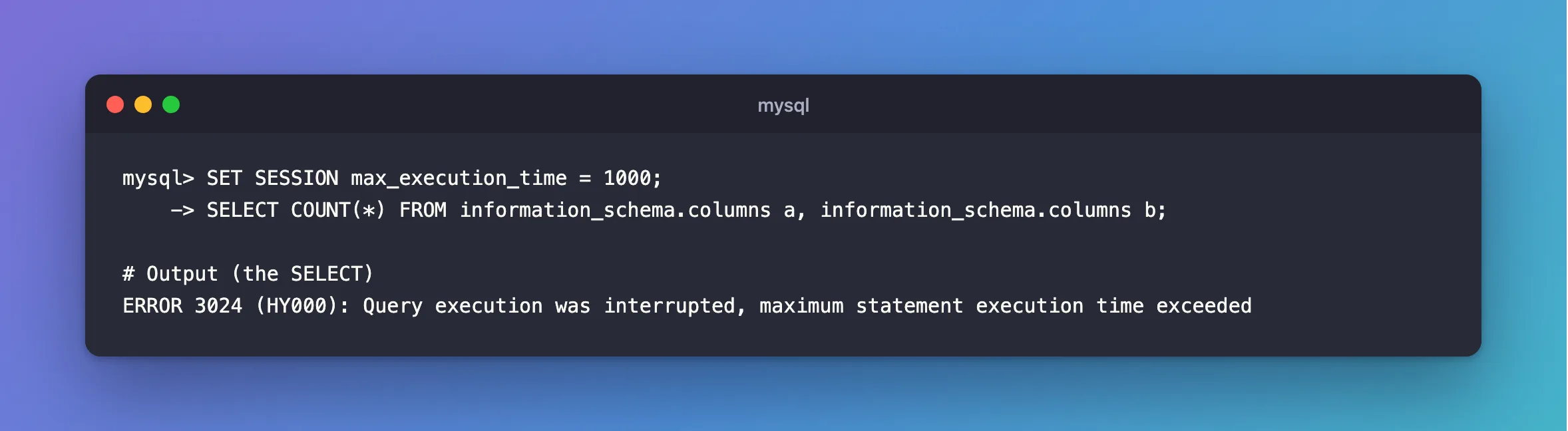
I was running a query that joins two large tables, on MySQL 9.7.4 in Docker, in a session with a one-second limit:
SET SESSION max_execution_time = 1000;
SELECT COUNT(*) FROM information_schema.columns a, information_schema.columns b;
What I Expected
A count.
What I Got
ERROR 3024 (HY000): Query execution was interrupted, maximum statement execution time exceeded
What I Checked
The limit. SELECT @@max_execution_time; gives this session's value, in milliseconds. It's 0, no limit, unless someone has set it:
+----------------------+
| @@max_execution_time |
+----------------------+
|                    0 |
+----------------------+
1 row in set (0.000 sec)
So look at where it came from: this session, an application setting it when it connects, or SET GLOBAL.
What the limit covers. A heavy query can't be told apart from a stuck one by the error alone, and in a test, SELECT SLEEP(3) under the same limit returned 1 instead of an error. That's how SLEEP reports being interrupted.
Why It Happens
The system variables page describes max_execution_time as the execution timeout for SELECT statements, in milliseconds. When one runs past it, the server stops it and returns this error.
The Fix
First, ask whether the query should be this slow. An index, or a narrower WHERE, is the real fix when the query reads too much: How to Check if a MySQL Query Uses an Index with EXPLAIN.
If this query really needs longer, give it more time, and only it. An optimizer hint overrides the limit for one statement:
SELECT /*+ MAX_EXECUTION_TIME(60000) */ COUNT(*) FROM information_schema.columns a, information_schema.columns b;
The session's limit stays as it is for everything else.
After the Fix
+----------+
| COUNT(*) |
+----------+
|   705600 |
+----------+
1 row in set (4.683 sec)
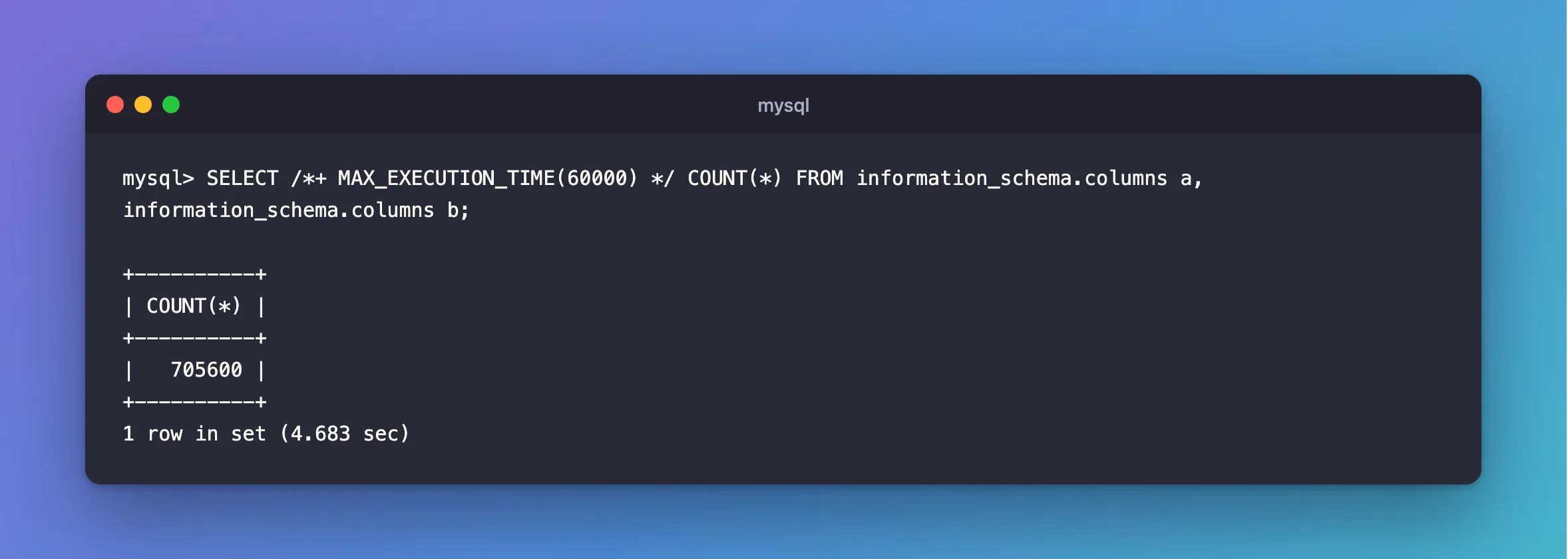
It needed 4.7 seconds, and now it has them.
Common Mistakes
| Mistake | What happens | Do this instead |
|---|---|---|
| Treating the value as seconds | 1000 means one second | It's in milliseconds |
| Turning the limit off for everyone | Every runaway query runs on | Raise it for one query |
| Retrying the same query in a loop | It fails the same way each time | Fix the query, or its limit |
Troubleshooting
| Symptom | Likely cause | Fix |
|---|---|---|
| It happens only from the app | The app sets the limit when it connects | Check the code that sets it |
| It happens on a query that used to be fast | The table has grown, or an index is gone | Run EXPLAIN |
| The hint has no effect | It isn't right after SELECT | Move it |
The API answers 503 | It maps this error to "try again" | How to Return 503 |
Conclusion
ERROR 3024 means a SELECT ran past max_execution_time. Make the query cheaper if you can, and if it really needs longer, raise the limit for that one query with /*+ MAX_EXECUTION_TIME(N) */.
Additional Resources
- max_execution_time — the variable.
- Optimizer Hints — the hint.
