Fixed: "ERROR 1819 (HY000): Your password does not satisfy the current policy requirements" in MySQL

Your password does not satisfy the current policy requirements means the validate_password component is on, and it doesn't like this password. The message doesn't say why, but the rules are one query away.
What I Was Doing
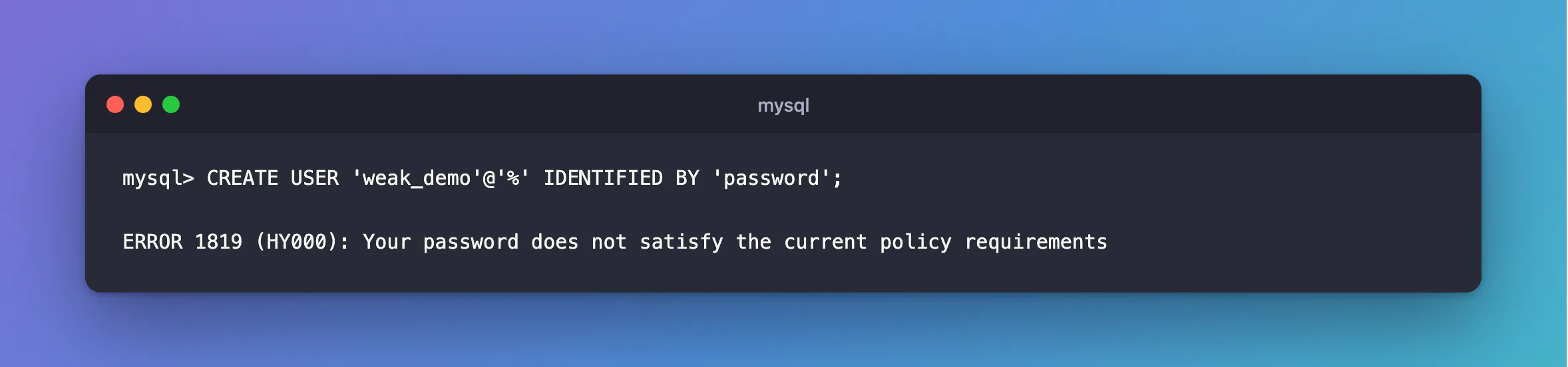
I'd turned on MySQL 9.7's password policy, and I was creating an account:
CREATE USER 'weak_demo'@'%' IDENTIFIED BY 'password';
What I Expected
For this test, a refusal: password is a terrible password.
What I Got
ERROR 1819 (HY000): Your password does not satisfy the current policy requirements
What I Checked
The rules:
SHOW VARIABLES LIKE 'validate_password%';
+-------------------------------------------------+--------+
| Variable_name                                   | Value  |
+-------------------------------------------------+--------+
| validate_password.changed_characters_percentage | 0      |
| validate_password.check_user_name               | ON     |
| validate_password.dictionary_file               |        |
| validate_password.length                        | 8      |
| validate_password.mixed_case_count              | 1      |
| validate_password.number_count                  | 1      |
| validate_password.policy                        | MEDIUM |
| validate_password.special_char_count            | 1      |
+-------------------------------------------------+--------+
8 rows in set (0.003 sec)
With the MEDIUM policy, a password needs at least 8 characters, with a number, a mixed case letter and a special character.
A password's score, from 0 to 100, without creating anything:
SELECT VALIDATE_PASSWORD_STRENGTH('password') AS weak, VALIDATE_PASSWORD_STRENGTH('8f3Kd92xQm1Zr7Tw#') AS strong;
+------+--------+
| weak | strong |
+------+--------+
|   50 |    100 |
+------+--------+
1 row in set (0.000 sec)
Why It Happens
validate_password checks every password set through CREATE USER, ALTER USER or SET PASSWORD. It's optional, and the official Docker image doesn't turn it on, so you'll meet it on servers where someone chose to.
The Fix
Use a password that meets the rules. These two ways create one that does:
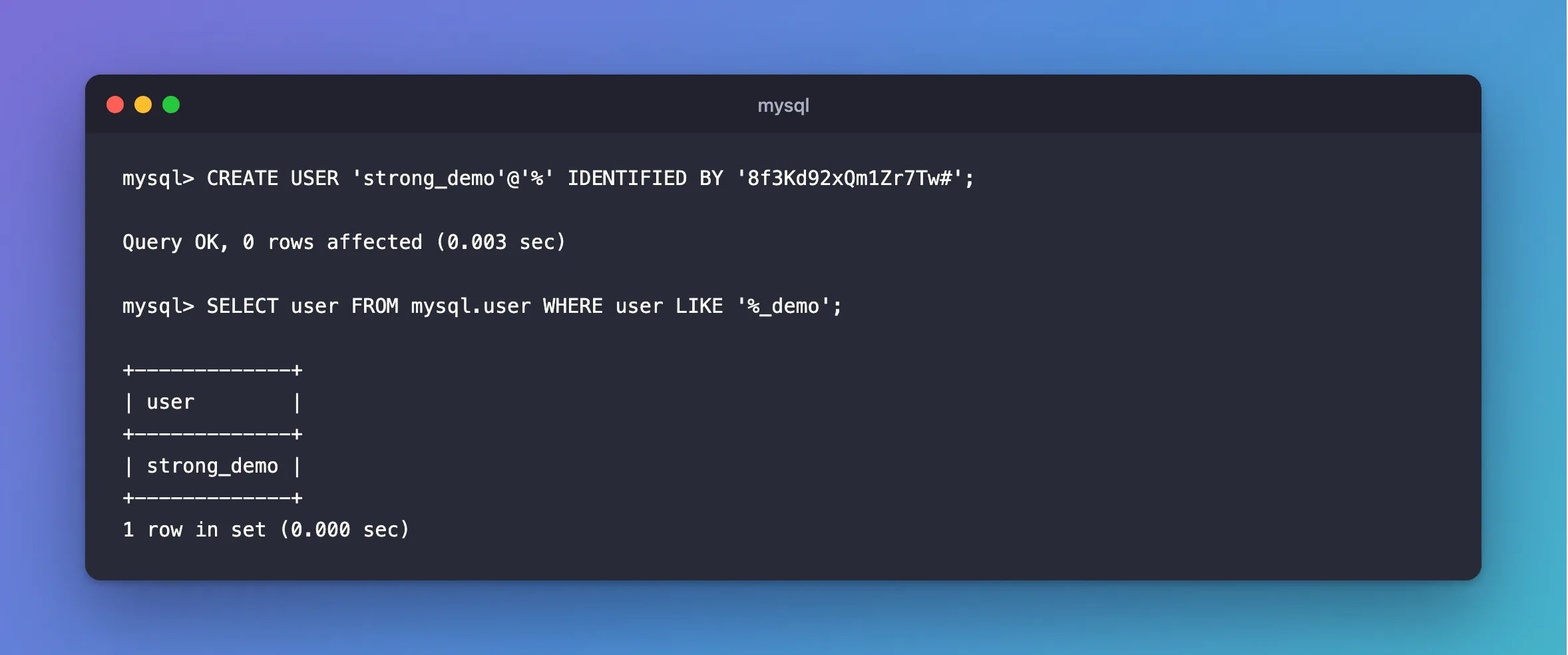
CREATE USER 'strong_demo'@'%' IDENTIFIED BY '8f3Kd92xQm1Zr7Tw#';
Or let MySQL generate it, as How to Generate a Random Password for a MySQL Account shows. A long hex password from the terminal is strong, but it has no uppercase letter or special character. A 48-character one scored only 50 here, and MEDIUM refused it.
Don't weaken the policy to fit one password. If the rules really are wrong for your server, change them on purpose, as How to Turn On the MySQL Password Policy with validate_password explains.
After the Fix
Query OK, 0 rows affected (0.003 sec)
SELECT user FROM mysql.user WHERE user LIKE '%_demo';
+-------------+
| user        |
+-------------+
| strong_demo |
+-------------+
1 row in set (0.000 sec)
Common Mistakes
| Mistake | What happens | Do this instead |
|---|---|---|
Lowering validate_password.policy for one password | The whole server has weaker rules | Use a stronger password |
| Assuming long means valid | A 48-character hex string has no uppercase letter | Check the rules |
Troubleshooting
| Symptom | Likely cause | Fix |
|---|---|---|
validate_password% shows nothing | The component isn't on | Something else refused it: read the message |
| An app's setup script fails with this | The script uses a weak default | Set a real password |
Conclusion
ERROR 1819 means the policy refused this password. SHOW VARIABLES LIKE 'validate_password%' shows the rules, and VALIDATE_PASSWORD_STRENGTH tests a password before you use it.
Additional Resources
- The Password Validation Component — the rules and the variables.
- Password Management — the wider picture.
