Fixed: "ERROR 1317 (70100): Query execution was interrupted" in MySQL

A statement that had been waiting ended suddenly with ERROR 1317 (70100): Query execution was interrupted. MySQL didn't give up by itself: another session stopped it with KILL QUERY. The statement had no effect, and the connection is fine.
What I Was Doing
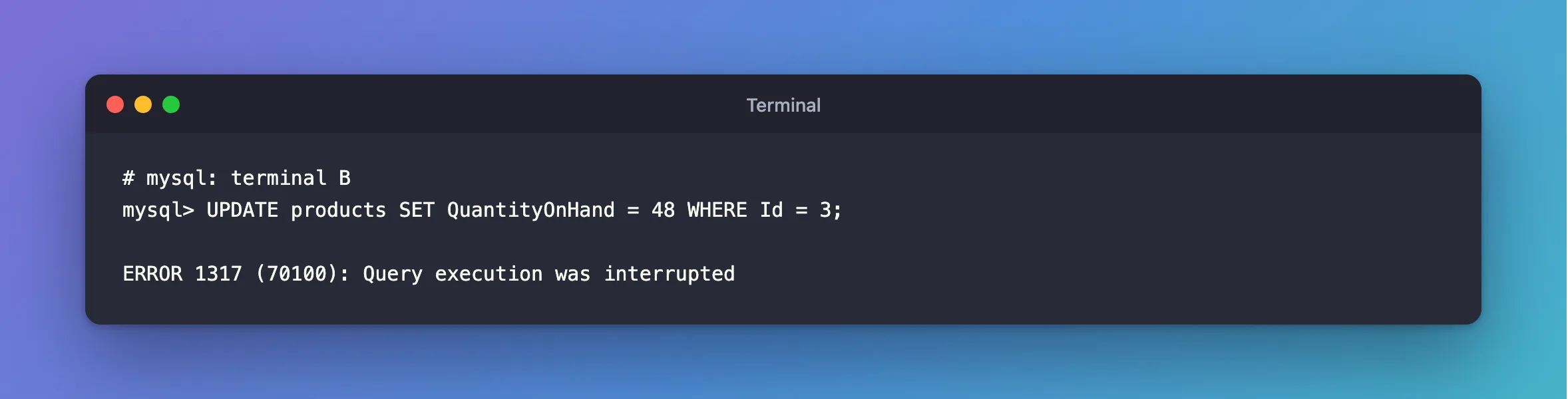
I was updating a product from the mysql client on MySQL 9.7.4 in Docker. The row was locked by another transaction, so the statement was waiting:
UPDATE products SET QuantityOnHand = 48 WHERE Id = 3;
What I Expected
It would wait for the row, and then go through.
What I Got
ERROR 1317 (70100): Query execution was interrupted
What I Checked
Whether the change happened.
SELECT Id, QuantityOnHand FROM products WHERE Id = 3;
+----+----------------+
| Id | QuantityOnHand |
+----+----------------+
|  3 |             50 |
+----+----------------+
1 row in set (0.003 sec)
No: it's still 50. The connection answered normally, too.
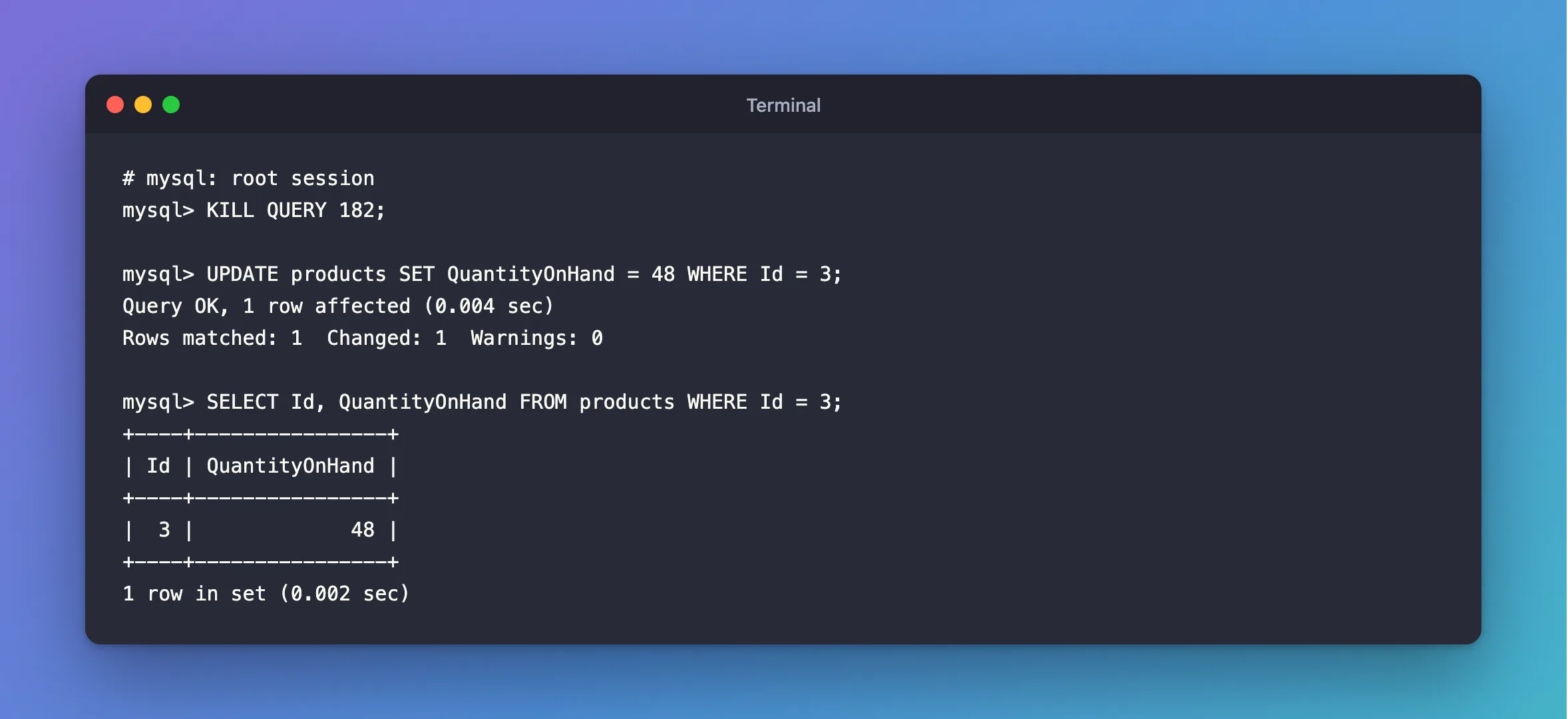
Who stopped it. A root session had seen the wait, and ended the statement:
KILL QUERY 182;
The KILL page says: "KILL QUERY terminates the statement the connection is currently executing, but leaves the connection itself intact."
Why It Happens
KILL QUERY is the usual cause: a person, a monitoring tool or a script. It's a deliberate stop, unlike ERROR 3024, which starts with the same words and adds maximum statement execution time exceeded.
The Fix
Find out why it was stopped, because the reason matters more than the error. Here, it was stuck behind a lock, so see what's holding the row, and end that. Then run the statement again.
If you're in a transaction, decide what to do with it: the statements before this one are still pending, so COMMIT or ROLLBACK deliberately.
After the Fix
With the other transaction finished, the same statement runs:
mysql> UPDATE products SET QuantityOnHand = 48 WHERE Id = 3;
Query OK, 1 row affected (0.004 sec)
Rows matched: 1  Changed: 1  Warnings: 0

mysql> SELECT Id, QuantityOnHand FROM products WHERE Id = 3;
+----+----------------+
| Id | QuantityOnHand |
+----+----------------+
|  3 |             48 |
+----+----------------+
1 row in set (0.002 sec)
Common Mistakes
| Mistake | What happens | Do this instead |
|---|---|---|
| Retrying right away | It waits behind the same lock | Deal with the blocker first |
| Assuming the transaction ended | It's still open | Commit or roll back |
Confusing it with ERROR 3024 | That's a time limit, not a person | Read the whole message |
Troubleshooting
| Symptom | Likely cause | Fix |
|---|---|---|
| It happens at regular intervals | A tool that kills slow queries | Check your monitoring |
It happens from .NET as a NullReferenceException | MySql.Data's handling of this error | The fix |
ERROR 2013: Lost connection instead | A full KILL | The fix |
Conclusion
ERROR 1317 means something stopped your statement with KILL QUERY. The statement had no effect, and the connection and any open transaction are still there. Sort out why it was stuck, then run it again.
Additional Resources
- KILL Statement — what it does, and when.
