Fixed: "ERROR 1238 (HY000): Variable is a read only variable" in MySQL

SET innodb_rollback_on_timeout = ON failed with ERROR 1238 (HY000): Variable 'innodb_rollback_on_timeout' is a read only variable. Some settings can only be chosen when the server starts. With Docker Compose, that takes one line and a restart.
What I Was Doing
A lock wait timeout rolls back only the waiting statement, and I wanted it to roll back the whole transaction. MySQL 9.7.4 in Docker has a setting for that, so I tried it as root:
SET GLOBAL innodb_rollback_on_timeout = ON;
What I Expected
Query OK.
What I Got
ERROR 1238 (HY000): Variable 'innodb_rollback_on_timeout' is a read only variable
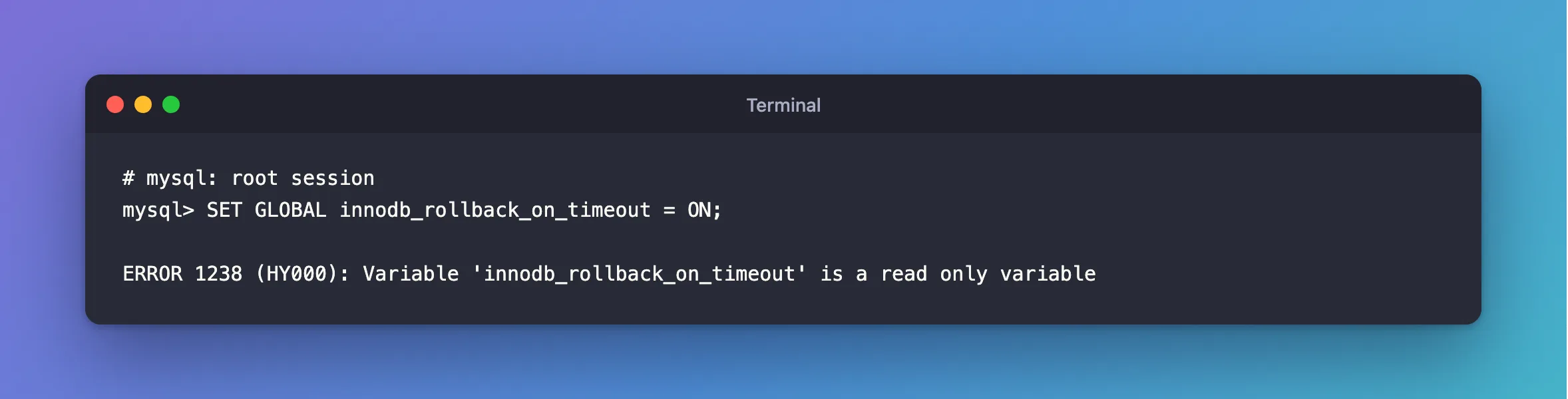
Leaving out GLOBAL gives the same answer, even for an administrator.
What I Checked
The option's entry. The InnoDB options page lists each option's scope, and whether it's Dynamic. For this one, Dynamic is No: it's a startup option.
Why It Happens
A variable marked as not dynamic is read once, when the server starts, and then stays as it is for that run. There's no privilege that changes this.
The Fix
Pass it when MySQL starts. With Docker Compose, add command to the service in compose.yaml:
services:
  mysql:
    image: mysql:9.7
    command: ["--innodb-rollback-on-timeout=ON"]
Recreate the container. The data stays in its volume:
docker compose up -d --wait
After the Fix
SELECT @@innodb_rollback_on_timeout;
+------------------------------+
| @@innodb_rollback_on_timeout |
+------------------------------+
|                            1 |
+------------------------------+
1 row in set (0.000 sec)
And it does what I wanted. A transaction changes row 4, then times out waiting for row 3:
START TRANSACTION;
UPDATE products SET QuantityOnHand = 47 WHERE Id = 4;
UPDATE products SET QuantityOnHand = 48 WHERE Id = 3;
SELECT Id, QuantityOnHand FROM products WHERE Id IN (3, 4);
ERROR 1205 (HY000): Lock wait timeout exceeded; try restarting transaction

+----+----------------+
| Id | QuantityOnHand |
+----+----------------+
|  3 |             50 |
|  4 |             50 |
+----+----------------+
2 rows in set (0.001 sec)
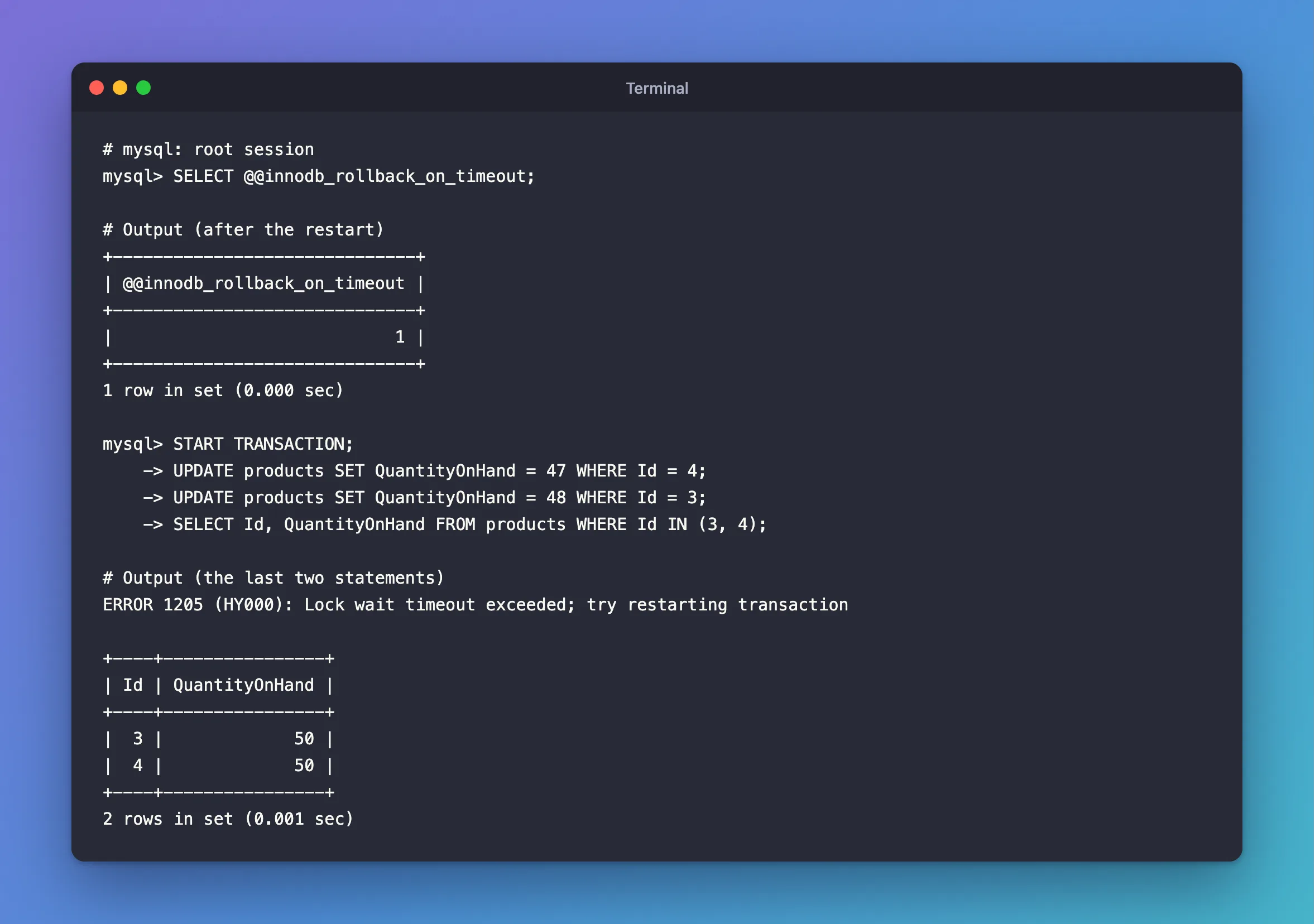
Row 4 is back at 50: the whole transaction was rolled back.
Common Mistakes
| Mistake | What happens | Do this instead |
|---|---|---|
docker compose restart after editing compose.yaml | The new command isn't applied | docker compose up -d, which recreates it |
| Looking for a privilege to grant | No privilege helps | Set it at startup |
| Assuming your app can set it | It's for the whole server | Handle the rollback in your app, if you can't change the server |
Troubleshooting
| Symptom | Likely cause | Fix |
|---|---|---|
is a GLOBAL variable and should be set with SET GLOBAL | A different rule: it has no session form | ERROR 1229 |
| The container won't start after the change | A wrong option name | docker compose logs mysql names it |
| The value hasn't changed | The container wasn't recreated | Run docker compose up -d --wait |
Conclusion
ERROR 1238 means the setting can only be chosen at startup. In Docker Compose, that's a command in compose.yaml and docker compose up -d --wait, and your data stays where it is.
Additional Resources
- innodb_rollback_on_timeout — the option.
- Using System Variables — dynamic and not.
