Fixed: "ERROR 1226 (42000): User has exceeded the 'max_user_connections' resource" in MySQL

User 'inventory_app' has exceeded the 'max_user_connections' resource (current value: 2) means that one account has as many connections open as it's allowed. The number is in the message, so the question is who has them, and whether the limit is right.
What I Was Doing
I was testing a limit on an account in MySQL 9.7, with two sessions already open as inventory_app, and I opened a third:
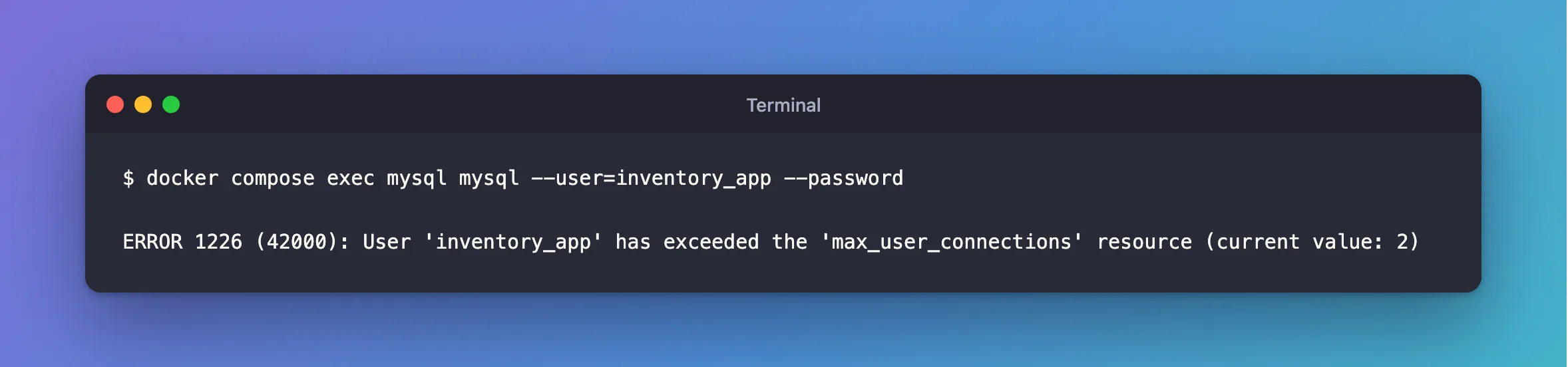
docker compose exec mysql mysql --user=inventory_app --password
What I Expected
For this test, a refusal. If you've landed here, you probably expected to sign in.
What I Got
ERROR 1226 (42000): User 'inventory_app' has exceeded the 'max_user_connections' resource (current value: 2)
What I Checked
The limit, as root. 0 here means the account has no limit of its own:
SELECT user, host, max_user_connections FROM mysql.user WHERE user = 'inventory_app';
+---------------+------+----------------------+
| user          | host | max_user_connections |
+---------------+------+----------------------+
| inventory_app | %    |                    2 |
+---------------+------+----------------------+
1 row in set (0.000 sec)
The server-wide limit, which applies when an account has 0:
SHOW VARIABLES LIKE 'max_user_connections';
Who has the connections:
SELECT PROCESSLIST_USER AS user, PROCESSLIST_HOST AS host, COUNT(*) AS connections
FROM performance_schema.threads
WHERE PROCESSLIST_USER IS NOT NULL
GROUP BY PROCESSLIST_USER, PROCESSLIST_HOST
ORDER BY connections DESC;
+-----------------+-----------+-------------+
| user            | host      | connections |
+-----------------+-----------+-------------+
| inventory_app   | localhost |           2 |
| event_scheduler | localhost |           1 |
| root            | localhost |           1 |
+-----------------+-----------+-------------+
3 rows in set (0.003 sec)
Why It Happens
Every connection by that account counts, from every program and every computer. An app's connection pool keeps connections open between requests, so a pool can use up the limit with nothing visibly running.
The Fix
If the connections are yours and idle, make the pool smaller than the limit. Fixed: "User has exceeded the 'max_user_connections' resource" with MySql.Data covers a .NET app.
If they're stuck, find them and stop them. How to Stop a Running Query or Connection in MySQL with KILL shows how.
If the limit is too low, raise it, as root. 0 removes it:
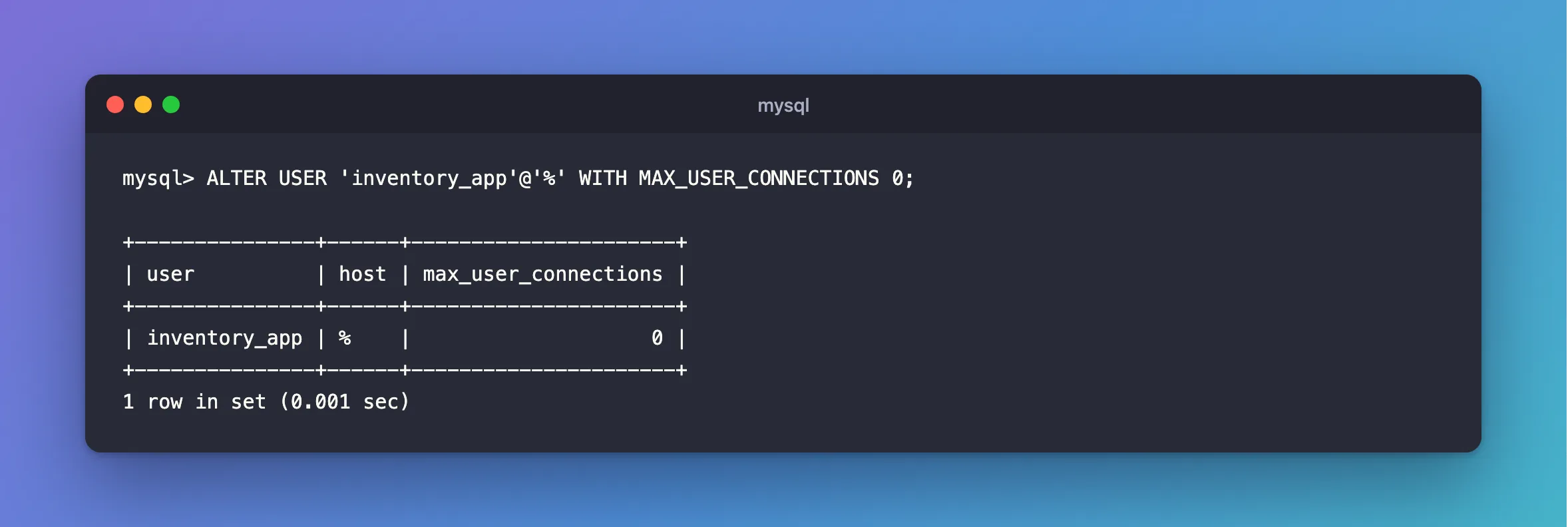
ALTER USER 'inventory_app'@'%' WITH MAX_USER_CONNECTIONS 0;
After the Fix
+---------------+------+----------------------+
| user          | host | max_user_connections |
+---------------+------+----------------------+
| inventory_app | %    |                    0 |
+---------------+------+----------------------+
1 row in set (0.001 sec)
And the third session gets in.
Common Mistakes
| Mistake | What happens | Do this instead |
|---|---|---|
| Raising the limit without looking | Stuck connections use up the new limit too | See who has them first |
| Looking only at the account's value | 0 can still mean the global limit | Check both |
Confusing it with max_connections | That's the whole server | ERROR 1040 is that one |
Troubleshooting
| Symptom | Likely cause | Fix |
|---|---|---|
ERROR 1040 (HY000): Too many connections | The server's limit | The fix |
| You can't sign in to look | You're out of connections on that account | Use root |
ALTER USER is denied on a shared host | Your provider sets the limit | Ask them, and reduce your pool |
Conclusion
This error means one account has reached its own limit. See who holds the connections, then fix the pool or the limit.
Additional Resources
- Setting Account Resource Limits — this limit and its siblings.
- The threads Table — who's connected.
