Fixed: "ERROR 1175 (HY000): You are using safe update mode" in MySQL

An UPDATE in MySQL stopped with ERROR 1175 (HY000): You are using safe update mode and you tried to update a table without a WHERE that uses a KEY column. Safe-updates mode refused it because nothing limited it to particular rows. Usually that's the mode doing what it's for, and the right fix is a better WHERE.
What I Was Doing
I was working in the mysql client on MySQL 9.7.4 in Docker, on a table of categories, with SQL_SAFE_UPDATES turned on for the session:
SET SQL_SAFE_UPDATES = 1;
Then I ran an UPDATE with no WHERE:
UPDATE categories SET Name = 'Oops';
What I Expected
Without the mode, an UPDATE with no WHERE changes every row.
What I Got
ERROR 1175 (HY000): You are using safe update mode and you tried to update a table without a WHERE that uses a KEY column.
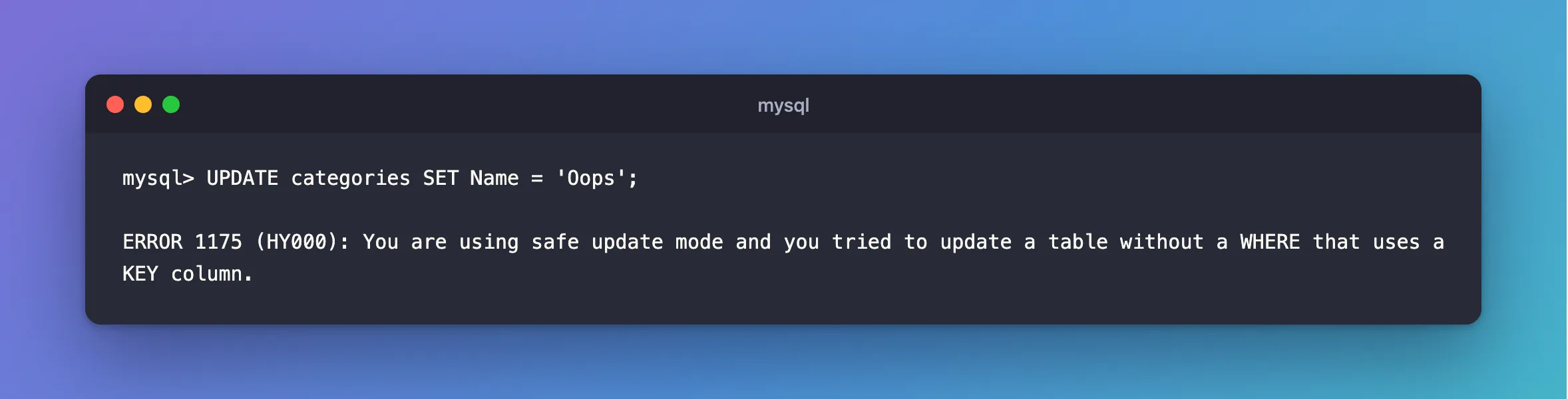
No rows changed. A DELETE with no WHERE gets the same answer:
DELETE FROM categories;
ERROR 1175 (HY000): You are using safe update mode and you tried to update a table without a WHERE that uses a KEY column.
What I Checked
Whether the mode was on.
SELECT @@sql_safe_updates;
+--------------------+
| @@sql_safe_updates |
+--------------------+
|                  1 |
+--------------------+
1 row in set (0.000 sec)
Whether any WHERE would do. It wouldn't. ReorderLevel has no index, so this fails as well, even though it has a condition:
UPDATE products SET ReorderLevel = 5 WHERE ReorderLevel = 4;
ERROR 1175 (HY000): You are using safe update mode and you tried to update a table without a WHERE that uses a KEY column.
Why It Happens
MySQL's tips page says what the mode is for: it "is helpful for cases when you might have issued an UPDATE or DELETE statement but forgotten the WHERE clause indicating which rows to modify." And what it allows: "With --safe-updates, you can modify rows only by specifying the key values that identify them, or a LIMIT clause, or both."
The error reference lists it as "Error number: 1175; Symbol: ER_UPDATE_WITHOUT_KEY_IN_SAFE_MODE; SQLSTATE: HY000".
The mysql client's --safe-updates option turns it on, and so does SET SQL_SAFE_UPDATES = 1. MySQL Workbench has its own setting, and its SQL Editor preferences page says "Safe Updates (rejects UPDATEs and DELETEs with no restrictions)" is "Enabled by default". So that's the usual place people meet this error.
The Fix
Add a WHERE on a key column. Sku has a unique index:
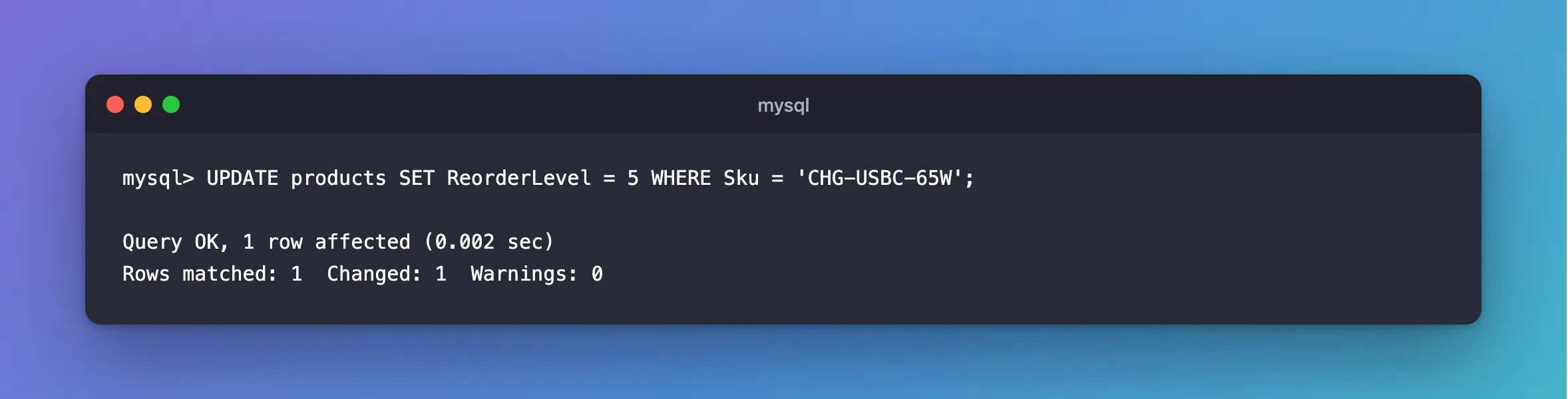
UPDATE products SET ReorderLevel = 5 WHERE Sku = 'CHG-USBC-65W';
Query OK, 1 row affected (0.002 sec)
Rows matched: 1  Changed: 1  Warnings: 0
Not sure which columns are keys? How to List the Indexes of a MySQL Table shows them.
Add a LIMIT
When the column has no index, a LIMIT is also allowed, because it caps the damage:
UPDATE products SET ReorderLevel = 6 WHERE ReorderLevel = 5 LIMIT 1;
Query OK, 1 row affected (0.002 sec)
Rows matched: 1  Changed: 1  Warnings: 0
Turn It Off for This Session
If you really do mean to change many rows without a key, turn the mode off for your connection, run it, and turn it back on:
SET SQL_SAFE_UPDATES = 0;
SELECT @@sql_safe_updates;
+--------------------+
| @@sql_safe_updates |
+--------------------+
|                  0 |
+--------------------+
1 row in set (0.000 sec)
In MySQL Workbench, it's the Safe Updates option under SQL Editor in its preferences, and the page says the change "requires a MySQL server reconnection". I didn't go through Workbench for this post, so that part comes from its documentation.
After the Fix
The statements with a key and with a LIMIT ran as shown above, each changing one row. The safeguard stayed on for the others.
Common Mistakes
| Mistake | What happens | Do this instead |
|---|---|---|
| Turning the mode off as a first step | You lose the guard against the mistake it's there for | Write a WHERE on a key first |
A WHERE on an unindexed column | Still 1175 | Use a key, or add a LIMIT |
| Leaving the mode off after a one-off change | The next slip can change every row | Set it back to 1 |
Adding WHERE Id > 0 to get past it | It passes, and it still changes every row | Be sure that's what you want first |
Troubleshooting
| Symptom | Likely cause | Fix |
|---|---|---|
| It happens in Workbench, and not in the client | Workbench's Safe Updates preference | Use a key, or change the preference |
It happens with a WHERE on an indexed column | A function or a type mismatch stops MySQL using the index | Compare the column directly |
SET SQL_SAFE_UPDATES = 0 doesn't stick | It's per session, and a new connection starts again | Set it on the connection you're using |
| The error shows up from an application | The application's session has it on | Check what sets sql_safe_updates there |
FAQ
Is it on by default on the server?
In this session's mysql client, it wasn't until I set it, and --safe-updates is an option you choose. Workbench turns it on by default.
Does this affect SELECT?
The tips page says the mode "also restricts SELECT statements that produce (or are estimated to produce) very large result sets", through its other settings.
Conclusion
ERROR 1175 means safe-updates mode wanted a key column or a LIMIT, and didn't get one. Write the WHERE on a key, add a LIMIT, or turn it off for one session if you really do mean every row. It's worth leaving on while you work by hand.
Additional Resources
- Using Safe-Updates Mode — what it restricts.
- SQL Editor Preferences — MySQL Workbench's setting.
