Fixed: "ERROR 1142 (42000): SELECT command denied to user for table 'data_locks'" in MySQL

Looking at MySQL's locks failed with ERROR 1142 (42000): SELECT command denied to user 'inventory_app'@'localhost' for table 'data_locks'. The table's fine, and so is the account: it just has no rights outside its own database. Here's the fix, on a separate account, so the application's account stays as it is.
What I Was Doing
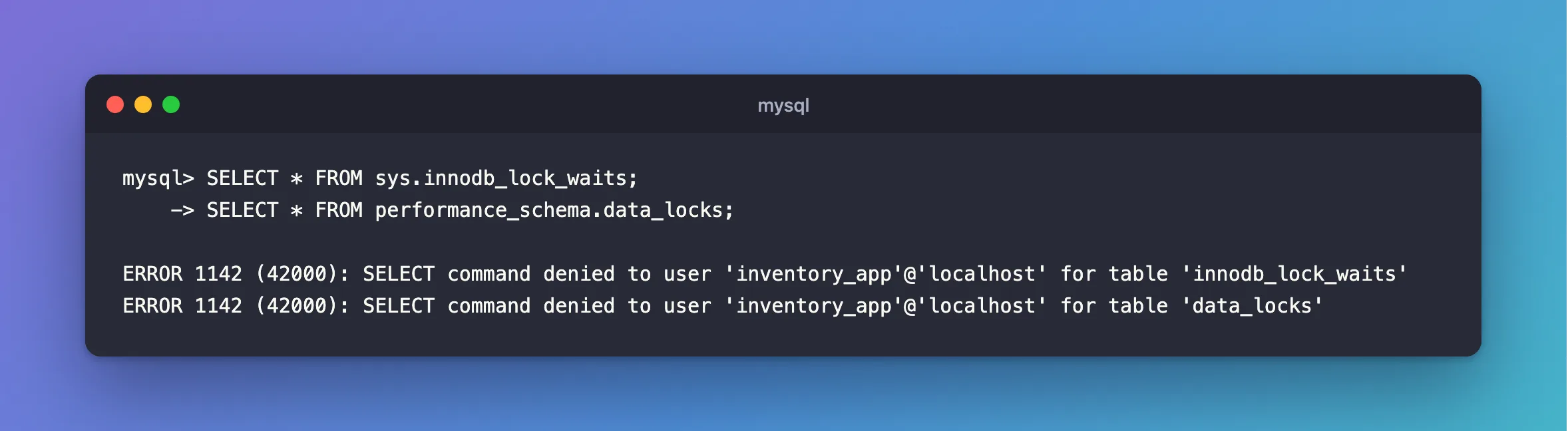
An UPDATE was stuck, and I wanted to see why. I was connected as the application's account, inventory_app, on MySQL 9.7.4 in Docker:
SELECT * FROM sys.innodb_lock_waits;
SELECT * FROM performance_schema.data_locks;
What I Expected
A list of who's waiting for whom.
What I Got
ERROR 1142 (42000): SELECT command denied to user 'inventory_app'@'localhost' for table 'innodb_lock_waits'
ERROR 1142 (42000): SELECT command denied to user 'inventory_app'@'localhost' for table 'data_locks'
What I Checked
The account's rights.
SHOW GRANTS;
+--------------------------------------------------------------+
| Grants for inventory_app@%                                   |
+--------------------------------------------------------------+
| GRANT USAGE ON *.* TO `inventory_app`@`%`                    |
| GRANT ALL PRIVILEGES ON `inventory`.* TO `inventory_app`@`%` |
+--------------------------------------------------------------+
2 rows in set (0.000 sec)
ALL PRIVILEGES, on inventory.* only.
Where the tables live. sys and performance_schema are separate schemas. Reading a table in one takes a SELECT right that covers it, and this account has no such right.
Why It Happens
The message names the table, which makes it look as if that table has a problem. It means this account has no SELECT right on it. Rights on inventory stop at inventory.
The Fix
Give the rights to a separate account, as root, and leave the application's account alone. Choose your own password:
CREATE USER IF NOT EXISTS 'lock_viewer'@'%' IDENTIFIED BY 'choose-a-strong-password';
GRANT PROCESS ON *.* TO 'lock_viewer'@'%';
GRANT SELECT ON performance_schema.* TO 'lock_viewer'@'%';
GRANT SELECT, EXECUTE ON sys.* TO 'lock_viewer'@'%';
The sys views also need EXECUTE, because they call functions, and PROCESS, because they read innodb_trx. Connect as lock_viewer, with no database on the command line, or you'll get ERROR 1044.
After the Fix
SELECT waiting_pid, blocking_pid, wait_age FROM sys.innodb_lock_waits;
SELECT COUNT(*) AS locks FROM performance_schema.data_locks;
Empty set (0.007 sec)

+-------+
| locks |
+-------+
|     0 |
+-------+
1 row in set (0.000 sec)
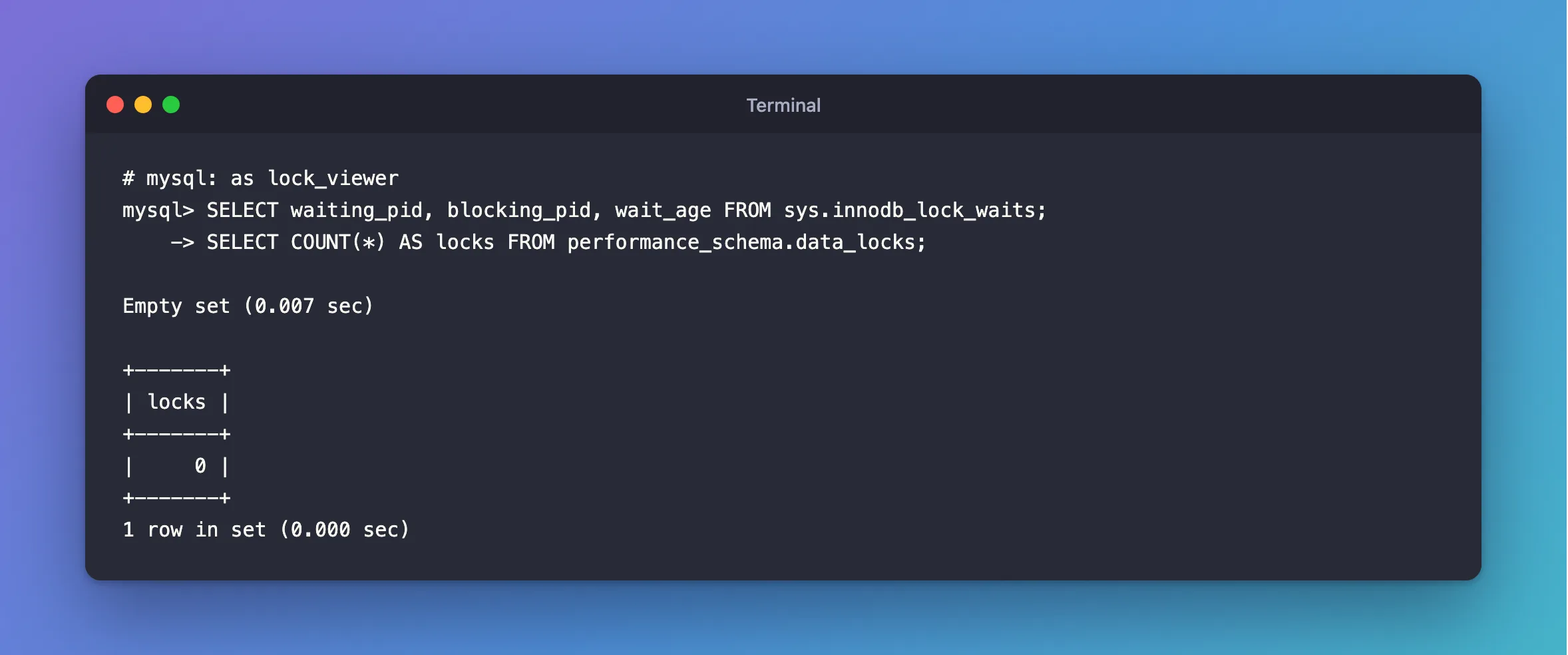
Empty set here is a real answer: nothing was waiting when I ran it, and there was no error. The application's tables are still out of reach for this account:
ERROR 1142 (42000): SELECT command denied to user 'lock_viewer'@'localhost' for table 'products'
Common Mistakes
| Mistake | What happens | Do this instead |
|---|---|---|
Granting ALL on *.* to fix it | The account can do anything | Grant what's needed |
Forgetting EXECUTE on sys | ERROR 1356 | Grant SELECT, EXECUTE |
Forgetting PROCESS | ERROR 1227 | Grant it on *.* |
| Reading the message as a broken table | The table's fine | Check SHOW GRANTS |
Troubleshooting
| Symptom | Likely cause | Fix |
|---|---|---|
| The same error on your own table | The account has no right on it | Grant SELECT on that table, or use the right account |
The error names 'lock_viewer'@'localhost', and you granted to '%' | That's normal: the message shows where you connected from | Check SHOW GRANTS FOR 'lock_viewer'@'%' |
Empty set | Nothing is waiting | No fix needed |
Conclusion
ERROR 1142 means the account has no SELECT right on that table. For performance_schema and sys, grant them to a small account that's just for looking, with PROCESS, and keep your application's account limited to its own database.
Additional Resources
- Privileges Provided by MySQL — what each right allows.
- The data_locks Table — what's in it.
