Fixed: "ERROR 1142 (42000): DROP command denied to user" in MySQL

ERROR 1142 (42000): DROP command denied to user means the account you're signed in with doesn't have that right on that table. If the account belongs to an app, that's often exactly what you want. And TRUNCATE gives the same message, which surprised me.
What I Was Doing
I'd just reduced an application's account in MySQL 9.7 to reading and changing rows, and I wanted to see what it could no longer do:
DROP TABLE products;
What I Expected
A refusal. If you've landed here you probably expected it to work, and something changed about your account.
What I Got
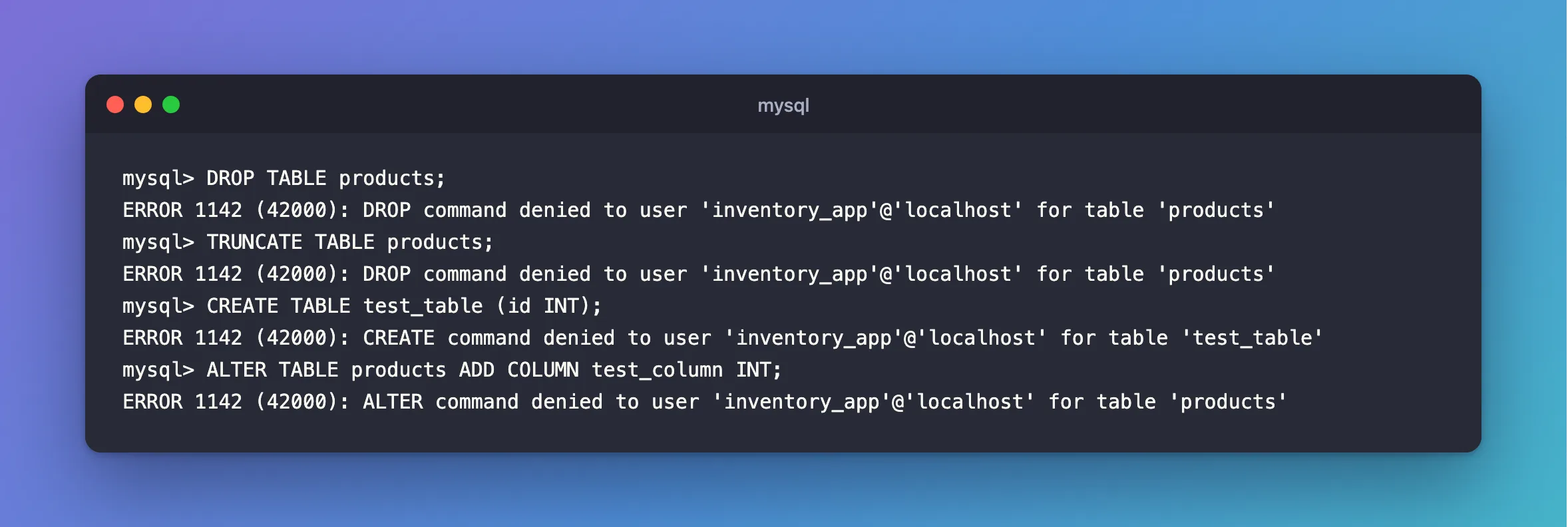
mysql> DROP TABLE products;
ERROR 1142 (42000): DROP command denied to user 'inventory_app'@'localhost' for table 'products'
mysql> TRUNCATE TABLE products;
ERROR 1142 (42000): DROP command denied to user 'inventory_app'@'localhost' for table 'products'
mysql> CREATE TABLE test_table (id INT);
ERROR 1142 (42000): CREATE command denied to user 'inventory_app'@'localhost' for table 'test_table'
mysql> ALTER TABLE products ADD COLUMN test_column INT;
ERROR 1142 (42000): ALTER command denied to user 'inventory_app'@'localhost' for table 'products'
What I Checked
The account's rights:
SHOW GRANTS;
+------------------------------------------------------------------------------+
| Grants for inventory_app@%                                                   |
+------------------------------------------------------------------------------+
| GRANT USAGE ON *.* TO `inventory_app`@`%`                                    |
| GRANT SELECT, INSERT, UPDATE, DELETE ON `inventory`.* TO `inventory_app`@`%` |
+------------------------------------------------------------------------------+
USAGE means "no rights". The second line is everything this account can do.
Why TRUNCATE says DROP. MySQL's manual says TRUNCATE TABLE "requires the DROP privilege", and describes it as similar to deleting all the rows, or to dropping and recreating the table. So a DELETE-only account can't use it.
Why It Happens
Each statement needs a right, on that table or a level above it. MySQL names the one that's missing, and the table.
The Fix
First decide whether this account should be doing it. If it's your app, usually it shouldn't: leave it alone, and run the change as an account meant for it. How to Create a MySQL Account for Running Migrations sets one up.
If it should, sign in as root and grant that one right, on that one database:
GRANT DROP ON inventory.* TO 'inventory_app'@'%';
To empty a table without DROP, use DELETE, which this account has:
DELETE FROM products;
After the Fix
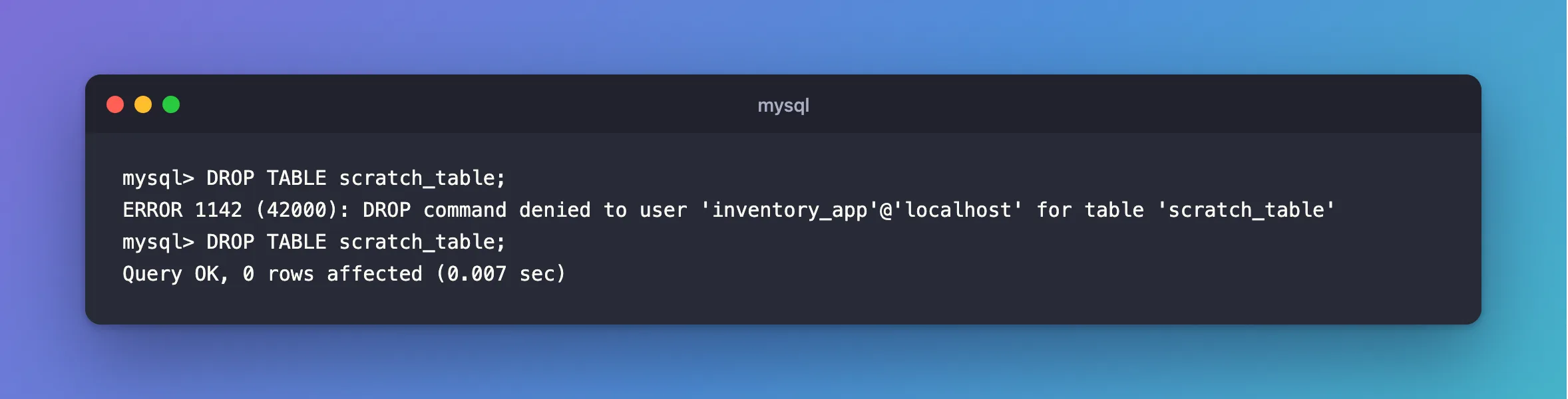
If you leave the account as it is, the refusals above are the correct result. To see what a grant changes, I tried it on a table made for the purpose, scratch_table. Refused, then granted that one right as root, then allowed:
mysql> DROP TABLE scratch_table;
ERROR 1142 (42000): DROP command denied to user 'inventory_app'@'localhost' for table 'scratch_table'
mysql> DROP TABLE scratch_table;
Query OK, 0 rows affected (0.007 sec)
Common Mistakes
| Mistake | What happens | Do this instead |
|---|---|---|
GRANT ALL to make the error go away | The app can now drop everything | Grant the one right, to the right account |
Granting on *.* | It covers every database, including mysql | Name the database |
Using TRUNCATE in an app with DELETE only | Refused | Use DELETE, or a separate account |
Troubleshooting
| Symptom | Likely cause | Fix |
|---|---|---|
SELECT command denied … for table 'data_locks' | A monitoring table | The fix |
CREATE command denied … '__EFMigrationsHistory' | dotnet ef as the app's account | The fix |
| The right is listed, and it's still refused | An open session that hasn't re-read a database right | When privilege changes take effect |
ERROR 1044 … to database | A right at the database level, such as GRANT | The fix |
Conclusion
ERROR 1142 names the right you're missing. Check SHOW GRANTS, decide if this account should have it, and if so, grant only that, on only that database.
Additional Resources
- Privileges Provided by MySQL — what each right allows.
- TRUNCATE TABLE Statement — why it needs
DROP.
