Fixed: "ERROR 1094 (HY000): Unknown thread id" in MySQL

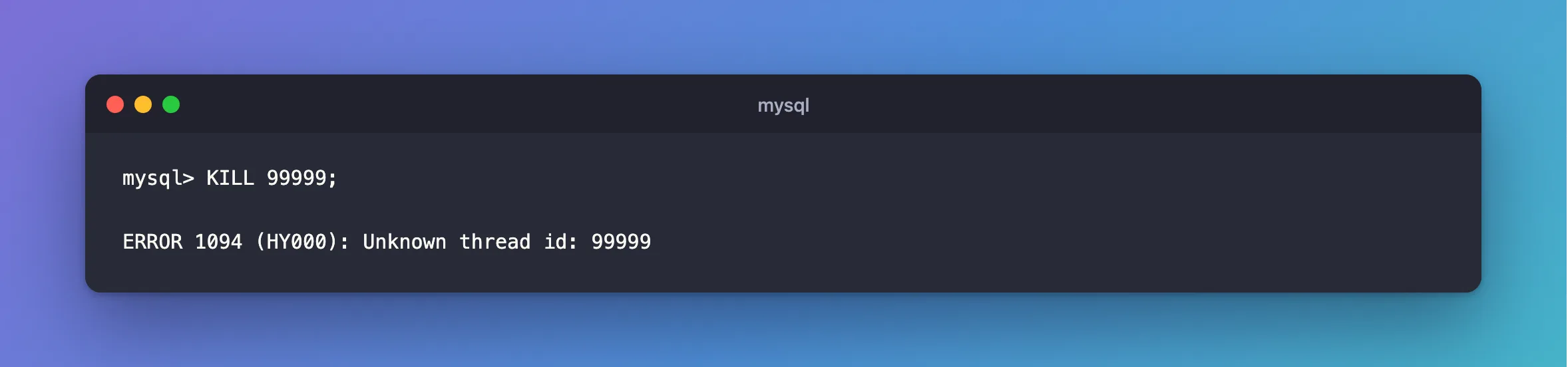
KILL failed with ERROR 1094 (HY000): Unknown thread id: 99999. No connection has that number. Either it's already gone, or the number came from the wrong column, and MySQL has two kinds of ID that are easy to mix up.
What I Was Doing
I was ending a stuck connection on MySQL 9.7.4 in Docker, with a number I had from a moment earlier:
KILL 99999;
What I Expected
Query OK.
What I Got
ERROR 1094 (HY000): Unknown thread id: 99999
What I Checked
The list of connections.
SELECT PROCESSLIST_ID, PROCESSLIST_COMMAND, PROCESSLIST_TIME, PROCESSLIST_STATE,
       LEFT(PROCESSLIST_INFO, 50) AS statement
FROM performance_schema.threads
WHERE PROCESSLIST_USER = 'inventory_app';
+----------------+---------------------+------------------+-------------------+----------------------------------------------------+
| PROCESSLIST_ID | PROCESSLIST_COMMAND | PROCESSLIST_TIME | PROCESSLIST_STATE | statement                                          |
+----------------+---------------------+------------------+-------------------+----------------------------------------------------+
|             70 | Sleep               |              196 | NULL              | NULL                                               |
|            182 | Query               |                2 | updating          | UPDATE products SET QuantityOnHand = 48 WHERE Id = |
|            184 | Sleep               |                2 | NULL              | NULL                                               |
+----------------+---------------------+------------------+-------------------+----------------------------------------------------+
3 rows in set (0.002 sec)
No 99999 there.
The other kind of ID. performance_schema.data_locks has a THREAD_ID column, and it's a different number. In the row-lock example, a connection's THREAD_ID was 137, and its connection ID wasn't.
Why It Happens
KILL takes the connection ID: PROCESSLIST_ID in performance_schema.threads, or what CONNECTION_ID() returns. THREAD_ID is the Performance Schema's own number for the same thing, and passing it to KILL either fails like this or, worse, hits a different connection. And connections come and go, so a number from a minute ago may simply be gone.
The Fix
List the connections again, and use the PROCESSLIST_ID of the one you want:
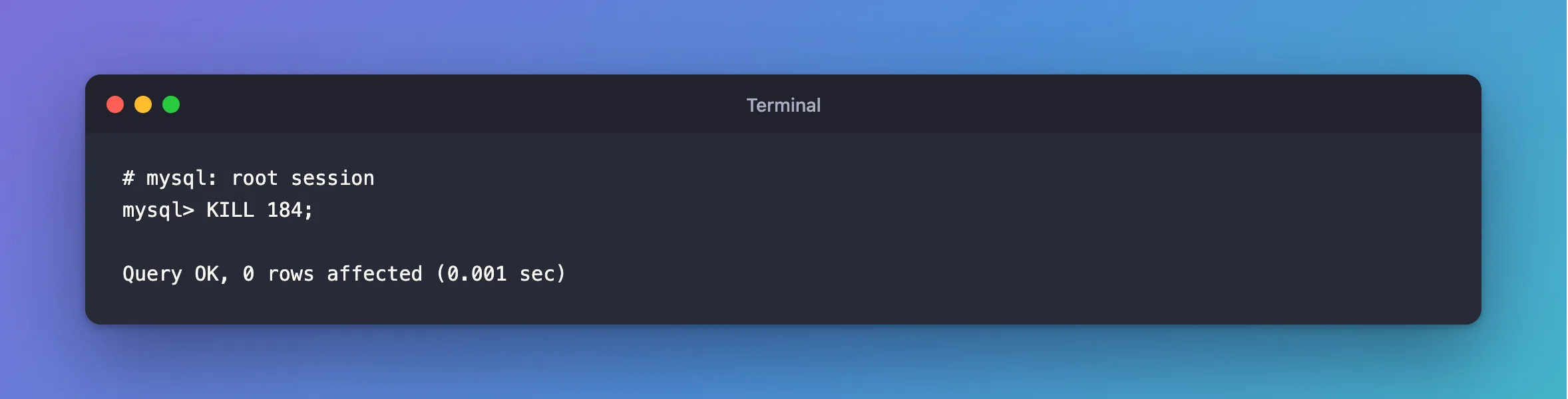
KILL 184;
If you start from data_locks, translate the ID first:
SELECT PROCESSLIST_ID FROM performance_schema.threads WHERE THREAD_ID = 137;
Or use sys.innodb_lock_waits, whose blocking_pid is already the right number: How to See Which MySQL Query Is Blocking Another.
After the Fix
Query OK, 0 rows affected (0.001 sec)
Common Mistakes
| Mistake | What happens | Do this instead |
|---|---|---|
Using THREAD_ID with KILL | The wrong connection, or this error | Use PROCESSLIST_ID |
| Reusing an old number | The connection has ended, or the number's been reused | List the connections again |
| Reading this as a server fault | It only means the ID isn't there | Check the list |
Troubleshooting
| Symptom | Likely cause | Fix |
|---|---|---|
| The connection was there a moment ago | It ended by itself | Nothing to kill |
You are not owner of thread | The ID is right, and it isn't yours | ERROR 1095 |
Conclusion
ERROR 1094 means no connection has that ID. Get a fresh PROCESSLIST_ID from performance_schema.threads, and don't confuse it with THREAD_ID.
Additional Resources
- KILL Statement — which ID it takes.
- The threads Table — both kinds of ID.
