Fixed: "ERROR 1045 (28000): Access denied" for an Account with REQUIRE SSL in MySQL

The password was right, and I still got ERROR 1045 (28000): Access denied. MySQL gives no hint of the real reason: this account has REQUIRE SSL, and the connection didn't use TLS. It caught me over a local socket too, which require_secure_transport would have allowed.
What I Was Doing
I'd set an account in MySQL 9.7 to need TLS:
ALTER USER 'inventory_app'@'%' REQUIRE SSL;
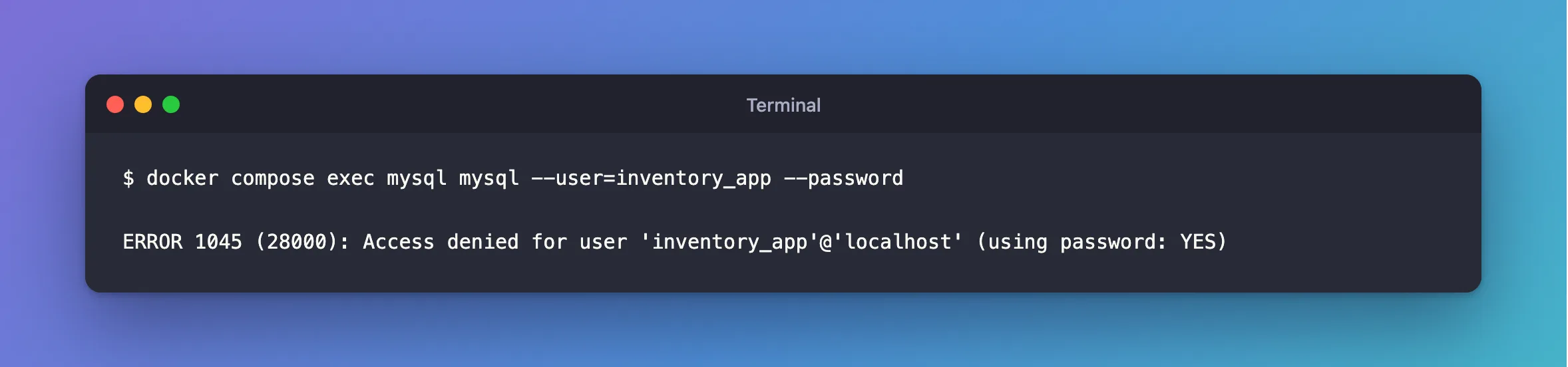
Then I signed in the way I always do in this project, inside the container:
docker compose exec mysql mysql --user=inventory_app --password
What I Expected
A session: the password hadn't changed, and a local socket is secure.
What I Got
ERROR 1045 (28000): Access denied for user 'inventory_app'@'localhost' (using password: YES)
What I Checked
The account, as root:
SELECT user, host, ssl_type FROM mysql.user WHERE user = 'inventory_app';
+---------------+------+----------+
| user          | host | ssl_type |
+---------------+------+----------+
| inventory_app | %    | ANY      |
+---------------+------+----------+
1 row in set (0.000 sec)
ssl_type isn't empty, so the account has a requirement.
The same login with TLS, over TCP:
mysql --user=inventory_app --password --protocol=TCP --host=127.0.0.1 --ssl-mode=REQUIRED --table --execute "SELECT CURRENT_USER() AS account"
+-----------------+
| account         |
+-----------------+
| inventory_app@% |
+-----------------+
So the password was right all along.
TCP with TLS off: the same error, from 127.0.0.1:
ERROR 1045 (28000): Access denied for user 'inventory_app'@'127.0.0.1' (using password: YES)
Why It Happens
MySQL's Access denied is deliberately vague, so it doesn't tell someone trying passwords which part was wrong. REQUIRE SSL applies to the account itself, and it needs an actual TLS connection, so a socket doesn't count. That's the difference from require_secure_transport, a server-wide setting that does accept sockets.
The Fix
Connect with TLS. For the mysql client inside the container, that means going over TCP, as above. For an app, set SslMode in its connection string.
Or remove the requirement, if you need the socket, and use the server-wide setting instead:
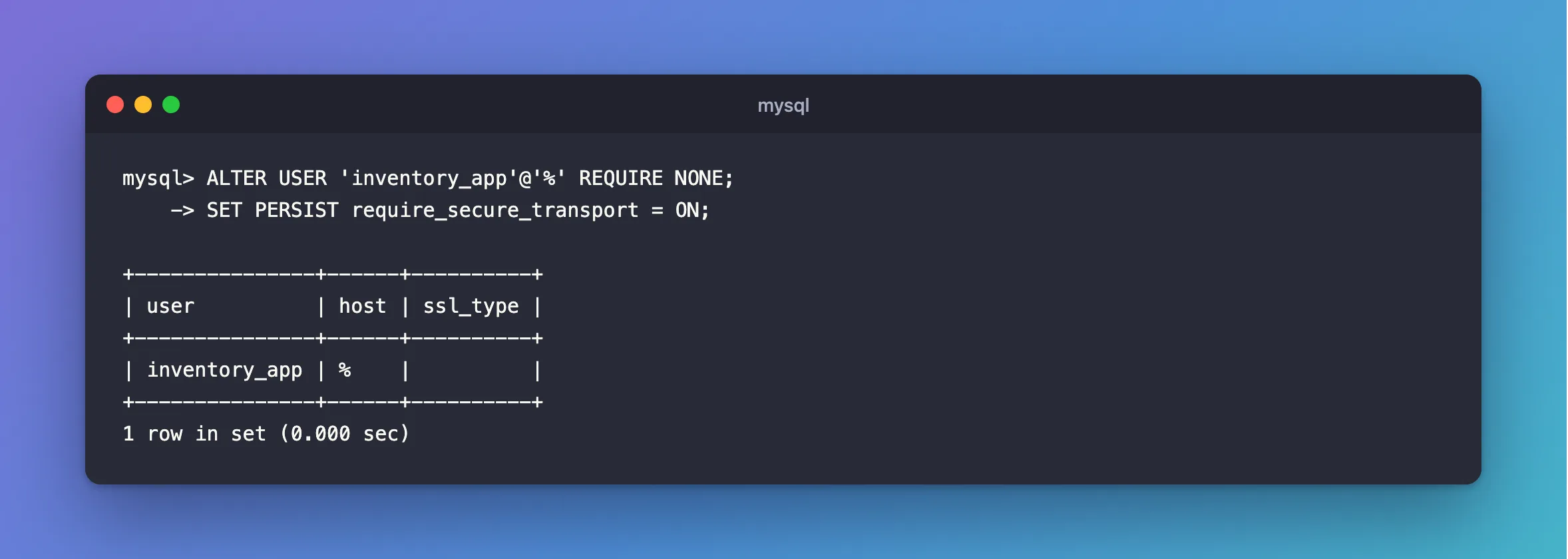
ALTER USER 'inventory_app'@'%' REQUIRE NONE;
SET PERSIST require_secure_transport = ON;
After the Fix
With REQUIRE NONE:
+---------------+------+----------+
| user          | host | ssl_type |
+---------------+------+----------+
| inventory_app | %    |          |
+---------------+------+----------+
1 row in set (0.000 sec)
Common Mistakes
| Mistake | What happens | Do this instead |
|---|---|---|
| Resetting the password | The new one's refused as well | Check ssl_type |
| Assuming a socket is enough | REQUIRE SSL wants TLS | Use TCP with TLS |
| Setting it on an account a script uses over a socket | The script stops signing in | Use require_secure_transport |
Troubleshooting
| Symptom | Likely cause | Fix |
|---|---|---|
ssl_type says X509 or SPECIFIED | It needs a client certificate as well | How to Require a Client Certificate for a MySQL Account |
ssl_type is empty, and it's still denied | It really is the password | The fix |
| The password in the container's variable is wrong | Your shell overrode .env | The fix |
Conclusion
An account with REQUIRE SSL gets a plain ERROR 1045 without TLS, even over a socket. Check ssl_type, and connect with TLS.
Additional Resources
- CREATE USER: SSL/TLS options —
REQUIRE SSL. - Configuring Encrypted Connections as Mandatory — the server-wide setting.
