Fixed: "ERROR 1044 (42000): Access denied for user to database" in MySQL

ERROR 1044 (42000): Access denied for user 'lock_viewer'@'%' to database 'inventory' looks like a login failure, and it isn't one: your password was right. This account just has no rights on the database you named. It's different from ERROR 1045, and has a different fix.
What I Was Doing
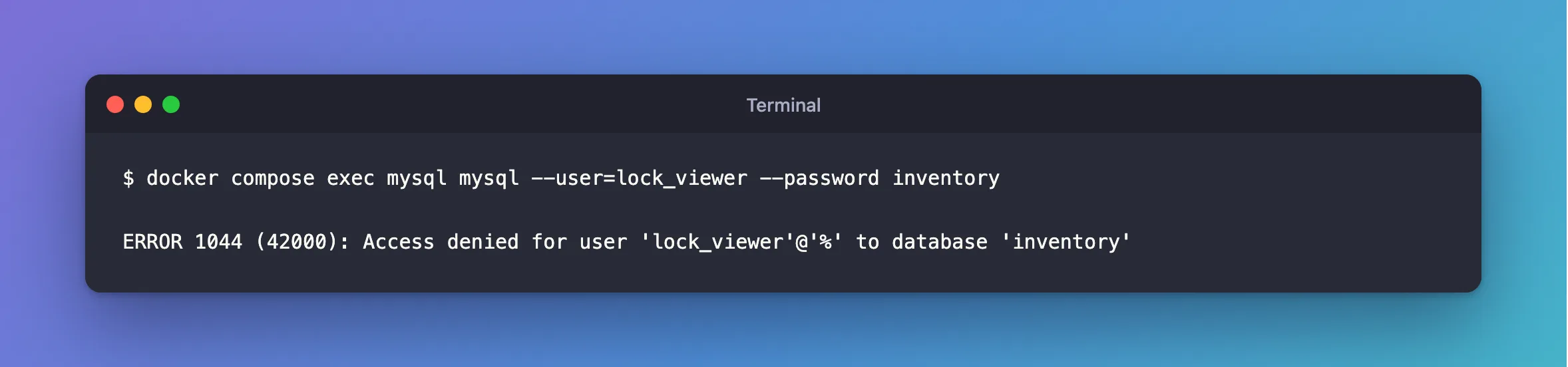
I'd made an account just for looking at locks, on MySQL 9.7.4 in Docker, and connected with the same command I always use, with the database at the end:
docker compose exec mysql mysql --user=lock_viewer --password inventory
What I Expected
A mysql> prompt.
What I Got
ERROR 1044 (42000): Access denied for user 'lock_viewer'@'%' to database 'inventory'
What I Checked
Whether the password was right. The same account, with no database:
docker compose exec mysql mysql --user=lock_viewer --password --execute="SELECT CURRENT_USER()"
+----------------+
| CURRENT_USER() |
+----------------+
| lock_viewer@%  |
+----------------+
It logged in.
What the account can use. As root, its grants cover performance_schema and sys, and nothing on inventory:
+-------------------------------------------------------------+
| Grants for lock_viewer@%                                    |
+-------------------------------------------------------------+
| GRANT PROCESS ON *.* TO `lock_viewer`@`%`                   |
| GRANT SELECT, EXECUTE ON `sys`.* TO `lock_viewer`@`%`       |
| GRANT SELECT ON `performance_schema`.* TO `lock_viewer`@`%` |
+-------------------------------------------------------------+
3 rows in set (0.000 sec)
Why It Happens
The login happens in two steps: check the account and password, then switch to the database you asked for. The first one worked, and the second one was refused. If the password were wrong, you'd get ERROR 1045 instead, and the words using password would be in the message.
The Fix
In my case, the account isn't supposed to touch that database, so I left it off the command:
docker compose exec mysql mysql --user=lock_viewer --password
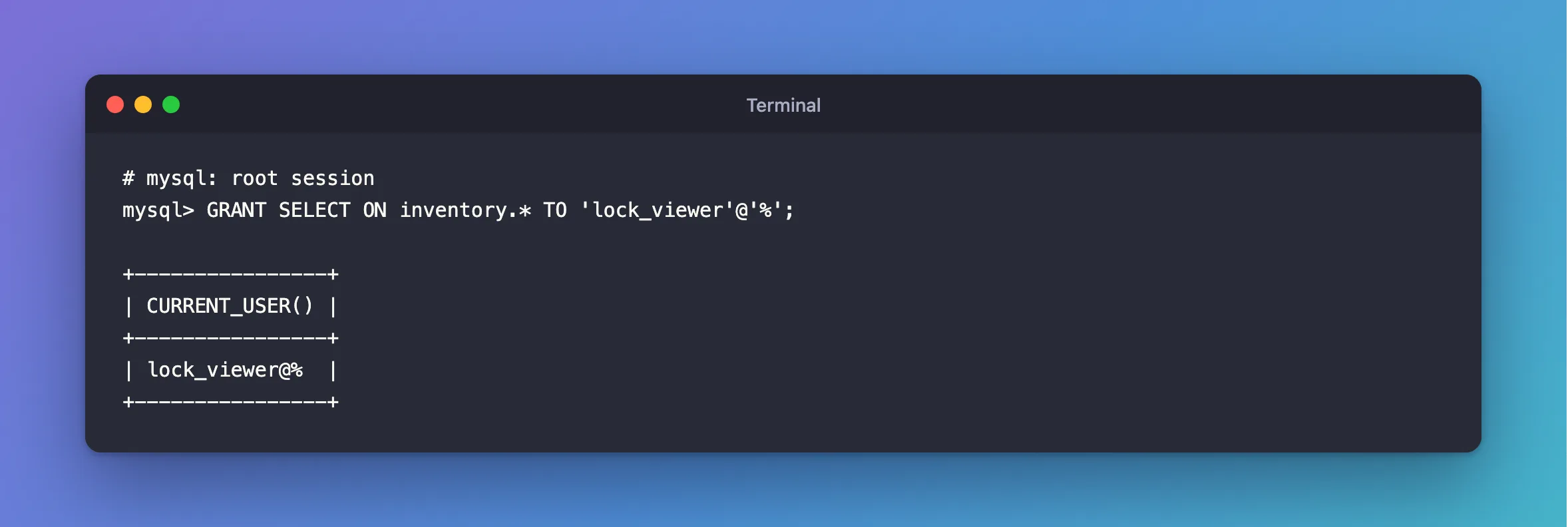
If the account should have access, grant it, as root:
GRANT SELECT ON inventory.* TO 'lock_viewer'@'%';
After the Fix
+----------------+
| CURRENT_USER() |
+----------------+
| lock_viewer@%  |
+----------------+
Common Mistakes
| Mistake | What happens | Do this instead |
|---|---|---|
| Changing the password | It was right all along | Read the error number |
| Granting rights the account shouldn't have | A narrow account becomes a wide one | Leave the database off instead |
Confusing it with ERROR 1045 | That's a failed login | 1044 is rights, 1045 is the login |
Troubleshooting
| Symptom | Likely cause | Fix |
|---|---|---|
The same error on USE inventory; | The same missing right | Grant it, or use another database |
The same error on CREATE DATABASE | The account can't create databases | Grant CREATE, or ask an administrator |
| The database name has a typo | No rights on a database that doesn't exist | Check the name, with SHOW DATABASES |
Conclusion
ERROR 1044 means the login worked, and the account has no rights on that database. Leave it off the command, connect to a database it can use, or grant the rights if it really needs them.
Additional Resources
- Access Control — how MySQL checks each step.
- GRANT Statement — giving rights.
