Fixed: dotnet build Shows the Old "0 Warning(s) 0 Error(s)" Output Instead of Terminal Logger

dotnet build normally ends with a compact Build succeeded in 0.9s. In one terminal it printed the old format instead — Build succeeded., 0 Warning(s), 0 Error(s), Time Elapsed. The build was fine. The display wasn't what I expected, because on macOS and Linux .NET decides how to draw its output from the TERM environment variable, and mine was empty.
What I Was Doing
I was building the solution for Part 4 of the Microsoft Agent Framework series on macOS, with .NET SDK 10.0.403. I run commands through an automation tool that opens a real terminal session for each command and records what it shows, so the outputs I publish match what readers see. From the solution folder:
dotnet build
What I Expected
The output .NET has shown by default since .NET 9 — Terminal Logger — exactly as in Part 3 of the series:
Restore complete (1.5s)
  Dewiride.ServiceDesk.Agent net10.0 succeeded (0.4s) → src/Dewiride.ServiceDesk.Agent/bin/Debug/net10.0/Dewiride.ServiceDesk.Agent.dll
  Dewiride.ServiceDesk.Api net10.0 succeeded (0.3s) → src/Dewiride.ServiceDesk.Api/bin/Debug/net10.0/Dewiride.ServiceDesk.Api.dll

Build succeeded in 2.4s
What I Got
The older console logger:
  Determining projects to restore...
  All projects are up-to-date for restore.
  Dewiride.ServiceDesk.Agent -> /Users/you/source/DewirideServiceDesk/src/Dewiride.ServiceDesk.Agent/bin/Debug/net10.0/Dewiride.ServiceDesk.Agent.dll
  Dewiride.ServiceDesk.Api -> /Users/you/source/DewirideServiceDesk/src/Dewiride.ServiceDesk.Api/bin/Debug/net10.0/Dewiride.ServiceDesk.Api.dll

Build succeeded.
    0 Warning(s)
    0 Error(s)

Time Elapsed 00:00:00.83
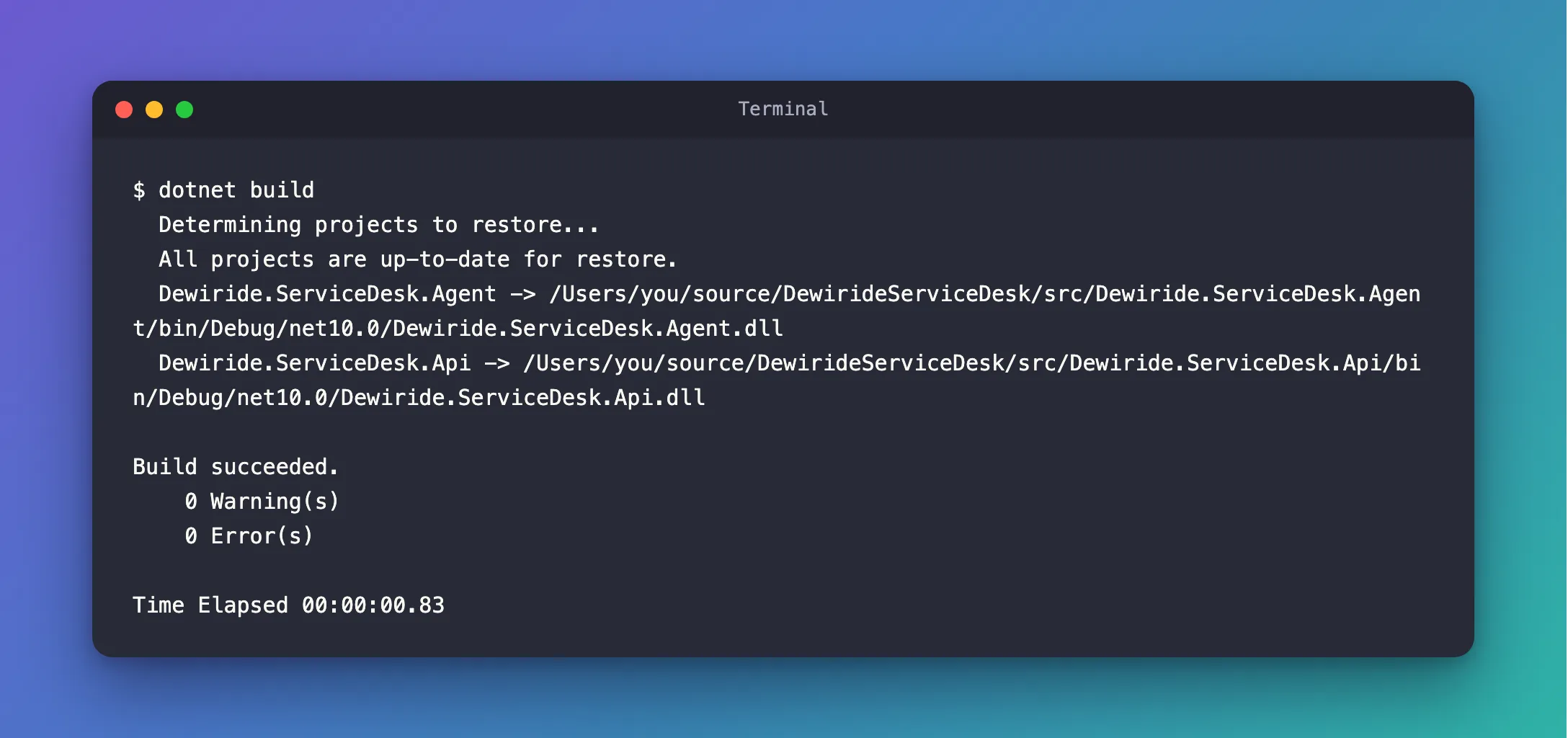
Same projects, same result, a different display. Nothing in my project had changed.
What I Checked
Microsoft's description of the default. The --tl option of dotnet build is auto unless you choose otherwise, and auto first verifies the environment before enabling terminal logging: the terminal must be capable of using modern output features, and standard output must not be redirected. The .NET 9 breaking-change note adds that Terminal Logger isn't used when output is redirected or the terminal doesn't support its features.
Whether my output was redirected. It wasn't: the tool runs each command in a real terminal session. So the terminal's capabilities had to be the problem.
How MSBuild judges a terminal. The documentation doesn't say, so I read MSBuild's source. In NativeMethods.cs, the check has one branch for Windows, which asks the console for its virtual-terminal mode, and one for everything else:
// On posix OSes detect whether the terminal supports VT100 from the value of the TERM environment variable.
acceptAnsiColorCodes = AnsiDetector.IsAnsiSupported(Environment.GetEnvironmentVariable("TERM"));
My terminal's TERM.
echo "TERM=[${TERM:-<unset>}]"
TERM=[<unset>]
Empty. Terminal apps such as Terminal, iTerm2 and VS Code's integrated terminal set TERM — commonly xterm-256color — but the session my tool opened had none.
Why It Happens
On macOS and Linux, MSBuild reads TERM to decide whether the terminal understands the escape codes that Terminal Logger draws with. No TERM means no, so the auto setting falls back to the classic console logger. On Windows, TERM plays no part.
You rarely meet this in a terminal you opened yourself. It shows up when another program starts the terminal for you — a script, a task runner, or an automation tool, as in my case.
The Fix
Either fix works. The build itself is identical either way; only the display changes.
Give the terminal a TERM value
In bash or zsh, for the current session:
export TERM=xterm-256color
dotnet build
Better still, find out why the program that starts your terminal doesn't set it, and set it there.
Or switch Terminal Logger on for one command
on skips the check and uses Terminal Logger anyway:
dotnet build --tl:on
This works unchanged in bash, zsh and PowerShell.
After the Fix
With TERM=xterm-256color:
Restore complete (0.4s)
  Dewiride.ServiceDesk.Agent net10.0 succeeded (0.1s) → src/Dewiride.ServiceDesk.Agent/bin/Debug/net10.0/Dewiride.ServiceDesk.Agent.dll
  Dewiride.ServiceDesk.Api net10.0 succeeded (0.1s) → src/Dewiride.ServiceDesk.Api/bin/Debug/net10.0/Dewiride.ServiceDesk.Api.dll

Build succeeded in 0.7s
And with --tl:on, in the same session that still had no TERM:
Restore complete (0.4s)
  Dewiride.ServiceDesk.Agent net10.0 succeeded (0.1s) → src/Dewiride.ServiceDesk.Agent/bin/Debug/net10.0/Dewiride.ServiceDesk.Agent.dll
  Dewiride.ServiceDesk.Api net10.0 succeeded (0.1s) → src/Dewiride.ServiceDesk.Api/bin/Debug/net10.0/Dewiride.ServiceDesk.Api.dll

Build succeeded in 0.7s
Common Mistakes
| Mistake | What happens | Do this instead |
|---|---|---|
| Treating the old output as a failed or different build | You chase a problem that isn't there | Read the result: Build succeeded. with 0 Error(s) is a successful build |
Forcing --tl:on when the output goes to a file or a CI log | The file gets terminal control codes for colors and links mixed into the text | Leave the default auto, or use --tl:off, when output is redirected |
Troubleshooting
| Symptom | Likely cause | Fix |
|---|---|---|
Build succeeded., 0 Warning(s), 0 Error(s), Time Elapsed on macOS or Linux | TERM is empty | Set TERM, or use --tl:on |
| The old output in a CI pipeline | Output is redirected to a log | Expected — the classic logger suits logs |
| You want the old output back on purpose | — | --tl:off, or the MSBUILDTERMINALLOGGER environment variable set to off, as Microsoft documents |
FAQ
Does Terminal Logger change the build?
No. It changes only how progress and results are shown. The projects, outputs, warnings and errors are the same.
Why didn't Microsoft's page mention TERM?
It describes the check in general terms — a terminal capable of using modern output features. The TERM detail is in MSBuild's source code, quoted above.
Conclusion
On macOS and Linux, dotnet build uses Terminal Logger only when TERM says the terminal can show it. With TERM empty, it falls back to the classic 0 Warning(s) output. Set TERM (for example xterm-256color), or pass --tl:on for one command.
Additional Resources
- dotnet build: the --tl option —
auto,onandoff. - Terminal Logger is default — the .NET 9 change, and how to turn Terminal Logger off.
- MSBuild's NativeMethods.cs — where the
TERMcheck lives.
