Fixed: Docker Compose Recreates a Container Because a Shell Variable Overrides .env

docker compose up printed Recreate when I'd changed nothing, and then root's password stopped working. I had two projects open, and I'd exported one project's .env into my shell. Compose prefers the shell's variables over the .env file, so the other project's container got the wrong values.
What I Was Doing
I was working with two MySQL projects on one computer. For one of them I'd run this, to use its passwords in a script:
set -a; source ./.env; set +a
Then, in the same shell, I started the other project, which has its own .env:
docker compose up -d --wait
What I Expected
Started, since nothing about this project had changed.
What I Got
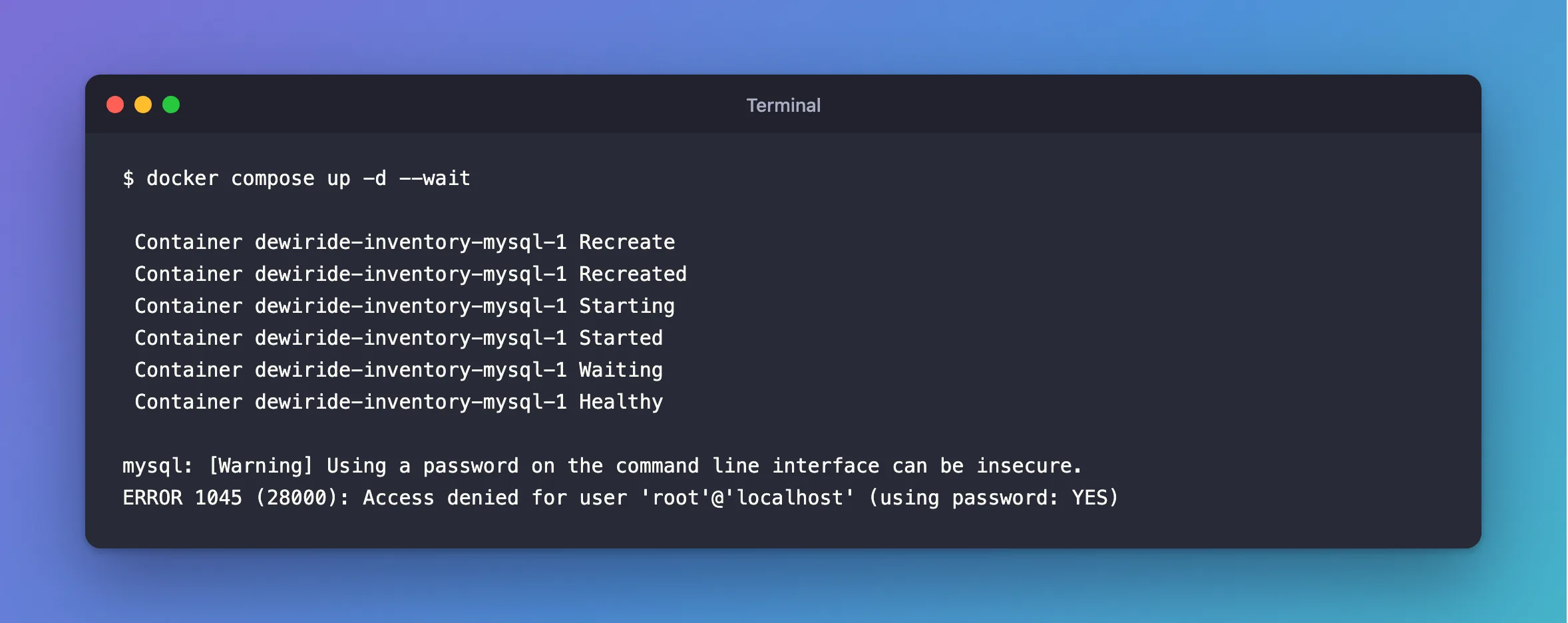
 Container dewiride-inventory-mysql-1 Recreate
 Container dewiride-inventory-mysql-1 Recreated
 Container dewiride-inventory-mysql-1 Starting
 Container dewiride-inventory-mysql-1 Started
 Container dewiride-inventory-mysql-1 Waiting
 Container dewiride-inventory-mysql-1 Healthy
And the next sign-in as root, using the password from the container's own settings, failed:
mysql: [Warning] Using a password on the command line interface can be insecure.
ERROR 1045 (28000): Access denied for user 'root'@'localhost' (using password: YES)
My script had hidden that error with 2>/dev/null, so for a while, all I saw was statements that seemed to do nothing.
What I Checked
My shell, for MYSQL_ variables, without printing the values:
env | cut -d= -f1 | grep '^MYSQL_'
Docker's documentation. On how a value like ${MYSQL_ROOT_PASSWORD} in compose.yaml gets filled in, it says "precedence applies", and the first in its list is "Variables from your shell environment", ahead of the .env file. So a variable set in the shell wins.
What the container received. I reproduced it with a harmless value:
export MYSQL_ROOT_PASSWORD=value-from-the-shell
docker compose up -d --wait
docker compose exec mysql sh -c 'printf "the container sees: %s\n" "$MYSQL_ROOT_PASSWORD"'
the container sees: value-from-the-shell
Why It Happens
Compose compares the configuration it works out with the running container's. A new value for a variable counts as a change, so it replaces the container.
MySQL's data is safe, because it lives in the volume. But the MySQL image only uses these variables when it first creates the database, so the real password didn't change. Now the container's variable says one thing and the server's account says another, and anything using $MYSQL_ROOT_PASSWORD fails with ERROR 1045.
The Fix
Remove the variables from your shell, or open a new terminal. Then start the project again, and Compose recreates the container with the values from .env:
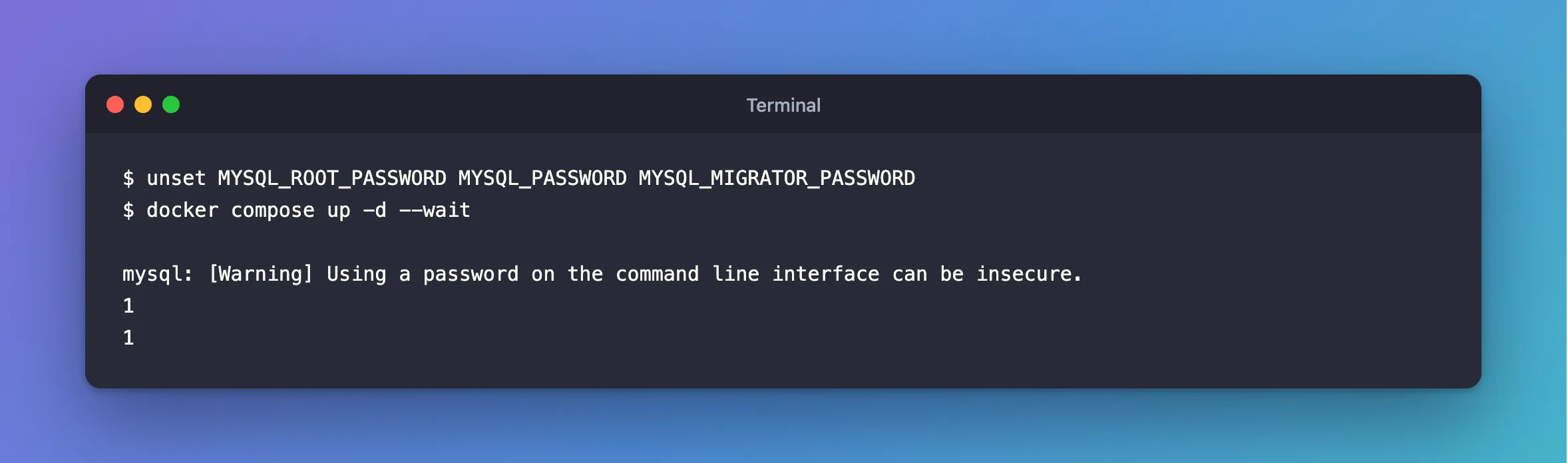
unset MYSQL_ROOT_PASSWORD MYSQL_PASSWORD MYSQL_MIGRATOR_PASSWORD
docker compose up -d --wait
In PowerShell, use Remove-Item Env:MYSQL_ROOT_PASSWORD, and the same for each of the others.
Then avoid the cause: don't export a project's .env. To use one value in a command, read it for that command, and it stays out of your shell's environment:
password=$(grep '^MYSQL_PASSWORD=' .env | cut -d= -f2-)
source ./.env on its own, without set -a, is fine too, because variables it sets aren't exported.
After the Fix
mysql: [Warning] Using a password on the command line interface can be insecure.
1
1
The 1 is the answer to SELECT 1. The password works again.
Common Mistakes
| Mistake | What happens | Do this instead |
|---|---|---|
set -a; source .env in a shell you keep using | Every Compose project in that shell sees those values | Read single values, or use a subshell |
2>/dev/null on database commands in scripts | Errors vanish | Keep errors visible |
| Changing the password in MySQL to match | Two wrongs make a confusing setup | Fix the shell |
Troubleshooting
| Symptom | Likely cause | Fix |
|---|---|---|
Recreate with a clean shell | compose.yaml or .env really did change | Compare them with your last commit |
ERROR 1045 with a clean shell | You changed the password in .env after the first start | The fix |
| The variable comes back in every new terminal | It's in your shell's profile | Remove it from ~/.zshrc or your PowerShell profile |
Conclusion
Compose takes a variable from your shell before .env. If a container is recreated for no reason and its password stops working, look in env, then unset the variable and start again.
Additional Resources
- Environment variables precedence in Docker Compose — the order.
- Set, use, and manage variables in a Compose file with interpolation — where
${VAR}values come from.
