Fixed: "curl: (52) Empty reply from server" from an MLflow Model Container with DISABLE_NGINX

I started an MLflow model container with -e DISABLE_NGINX=true, as the build-docker reference shows, and it never answered: curl: (52) Empty reply from server. Without nginx, the model server inside listens on 127.0.0.1:8000, an address no request from outside the container can reach, and the reference's example publishes port 8080. Setting uvicorn's host with UVICORN_HOST=0.0.0.0 and publishing port 8000 fixed it.
What I Was Doing
In Part 9 of the MLflow series, I built an image of the shopper project's champion model with mlflow models build-docker (MLflow 3.18.0). An image like this starts two programs, nginx and the model server, uvicorn, and the build-docker reference shows how to leave nginx out:
NB: by default, the container will start nginx and uvicorn processes. If you don't need the nginx process to be started (for instance if you deploy your container to Google Cloud Run), you can disable it via the DISABLE_NGINX environment variable:
docker run -p 5001:8080 -e DISABLE_NGINX=true "my-image-name"
I tried it on my Mac, with the port published on my own computer only:
docker run -d --name shopper-api --platform linux/amd64 -e DISABLE_NGINX=true -e MLFLOW_MODELS_WORKERS=2 -p 127.0.0.1:5001:8080 shopper-purchase-prediction:2
What I Expected
The model server answering on port 5001, as with nginx.
What I Got
After 25 seconds, plenty for this image to start:
curl -i http://127.0.0.1:5001/ping
curl: (52) Empty reply from server
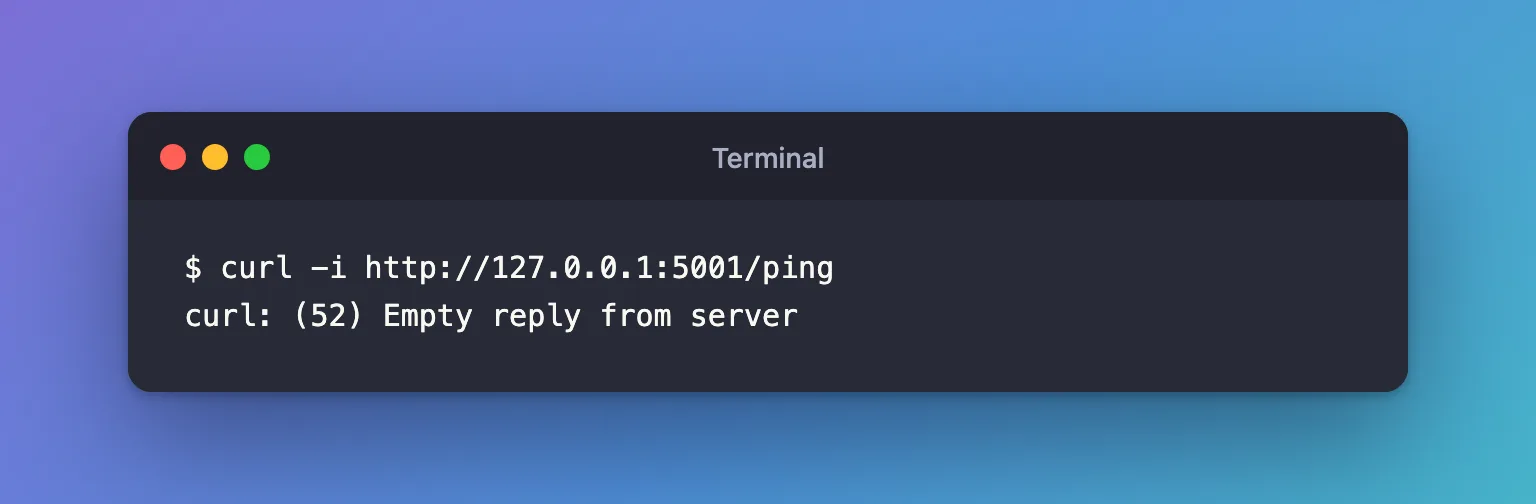
(52) is curl's code for a connection that closed without any answer: Docker accepted it on my computer's side, but nothing in the container answered on port 8080.
What I Checked
The container's log:
docker logs shopper-api
INFO:     Uvicorn running on http://127.0.0.1:8000 (Press CTRL+C to quit)
INFO:     Started parent process [18]
INFO:     Started server process [21]
INFO:     Waiting for application startup.
INFO:     Application startup complete.
INFO:     Started server process [20]
INFO:     Waiting for application startup.
INFO:     Application startup complete.
The model server started, but on 127.0.0.1:8000: port 8000, not 8080, and the address 127.0.0.1, the container's own loopback.
Why 8000, and why 127.0.0.1. With nginx, nginx listens on 8080 and forwards to the model server on 8000, inside the container. DISABLE_NGINX leaves out nginx but not that arrangement: the model server keeps port 8000, and MLflow starts it without a host, so uvicorn uses its default. uvicorn's settings page says of --host: "Bind socket to this host. Use --host 0.0.0.0 to make the application available on your local network. ... Default: '127.0.0.1'." A program bound to 127.0.0.1 in a container can only be reached from inside that container, so a published port can't reach it.
Why It Happens
Docker sends a published port's traffic to the container's network interface. The model server listens only on the container's loopback, 127.0.0.1, and on port 8000, while the reference's example publishes port 8080. Normally nginx bridges the two, listening on every address on 8080. Without nginx, nothing listens where the traffic arrives.
The Fix
uvicorn reads its settings from environment variables too. Its settings page: "Use environment variables with the prefix UVICORN_." and "CLI options and the arguments for uvicorn.run() take precedence over environment variables." MLflow sets the port on uvicorn's command line but not the host, so UVICORN_HOST decides the host. Set it to 0.0.0.0, every address in the container, and publish port 8000:
docker run -d --name shopper-api --platform linux/amd64 -e DISABLE_NGINX=true -e UVICORN_HOST=0.0.0.0 -e MLFLOW_MODELS_WORKERS=2 -p 127.0.0.1:5001:8000 shopper-purchase-prediction:2
The command is the same in PowerShell. -p 127.0.0.1:5001:8000 still publishes it on my computer only: 0.0.0.0 is inside the container.
After the Fix
INFO:     Uvicorn running on http://0.0.0.0:8000 (Press CTRL+C to quit)
INFO:     Started parent process [18]
...
INFO:     172.17.0.1:55880 - "GET /ping HTTP/1.1" 200 OK
INFO:     172.17.0.1:55902 - "POST /invocations HTTP/1.1" 200 OK
curl -i http://127.0.0.1:5001/ping
HTTP/1.1 200 OK
date: Thu, 26 Nov 2026 05:22:20 GMT
server: uvicorn
content-length: 1
content-type: application/json
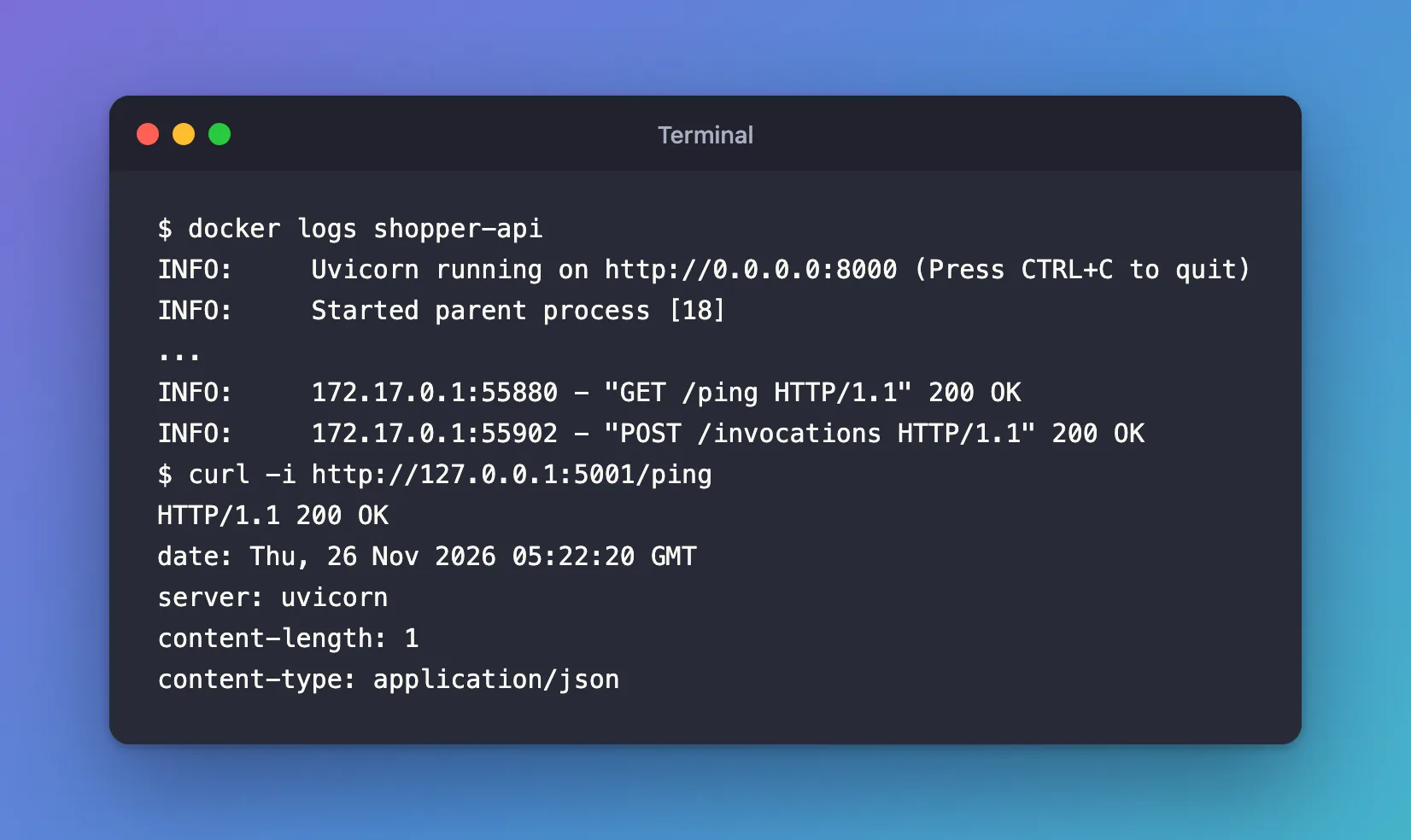
uvicorn now listens on 0.0.0.0:8000 and answers directly, server: uvicorn instead of nginx, and the project's call-api command got the champion's scores, 0.8931, 0.0009 and 0.0033, through it.
Common Mistakes
| Mistake | What happens | Do this instead |
|---|---|---|
-e DISABLE_NGINX=true with -p ...:8080, as in the reference | curl: (52) Empty reply from server | Add -e UVICORN_HOST=0.0.0.0 and publish port 8000 |
-e UVICORN_PORT=8080 to keep port 8080 | The command line's --port 8000 wins over the variable | Publish 8000 instead |
-p 5001:8000 without 127.0.0.1 | The model server is reachable from your whole network | -p 127.0.0.1:5001:8000 on your own computer |
Troubleshooting
| Symptom | Likely cause | Fix |
|---|---|---|
curl: (52) Empty reply from server with nginx on, right after docker run | The container is still starting | Wait a few seconds |
The log says Uvicorn running on http://127.0.0.1:8000 | UVICORN_HOST isn't set | Add -e UVICORN_HOST=0.0.0.0 |
FAQ
Should I turn nginx off?
On your own computer there's no need: with nginx, the container answers on 8080 and needs no extra setting. MLflow's reference mentions DISABLE_NGINX for platforms such as Google Cloud Run.
Does /health work without nginx?
Without nginx, nothing filters the paths, so the model server's own endpoints answer: in my test, /version returned 3.18.0, which nginx answers with 404. /health is the same endpoint as /ping in the model server: Fixed: An MLflow Model Container Answers 404 for /health and /version.
Conclusion
With DISABLE_NGINX=true, an MLflow model container's server listens on 127.0.0.1:8000, so the reference's -p ...:8080 gets curl: (52) Empty reply from server. UVICORN_HOST=0.0.0.0 made the server listen on every address in the container, and publishing port 8000 reached it.
Additional Resources
- mlflow models build-docker —
DISABLE_NGINXandMLFLOW_MODELS_WORKERS. - uvicorn settings —
--host,--portand theUVICORN_environment variables. - docker container run: publish ports — what
-pconnects.
