Fixed: "error CS9297: '#:' directives cannot be after first token in file"

#:property and #:package lines configure a one-file C# program, so they have to come before anything else in it. Mine was below a using, so the build stopped with CS9297. Moving it up fixes it.
What I Was Doing
I was adding #:property PublishAot=false to a one-file C# program, to stop an error from System.Text.Json. I put it just under the using line:
using System.Text.Json;
#:property PublishAot=false

Console.WriteLine(JsonSerializer.Serialize(new { Id = 1, Name = "Cable" }));
dotnet run app.cs
What I Expected
One line of JSON.
What I Got
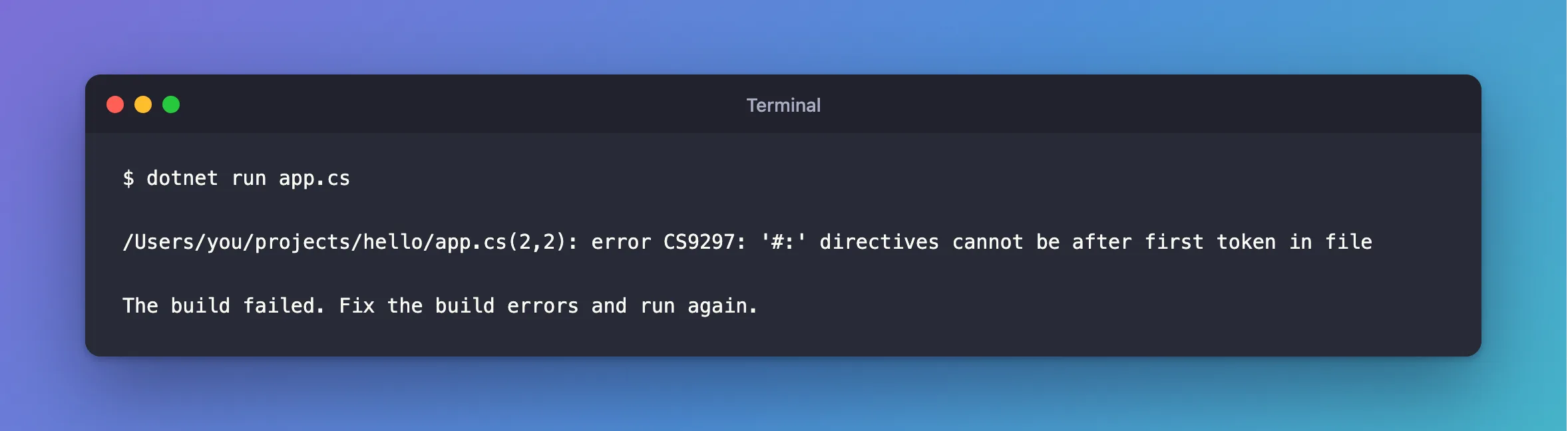
/Users/you/projects/hello/app.cs(2,2): error CS9297: '#:' directives cannot be after first token in file

The build failed. Fix the build errors and run again.
What I Checked
Which line it meant. app.cs(2,2) is line 2, column 2: the #:property line.
What counts as a token. using is the first token in this file. Comments and blank lines aren't tokens.
The documentation. Microsoft's file-based apps page says of #:include, #:package, #:project, #:property and #:sdk: "Place these directives at the top of the C# file."
Why It Happens
These lines aren't C# code. They tell the SDK how to build the file, so it has to read them before it deals with the code. A using is code.
The Fix
Move every #: line above the first using:
#:property PublishAot=false

using System.Text.Json;

Console.WriteLine(JsonSerializer.Serialize(new { Id = 1, Name = "Cable" }));
After the Fix
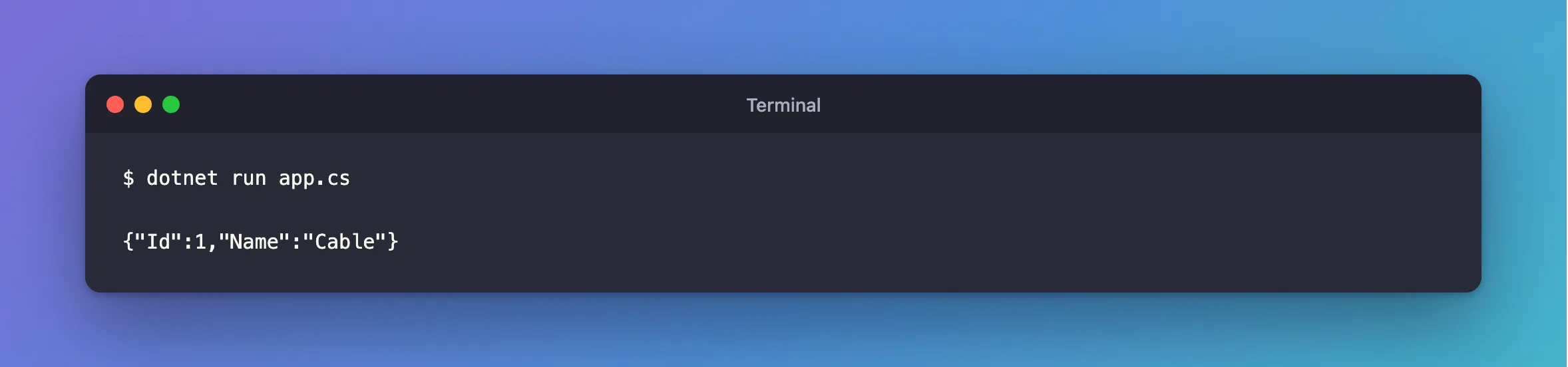
dotnet run app.cs
{"Id":1,"Name":"Cable"}
Common Mistakes
| Mistake | What happens | Do this instead |
|---|---|---|
Grouping #:package with its using | CS9297 | Put all the #: lines first |
| Adding one at the end of a file, as you notice you need it | CS9297 | Move it up |
Troubleshooting
| Symptom | Likely cause | Fix |
|---|---|---|
CS9297 on a line near the top | Something above it is code | Check for a using or a statement |
dotnet run app.cs treats it as a project | A .csproj in the same folder can change what it does | Keep the file in its own folder |
Conclusion
Every #: line goes above the first line of code, including using lines.
Additional Resources
- File-based apps — every directive.
