Fixed: "error CS0104: 'RouteBuilder' is an ambiguous reference between 'Microsoft.Agents.Builder.App.RouteBuilder' and 'Microsoft.AspNetCore.Routing.RouteBuilder'"

I wrote RouteBuilder.Create() in a Microsoft 365 Agents SDK agent, and the build stopped with error CS0104: two different RouteBuilder classes were in scope, the Agents SDK's and ASP.NET Core's. I had only imported one of them. The other came in through the web project's implicit usings, and a one-line alias fixes it.
What I Was Doing
I was building the Activity Inspector for Part 1 of the Microsoft 365 Agents SDK Fundamentals, an ASP.NET Core project created with dotnet new web and running Agents SDK 1.9.205 on .NET 10. Its route used an overload of OnActivity that is obsolete in that version, so I replaced it with AddRoute and the SDK's RouteBuilder, as the warning suggested. That first change is its own story: Fixed: "warning CS0618: 'AgentApplication.OnActivity(RouteSelector, RouteHandler, ushort, string[], bool)' is obsolete".
The file imported the Agents SDK's namespaces, and the constructor now built its route with RouteBuilder:
using System.Text;
using Microsoft.Agents.Builder;
using Microsoft.Agents.Builder.App;
using Microsoft.Agents.Builder.State;
using Microsoft.Agents.Core.Models;

// ...

        AddRoute(RouteBuilder.Create()
            .WithSelector((turnContext, cancellationToken) => Task.FromResult(true))
            .WithHandler(InspectAsync)
            .Build());
Then I built it:
dotnet build
What I Expected
A clean build: RouteBuilder is in Microsoft.Agents.Builder.App, and the file imports that namespace.
What I Got
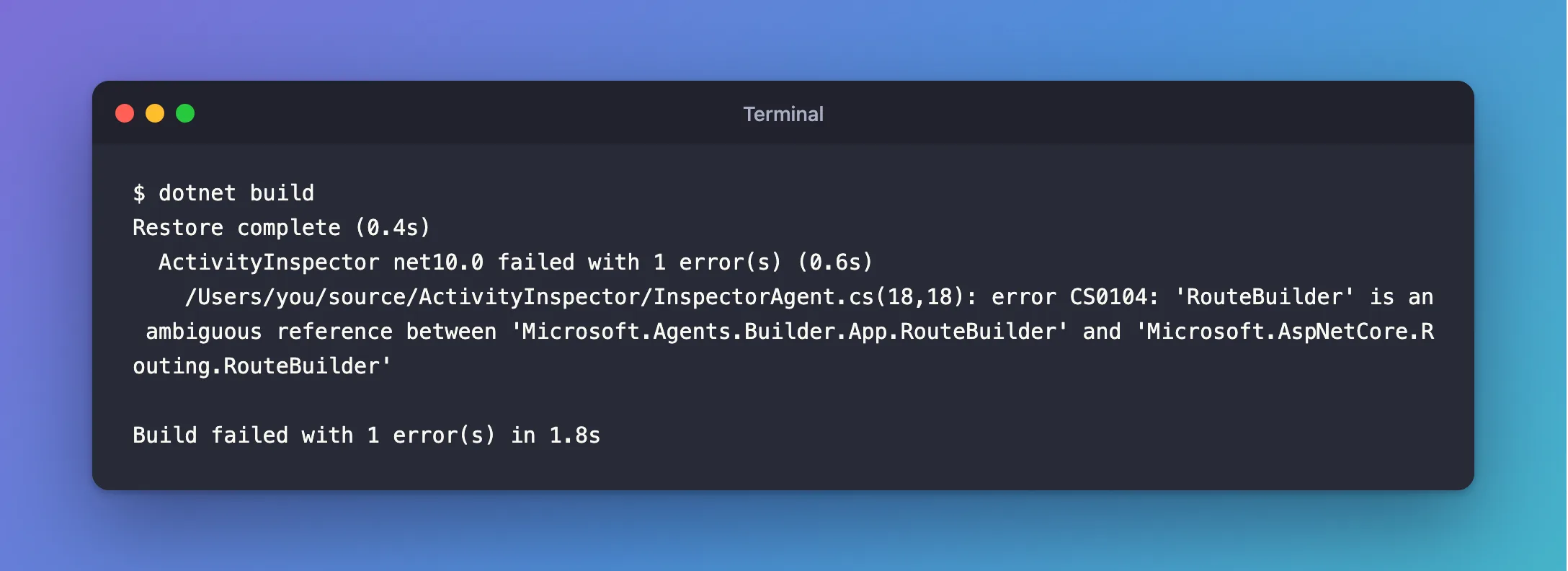
Restore complete (0.4s)
  ActivityInspector net10.0 failed with 1 error(s) (0.6s)
    /Users/you/source/ActivityInspector/InspectorAgent.cs(18,18): error CS0104: 'RouteBuilder' is an ambiguous reference between 'Microsoft.Agents.Builder.App.RouteBuilder' and 'Microsoft.AspNetCore.Routing.RouteBuilder'

Build failed with 1 error(s) in 1.8s
What I Checked
Where the second RouteBuilder came from. My file never mentions Microsoft.AspNetCore.Routing. A project with implicit usings turned on, which new projects have, gets a generated file of global using directives in its obj folder. Mine had this:
// <auto-generated/>
global using Microsoft.AspNetCore.Builder;
global using Microsoft.AspNetCore.Hosting;
global using Microsoft.AspNetCore.Http;
global using Microsoft.AspNetCore.Routing;
global using Microsoft.Extensions.Configuration;
global using Microsoft.Extensions.DependencyInjection;
global using Microsoft.Extensions.Hosting;
global using Microsoft.Extensions.Logging;
global using System;
global using System.Collections.Generic;
global using System.IO;
global using System.Linq;
global using System.Net.Http;
global using System.Net.Http.Json;
global using System.Threading;
global using System.Threading.Tasks;
global using Microsoft.AspNetCore.Routing; applies to every file in the project, including mine.
Microsoft's documentation on implicit usings. The .NET project SDKs page lists the namespaces each SDK imports. For Microsoft.NET.Sdk.Web, the SDK behind every ASP.NET Core project, the list includes Microsoft.AspNetCore.Routing. That namespace has its own RouteBuilder class, for ASP.NET Core's routing.
Microsoft's documentation on CS0104. The C# reference says the compiler can't determine which type you intend to use when the same name appears in two or more namespaces imported by using directives, and its fix is to use a fully qualified name or a namespace alias.
Why It Happens
Two namespaces in scope each have a type called RouteBuilder: Microsoft.Agents.Builder.App, which you imported, and Microsoft.AspNetCore.Routing, which the web SDK imported for you. Neither import wins over the other, so the compiler refuses to guess. Any Agents SDK agent in an ASP.NET Core project with implicit usings, the default for new projects, hits this as soon as it writes RouteBuilder without its namespace.
The Fix
Add a using alias for the Agents SDK's RouteBuilder at the top of the file that uses it, with the other using directives:
using System.Text;
using Microsoft.Agents.Builder;
using Microsoft.Agents.Builder.App;
using Microsoft.Agents.Builder.State;
using Microsoft.Agents.Core.Models;
using RouteBuilder = Microsoft.Agents.Builder.App.RouteBuilder;
The alias names exactly one type, so in this file RouteBuilder now means the Agents SDK's, and the rest of the code stays as it is.
Other Ways to Fix It
-
Write the full name where you use it,
Microsoft.Agents.Builder.App.RouteBuilder.Create(), if you use it only once. -
Remove the implicit using for the whole project with an MSBuild
Usingitem, which Microsoft documents for removing a namespace from the implicit set:ActivityInspector.csproj<ItemGroup><Using Remove="Microsoft.AspNetCore.Routing" /></ItemGroup>That affects every file in the project, so any file that relies on ASP.NET Core's routing types then needs its own
using. The alias changes one file and nothing else.
After the Fix
Restore complete (0.3s)
  ActivityInspector net10.0 succeeded (0.3s) → bin/Debug/net10.0/ActivityInspector.dll

Build succeeded in 1.0s
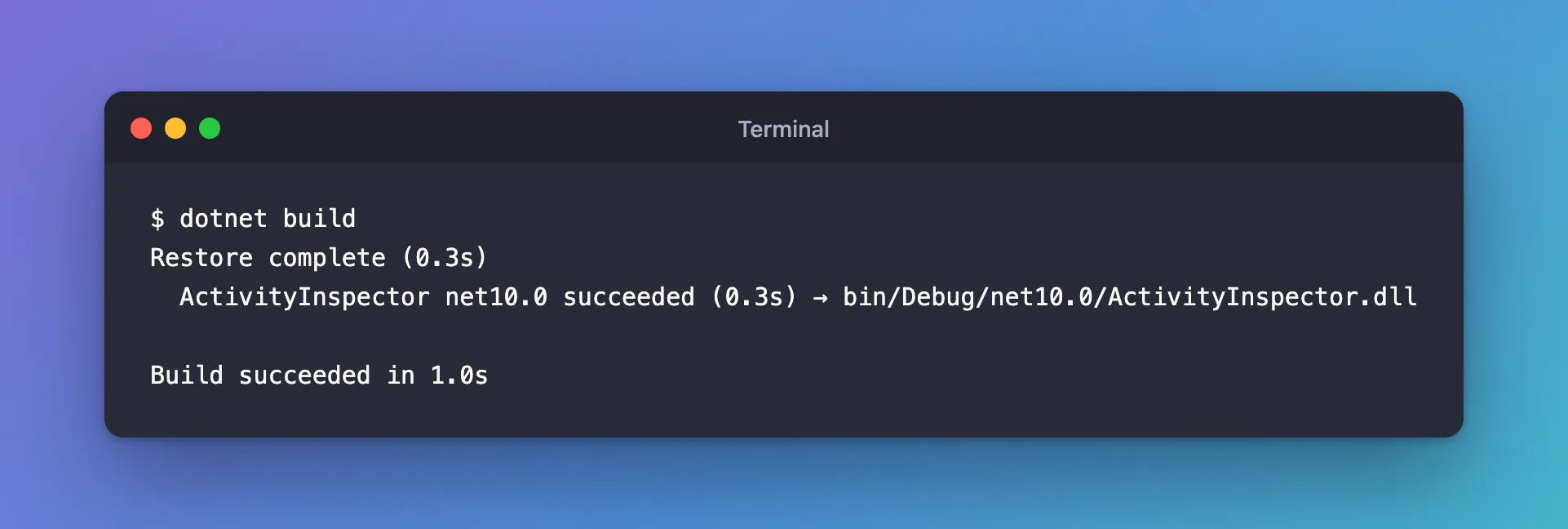
The build succeeded with no errors and no warnings, and the agent ran with its route as before.
Common Mistakes
| Mistake | What happens | Do this instead |
|---|---|---|
Removing using Microsoft.Agents.Builder.App; | The SDK's RouteBuilder disappears, and AgentApplication and the other types with it | Keep it and add the alias |
| Turning off implicit usings for the project | Every file loses System, System.Linq and the rest | Add the alias in the one file that needs it |
Aliasing the wrong type, using RouteBuilder = Microsoft.AspNetCore.Routing.RouteBuilder; | RouteBuilder.Create() doesn't exist, and the build fails again | Alias Microsoft.Agents.Builder.App.RouteBuilder |
Troubleshooting
| Symptom | Likely cause | Fix |
|---|---|---|
| The same error in another file | The alias only applies to the file it's in | Add it to that file too, or make it a global using alias once for the project |
CS0104 for another type name | Another type exists in two imported namespaces | Alias or fully qualify that type the same way |
CS0618 about OnActivity instead | The obsolete selector overload is still in use | Switch to AddRoute with RouteBuilder |
FAQ
Can I make the alias apply to every file?
Yes. A global using RouteBuilder = Microsoft.Agents.Builder.App.RouteBuilder; in any one file of the project applies to all of them. With one agent class, the per-file alias is enough.
Why didn't Program.cs have the same problem?
Program.cs never mentions RouteBuilder. The error only appears where the ambiguous name is used.
Is this a bug in the Agents SDK?
No. Both class names are legitimate; they only collide because the web SDK imports ASP.NET Core's routing namespace into every file. Any two libraries with a type of the same name do the same.
Conclusion
error CS0104: 'RouteBuilder' is an ambiguous reference between 'Microsoft.Agents.Builder.App.RouteBuilder' and 'Microsoft.AspNetCore.Routing.RouteBuilder' means the Agents SDK's RouteBuilder and ASP.NET Core's are both in scope: yours through your using, ASP.NET Core's through the web SDK's implicit usings. Add using RouteBuilder = Microsoft.Agents.Builder.App.RouteBuilder; to the file, and the build goes through.
Additional Resources
- Resolve errors and warnings related to using directives and namespace declarations — CS0104 and its fixes.
- .NET project SDKs: implicit using directives — the namespaces each SDK imports.
- The using directive: the using alias — how aliases work.
