Fixed: "CREATE command denied to user" for Table '__EFMigrationsHistory' in EF Core

CREATE command denied to user 'inventory_app'@'172.23.0.1' for table '__EFMigrationsHistory' appeared even though that table already existed. It's what you get when dotnet ef database update runs as an app account that can only read and change rows: exactly how that account should be set up, and exactly why migrations need a different one.
What I Was Doing
I had reduced my app's MySQL account to SELECT, INSERT, UPDATE, DELETE, and then added a migration that adds a column, using EF Core 10.0.14 and Oracle's provider. The connection string in user-secrets still used the app's account:
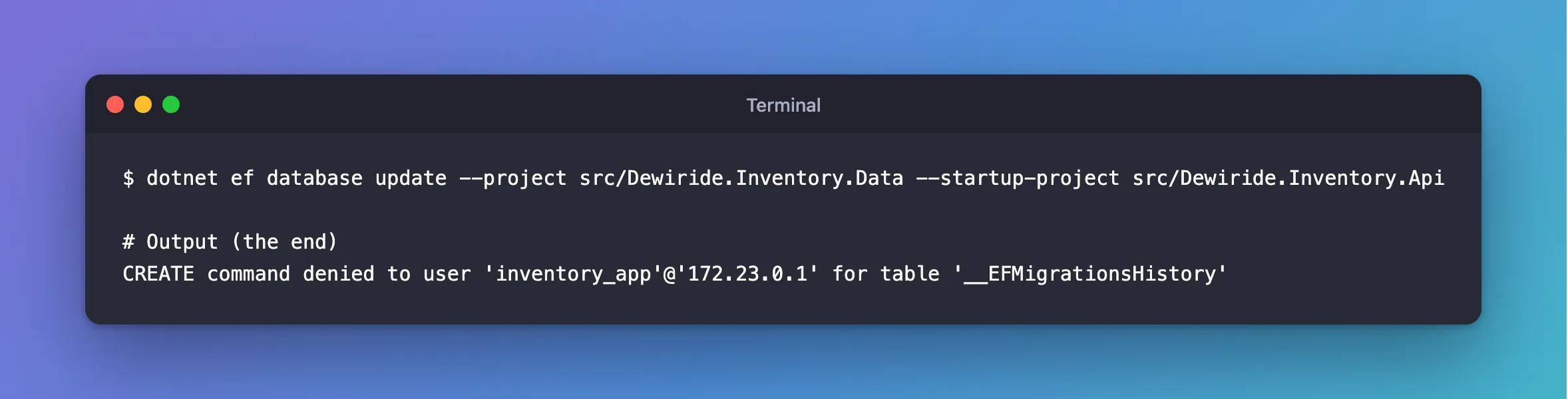
dotnet ef database update --project src/Dewiride.Inventory.Data --startup-project src/Dewiride.Inventory.Api
What I Expected
An error about ALTER, since that's what the migration does.
What I Got
CREATE command denied to user 'inventory_app'@'172.23.0.1' for table '__EFMigrationsHistory'
What I Checked
The account's rights. As expected:
SHOW GRANTS FOR 'inventory_app'@'%';
+------------------------------------------------------------------------------+
| Grants for inventory_app@%                                                   |
+------------------------------------------------------------------------------+
| GRANT USAGE ON *.* TO `inventory_app`@`%`                                    |
| GRANT SELECT, INSERT, UPDATE, DELETE ON `inventory`.* TO `inventory_app`@`%` |
+------------------------------------------------------------------------------+
2 rows in set (0.000 sec)
The failing statement. The log shows EF Core's first statement is CREATE TABLE IF NOT EXISTS:
CREATE TABLE IF NOT EXISTS `__EFMigrationsHistory` (
MySQL checks the right before it checks whether the table exists, so IF NOT EXISTS doesn't help. With this account, dotnet ef database update fails every time, with nothing to apply or not.
Why It Happens
Applying migrations needs rights that a running app shouldn't have. That's a good thing to have happened: it proves the app's account can't change the tables. It only means this command has to run as someone else.
The Fix
Create an account for migrations, with the rights they need, on that one database. These eight cover creating tables, adding columns, indexes and foreign keys, and rolling back:
CREATE USER 'inventory_migrator'@'%' IDENTIFIED BY 'a-password-of-your-own';
GRANT CREATE, ALTER, DROP, INDEX, REFERENCES, SELECT, INSERT, DELETE ON inventory.* TO 'inventory_migrator'@'%';
Then give dotnet ef that account for one command. An environment variable overrides user-secrets, and it leaves the password out of your shell history if you read it from .env:
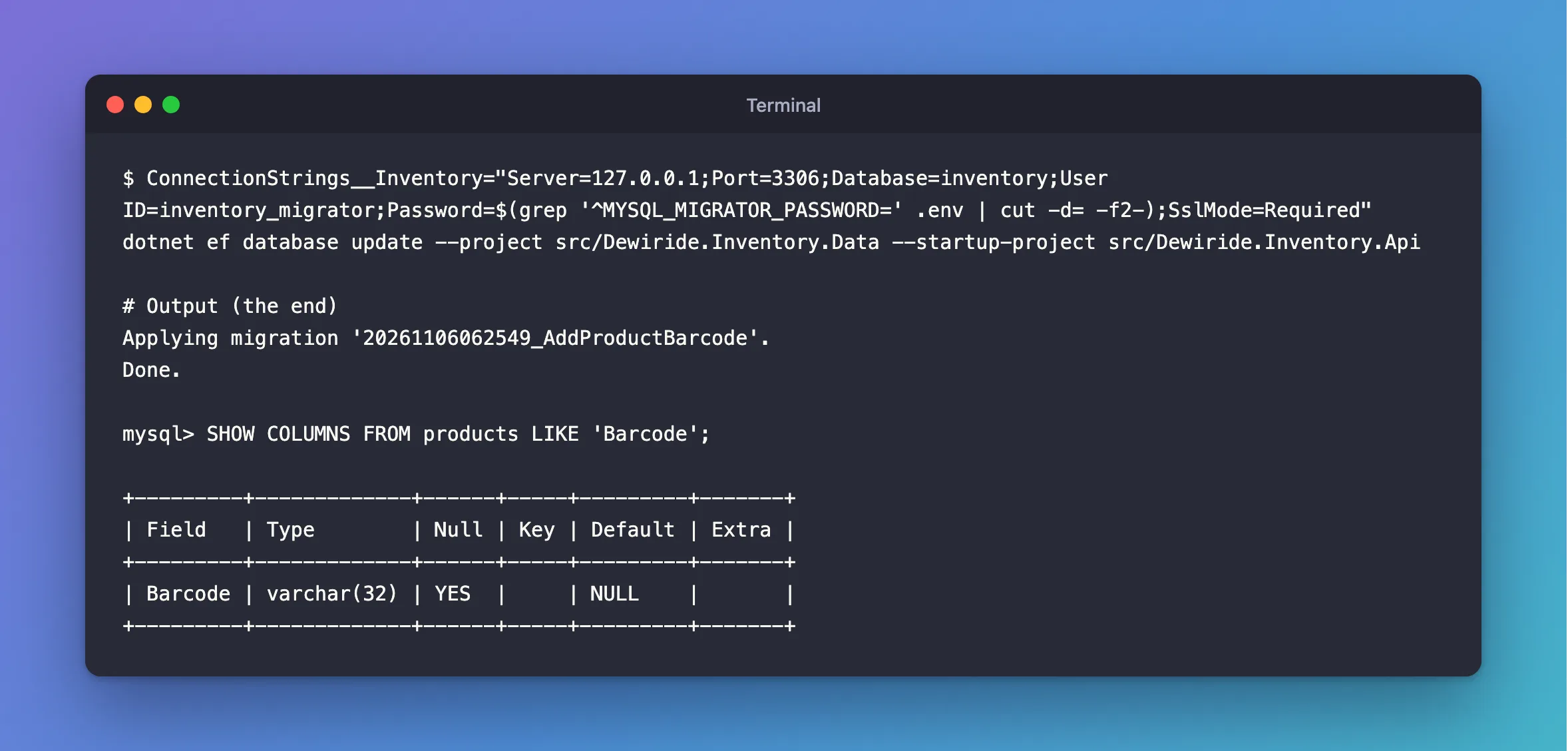
ConnectionStrings__Inventory="Server=127.0.0.1;Port=3306;Database=inventory;User ID=inventory_migrator;Password=$(grep '^MYSQL_MIGRATOR_PASSWORD=' .env | cut -d= -f2-);SslMode=Required" dotnet ef database update --project src/Dewiride.Inventory.Data --startup-project src/Dewiride.Inventory.Api
How to Run EF Core Migrations with a Different Database Account has the PowerShell version, and the --connection option.
After the Fix
Applying migration '20261106062549_AddProductBarcode'.
Done.
SHOW COLUMNS FROM products LIKE 'Barcode';
+---------+-------------+------+-----+---------+-------+
| Field   | Type        | Null | Key | Default | Extra |
+---------+-------------+------+-----+---------+-------+
| Barcode | varchar(32) | YES  |     | NULL    |       |
+---------+-------------+------+-----+---------+-------+
Common Mistakes
| Mistake | What happens | Do this instead |
|---|---|---|
Granting the app's account ALL again to get past this | A bug or an injection can drop tables | Use a second account |
Running migrations from Program.cs | The app needs these rights at all times | Run them as a separate step |
A migrations account without REFERENCES or INDEX | It fails halfway, leaving tables behind | Grant all eight first |
Troubleshooting
| Symptom | Likely cause | Fix |
|---|---|---|
DROP command denied while rolling back | The account lacks DROP | Grant it |
UPDATE command denied in a migration | Your migration changes rows | Add UPDATE to that account |
Access denied with the new account | Its password, or REQUIRE SSL | The fix |
Conclusion
This error means dotnet ef is running as an account that can't change tables, which is what you want for the app. Make a second account for migrations, and hand it to that one command.
Additional Resources
- Applying Migrations — the ways to apply them, and why not at startup.
- Privileges Provided by MySQL — each right.
