Fixed: "ConvergenceWarning: lbfgs failed to converge after 100 iteration(s)" in scikit-learn

I trained a LogisticRegression with its default settings and scikit-learn warned: ConvergenceWarning: lbfgs failed to converge after 100 iteration(s). The model still trained, but its solver stopped before it was done. Scaling the features fixed it, and the accuracy went up as well.
What I Was Doing
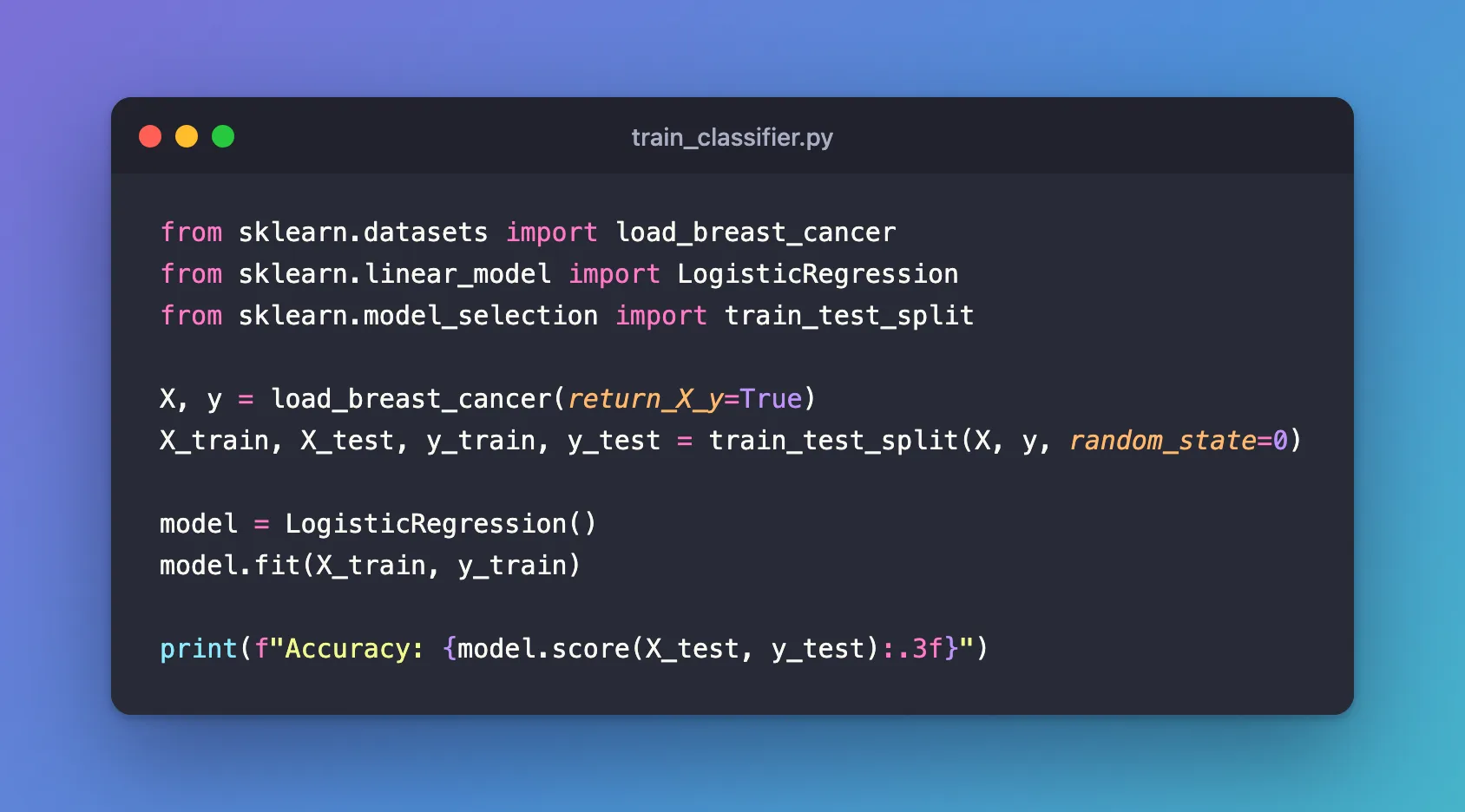
I was training a classifier on scikit-learn's breast cancer dataset, with scikit-learn 1.9.1 on Python 3.15.2: split the data, fit a LogisticRegression with no arguments, and score it on the test rows.
from sklearn.datasets import load_breast_cancer
from sklearn.linear_model import LogisticRegression
from sklearn.model_selection import train_test_split

X, y = load_breast_cancer(return_X_y=True)
X_train, X_test, y_train, y_test = train_test_split(X, y, random_state=0)

model = LogisticRegression()
model.fit(X_train, y_train)

print(f"Accuracy: {model.score(X_test, y_test):.3f}")
What I Expected
An accuracy, and nothing else.
What I Got
uv run python train_classifier.py
/Users/you/source/lang-python/.venv/lib/python3.15/site-packages/sklearn/linear_model/_logistic.py:599: ConvergenceWarning: lbfgs failed to converge after 100 iteration(s) (status=1):
STOP: TOTAL NO. OF ITERATIONS REACHED LIMIT

Increase the number of iterations to improve the convergence (max_iter=100).
You might also want to scale the data as shown in:
    https://scikit-learn.org/stable/modules/preprocessing.html
Please also refer to the documentation for alternative solver options:
    https://scikit-learn.org/stable/modules/linear_model.html#logistic-regression
  n_iter_i = _check_optimize_result(
Accuracy: 0.944
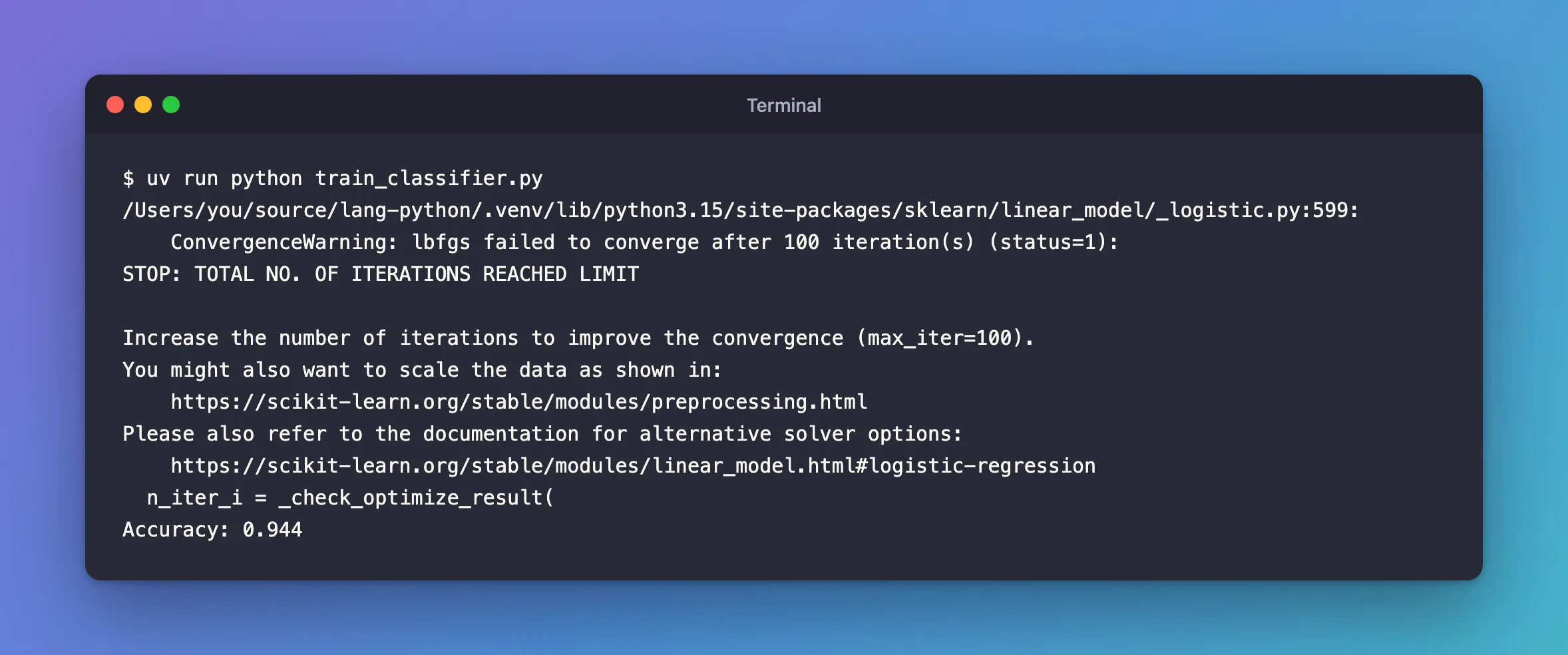
A warning, then an accuracy of 0.944. The model was trained, but not to the end.
What I Checked
- The default number of steps. The LogisticRegression reference on
max_iter: "Maximum number of iterations taken for the solvers to converge." Its default is 100, the number in the warning. - The data. The 30 features sit on very different scales:
mean smoothnessran from 0.05263 to 0.1634,mean areafrom 143.5 to 2501.0. The warning itself points to scaling: "You might also want to scale the data". - What the docs say about scaling. The preprocessing guide, the page the warning links: "Standardization of datasets is a common requirement for many machine learning estimators implemented in scikit-learn; they might behave badly if the individual features do not more or less look like standard normally distributed data".
Why It Happens
lbfgs, the default solver, takes small steps toward the best model and stops when it gets there or after max_iter steps. On features of very different sizes it needs many more steps, so 100 aren't enough and it stops early with this warning.
The Fix
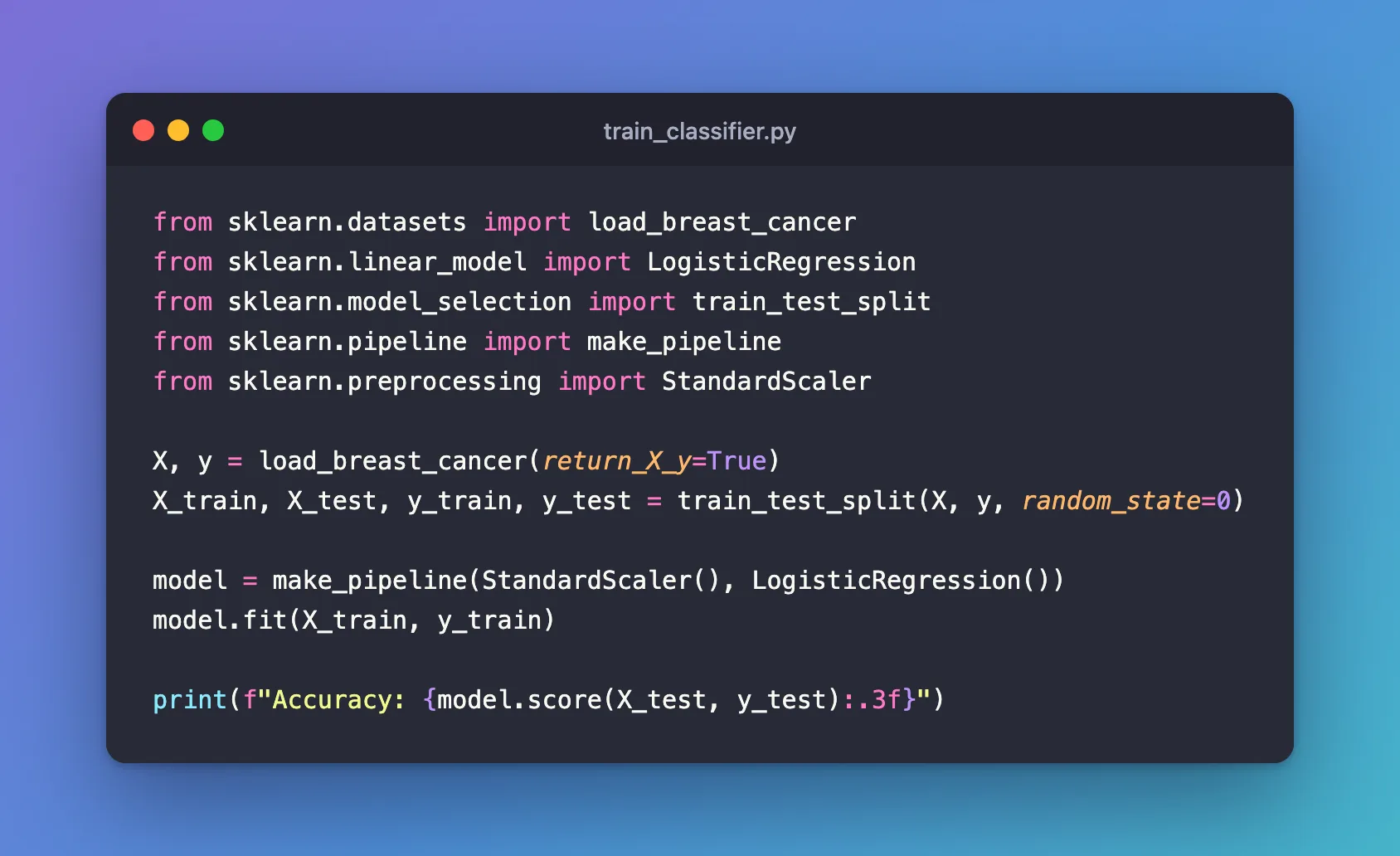
Scale the features before the model. make_pipeline puts a StandardScaler in front of the LogisticRegression, so the same scaling is learned from the training rows and applied to every row the model sees:
from sklearn.datasets import load_breast_cancer
from sklearn.linear_model import LogisticRegression
from sklearn.model_selection import train_test_split
from sklearn.pipeline import make_pipeline
from sklearn.preprocessing import StandardScaler

X, y = load_breast_cancer(return_X_y=True)
X_train, X_test, y_train, y_test = train_test_split(X, y, random_state=0)

model = make_pipeline(StandardScaler(), LogisticRegression())
model.fit(X_train, y_train)

print(f"Accuracy: {model.score(X_test, y_test):.3f}")
After the Fix
uv run python train_classifier.py
Accuracy: 0.958

No warning, and the accuracy rose from 0.944 to 0.958: the solver now finishes within its 100 steps.
Common Mistakes
| Mistake | What happens | Do this instead |
|---|---|---|
Hiding the warning with the warnings module | The solver still stops early; you just stop hearing about it | Fix the cause: scale the data, or give the solver more steps |
| Scaling the whole dataset before splitting | The scaler learns from the test rows too | Scale inside a pipeline, which learns only from the training rows |
Troubleshooting
| Symptom | Likely cause | Fix |
|---|---|---|
The warning stays after raising max_iter a little | The features are still unscaled and need many more steps: max_iter=200 still gave failed to converge after 200 iteration(s) | Scale them, or raise max_iter much further |
FAQ
Can I just raise max_iter instead?
Yes. LogisticRegression(max_iter=5000) on the same unscaled data gave no warning and an accuracy of 0.951. Scaling did better here, 0.958, with the default 100 steps.
Is the model from the warning run usable?
It made predictions, with an accuracy of 0.944, but the solver hadn't finished, so it isn't the best model this data allows.
Conclusion
ConvergenceWarning: lbfgs failed to converge after 100 iteration(s) meant the solver ran out of steps on unscaled features. Putting a StandardScaler in front of the LogisticRegression with make_pipeline removed the warning and raised the accuracy from 0.944 to 0.958.
Additional Resources
- LogisticRegression —
max_iterand the solvers. - Preprocessing data — standardization and why it matters.
- ConvergenceWarning — the warning class.
