Fixed: "certificate expired on" CertificateExpiredException with MySql.Data

certificate expired on 20210101000000Z is exactly what it says: the server's certificate has run out, and VerifyCA and VerifyFull refuse it. What makes this one dangerous is SslMode=Required, which keeps connecting as if nothing had happened.
What I Was Doing
I was checking what happens when a MySQL server's certificate runs out, on MySql.Data 26.10.0 and .NET 10. I gave a test server a certificate that ended in 2021, and connected:
…;SslMode=VerifyCA;SslCa=/Users/you/projects/mysql-connection-test/certs/ca.pem
dotnet run test-connection.cs
What I Expected
A refusal, with a clear reason. For once, I got it.
What I Got
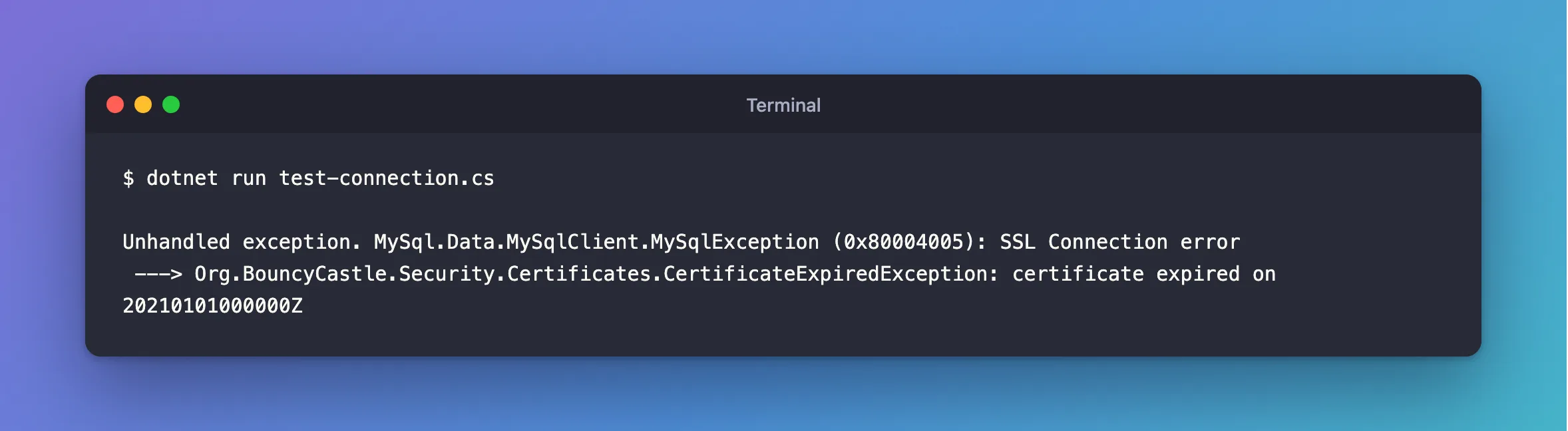
Unhandled exception. MySql.Data.MySqlClient.MySqlException (0x80004005): SSL Connection error
 ---> Org.BouncyCastle.Security.Certificates.CertificateExpiredException: certificate expired on 20210101000000Z
What I Checked
The certificate's end date:
openssl x509 -in server-cert.pem -noout -enddate
notAfter=Jan 1 00:00:00 2021 GMT
The other modes. VerifyFull gives the same error. SslMode=Required, against the same server, connects:
Connected as inventory_app@% to MySQL 9.7.4
TLS: TLSv1.2
MySQL's log. The server warned about it when it started, and started anyway:
2026-11-06T06:18:49.858953Z 0 [Warning] [MY-015011] [Server] Failed to validate certificate /etc/mysql/certs/server-cert.pem because certificate has expired
2026-11-06T06:18:49.859024Z 0 [Warning] [MY-015010] [Server] Server certificate /etc/mysql/certs/server-cert.pem verification has failed. Check logs for more details
Why It Happens
A certificate has an end date. VerifyCA and VerifyFull check it, and Required checks nothing. So an expired certificate takes down only the apps that were checking, which is why it's worth watching for: it's a planned outage nobody planned.
MySQL's automatic certificates last 10 years. Certificates you create yourself last however long you asked for, and a provider's rotate on its schedule.
The Fix
Give the server a new certificate. On a managed server, your provider does that, and you may need a new CA file. On your own server, sign a new one with the same CA, and then, as root:
ALTER INSTANCE RELOAD TLS;
How to Give a MySQL Docker Container a Certificate with the Right Host Name has the commands. No restart is needed.
Then make sure it doesn't surprise you again. This shows when it ends, from any session:
SHOW GLOBAL STATUS LIKE 'Ssl_server_not_after';
After the Fix
dotnet run test-connection.cs
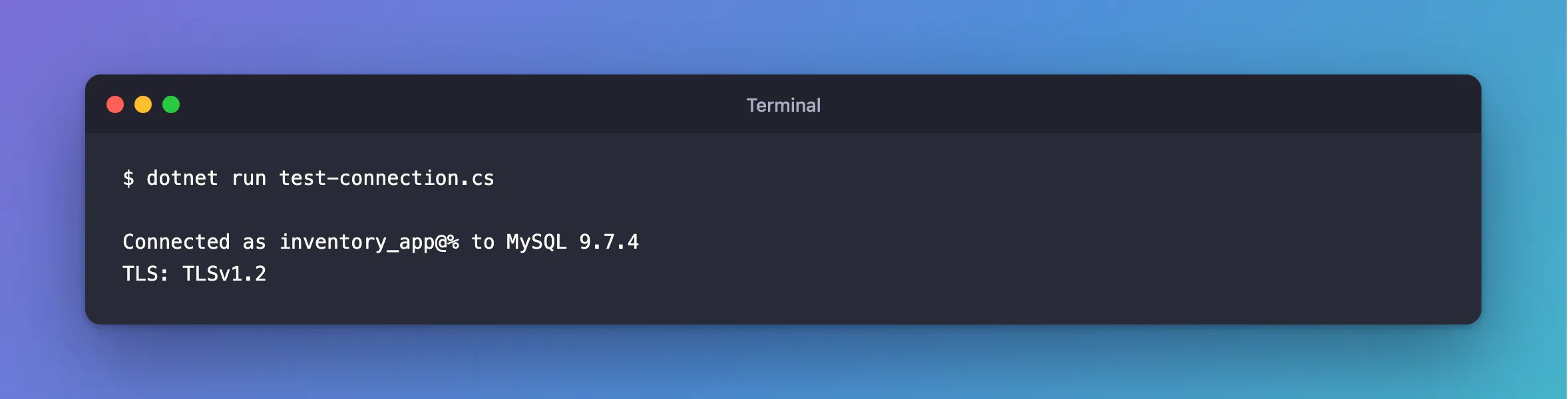
Connected as inventory_app@% to MySQL 9.7.4
TLS: TLSv1.2
Common Mistakes
| Mistake | What happens | Do this instead |
|---|---|---|
Going back to SslMode=Required | It connects, and checks nothing | Renew the certificate |
| Replacing the file and not reloading | MySQL keeps the old one in memory | Run ALTER INSTANCE RELOAD TLS |
| Replacing the CA as well, without need | Every client needs the new CA | Sign with the same CA |
| Having no reminder | It happens again, at a bad time | Monitor Ssl_server_not_after |
Troubleshooting
| Symptom | Likely cause | Fix |
|---|---|---|
| The date looks fine, and it still fails | The server's clock, or yours, is wrong | Compare with date on both |
The new certificate gives The certificate authority (CA) does not match | It's signed by another CA | The fix |
[Warning] [MY-015011] … because certificate has expired | MySQL noticed at startup | The fix |
Conclusion
certificate expired on means the server's certificate has run out. Renew it, reload it without a restart, and watch Ssl_server_not_after, because SslMode=Required would never have told you.
Additional Resources
- ALTER INSTANCE —
RELOAD TLS. - Server Status Variables —
Ssl_server_not_after.
