Fixed: "Can't Rename. This Name Is Already Being Used" in Power Apps

You rename a control in Tree view, and Power Apps stops you: Can't rename. This name is already being used. Please try a different name. Another control in the app already has that name, possibly on a different screen.
The Error
In the Career Development Plan app, a new Text control on the Response screen was renamed lblCompetencyRS with Tree view → … → Rename (How to Rename a Screen or Control in Power Apps). A dialog appeared instead:
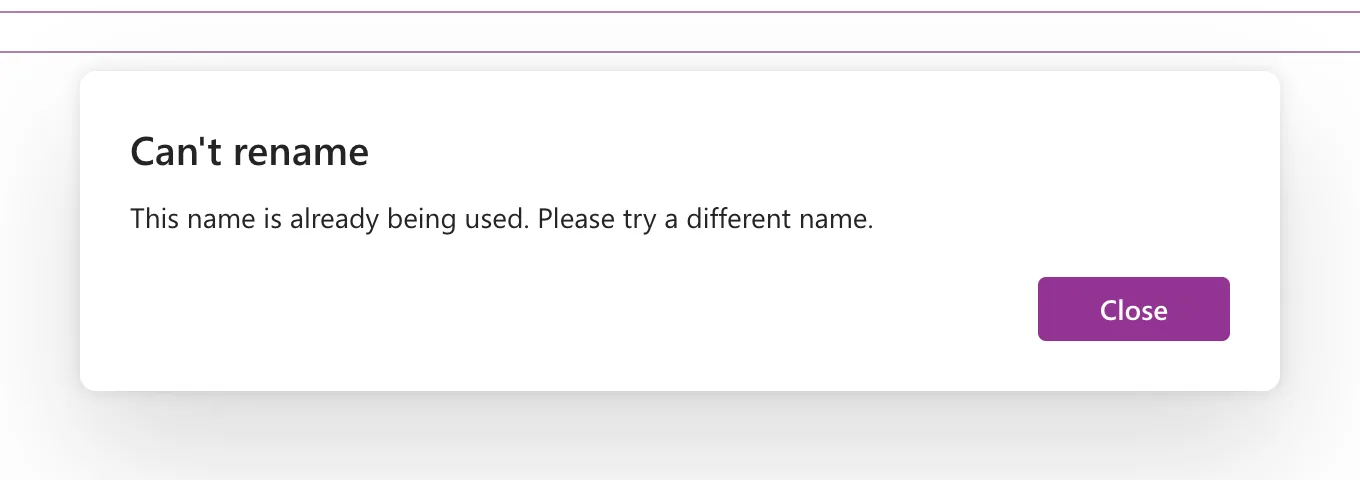
Can't rename
This name is already being used. Please try a different name.
Close dismisses it, and the control keeps its old name, Text3 in the example.
Why It Happens
Microsoft's coding guidelines say it plainly: "Control names must be unique across an application" (Code readability). Formulas refer to controls by name from any screen, so two controls can't share one.
In the example, an earlier attempt had already added a Text control and named it lblCompetencyRS. The second one couldn't take the same name.
The Fix
- Search Tree view for the name to see which control already has it.
- Decide which control should keep it:
- If the other control is the right one, give the new control a different name.
- If the new one should have it, rename the other control first.
- Rename again.
In the example, the existing lblCompetencyRS was the right one. The extra Text control wasn't wasted: it was renamed lblNoManagerRS and became the screen's no-manager warning.
Avoid It with Screen Suffixes
The same control on several screens is common: a Back button, a title. Microsoft's guidelines suggest ending such names with a short screen code, as in galBottomNavMenuHS for the Home screen. This app uses HS, MPS and RS, so btnBackMPS and btnBackRS never clash (Power Apps Naming Conventions).
Common Mistakes
| Mistake | What happens | Do this instead |
|---|---|---|
| Looking for the clash on the current screen only | The other control is on another screen | Search the whole Tree view |
Adding 1 or 2 to make it unique | Names stop saying what the control is | Add the screen's code instead |
Troubleshooting
| Symptom | Likely cause | Fix |
|---|---|---|
A pasted control got _1 at the end | Power Apps renamed the copy because the name existed | Rename it to a name with the new screen's code |
FAQ
Does renaming break formulas?
No. Power Apps updates the formulas that refer to a control when you rename it.
Conclusion
Can't rename … already being used means another control in the app has the name. Find it, decide which one keeps the name, and give the other a new one, ideally with the screen's code at the end.
Additional Resources
- Code readability: naming conventions: unique names and screen suffixes.
- Add and configure controls: rename a control
