Fixed: "Cannot resolve scoped service 'InventoryDbContext' from root provider" in ASP.NET Core

I wanted to read something from the database once, while the app started, so I asked app.Services for the DbContext in Program.cs. The app crashed: Cannot resolve scoped service 'Dewiride.Inventory.Data.InventoryDbContext' from root provider. Scoped services need a scope, and at startup there's no request to provide one. You can create one yourself in two lines.
What I Was Doing
In the Program.cs of a .NET 10 Web API with EF Core 10, I read a count from the database after building the app:
var startupDb = app.Services.GetRequiredService<InventoryDbContext>();
Console.WriteLine(await startupDb.Categories.CountAsync());
What I Expected
The number of categories, and then the API starting as usual.
What I Got
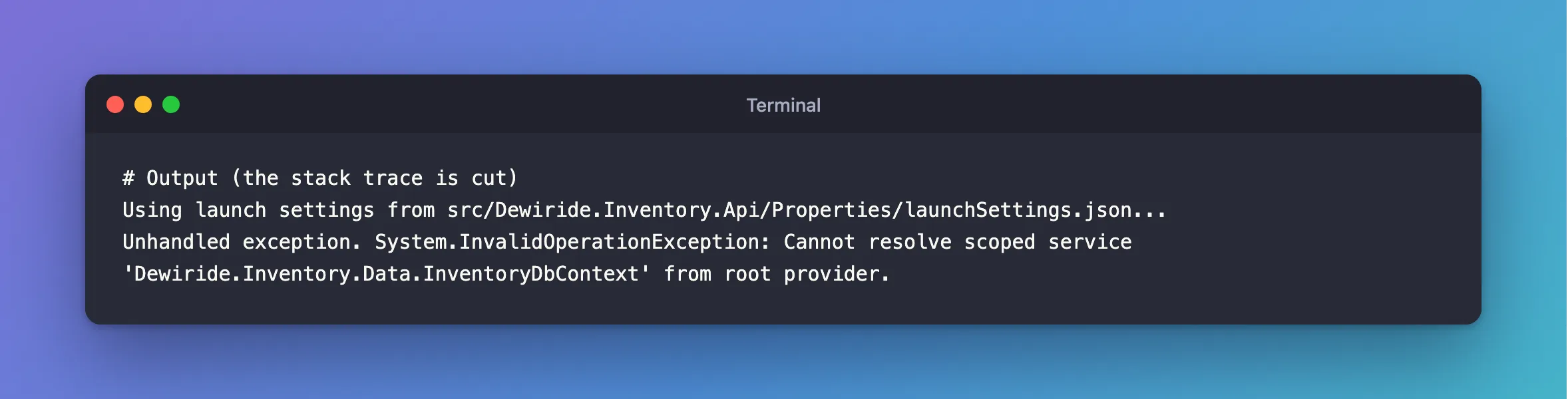
Using launch settings from src/Dewiride.Inventory.Api/Properties/launchSettings.json...
Unhandled exception. System.InvalidOperationException: Cannot resolve scoped service 'Dewiride.Inventory.Data.InventoryDbContext' from root provider.
What I Checked
What app.Services is. It's the root service provider, the one that lives as long as the app. During a request, ASP.NET Core creates a scope and hands out scoped services from it. In Program.cs, before app.Run(), no request exists, so there's only the root.
Why a context can't come from the root. AddDbContext registers it as scoped, as EF Core's DbContext lifetime page says. A scoped service from the root would never be disposed of until the app stops, which is exactly what scope validation exists to prevent. The dependency injection guidelines describe this as well, under "Scoped service as singleton".
Why It Happens
A scoped service lives as long as its scope, so something has to create the scope and end it. For requests, ASP.NET Core does that. For your own code outside a request, it's your job. The provider refuses rather than quietly keeping a context for the whole life of the app.
The Fix
Create a scope, and ask it:
await using (var startupScope = app.Services.CreateAsyncScope())
{
    var startupDb = startupScope.ServiceProvider.GetRequiredService<InventoryDbContext>();
    Console.WriteLine($"Categories at startup: {await startupDb.Categories.CountAsync()}");
}
await using disposes of the scope, and the context with it, at the closing brace, and only then does the app go on to start.
After the Fix
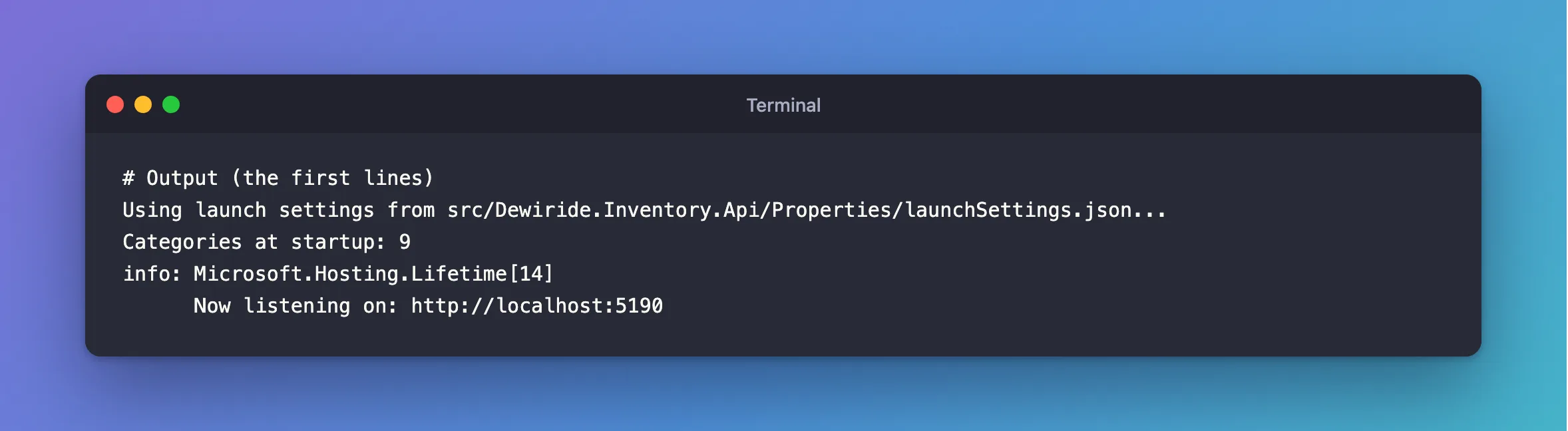
Using launch settings from src/Dewiride.Inventory.Api/Properties/launchSettings.json...
Categories at startup: 9
info: Microsoft.Hosting.Lifetime[14]
      Now listening on: http://localhost:5190
Common Mistakes
| Mistake | What happens | Do this instead |
|---|---|---|
GetRequiredService directly on app.Services | This exception | Create a scope first |
Turning off ValidateScopes | No error, and a context that's never disposed of | Create a scope |
| Keeping the scope open past startup | The context stays around | Dispose of it right after the work |
| Running migrations here | The app needs schema rights, and every copy races to apply them | Apply migrations as a separate step |
Troubleshooting
| Symptom | Likely cause | Fix |
|---|---|---|
Cannot resolve scoped service … from root provider | A scoped service asked from app.Services | Use CreateAsyncScope |
| The same in a hosted service | Hosted services are created from the root | Inject IServiceScopeFactory |
Cannot consume scoped service … from singleton | A singleton asked for it through its constructor | See that post |
| It works in Production and fails in Development | Scope validation runs in Development by default | Fix it: Production just doesn't check |
FAQ
Is CreateAsyncScope different from CreateScope?
CreateAsyncScope returns a scope you can dispose of with await using, which suits services that dispose of themselves asynchronously, such as a DbContext. Use it in async code.
Should I do database work at startup at all?
Keep it small, and remember that a failure there stops the app starting. Part 2 of the MySQL series explains why migrations shouldn't run from here.
Conclusion
"Cannot resolve scoped service from root provider" means you asked for a DbContext, or another scoped service, where no scope exists, usually in Program.cs. Create one with app.Services.CreateAsyncScope(), get the service from its ServiceProvider, and dispose of it when you're done.
Additional Resources
- Dependency injection guidelines — scopes and scope validation.
- Dependency injection in ASP.NET Core — resolving a service at app start-up.
